
Fake Discord dashboard
Servers, profile and messages.

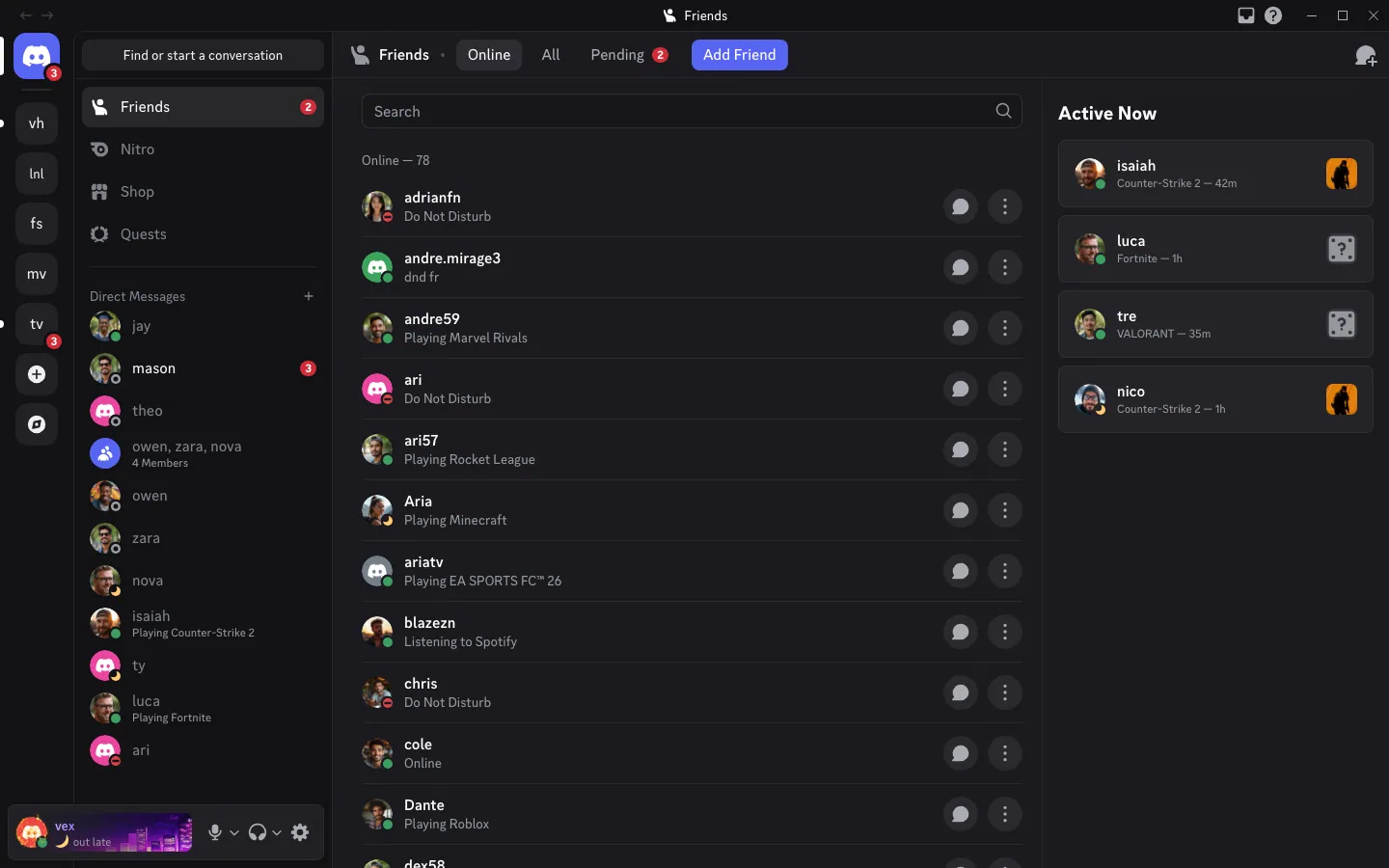
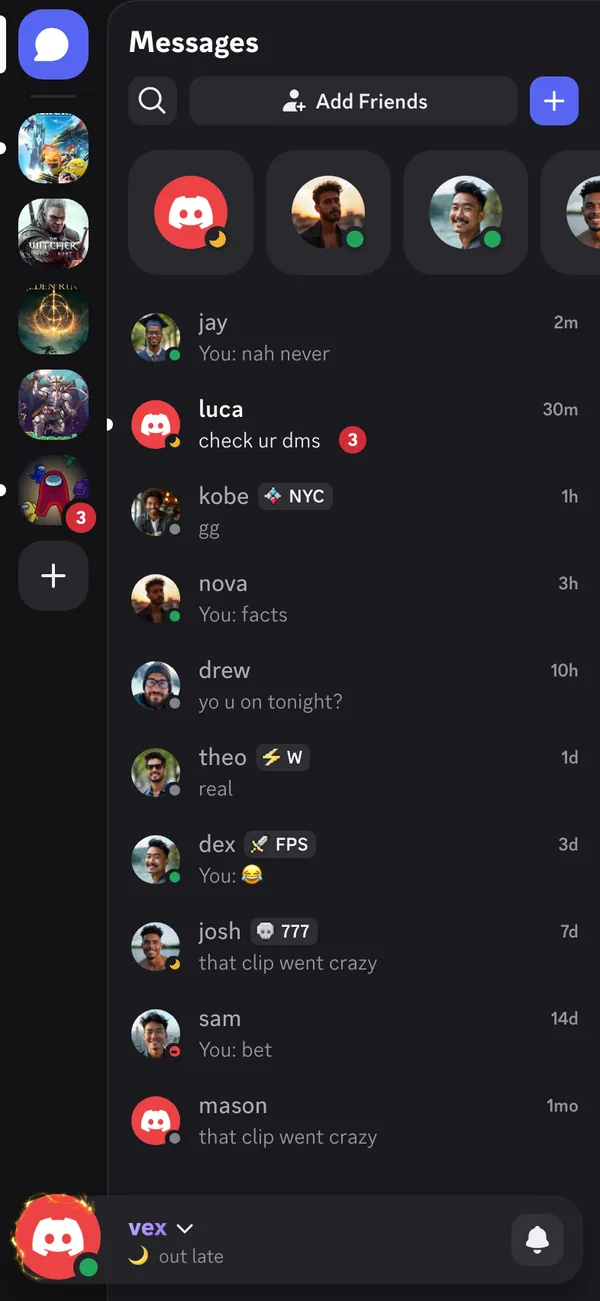
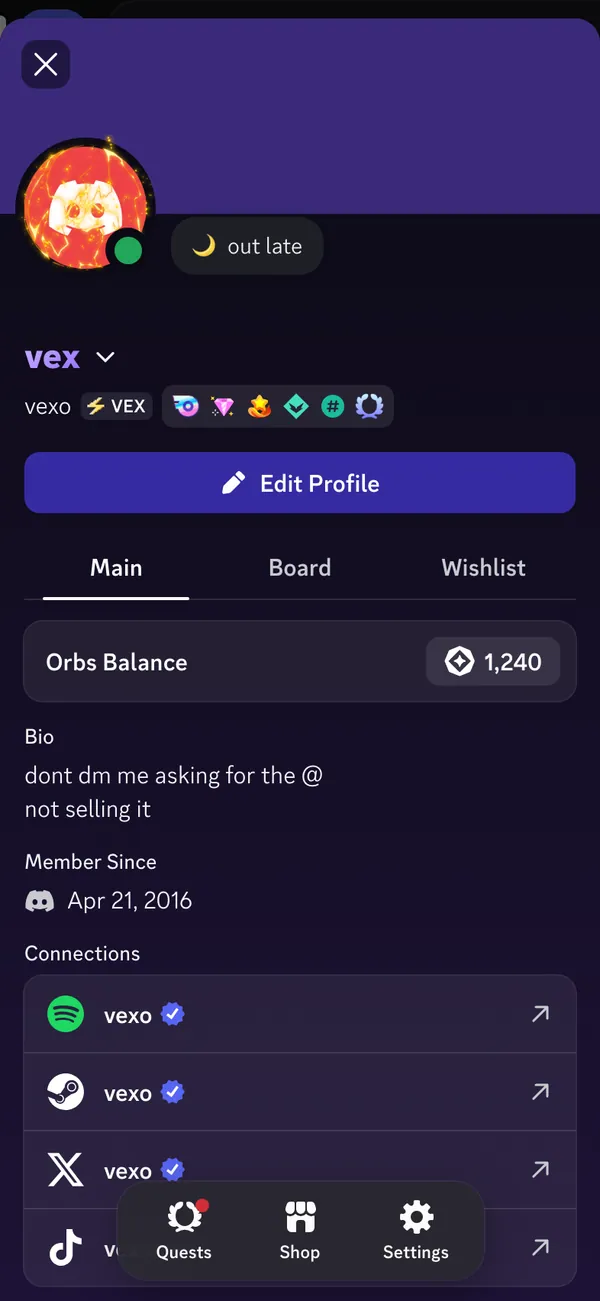
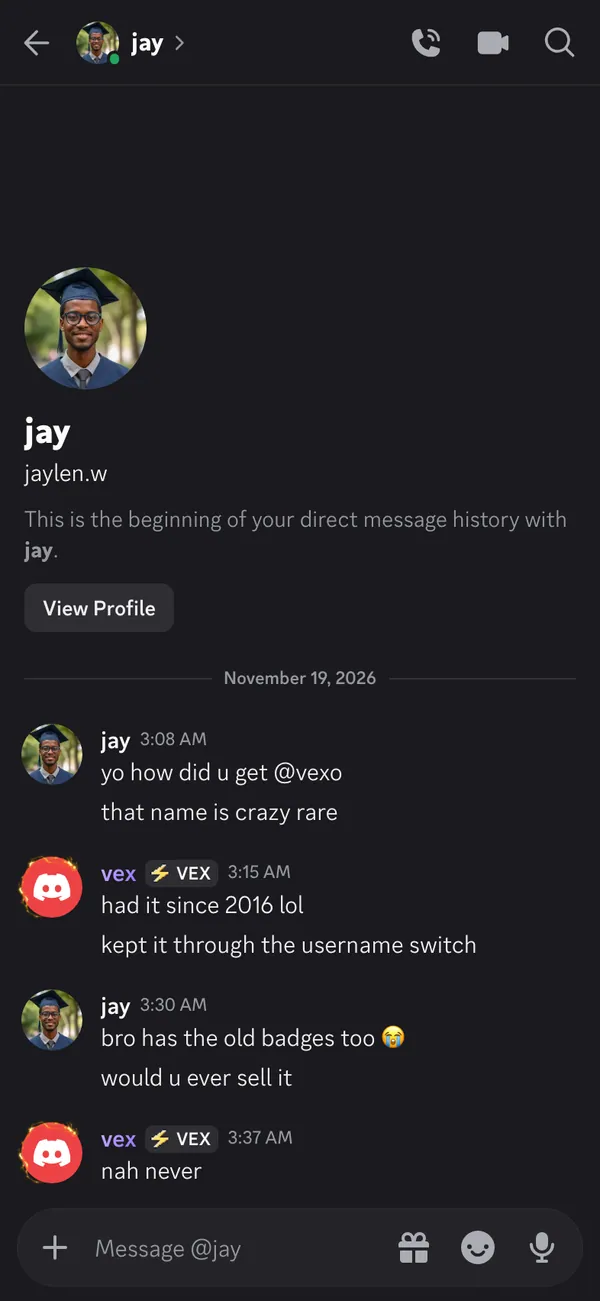
- Home
- Profile
- Direct messages
- Every number yours
Fake Discord dashboard
A fake Discord dashboard shows a home screen, a profile page and direct messages, on desktop or on the phone. It is useful for creators who make chat-based skits, a fake server drama or a story about a group that falls apart in messages. The profile page sets up the character, and the direct messages carry the plot.
Write the message thread before you film it. Chat scenes move fast, so a short back-and-forth reads better than a long one. Use the home screen as the establishing shot, then cut to a direct message when the scene needs its reveal. Keep the name on the profile matched to the name in the thread. Give each message a clear sender name, so the viewer can follow who is talking without a pause.
What people film with it
- A point-of-view screen recording of a direct message thread that turns into a plot twist.
- A profile page reveal at the start of a character intro video.
- A phone-in-hand clip of a group chat argument, filmed in one take.
- A server drama skit that opens on the home screen and ends on a single message.
- A short story about a friend group's last message, read aloud by the creator.
Questions
Can I change the name, profile and messages?
Yes. The name, profile details and direct messages are yours to set, so the thread can match your script. Keep the same name on the profile and in the messages. Nothing connects to a real Discord account, so the messages you write are the only ones on screen.
Does it work on iPhone?
Yes. The dashboard runs on desktop and as a phone app on your home screen. Film the phone view in portrait for chat scenes, since a thread reads well at that size.
Is it connected to my real Discord account?
No. Nothing connects. The home, profile and messages are a look-alike with fictional content. It cannot read, send or change anything on a real Discord account or server, and it is a prop for the camera only.
Can I use it to send messages to real people?
No. It is a prop for video and it does not send anything to anyone. Use it for skits and stories, and never post a fake thread to mislead a real person, community or business.
How long should a chat scene run?
Short. Four or five messages usually carry a scene, and one reveal can close it. Keep the messages readable on a phone, and cut before the thread gets crowded. A long scroll rarely helps the joke, so cut early.
More like Discord
All 110 apps from$9.99
OnlyFans
Creator earnings
DesktopMobile9:41 9:41
 9:41
 from$9.99
YouTube
Channel analytics and revenue
DesktopMobile9:41 9:41
 9:41
 from$9.99
TikTok
Creator studio and app
DesktopMobile9:41 9:41
 9:41
Simulated screens for content. Not real money; not affiliated with Discord. Terms