

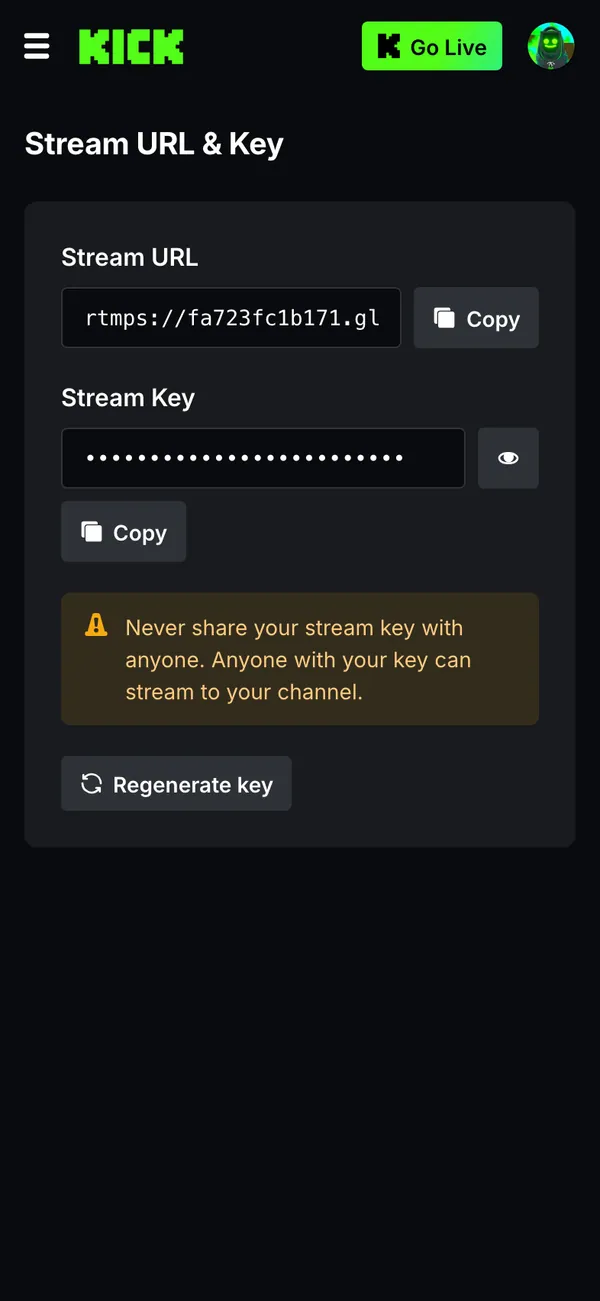
- Revenue
- Streams and VODs
- Analytics
- Every number yours
Fake Kick dashboard
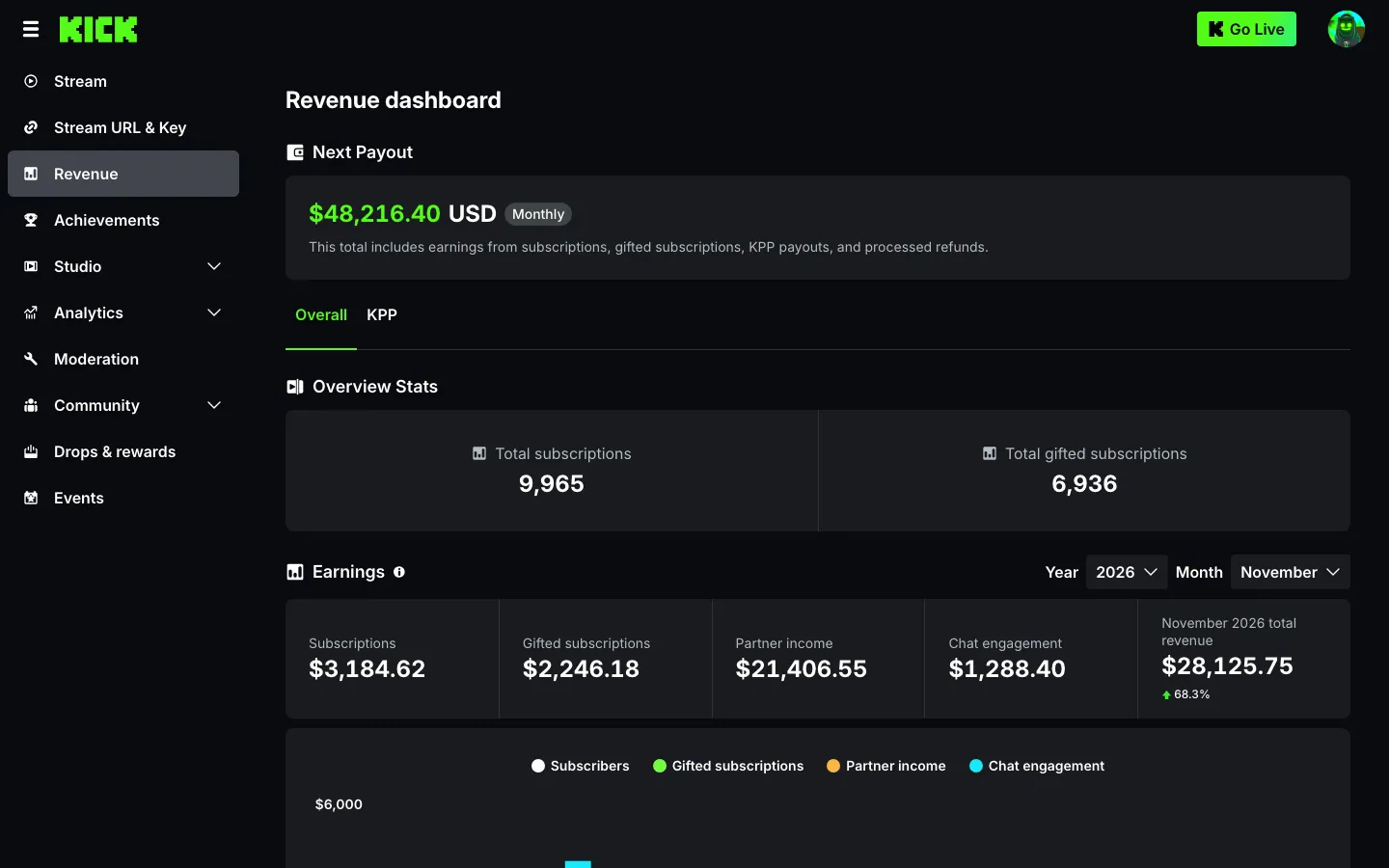
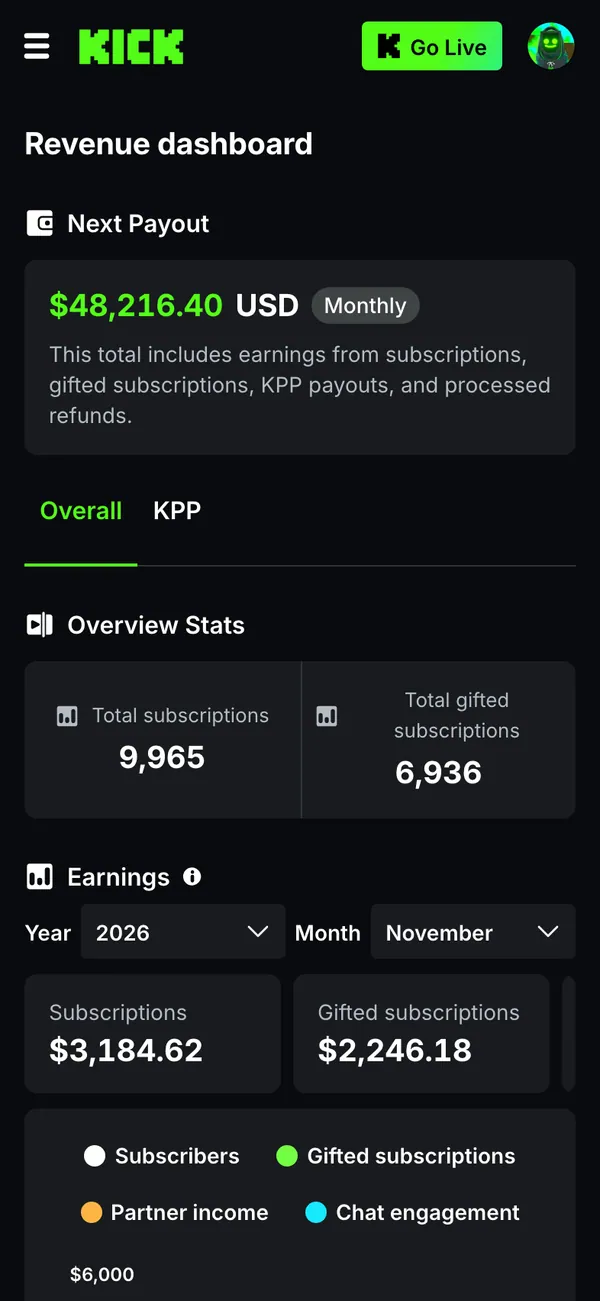
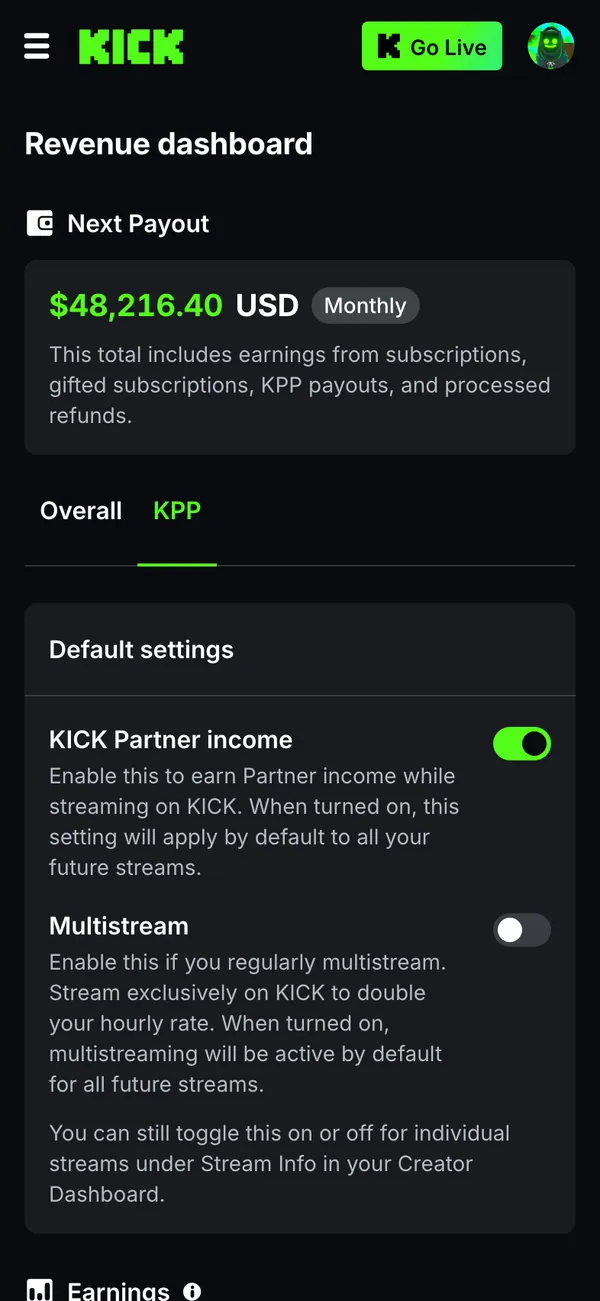
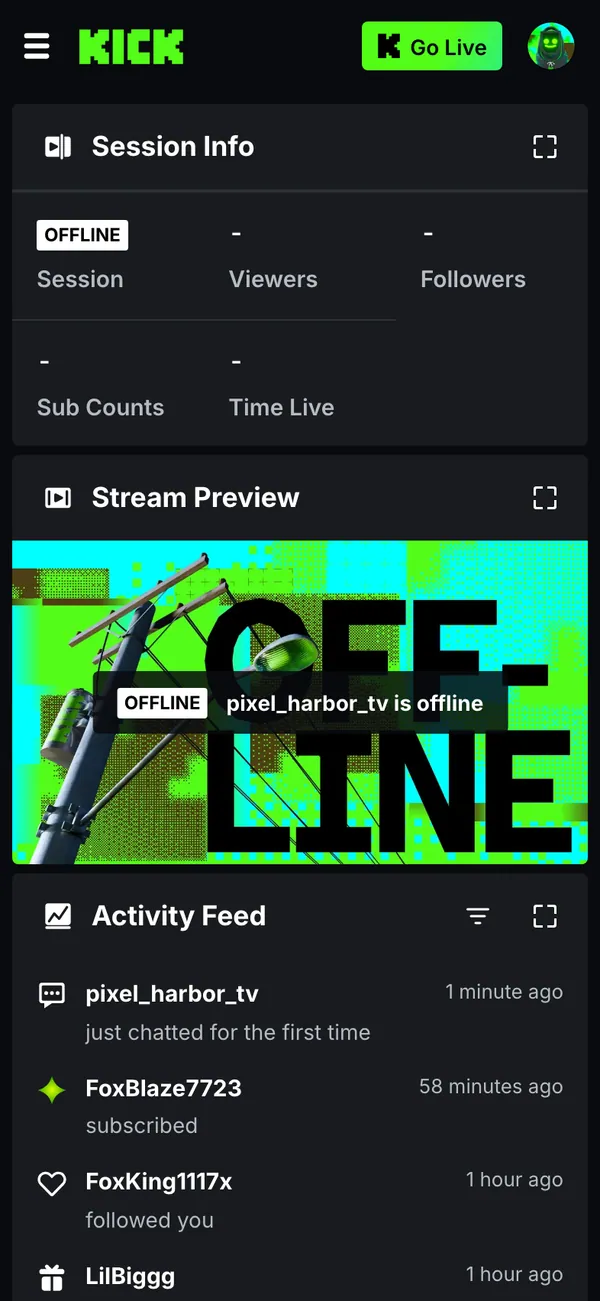
A fake Kick dashboard is a creator screen with revenue, a list of streams and VODs, and analytics. It runs on desktop for a streaming setup shot and on the phone for a quick check after a broadcast. Streamers making skits about a big night, or a creator who wants a clean earnings beat, can use it as a look-alike creator screen.
Plan the stream first, then the numbers. A stream that peaks in the middle of the night needs an analytics curve that matches, and the revenue should follow the same spike. Use the VODs list as a visual summary of the run, so the camera sees a full week of streams in one shot. Keep the VODs row tidy with four or five entries, so each one reads at a glance.
What people film with it
- A streamer's post-stream reel that opens on the revenue line and ends on a laugh.
- A desktop shot of the VODs list while the creator plans the next stream.
- A phone check after a bad stream, filmed in a dark room with a little light.
- A week-in-the-life vlog where the analytics page gets a long, slow look.
- A friends-watching reaction clip where the revenue number is the punchline.
Questions
Can I change the revenue and the streams?
Yes. Revenue, the list of streams and VODs, and the analytics are fictional, so you set them for your script. Keep the same numbers across the clips in one video. Nothing connects to a real Kick channel, so the figures stay as you set them.
Does it work on iPhone?
Yes. The dashboard runs on desktop and as a phone app on your home screen. Film the phone view in portrait for quick checks, and the desktop view for wide shots of the streaming setup.
Is it connected to my real Kick channel?
No. Nothing connects. The revenue, streams and analytics are look-alike screens with fictional data. The prop cannot read or change a real channel, and it is not a record of what any stream earned.
Can I use it in a skit about streaming?
Yes. Comedy about a bad stream, a big night or a creator who checks analytics too often all work. Keep the joke about the character, and never use the screen to mislead a real viewer, sponsor or business.
Which screen should close the video?
The VODs list works well as a closer, because a row of past streams gives the scene a sense of time. Use the analytics as the middle beat, then end on a clean shot of the list.
More like Kick
All 110 apps from$9.99
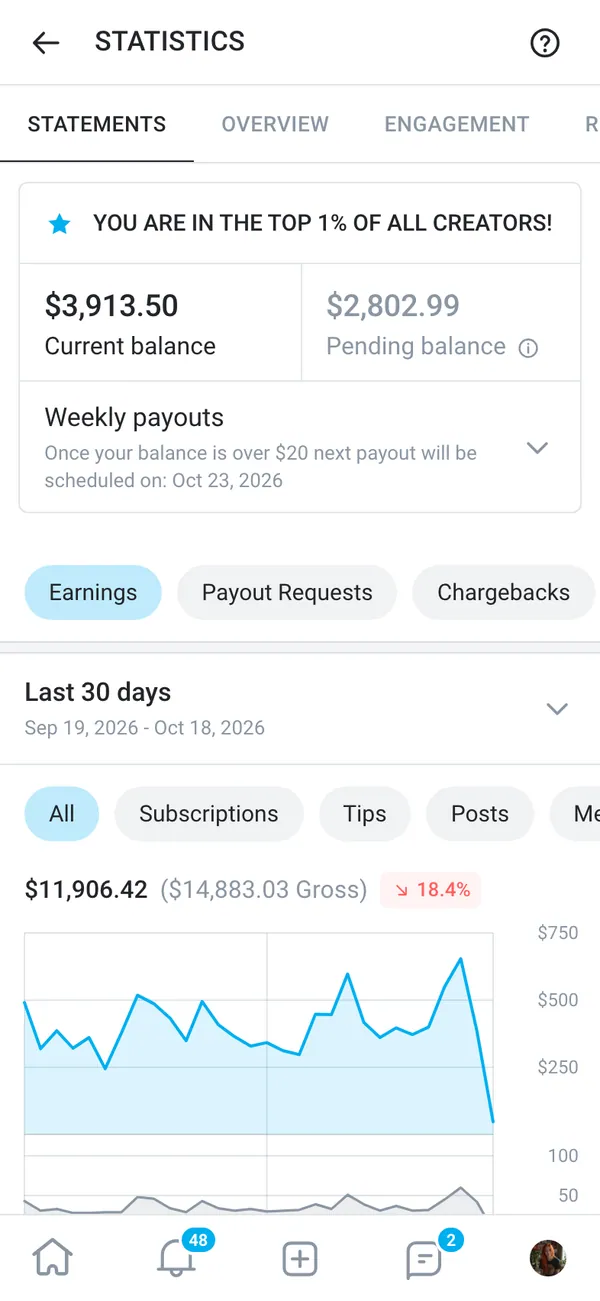
OnlyFans
Creator earnings
DesktopMobile9:41 9:41
 9:41
 from$9.99
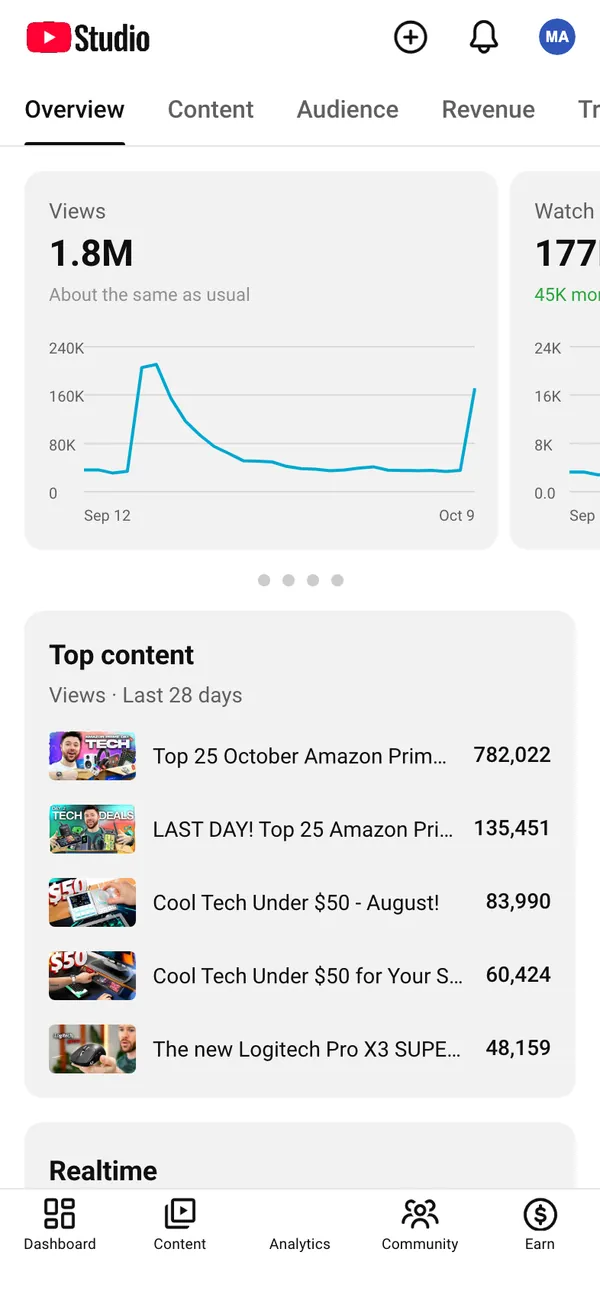
YouTube
Channel analytics and revenue
DesktopMobile9:41 9:41
 9:41
 from$9.99
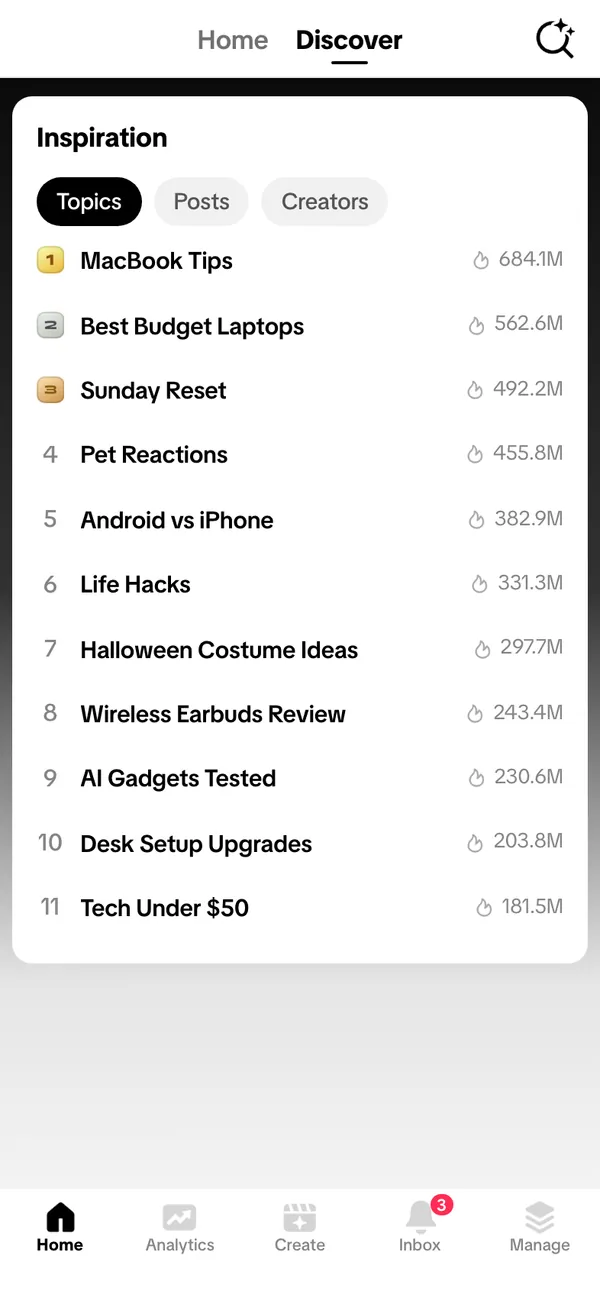
TikTok
Creator studio and app
DesktopMobile9:41 9:41
 9:41
Simulated screens for content. Not real money; not affiliated with Kick. Terms