

- Trips
- Search
- Host side
- Every number yours
Fake Turo app
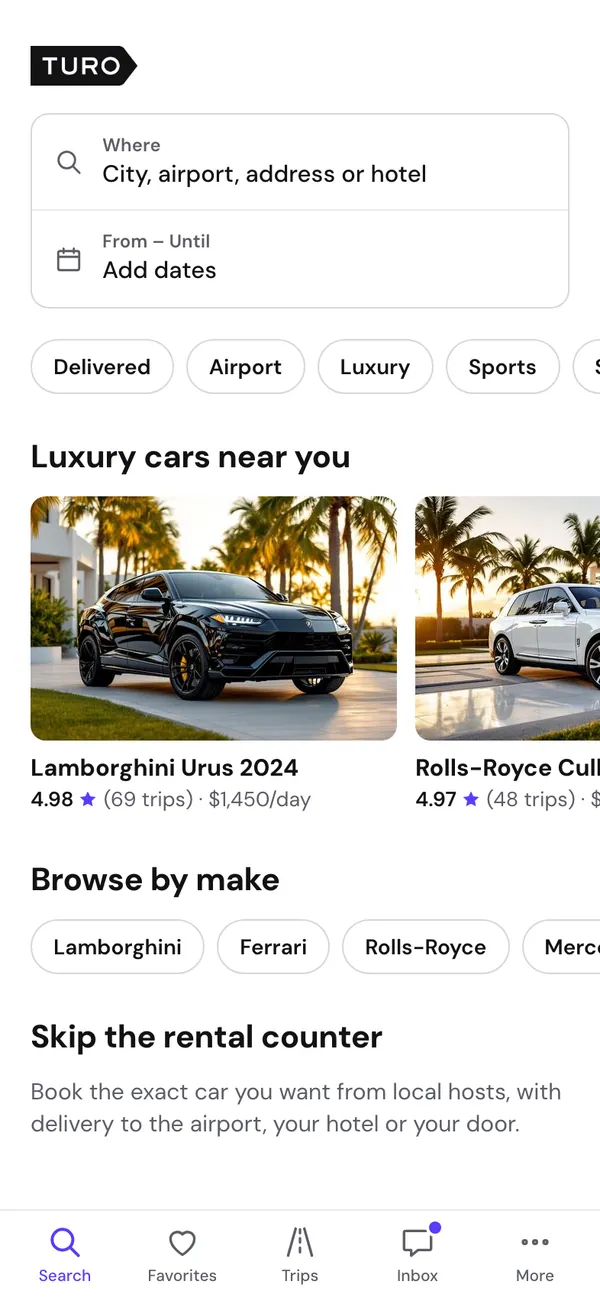
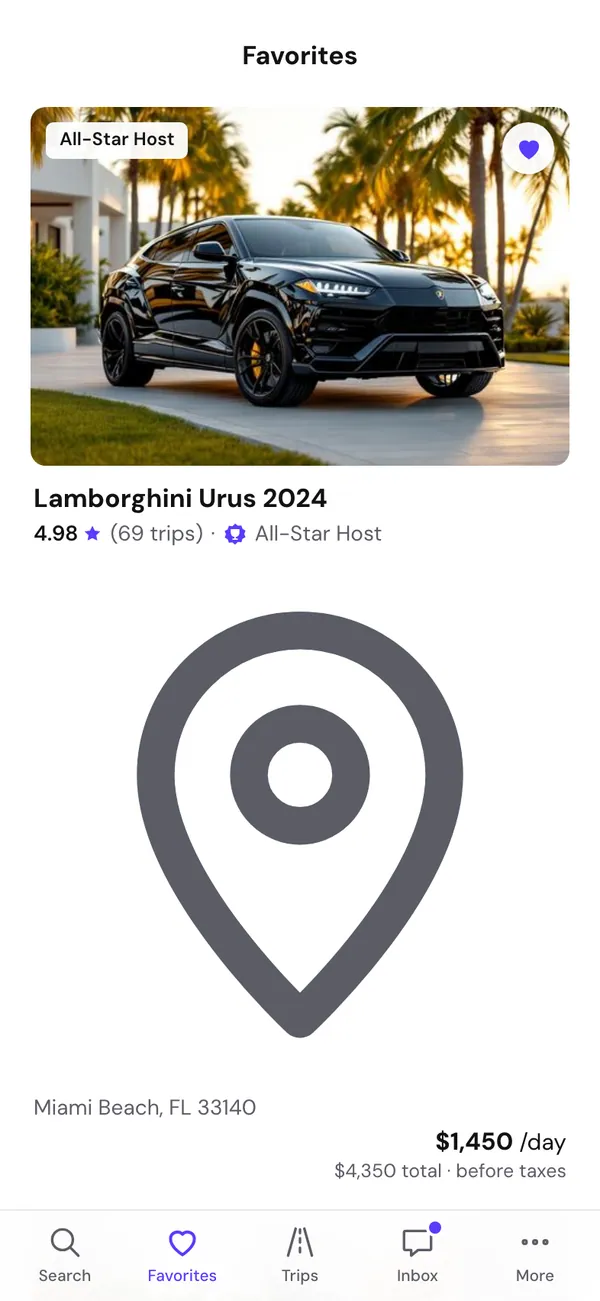
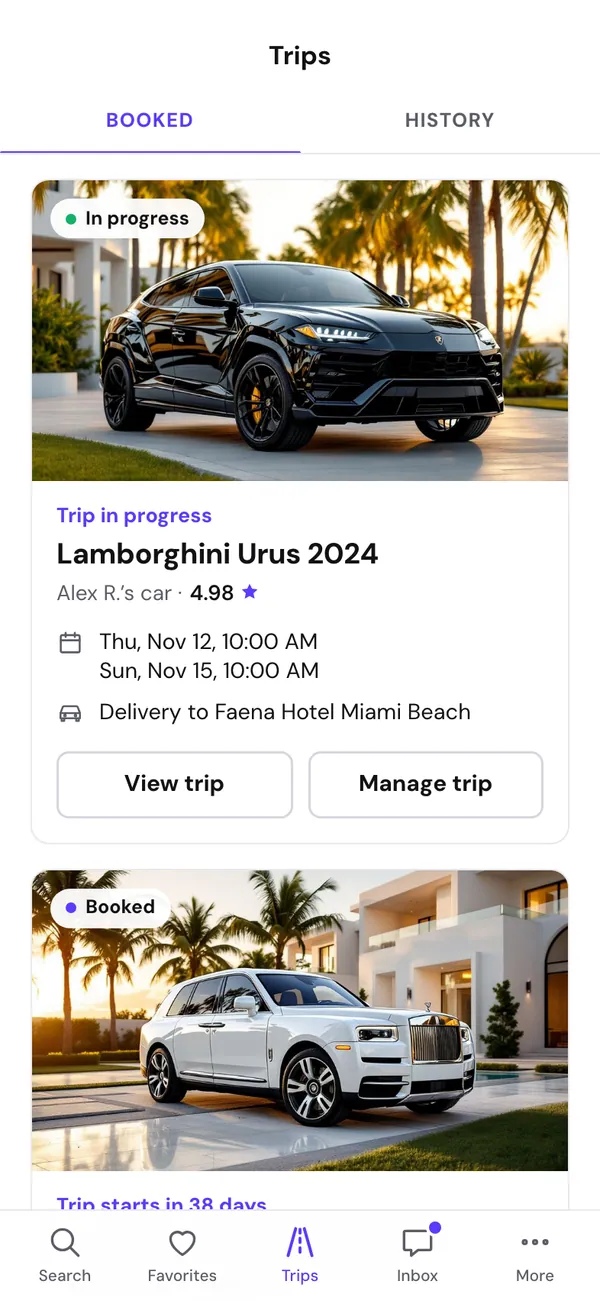
A fake Turo app is a phone-only car sharing prop with a trips tab, a search screen and a host side. It sits on the iPhone home screen, so it fills a portrait frame the way a real car-sharing app would. Creators making road trip vlogs, car skit writers and people who rent out a personal car use it as a clean prop for a scene about a borrowed ride.
Use the search screen as the opener, the trips tab for the drive and the host side as a payoff. A search with a few options gives a scene its choice, and the host side can close a skit about renting out a car. Keep the phone steady, hold each screen for a beat and film the drive in one take.
What people film with it
- A road trip vlog that opens on the search screen and ends at the car.
- A host side skit where the character tries to rent out a personal car to a friend.
- A phone-in-hand clip of the trips tab while a friend asks how far it is.
- A comedy about a borrowed car where the search screen is the only thing the character trusts.
- A reaction video where a friend sees the host side for the first time.
Questions
Can I change the trips and search details?
Yes. Trips, search results and host details are fictional, so you set them to fit the story. Keep the same car and location across the clips. Nothing connects to a real Turo account, a real host or a real rental.
Does it work on iPhone?
Yes. It is a phone-only prop that lives on the iPhone home screen. Film it in portrait, held steady, so the search and trips screens read clearly. Check the search filters at the framing you pick, so the first results are easy to read.
Is it connected to my real Turo account?
No. Nothing connects. The trips, search and host screens are look-alikes with fictional details. The prop cannot book, list or change anything on a real account, and it is not a rental agreement.
Can I use it for a car skit?
Yes. A road trip vlog, a borrowed-car comedy or a host sketch all suit it. Keep the story about the people, and never use the screen to mislead a real renter, host or car company.
Which screen works best at the start of a drive?
The search screen gives the scene a choice, and the trips tab shows the journey. Use one for the opener and the other for the closer, and keep each one on screen long enough to read.
More like Turo
All 110 apps from$9.99
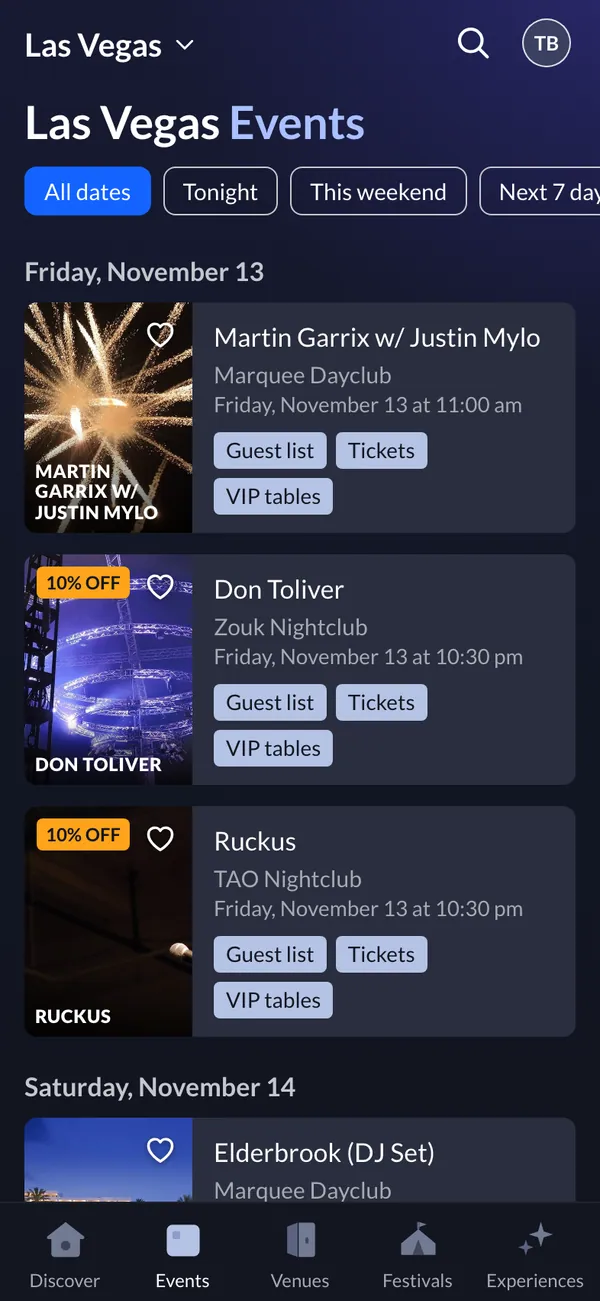
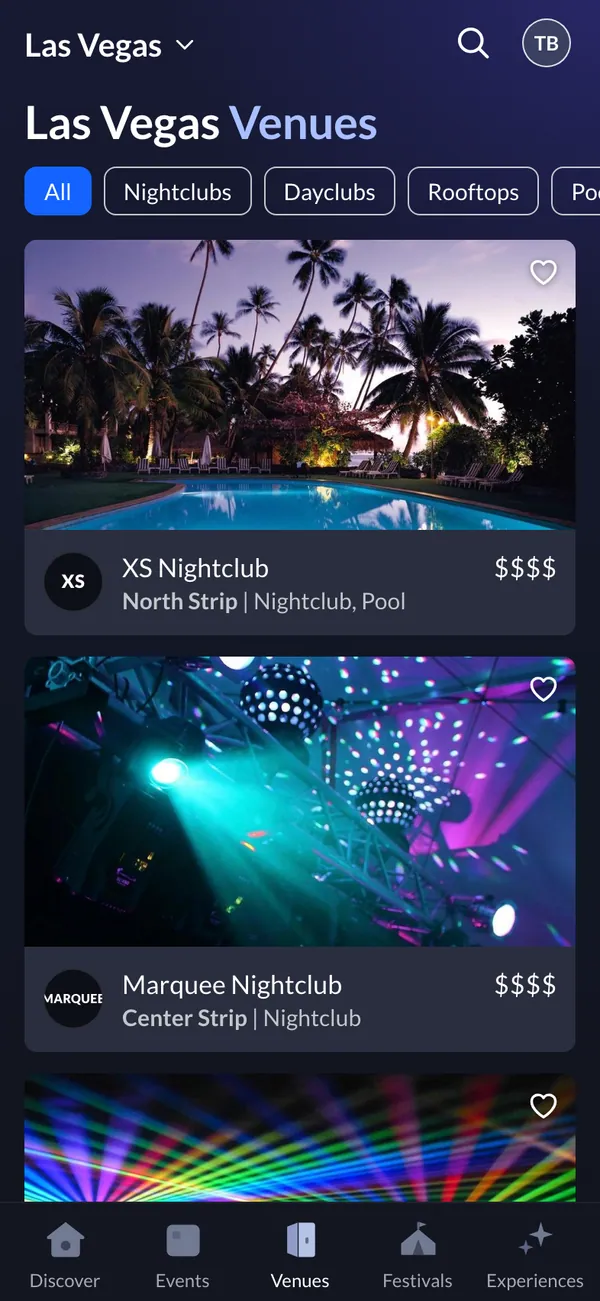
Discotech
Nightlife and table booking
Mobile9:41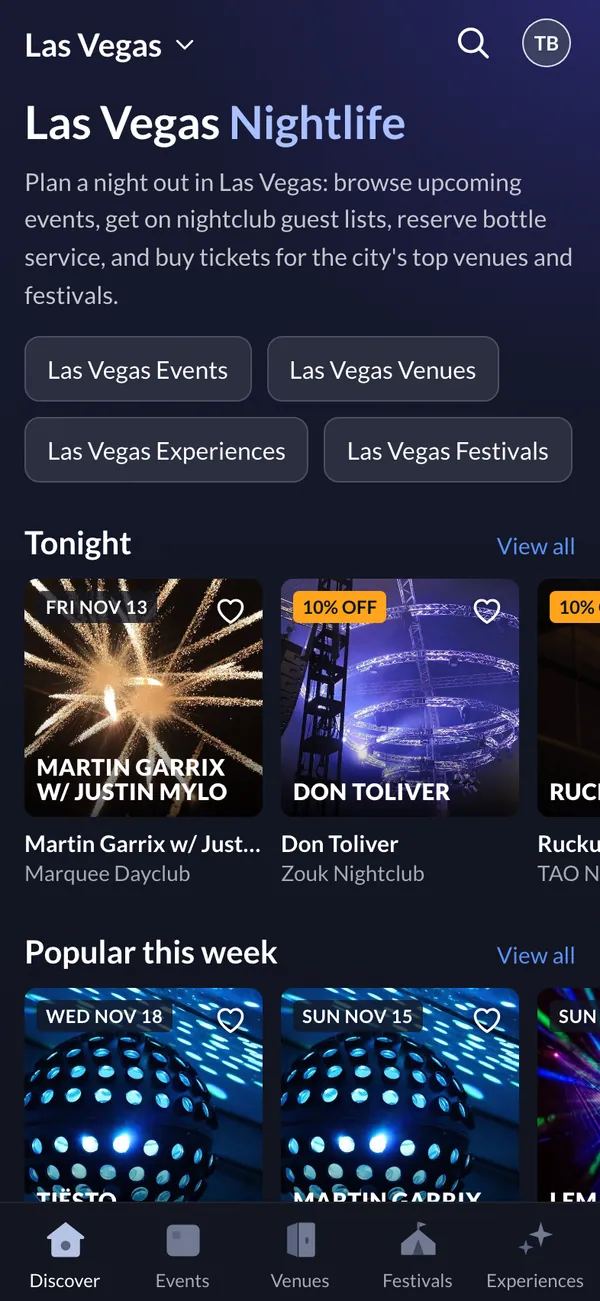 9:41
 9:41
 from$9.99
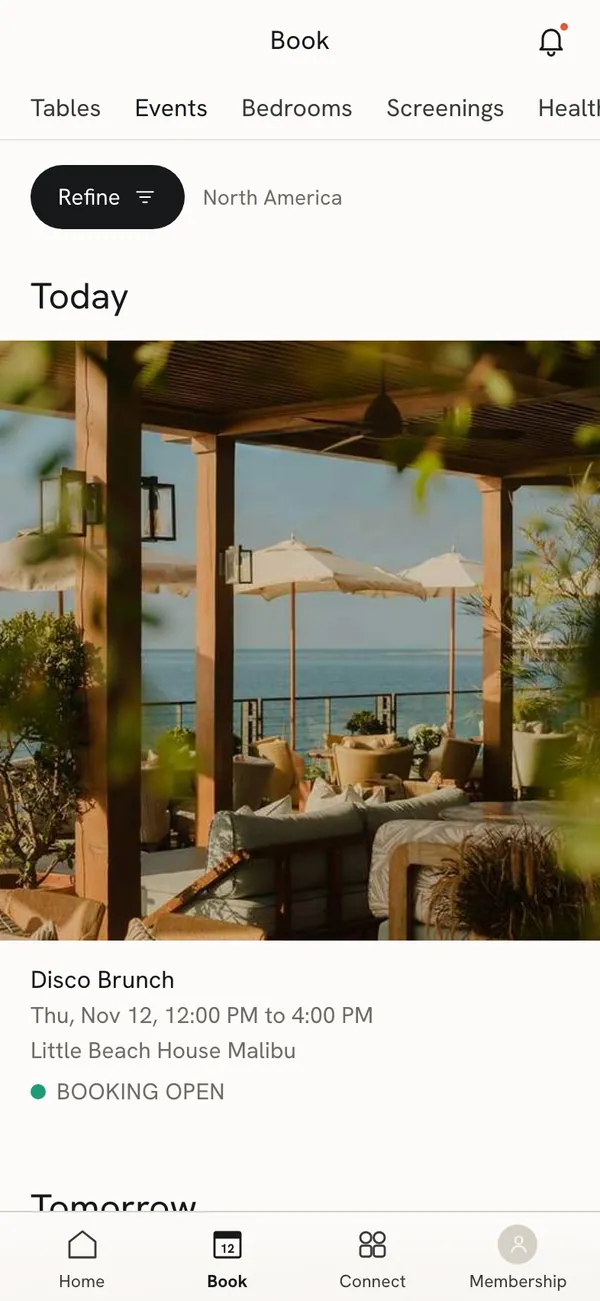
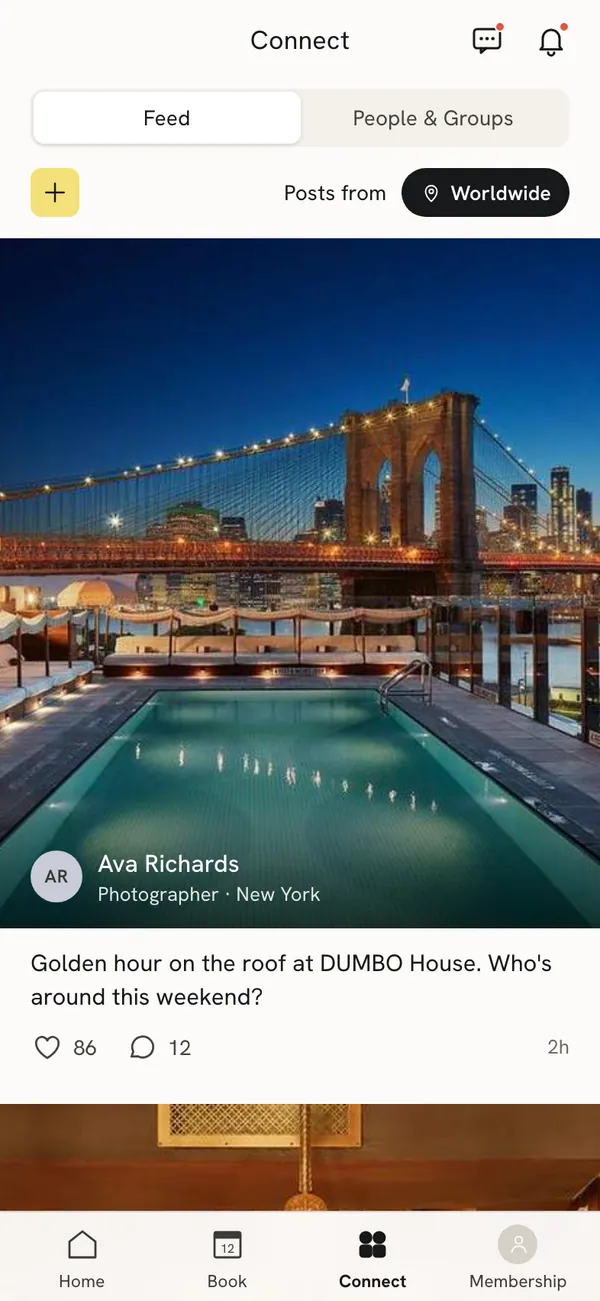
Soho House
Members club
Mobile9:41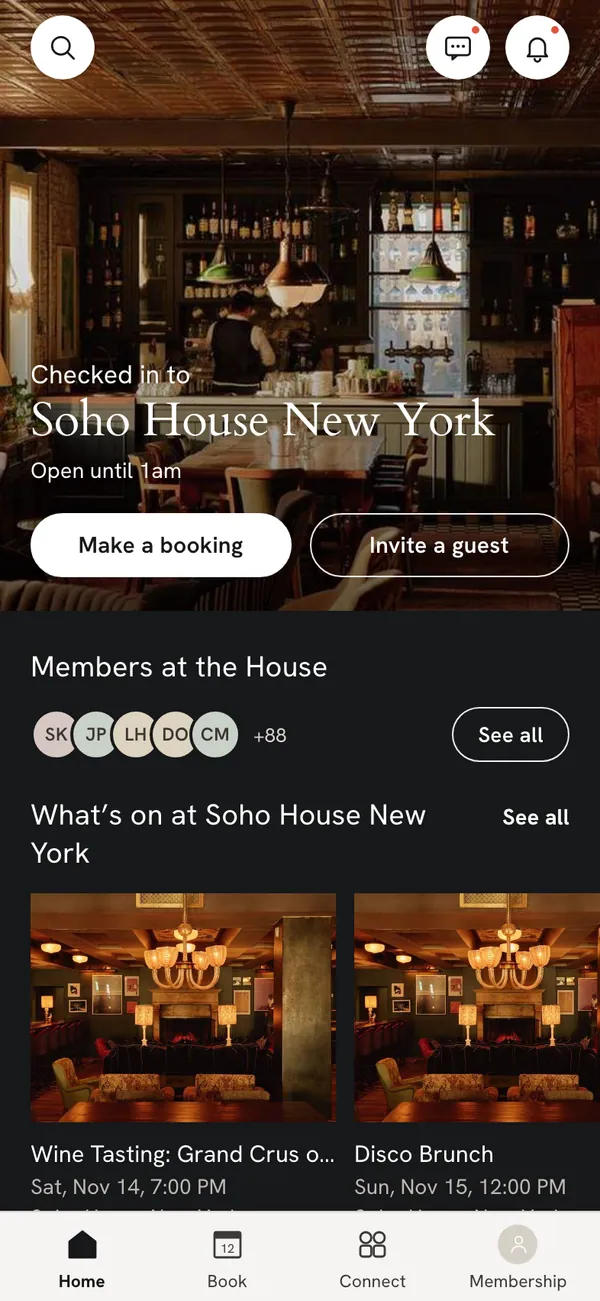 9:41
 9:41
 from$9.99
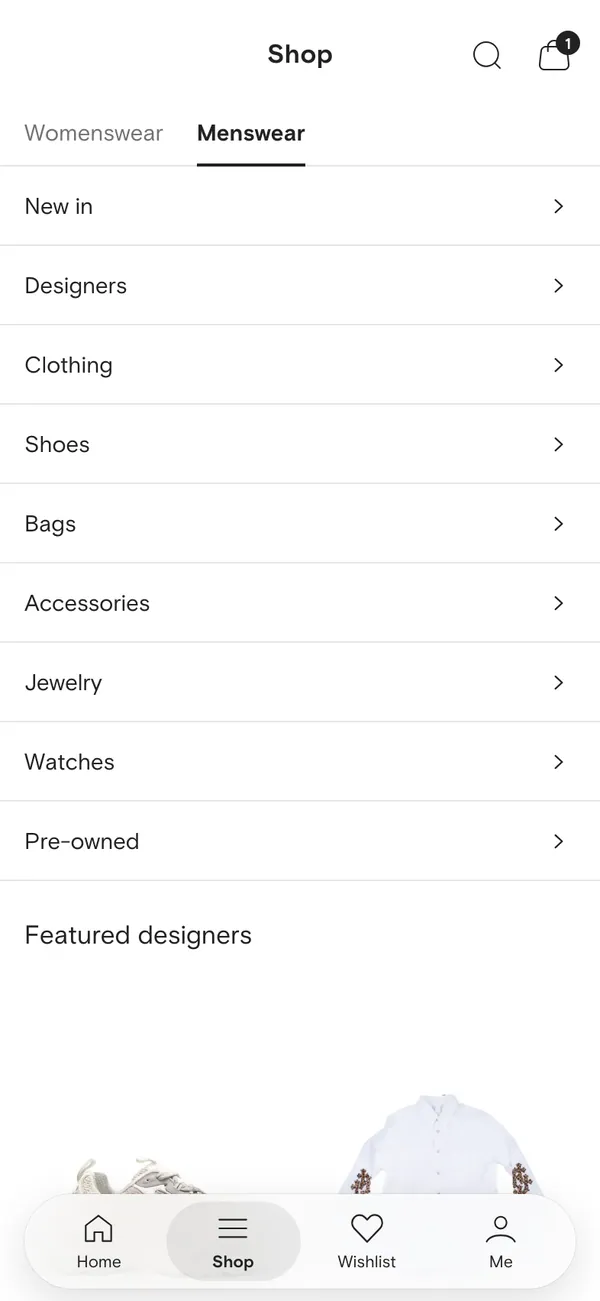
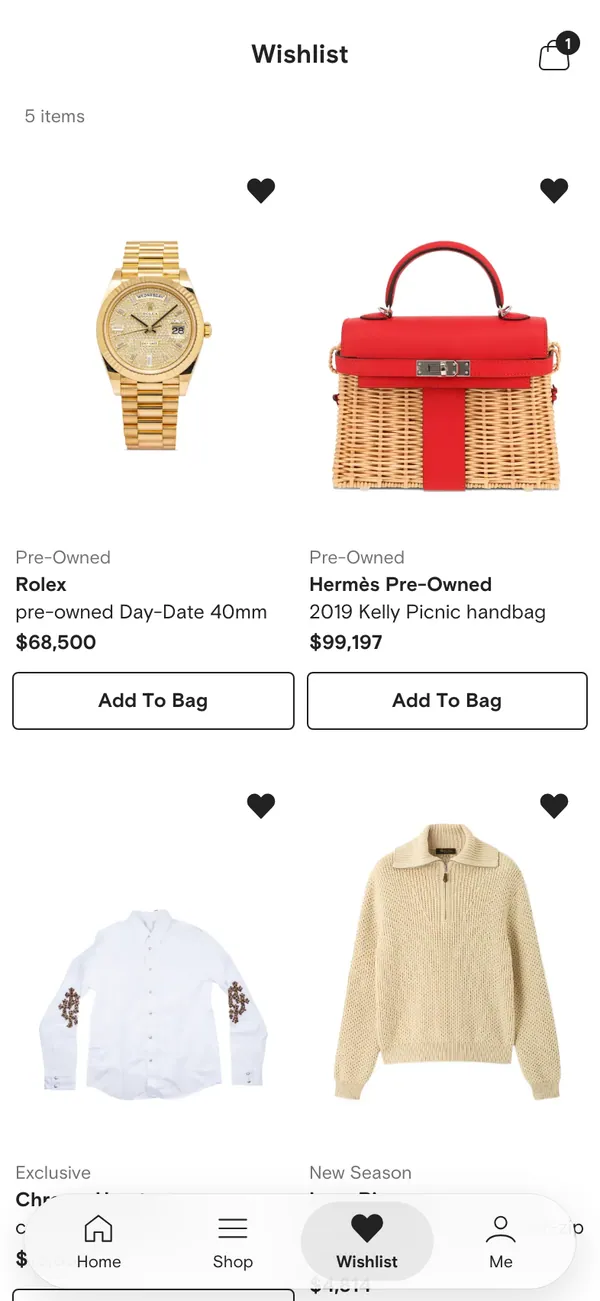
FARFETCH
Luxury fashion marketplace
Mobile9:41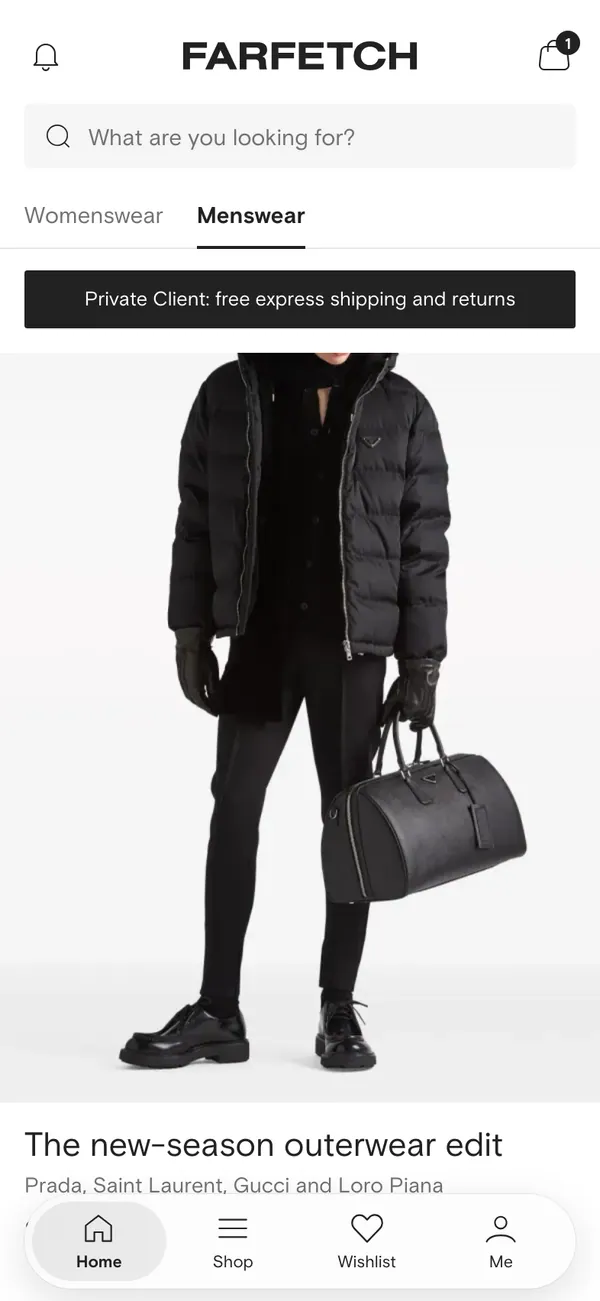 9:41
 9:41
Simulated screens for content. Not real money; not affiliated with Turo. Terms