Fake prop firm payout certificate: dashboards for trader skits
 · 3 min read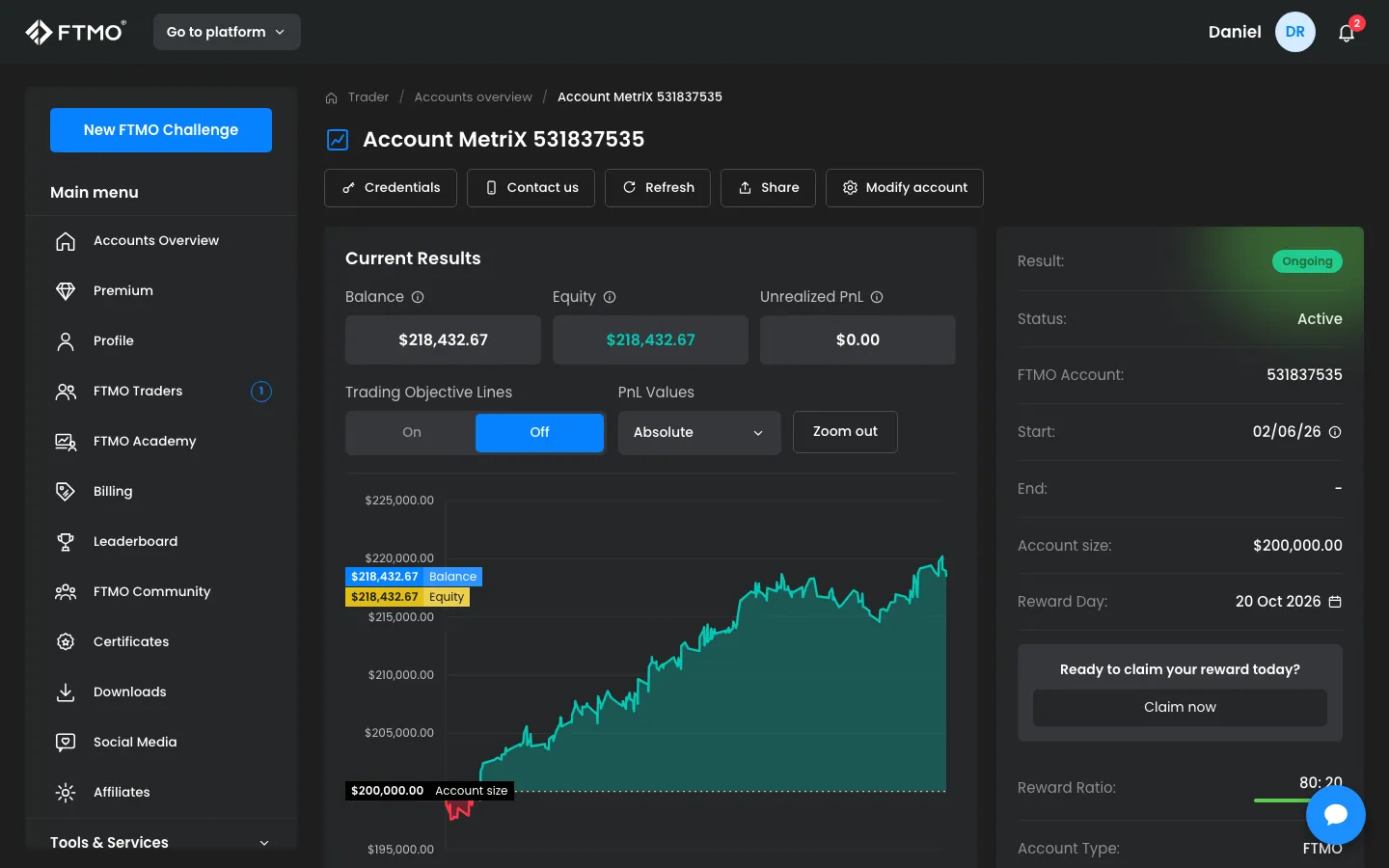
What the fake prop firm dashboard includes
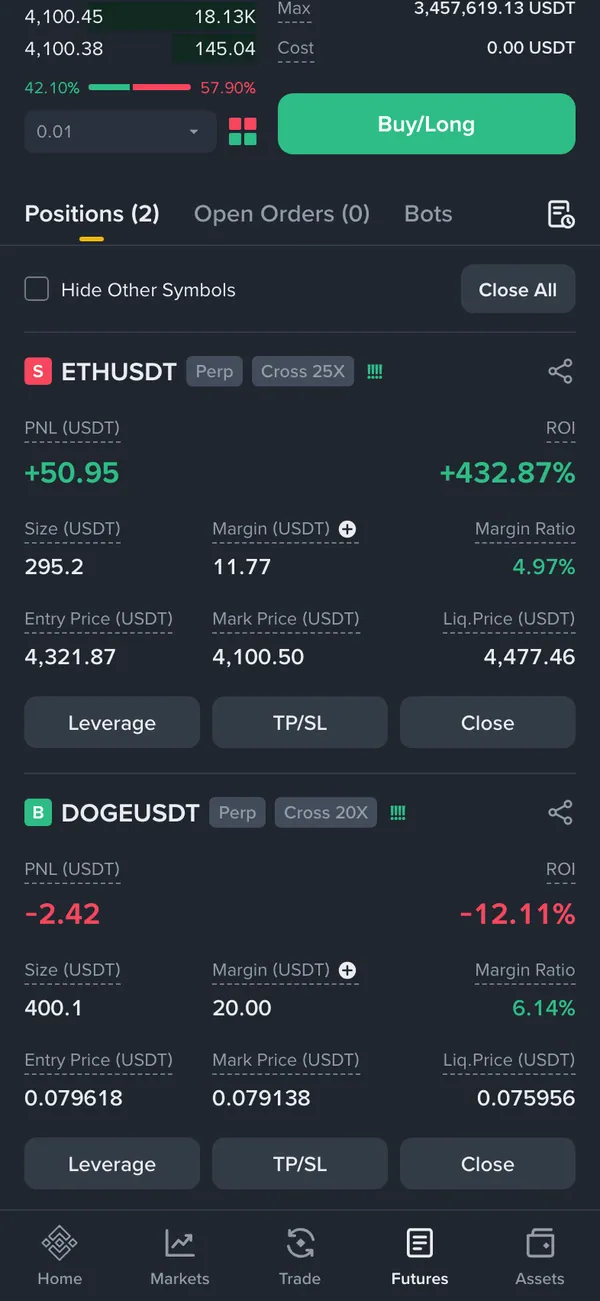
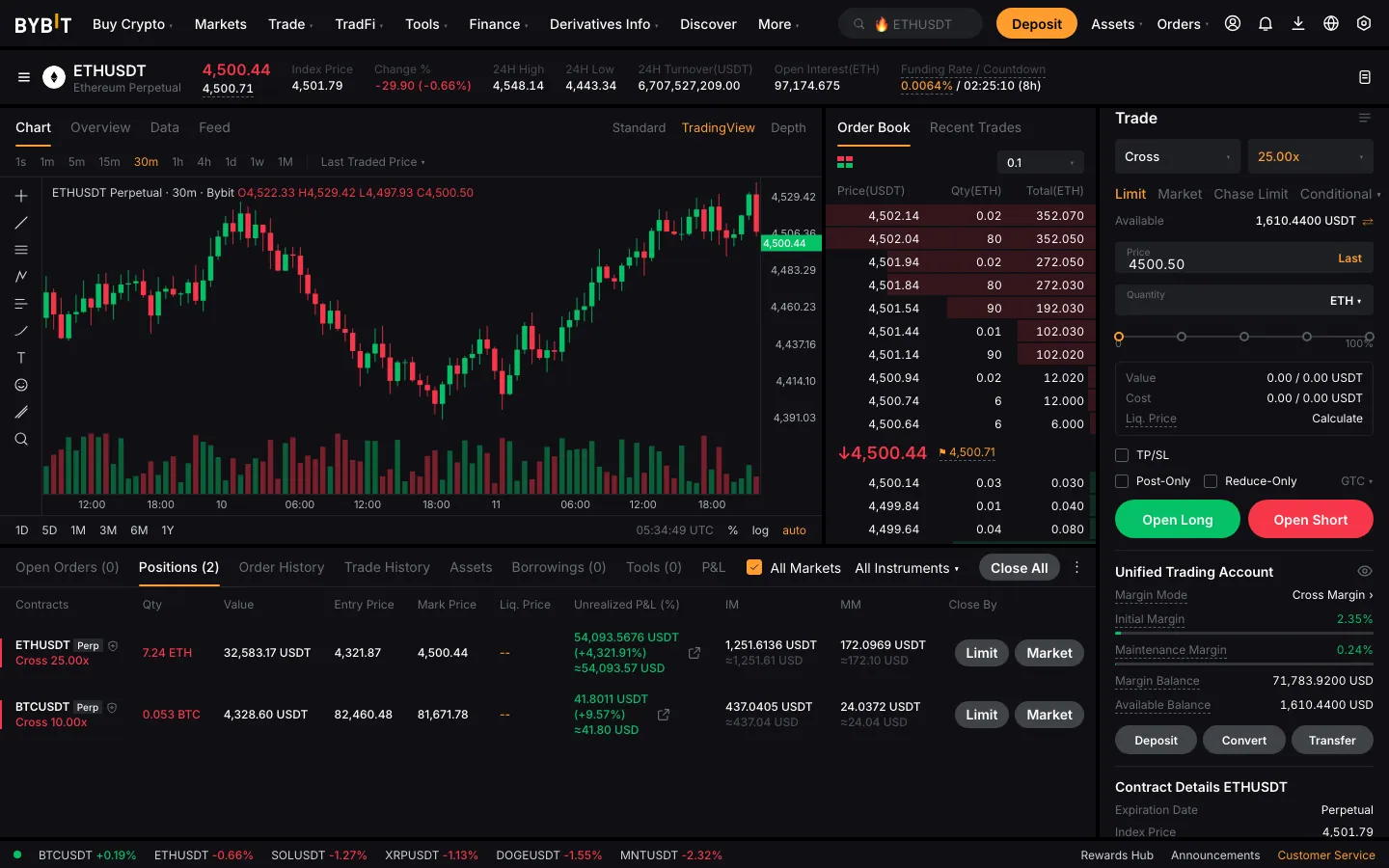
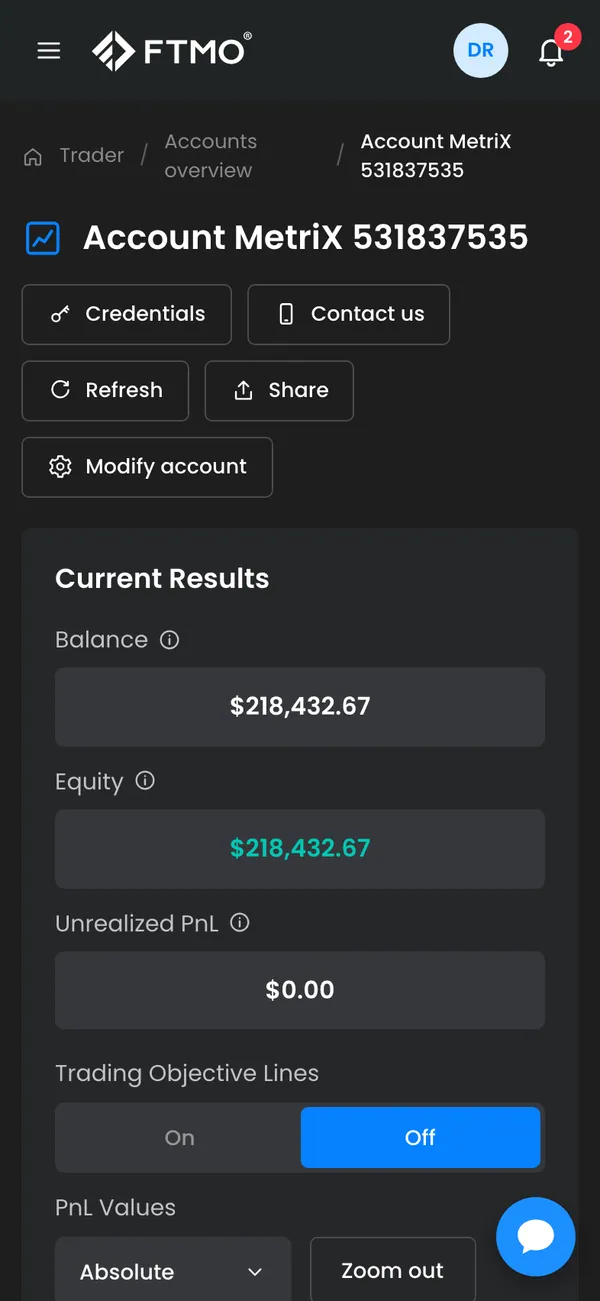
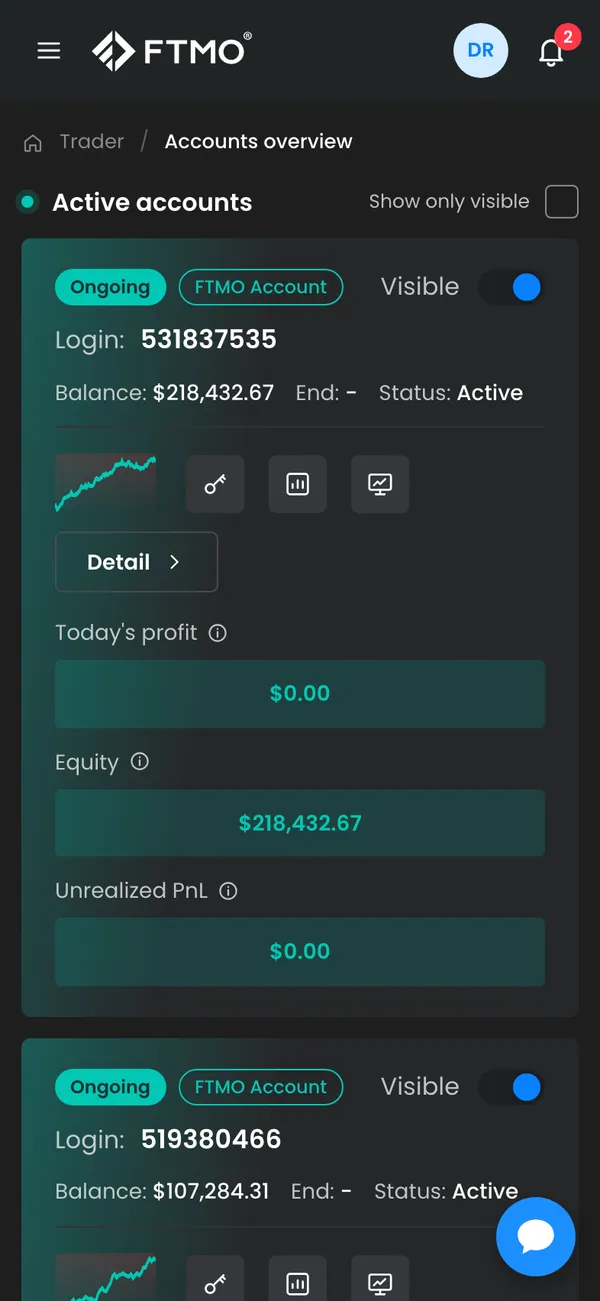
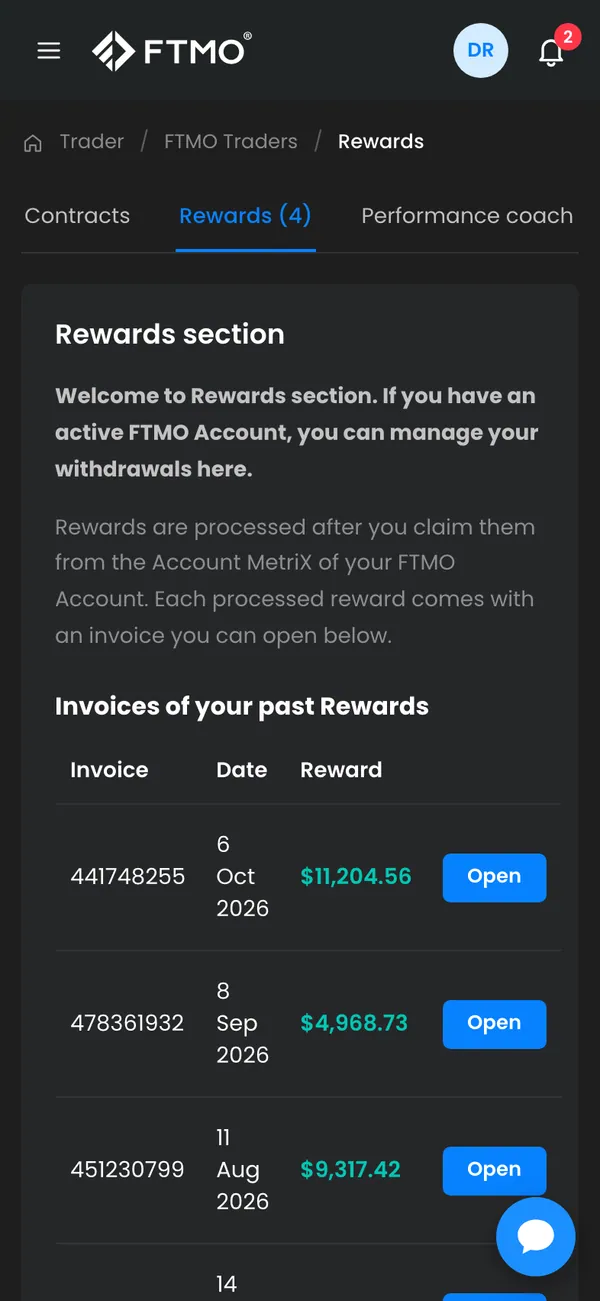
The MaxLarp Prop Firm prop takes its styling from the best-known funded-trader programs: FTMO, Topstep and Apex. It gives you an account view, a home screen, a payouts section and a certificates page.
- Funded accounts
- Payouts
- Certificates
Account sizes, balances, payout amounts, dates and the name on the certificate are all editable. Nothing connects to a real firm or a real trading account.
Why the format suits storytelling
The funded-trader journey is a ready-made plot: the challenge, the pass, the first payout. That is a three-act structure in one dashboard. A skit can follow a character through all of it, ending with the certificate on a wall.
It also works for parody. The over-celebrated payout screenshot is a recognizable internet genre, and a tongue-in-cheek version is easy to make when you control every figure. A film scene might show a character who passed a challenge on his third try.
Building the scene
- 1Open Prop Firm in MaxLarp and select the program style you want.
- 2Add your persona and set the account size and current balance.
- 3Add a payout record and fill in the date and amount.
- 4Open the certificates page and enter the name and details you want shown.
- 5Use the desktop view for a laptop scene, or install the iPhone app for a phone shot. Closed-trade and payout-approved alerts can fire if live mode is on.
Keeping it believable and honest
- Keep payouts proportional to account size. A modest payout on a mid-size account reads as real.
- Space the dates out. Payouts do not arrive every day.
- Match the certificate to the dashboard so the name, date and account size agree.
- Show a drawdown or two. A flat green line looks staged.
Check the payout against the account size one more time before you export a scene. A viewer who knows these programs will notice an amount that does not fit.
Writing the funded-trader arc
A dashboard has no meaning without a story around it. The strongest funded-trader sketches follow a clear arc: a character fails the evaluation twice, passes on the third attempt, waits for the first payout and then receives it. You can film each beat from a different screen of the Prop Firm simulator: the account view for the grind, the payouts page for the wait and the certificate for the payoff.
Keep the humor in the character, not the numbers. A man who frames a certificate and hangs it above the toilet is funnier than a certificate with an enormous figure on it.
If you shoot on location, put the certificate on a real wall or a desk and film it with the phone. The dashboard on a monitor in the background gives the shot depth. Match the name on both screens, since mismatched names are the quickest tell that something is staged.
A film version can go darker. The same dashboard works for a character whose payout lands just as everything else falls apart. The contrast between a polished screen and a messy life does the emotional work, and the prop only has to look professional.
Pairs well with
A funded-trader story ties together neatly. Start with the fake MetaTrader positions for the grind, move to the payout dashboard, then cut to a fake Cash App balance or a Wallet card for the reward. The guide to responsible use covers the limits.
Open Prop Firm

Questions
Is a fake prop firm payout certificate legal?
As a prop in a skit, film or meme, generally yes. Using it to sell accounts, signals, courses or copy-trading, or to pass as a funded trader, is deception. MaxLarp is not affiliated with any prop firm.
Which firms does it look like?
The styling follows FTMO, Topstep and Apex. It does not connect to those firms or any real account, and every balance, payout and certificate is fictional.
Can I change the name and amounts on the certificate?
Yes. You can edit the name, account size, payout amounts and dates. Start from a preset so the figures make sense together, then override what you want.
Does it work on phone and desktop?
Yes. It runs in a desktop browser and installs as an iPhone app. Push alerts need iOS 16.4 or later and the app on your home screen.
Every number on MaxLarp is fictional. Not affiliated with any brand shown. Acceptable use