Fake MetaTrader positions: MT4 and MT5 screens for trader skits
 · 3 min read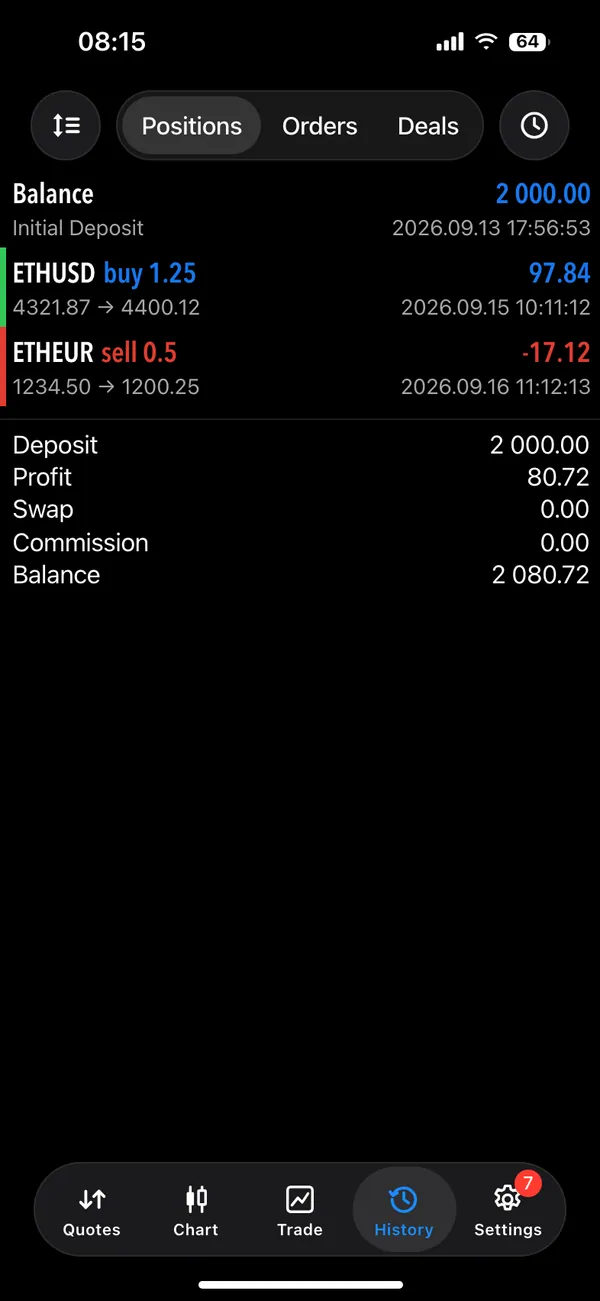
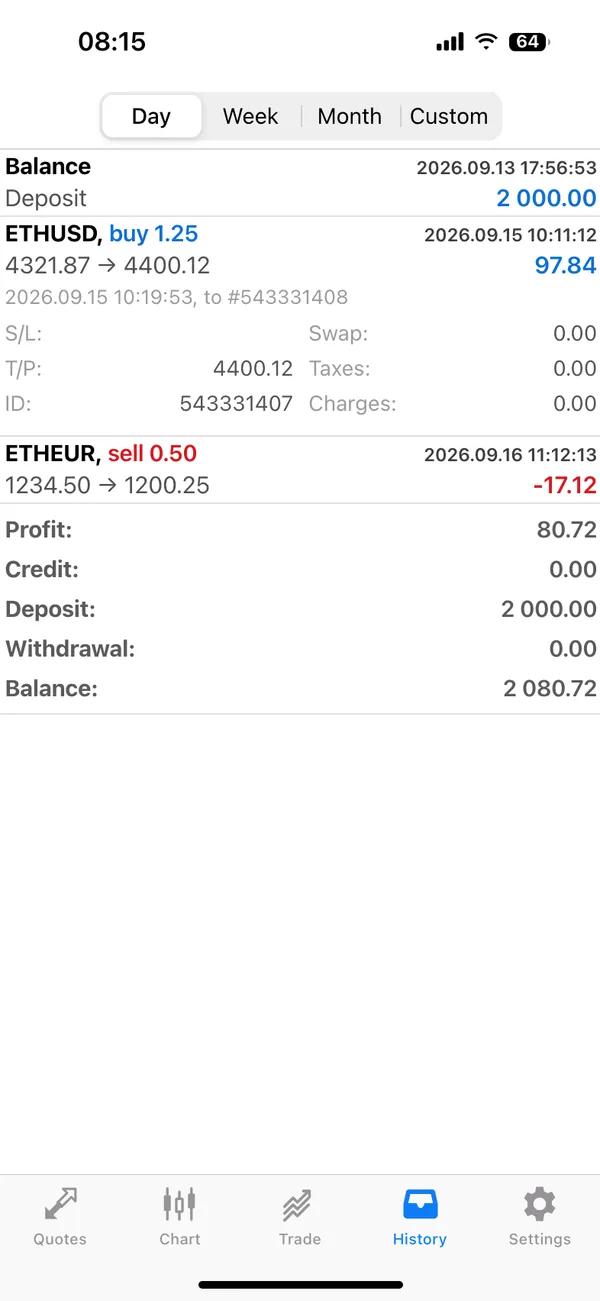
What the fake MetaTrader app includes
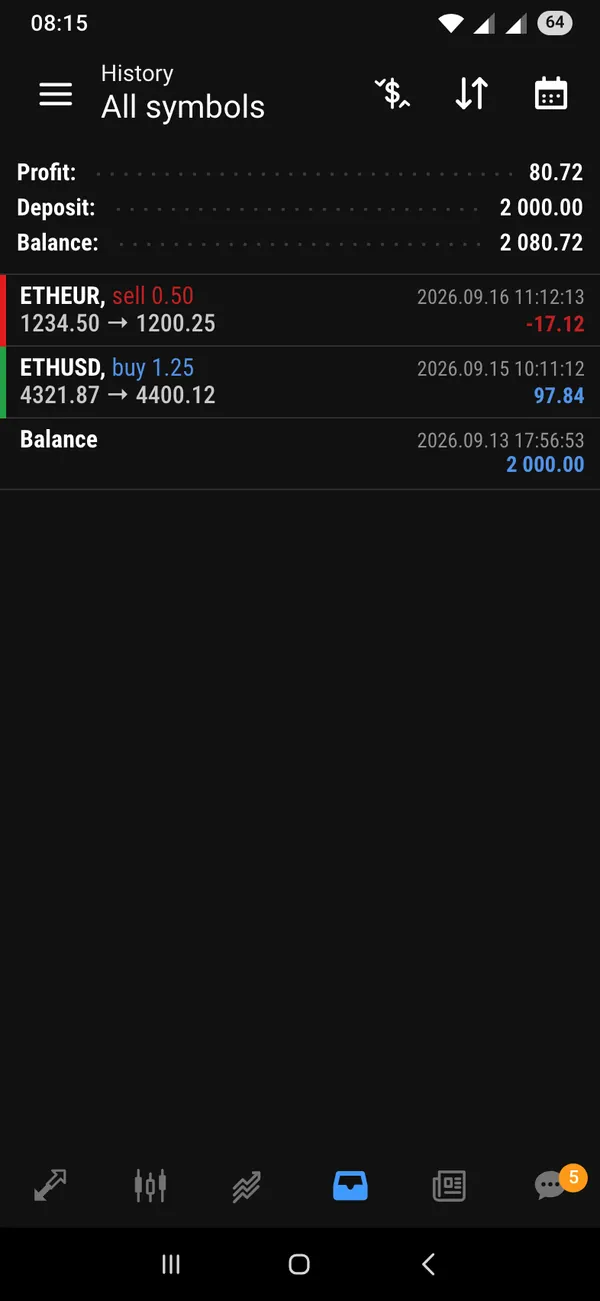
The fake MetaTrader app covers both versions of the phone platform, MT4 and MT5, including dark layouts and different history views. The main areas are the ones traders open all day.
- Positions
- History
- Orders and deals
You can edit the instruments, lot sizes, entry and exit prices, profit and loss, and the account balance at the top. Nothing connects to a broker or a real trading account.
Where a forex platform screen helps
MetaTrader has a visual identity that people recognize at a glance: the dense list of positions, the red and blue figures, the balance bar. That makes it effective as a quick signal in a scene that a character is a trader.
Useful ideas include the skit where someone holds a losing position and narrates their feelings, the reel that follows a day of trading from open to close, and the film scene where a character watches a number slowly fall. Memes about the one trade that was supposed to be quick are always in season.
Set up the platform on your phone
- 1Open MetaTrader in MaxLarp and choose the MT4 or MT5 layout you want.
- 2Set the persona and the starting balance.
- 3Edit the open positions: instrument, size and current profit or loss.
- 4Fill in history so the account has a past, with closed trades across several days.
- 5Add it to your iPhone home screen, then record with iOS screen recording. Turn on live mode if you want closed-trade alerts during the take.
Making the account look real
- Make the numbers add up. The balance, equity and open profit should agree with each other.
- Use a believable mix of instruments instead of repeating one pair.
- Mix wins and losses in history. A perfect record looks fake to anyone who trades.
- Choose dark or light to suit the scene, and keep it consistent with the character's other apps.
- Keep lot sizes in proportion to the balance.
Filming the phone like a trader would
Traders check their phone constantly, so the camera work should feel restless. Pick up the phone, glance at positions, swipe to history and put it down. The MetaTrader simulator works well in short, interrupted shots that match how people really use the app.
Use the history and day views to compress time. A character who opens history and scrolls past a week of trades implies a long story in four seconds. Dark layouts suit night scenes and lighter ones suit a daytime office. Choose the layout first, then light the scene to match.
If you want an alert, turn on live mode before you start and keep the phone face up on the table. A closed-trade alert sliding down in the middle of a conversation gives the scene a natural interruption without any acting.
For a montage, shoot the same phone in three places: a kitchen table, a train seat and a bed with the lights off. Change the positions slightly between takes so each location shows time passing, and cut them together with a steady beat.
Pairs well with
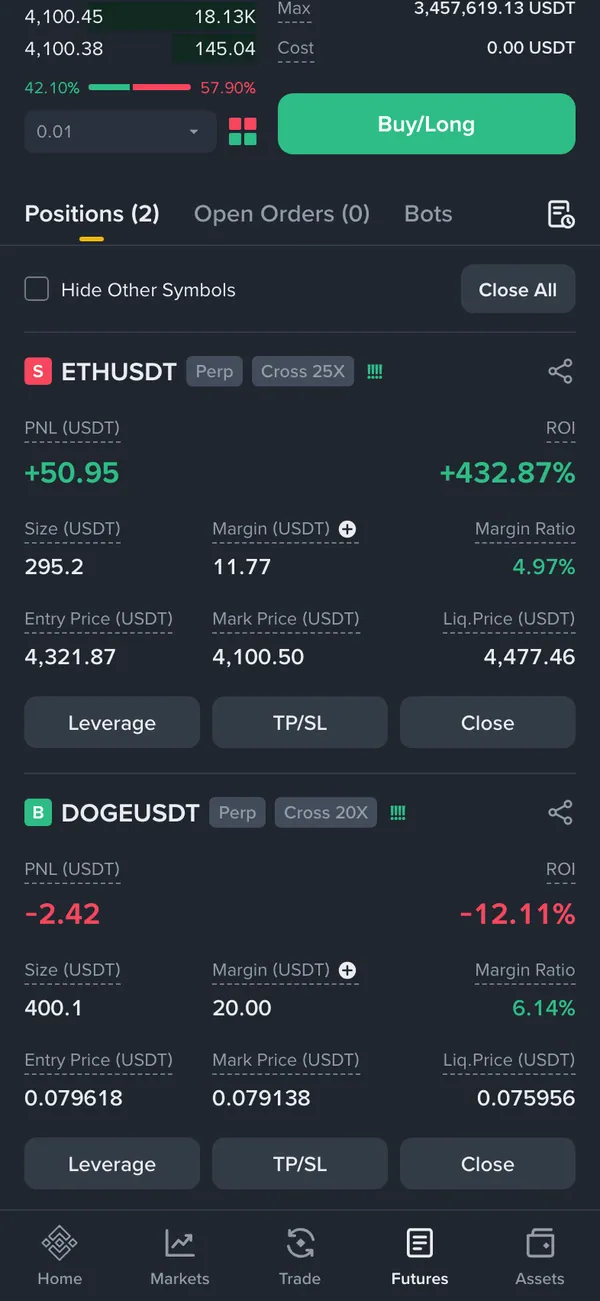
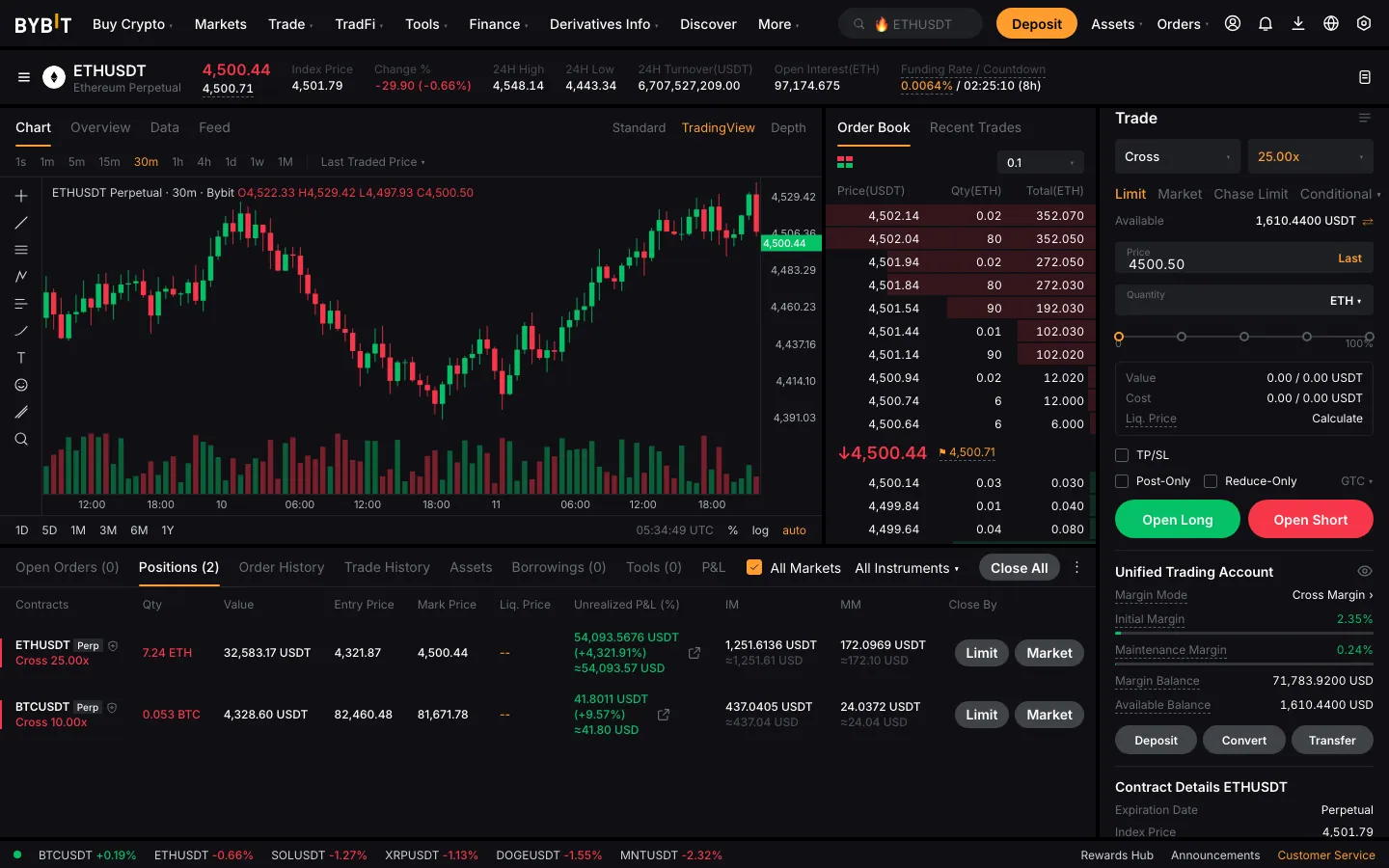
For a trader storyline, follow the positions with a fake prop firm payout for the funded-account twist. Add a fake Bybit PnL card for the crypto side, and finish with a Cash App screen. For wider filming advice, how to screen record a fake dashboard applies here too.
Open MetaTrader

Questions
Does it connect to my broker?
No. It never connects to a broker, a trading account or real market data. All positions, history and balances come from what you enter and your persona.
Does it include both MT4 and MT5?
Yes. MaxLarp includes MT4 and MT5 phone layouts, with dark versions and different history views, so you can match the exact platform and look your character would plausibly use.
Can I use it to show a track record to sell something?
No. Using fake positions as proof of results to sell signals, courses, copy-trading or funded accounts is deception and not allowed. It is a prop for skits and films. MaxLarp is not affiliated with MetaTrader.
Does it work on iPhone?
Yes. It installs to your iPhone home screen as its own app. Alerts need iOS 16.4 or later and the app on the home screen.
Every number on MaxLarp is fictional. Not affiliated with any brand shown. Acceptable use