Fake Exodus wallet: a multi-coin portfolio for desktop scenes
 · 3 min read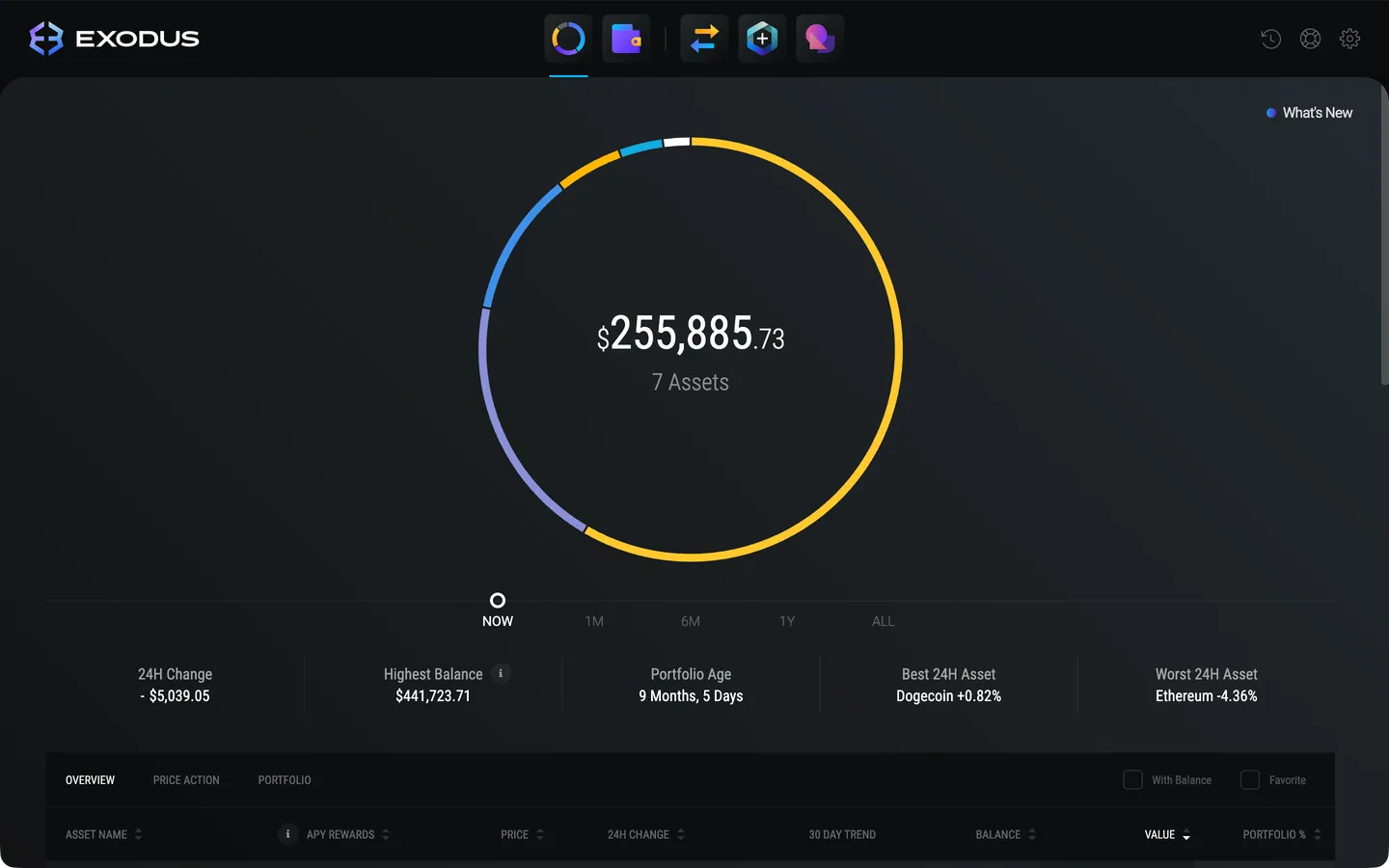
What the fake Exodus wallet includes
Exodus is known as a multi-coin wallet for Mac, and the MaxLarp Exodus prop recreates that desktop feel. It opens in your browser and gives you three views.
- Portfolio, with the total and the allocation across coins
- Coins, with a wallet page for each asset
- Activity, the history of what moved in and out
Names, amounts, the headline balance and chart shape are all editable. Nothing links to a real wallet, so there is no recovery phrase to hide from the camera.
Where a desktop wallet fits in your content
Phone wallets dominate crypto content, which makes a desktop wallet a useful change of pace. It suits the setup scene: a character at a desk, a dual-monitor shot, a tutorial skit where someone explains their holdings to a friend.
It also fits a film beat where a character opens a laptop late at night and sees something that changes the plot. The portfolio view is built for that kind of reveal because the allocation chart gives the eye something to land on.
Build your Exodus screen in four moves
- 1Open Exodus in your MaxLarp studio on a laptop or desktop.
- 2Apply your persona so the name and currency match the rest of the story.
- 3Edit the portfolio: choose the coins, the amounts and how the allocation splits.
- 4Pick live mode for drifting values or static for a locked take, then screen-record the browser window.
Making the portfolio look lived-in
- Give the allocation a clear shape. One or two big slices and a tail of small ones looks like a real person's choices.
- Fill the activity view with a mix of receives and swaps, spaced over days rather than minutes.
- Keep the desk believable. A tidy window, a cursor that moves with purpose and a steady scroll beat a perfectly empty screen.
- Do not make the total round. Ending on odd digits looks like an account, not a slide.
If you are filming a longer piece, check how to screen record a fake dashboard for pacing and framing advice that applies to any desktop prop.
Filming a wallet that lives in the browser
A desktop prop lives or dies by framing. Record at a window size that fills the screen but leaves the edges clean. The Exodus simulator runs in your browser, so hide bookmarks, close extra tabs and silence notifications from other apps before you record.
Move the cursor like a person who knows where they are going. Hover over the allocation chart for a second, click into a coin, then open activity. Three clicks tell a story. Twelve look like a product demo.
For a more cinematic result, film the laptop with a second camera at a slight angle, with a lamp or window light behind it. The screen reads well and you get depth and a real room around it. Reflections on the glass are the main enemy, so check them before you commit to a take.
Keep audio in mind as well. A desktop scene with a faint keyboard click and room tone sounds more natural than music over a silent screen. If the character speaks, record the line separately so the cursor never has to wait for it.
A desktop-and-phone crypto story
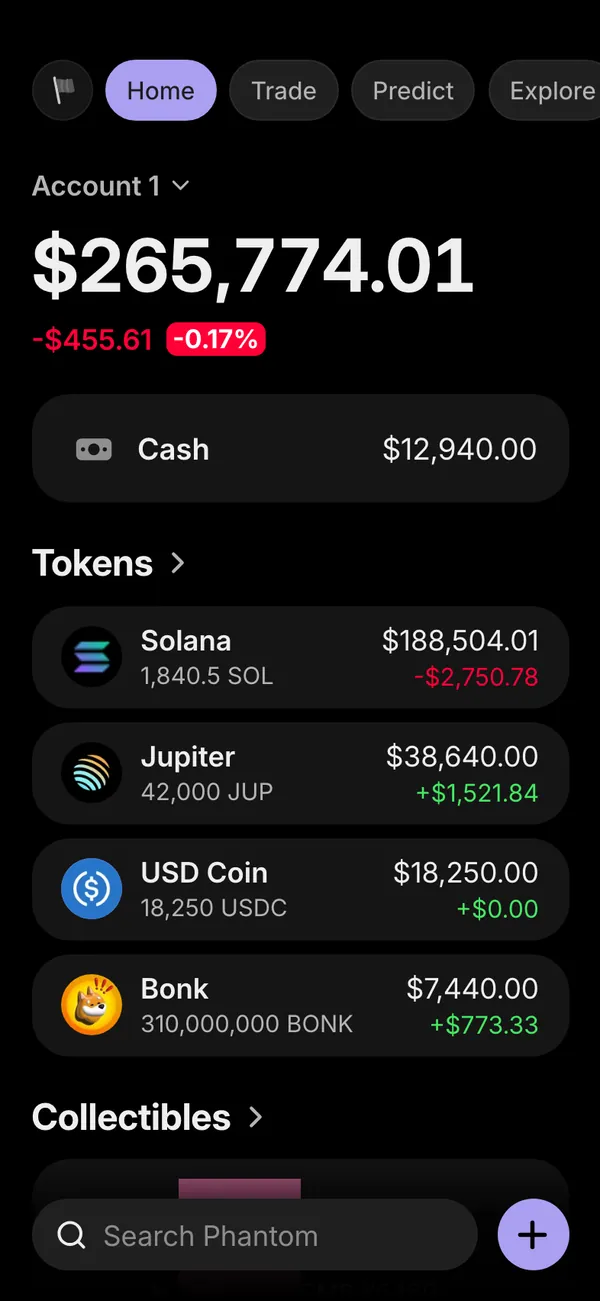
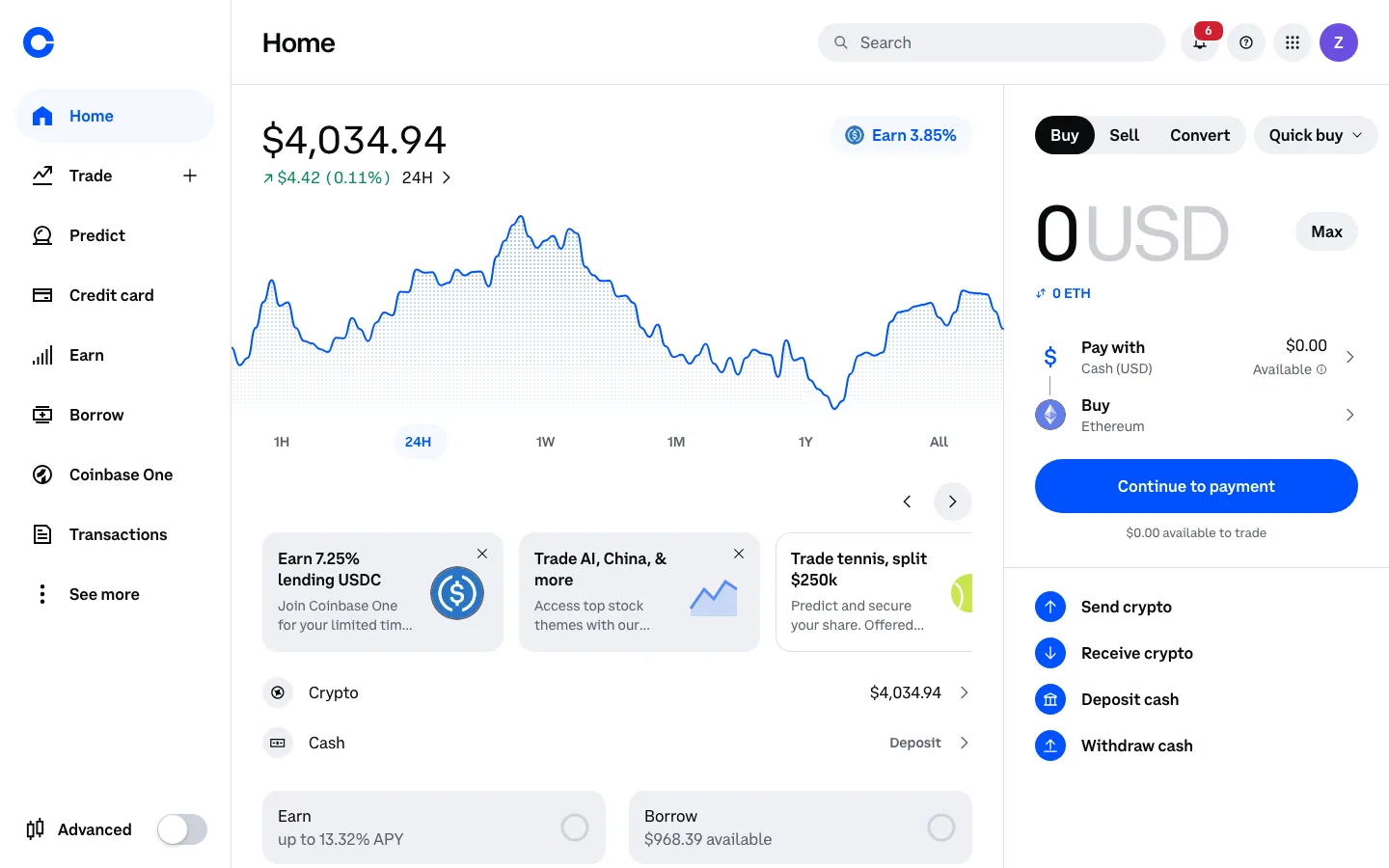
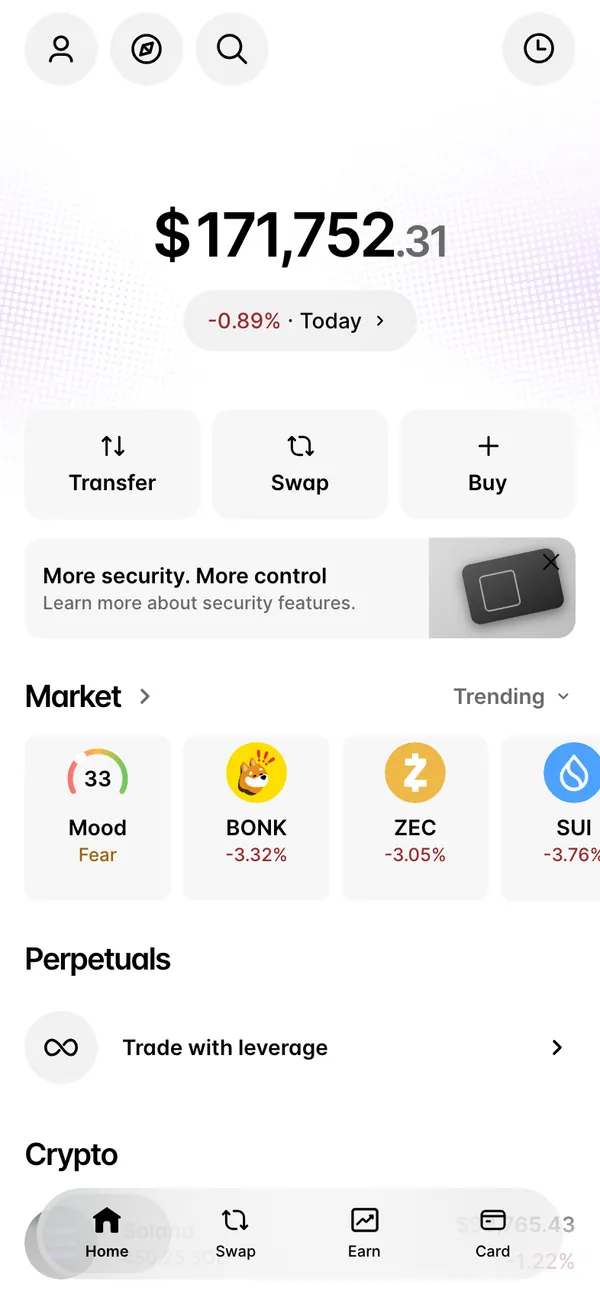
Because Exodus runs on desktop, it pairs naturally with phone props. A character reviews the long-term holdings on the laptop, then picks up the phone to check a fake Phantom wallet for the active trades. A fake Ledger screen can stand in for cold storage in the same scene, and the fake Coinbase balance guide covers the exchange side.
Open Exodus

Questions
Is the fake Exodus wallet an app I download?
It runs in a desktop browser, styled as the Mac wallet. There is nothing to install on your computer, and it never needs a real wallet, key or recovery phrase.
Can I change the coins and balances?
Yes. You can edit which coins show, the amounts, the total balance, the chart shape and the activity history. Start from a preset and override whatever you want.
Is it legal to use a fake wallet in a video?
Props for videos, skits and films are generally fine. Using one to mislead someone into paying you or trusting you is not. MaxLarp is not affiliated with, endorsed by or sponsored by Exodus.
Does it use my real crypto?
No. Every number is generated from the persona you create. Nothing is connected to a real account, and no real money or coins are involved.
Every number on MaxLarp is fictional. Not affiliated with any brand shown. Acceptable use