Fake Phantom wallet: show a realistic Solana balance on camera
 · 4 min read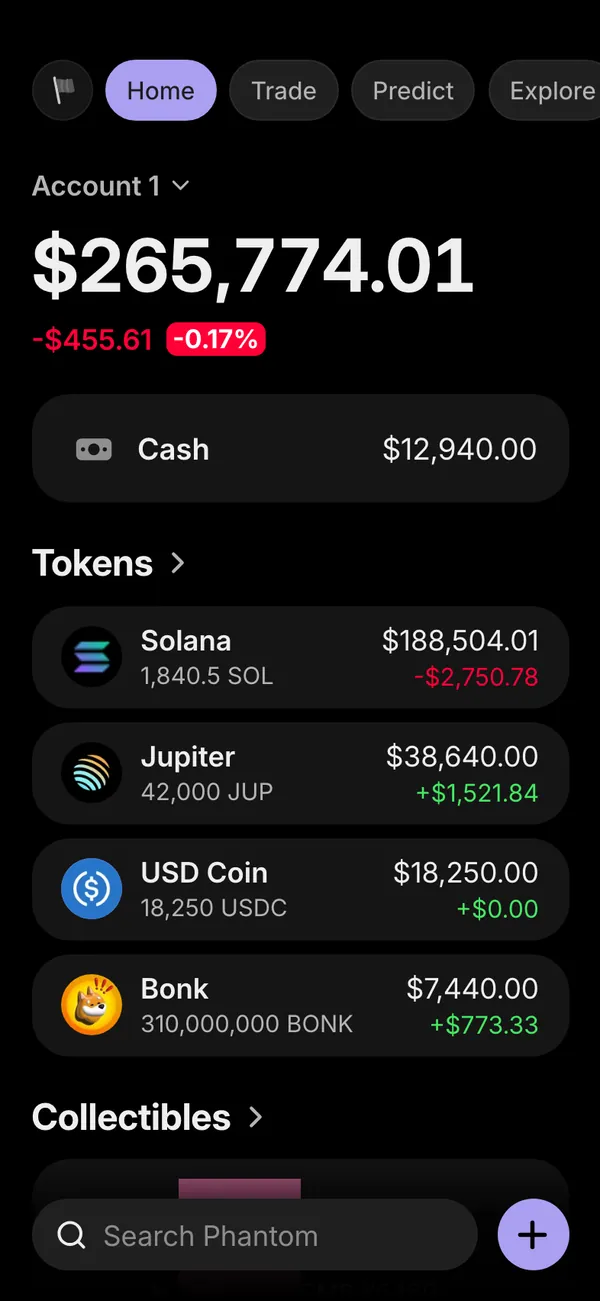
What a fake Phantom wallet shows
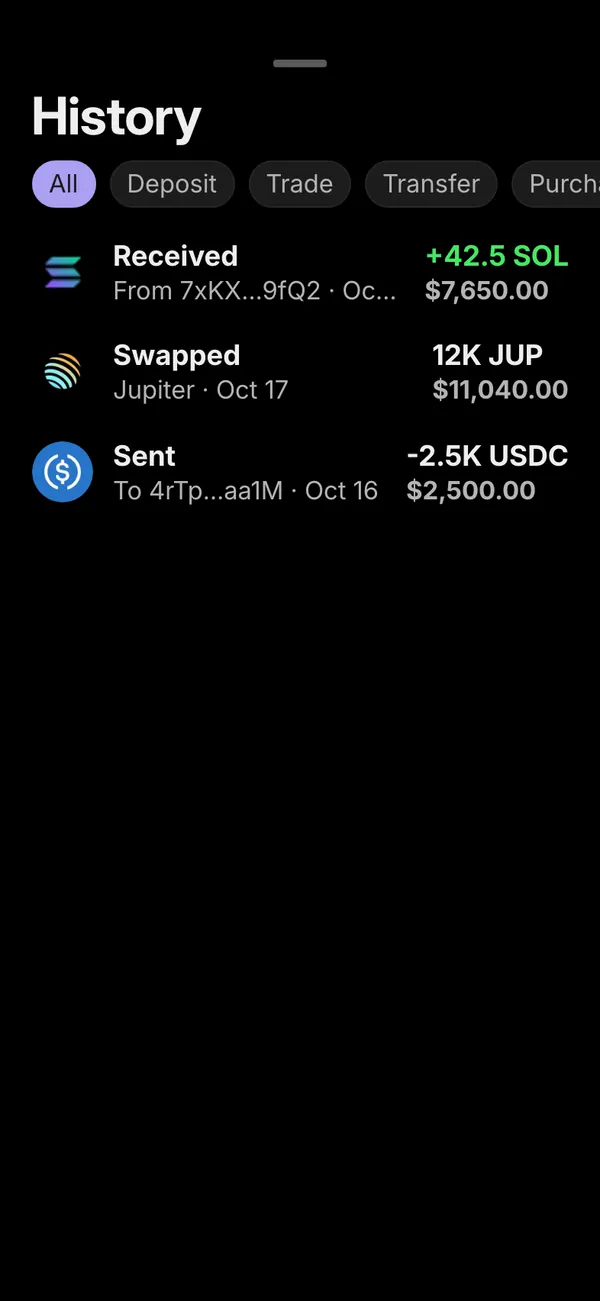
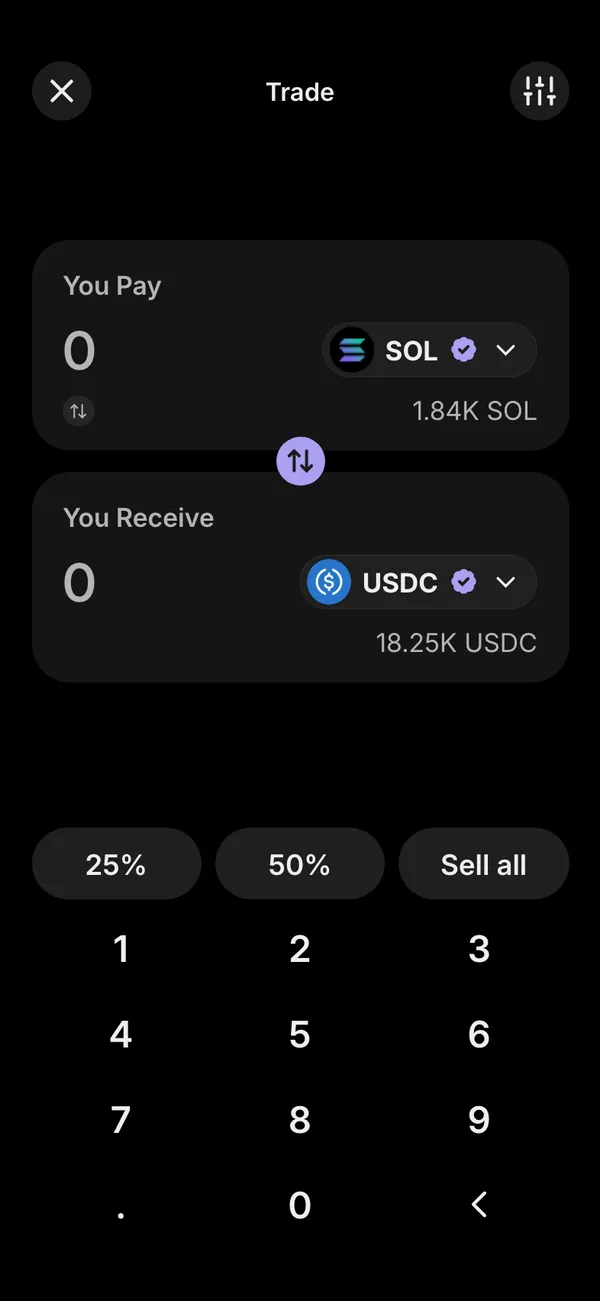
The MaxLarp fake Phantom app recreates the Solana wallet on your phone. The home screen carries a total balance and a list of tokens. A collectibles tab holds the NFT grid. Activity logs what came in and went out, and the swap screen lets you show a trade mid-flow.
- Balance and tokens
- Collectibles
- Activity and swaps
You can edit all of it: token names, amounts, the headline balance, the collectible images and the shape of the chart. Nothing connects to a real wallet, so no seed phrase or private key is involved at any point.
Why creators film a fake wallet
Crypto larp is its own genre of comedy and lifestyle content. A friend checks the wallet at dinner and goes quiet. A character in a short film goes from broke to rich across three scenes. A meme reel plays a dramatic voiceover over a number that only goes up.
These work because the viewer reads the screen in half a second. A real wallet would force you to expose your own holdings and address. A prop lets you control the story and keep your actual finances private. If the culture is new to you, what does larp mean explains where it came from.
Set up your Phantom prop in five steps
- 1Open the Phantom page in MaxLarp and add it to your studio.
- 2Fill in your persona: name, photo and currency. The wallet picks up your crypto share of the story.
- 3Edit the balance, tokens and collectibles, or start from a preset and change only what you need.
- 4Choose live mode if you want values to drift and alerts to arrive, or static if a number has to stay put for the take.
- 5Open the page on your iPhone and add it to the home screen. It installs as its own app with its own icon. Then use iOS screen recording to capture the scene.
Alerts that arrive on the phone
The Phantom prop can send push notifications that look like the real ones: a received-token alert, a swap-complete alert and a daily price alert for a coin you hold. In a video, an alert sliding in while the character talks sells the moment better than any voiceover.
Notifications need iOS 16.4 or later and the app added to your home screen. Allow them when asked, then trigger one right before you press record so you know the timing.
Making the numbers look believable
- Keep the balance proportional to the persona. A character who just started trading does not hold a seven-figure wallet next to a rented room.
- Spread value across a few tokens with uneven sizes. One large position and several small ones looks lived-in.
- Add two or three recent entries in activity so the history matches the story you are telling.
- Avoid round figures. A balance that ends in odd digits reads as real.
- Before filming, turn on Do Not Disturb, clear the status bar clutter and scroll at the pace a person would.
Filming the prop on your iPhone
The simplest capture is iOS screen recording from Control Center. It records the app exactly as it appears, including alerts that arrive during the take. Trim the first and last second in your edit, since the recording indicator shows at the start. The Phantom simulator looks sharpest recorded directly, not filmed off another screen.
For a hand-held look, film the phone with a second camera over the actor's shoulder. Raise the screen brightness and turn off auto-lock for the session so the display does not dim mid-take. A short scroll, a pause on the balance and a tap into activity is plenty. Shots that run past six or seven seconds tend to lose the viewer.
Pairs well with
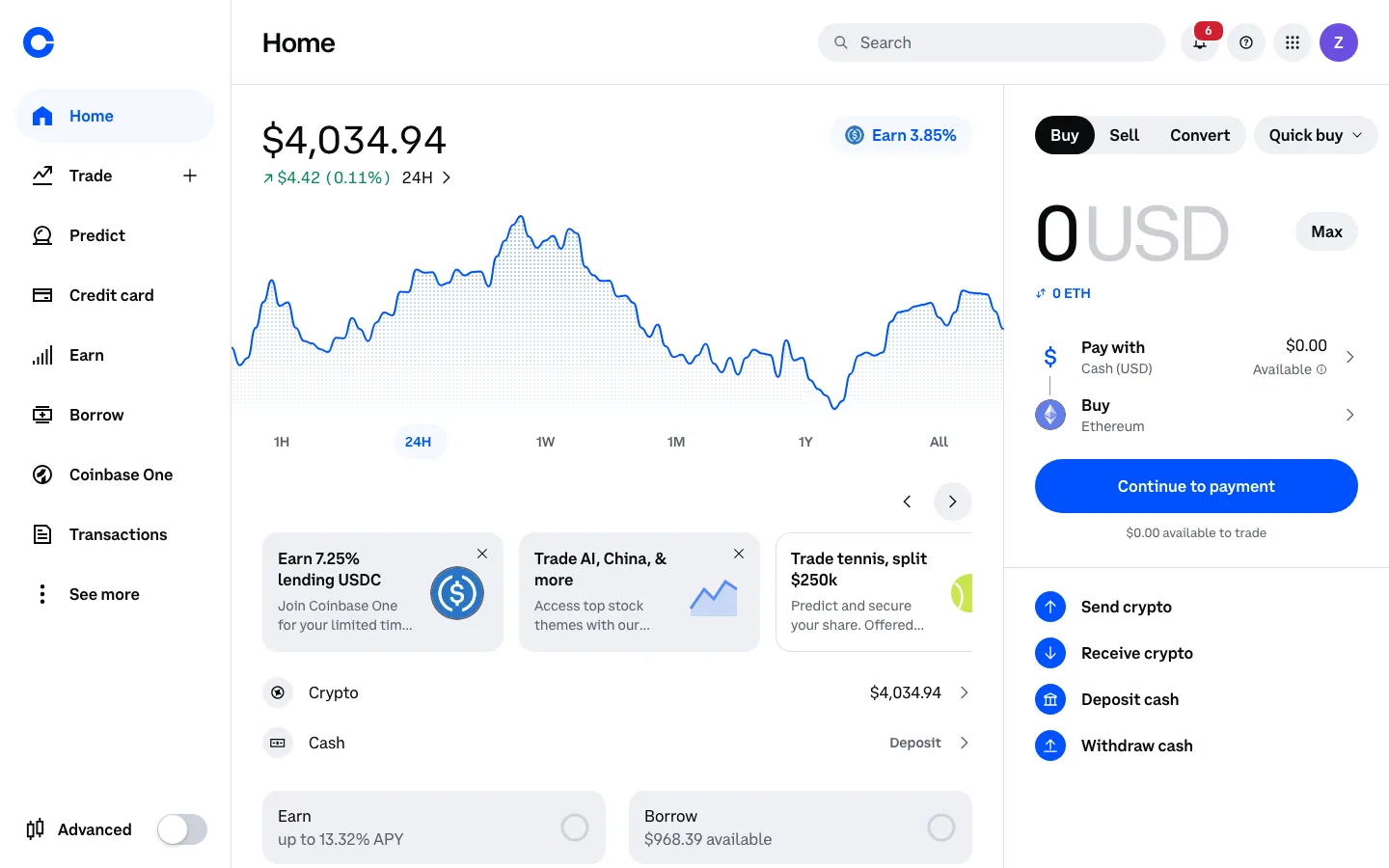
A wallet scene lands harder when the money has a source. Start with a Shopify sales day, cut to the fake Coinbase dashboard where it gets converted, then show it all sitting in Phantom. For long-term storage, a Ledger screen completes the arc. The guide to fake apps on your iPhone home screen covers how several of them sit side by side.
Open Phantom

Questions
Is a fake Phantom wallet legal?
Using a look-alike wallet as a prop in a video, skit or film is generally fine. Using it to deceive someone in a real transaction, or as fake proof to take their money, is not. MaxLarp is not affiliated with Phantom.
Does it connect to my real Phantom wallet?
No. Nothing connects to a real wallet, chain or exchange. Every balance, token and swap comes from the persona and numbers you set up inside MaxLarp.
Can I change the numbers and tokens?
Yes. You can edit the balance, token names and amounts, collectibles and the chart shape. Start from a preset so the values make sense together, then override anything you like.
Does it work on iPhone?
Yes. The Phantom prop installs to your iPhone home screen as its own app. Push notifications need iOS 16.4 or later and the app added to the home screen.
Every number on MaxLarp is fictional. Not affiliated with any brand shown. Acceptable use