Fake Coinbase balance: a portfolio screen for videos and skits
 · 4 min read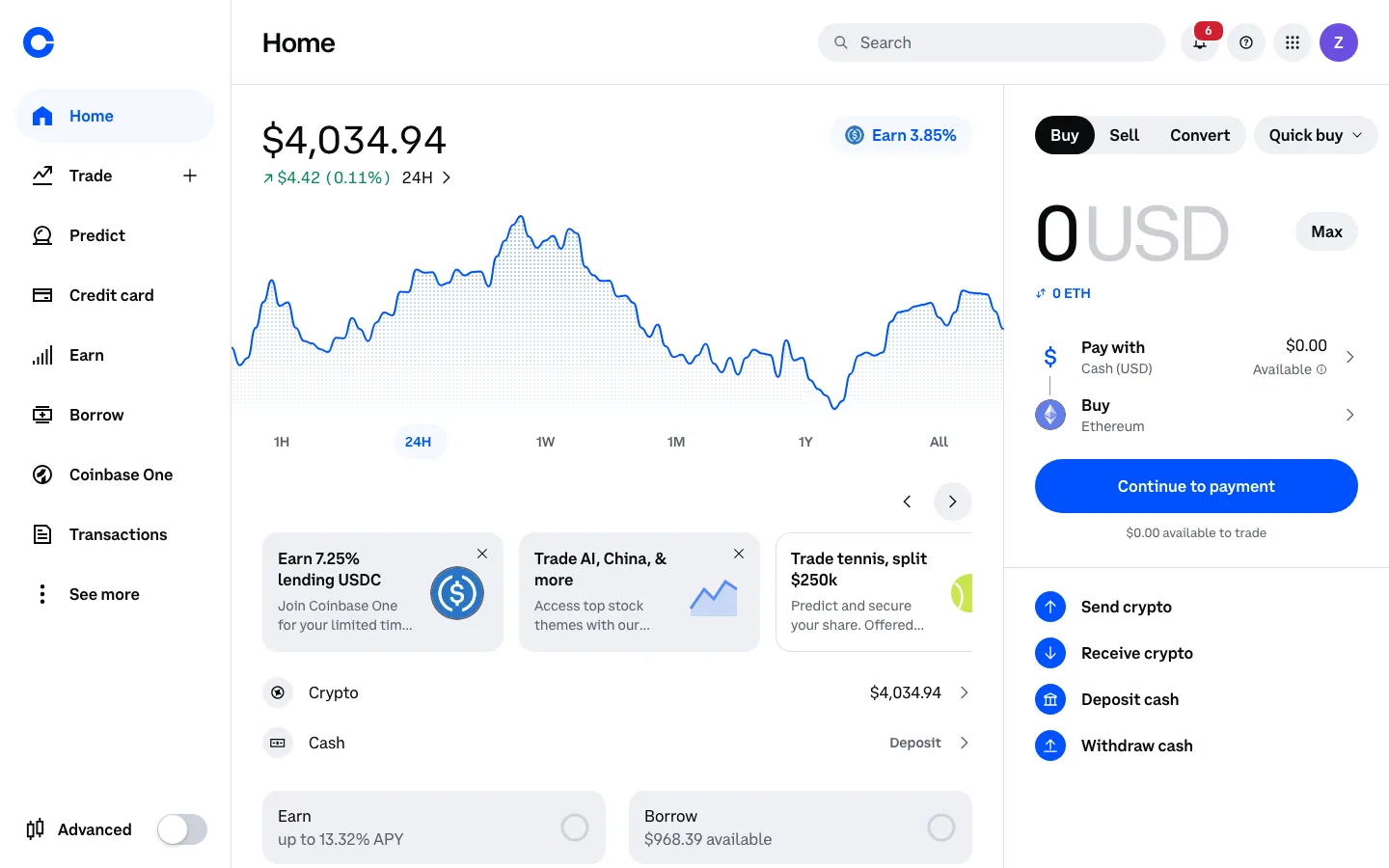
What the fake Coinbase dashboard includes
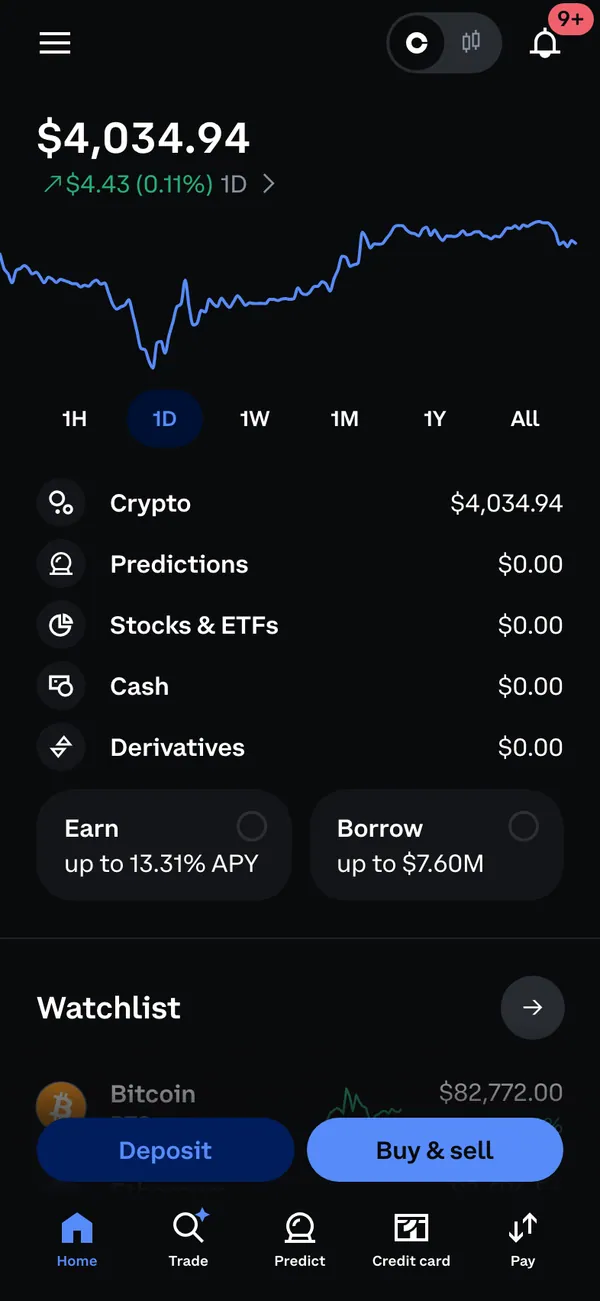
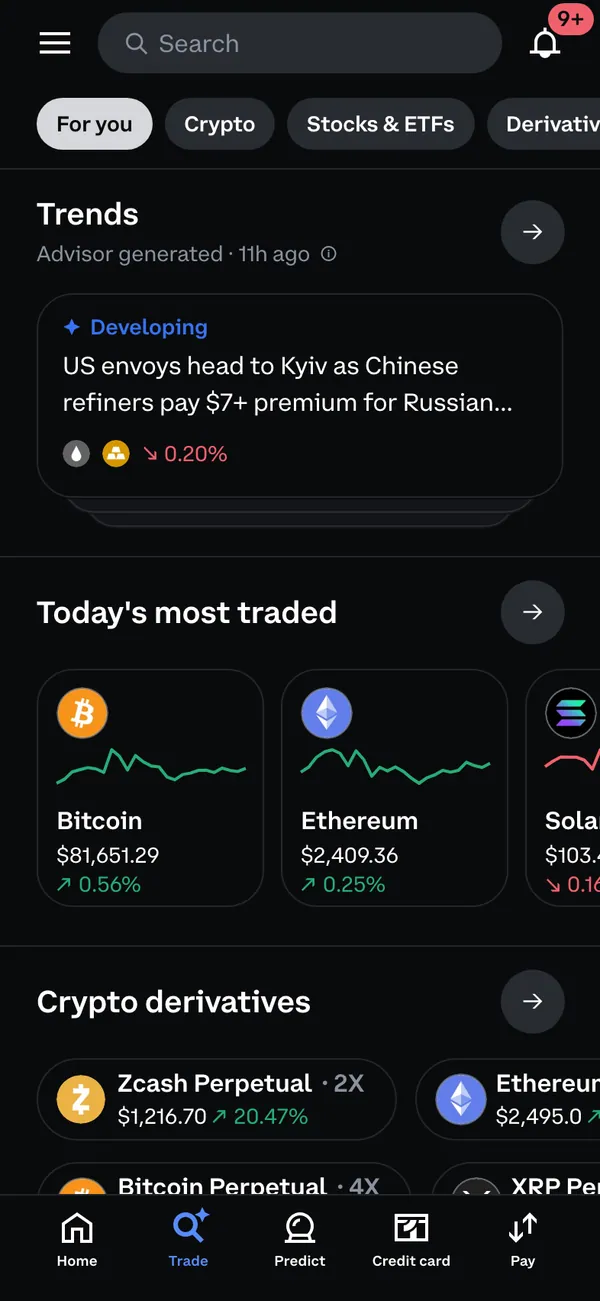
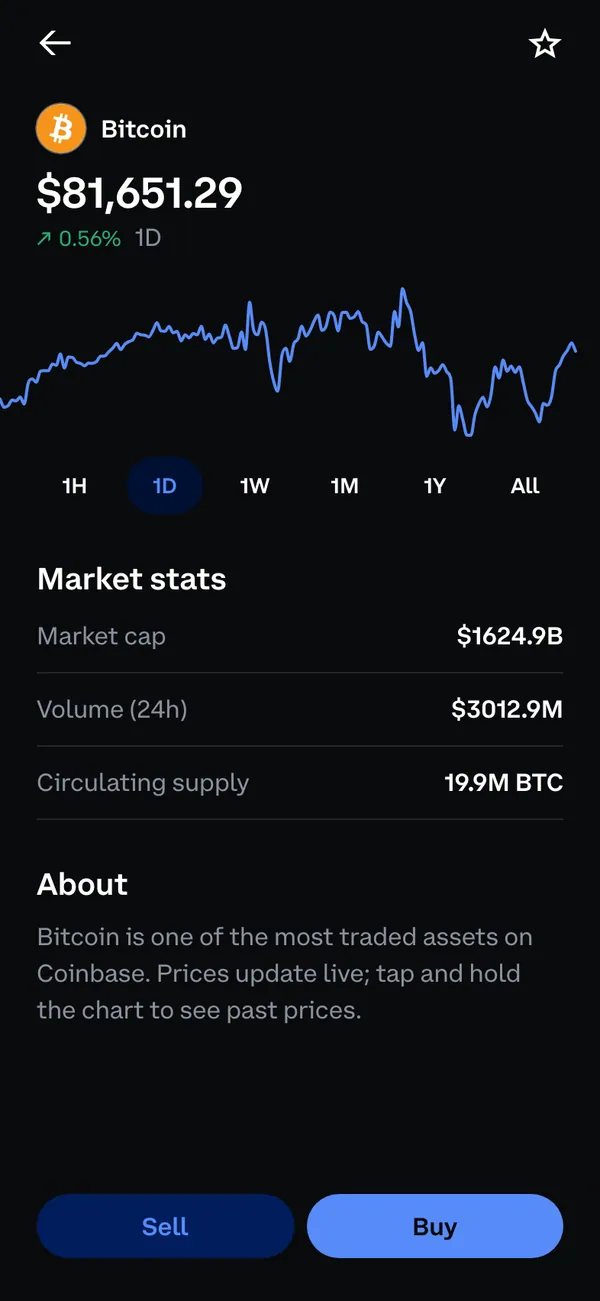
The fake Coinbase dashboard recreates the exchange and wallet. You get a portfolio home with total balance, a holdings list, a trade screen, individual asset pages and a crypto overview.
- Portfolio and holdings
- Live or fixed prices
- Trades and history
The prices setting matters for filming. Live prices keep moving while you record, which sells a market-hours scene. Fixed prices hold every figure still, which helps when you need to match a line of dialogue or match an edit.
Where it works in a video
The desktop version suits a screen-share scene: a character at a laptop, a Zoom call, a tutorial-style skit about buying the dip. The address bar shows coinbase.com, so the frame reads right from the first second.
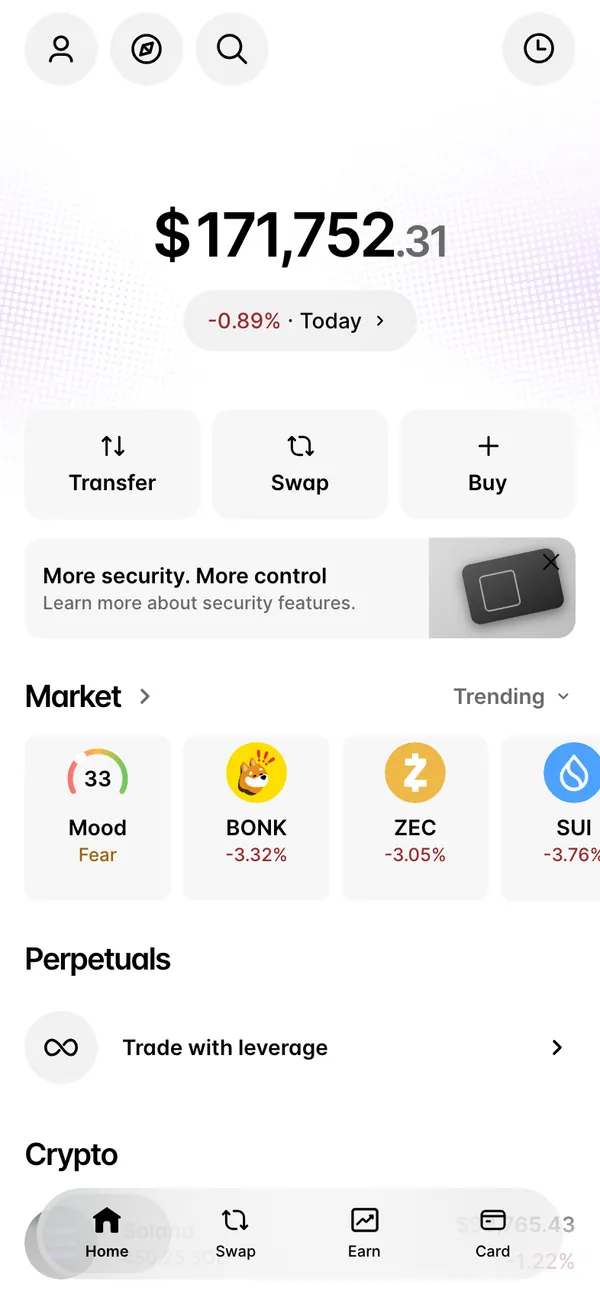
The iPhone version suits hand-held shots. Think of the friend who pulls out a phone to show a balance, or the reel where someone checks their portfolio in a parked car. Order-filled and rewards alerts can arrive while the camera rolls.
How to set up a fake Coinbase balance
- 1Pick Coinbase in your MaxLarp studio and open it on desktop.
- 2Set the persona: name, photo and currency, so the account matches your character.
- 3Enter your holdings. Choose which coins appear and how much of each.
- 4Decide on live or fixed prices. Add a scenario if you want a scripted stretch of activity.
- 5For the phone version, add it to your iPhone home screen. Allow notifications on iOS 16.4 or later.
- 6Record the screen on desktop, or use iOS screen recording on the phone.
Details that make it read as real
- Keep one dominant asset and a few smaller ones. Real portfolios are lopsided.
- Match the trade history to the story. A character who bought in last spring should have entries dated last spring.
- Open the trade screen once before the take so the first frame is not a loading state.
- On desktop, close other tabs and hide bookmarks. A clean browser frame looks like a person who is organized, not a prop.
- Keep the balance believable for the persona. Modest wins are more convincing than a screenshot that screams.
Using the alerts in a scene
The phone version can fire an order-filled alert and a rewards-earned alert. Trigger one while the character is mid-sentence and the notification does the acting for you. Switch to static when you need a single frame that holds perfectly still.
The full range of prop settings, including how live mode paces itself, is covered in live mode and fake live sales.
Staging the desktop and phone shots
Treat the two surfaces as different camera setups. On desktop, record the browser window at full size and keep the cursor slow. The Coinbase simulator shows the real address in the frame, so avoid zooming so far in that the address bar is cropped out.
On the phone, install the app to the home screen first, then record from there. If a scene needs both, shoot the desktop part first, then the phone, and match the holdings so the numbers agree. Write the portfolio total on a sticky note so the actor's line and the screen say the same thing.
Try one pass with live prices and one with fixed. Live prices give you movement for a cutaway. Fixed prices give you a clean insert you can place anywhere in the edit without checking whether a figure has drifted.
Pairs well with
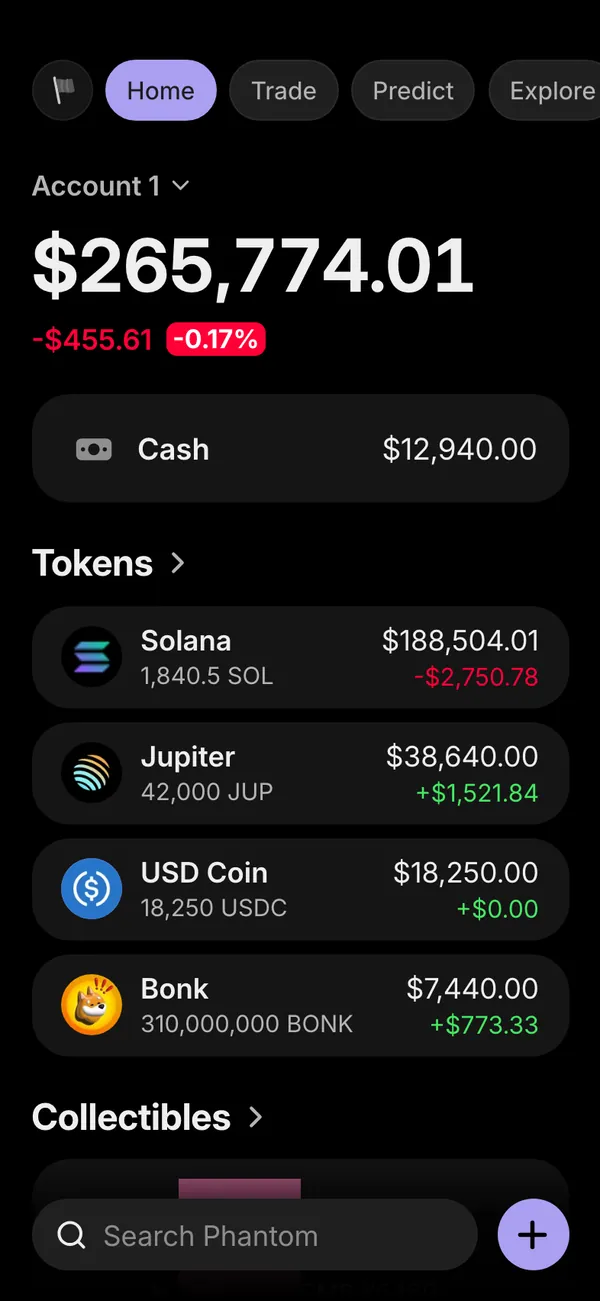
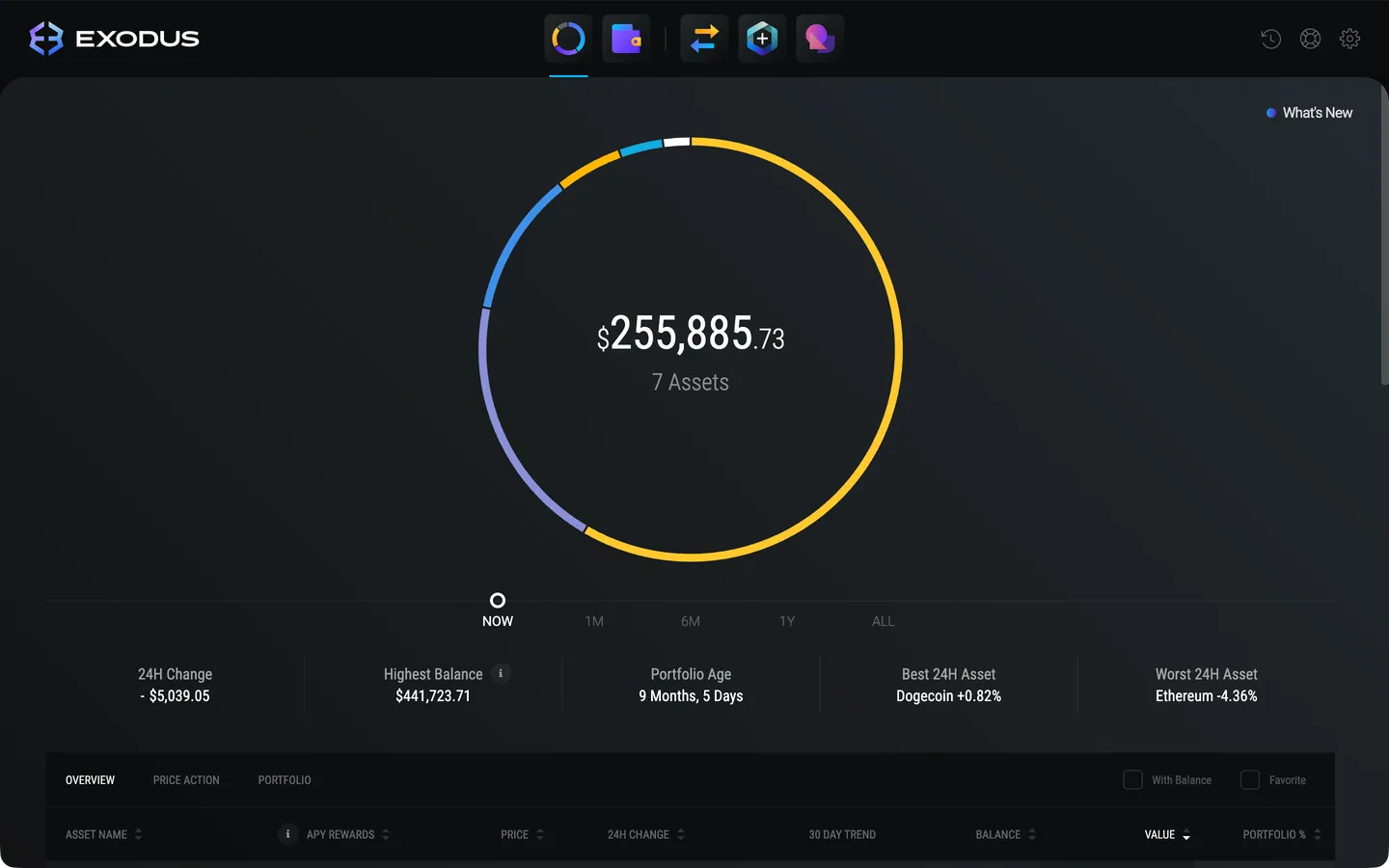
A clean crypto story has a start and an end. Show earnings in Stripe, move them into Coinbase, then send part to a fake Phantom wallet. A Cash App screen works for the cash-out moment, and the fake Cash App balance guide shows how to film it.
Open Coinbase

Questions
Does it connect to my real Coinbase account?
No. It never touches a real account, exchange or wallet. Every holding, price and trade is generated from the persona and numbers you set up in MaxLarp.
Can I use it on iPhone and on desktop?
Yes, both. On desktop it runs in your browser with coinbase.com in the address bar. On iPhone it installs to the home screen as its own app.
Is a fake Coinbase screen legal to use in a video?
As a prop in a skit, film or meme, generally yes. Presenting it as real to get money or trust from someone is deception and is not allowed. MaxLarp is not affiliated with Coinbase.
Can I fix the prices so they do not move?
Yes. Choose fixed prices for a still frame or live prices for movement. You can also switch a whole dashboard to static when a number must stay put.
Every number on MaxLarp is fictional. Not affiliated with any brand shown. Acceptable use