LarpLabs alternative: LarpLabs vs MaxLarp, compared fairly


 · 7 min read
What both tools do
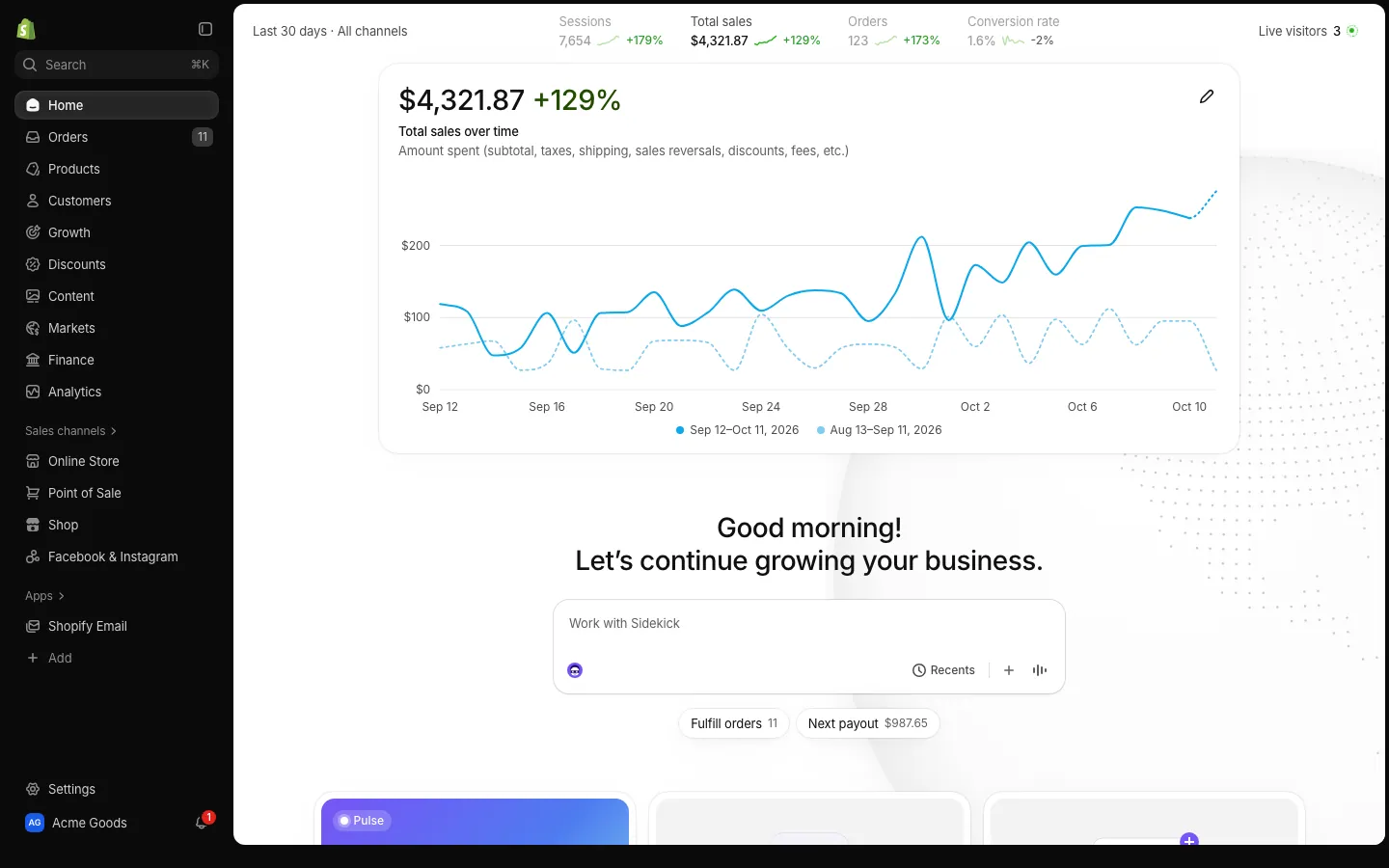
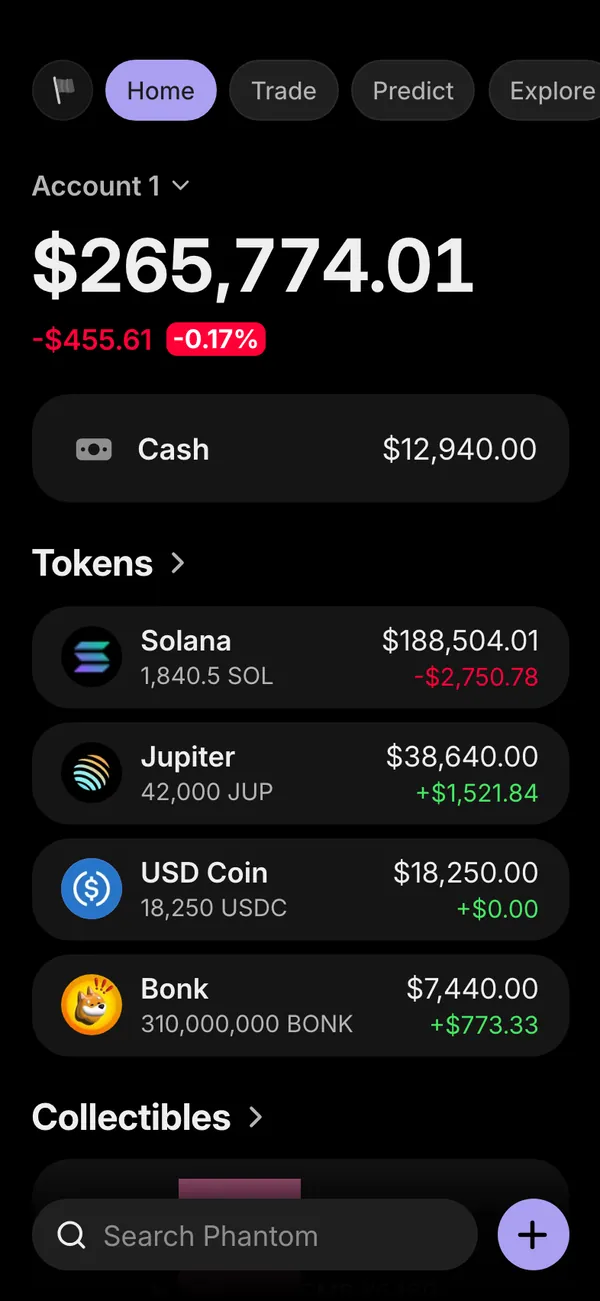
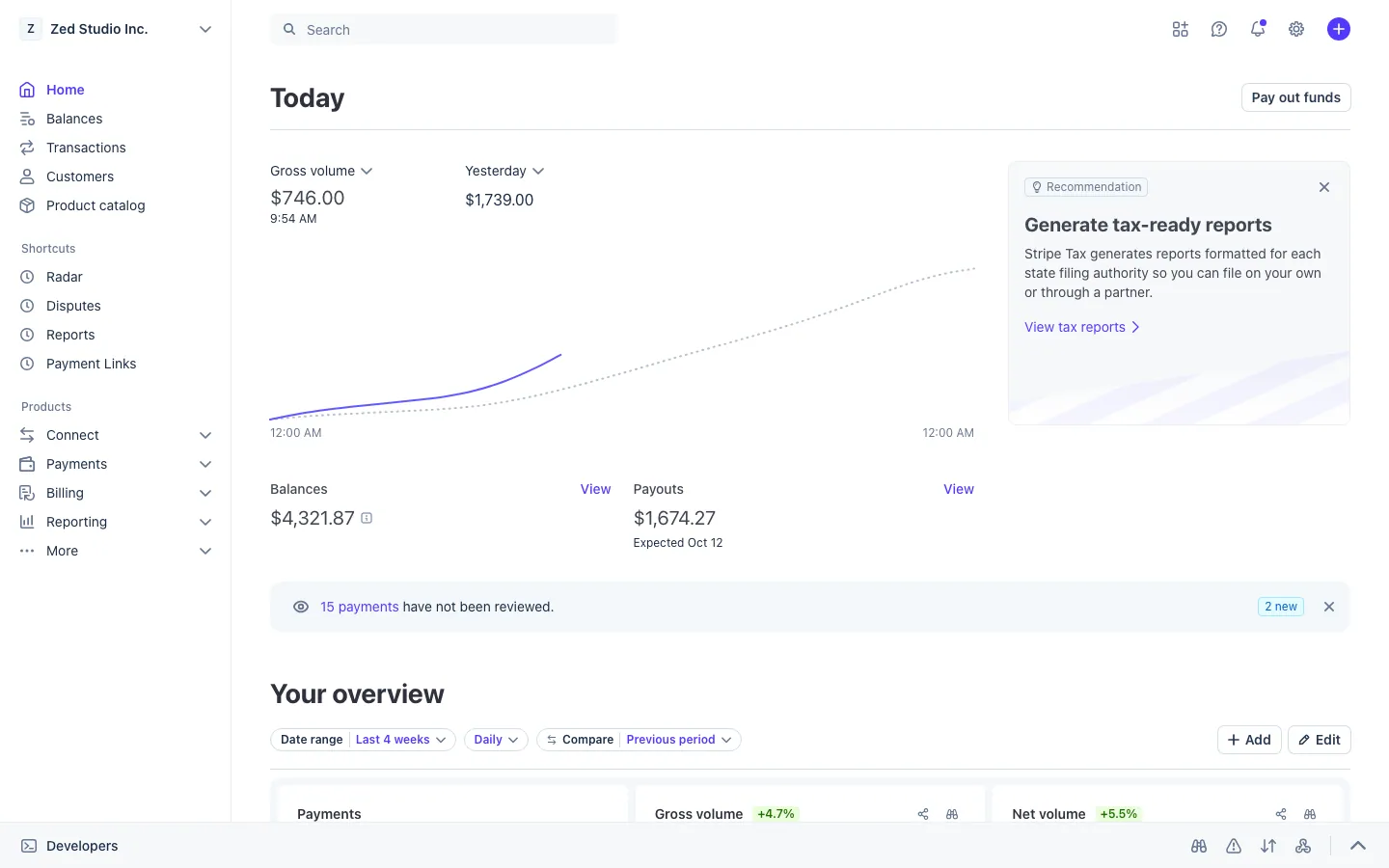
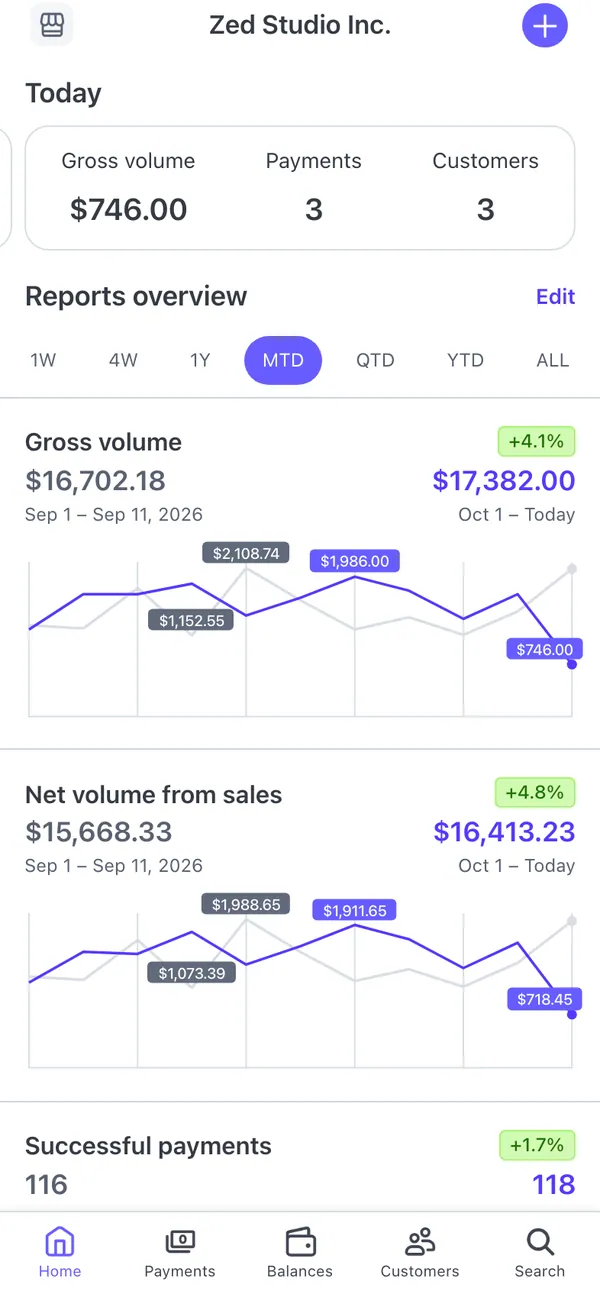
LarpLabs and MaxLarp solve the same problem. A creator needs a screen that looks like Stripe, Shopify or a wallet for a skit, a short film or a day-in-the-life reel, and does not want to blur a real account. Both tools give you a look-alike you can edit, with numbers you choose.
Both are props. Neither connects to a real account, and nothing real moves. If you are comparing them, the useful question is not which one is the "real" one. It is which one fits the way you film.
This page is a plain comparison as of November 2026. It is written by MaxLarp, so we have kept to facts you can verify on each site, and we say where we are not certain. Plans and features change, so treat anything below as a starting point and confirm it before you pay.
LarpLabs vs MaxLarp at a glance
Here is the side-by-side, using what each site states publicly in November 2026.
- Apps. LarpLabs lists 60+ apps on its Pro plan and every app on Elite. MaxLarp Pro covers almost the whole catalogue in one membership, and you can also buy a single app or a pack.
- Free tier. LarpLabs has a free plan with a small set of tools and screenshot previews carrying a LarpLabs badge. MaxLarp offers free tries of Shopify, Stripe, Coinbase, Phantom, YouTube and TikTok.
- Plans. LarpLabs sells Free, Pro and Elite, and some apps sit in the higher tier. MaxLarp sells a Pro membership, single apps and packs, and a few premium apps can sit in a separate Elite tier.
- Computer app. LarpLabs has a Windows desktop app. MaxLarp has a Mac app, the MaxLarp Companion.
- Phone. LarpLabs apps install to the home screen. MaxLarp phone apps install to the iPhone home screen and send their own notifications.
- Stock library. LarpLabs lists a stock library of more than 12,000 photos and clips. MaxLarp's Vault holds 100,000+ clips.
- Refunds. LarpLabs states that all sales are final. Read the MaxLarp terms and the LarpLabs refund page side by side before buying either.
Neither list is complete. They cover the points people ask about most.
Where the two differ in practice
One story across every app. In MaxLarp you set up a persona once: a name, a city, a currency and income streams. The store, the payments account, the wallet and the notifications all pick up their share, so the numbers agree when you cut between screens. The persona guide walks through it. If your videos show more than one app, this saves the most time.
Live mode and notifications. MaxLarp can keep a dashboard moving while you record. Orders arrive, totals tick up and your iPhone buzzes with the matching notification. Switch to static when a figure has to stay put. See live mode and fake sales in real time for how a take works.
The Mac side. If you edit on a Mac, the MaxLarp Companion opens wallet apps such as Exodus and Ledger as their own Mac apps. If you work on Windows, LarpLabs's Windows app is the closer match. That is a real reason to pick one over the other, and it has nothing to do with the dashboards themselves.
Pricing structure. We are not quoting prices here because they change. What you can compare is the shape. Both sell plans, and both can place a few premium apps in a higher tier. Count which apps you will use and check which plan covers each one on both sites.
A worked example: one video, three screens
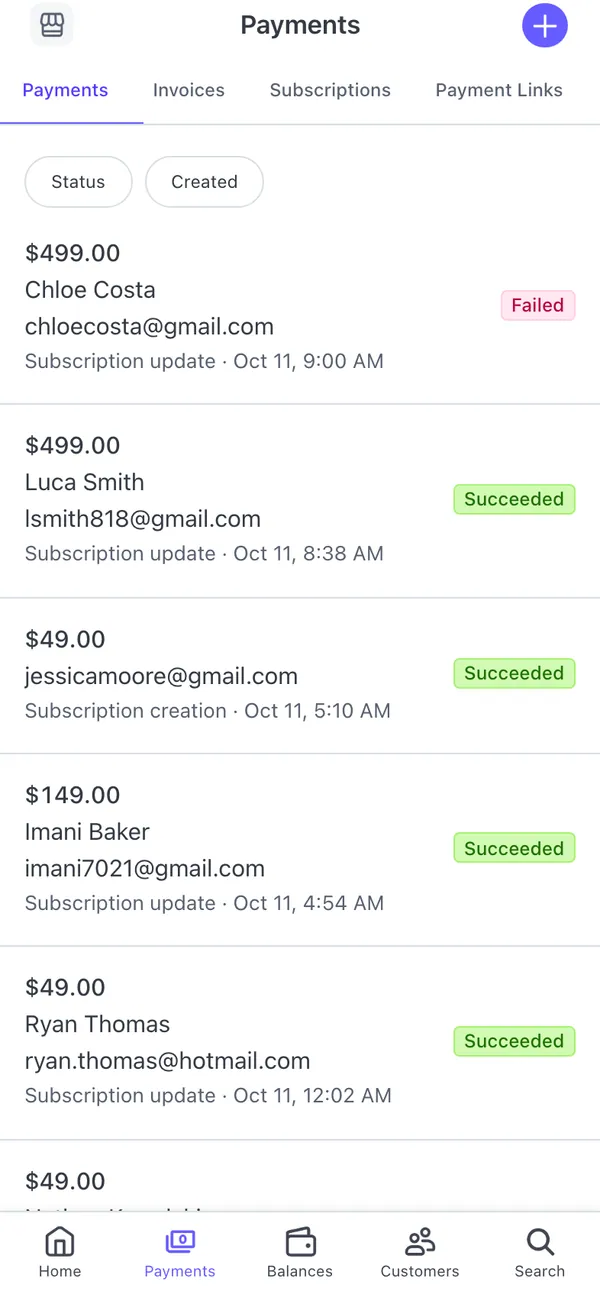
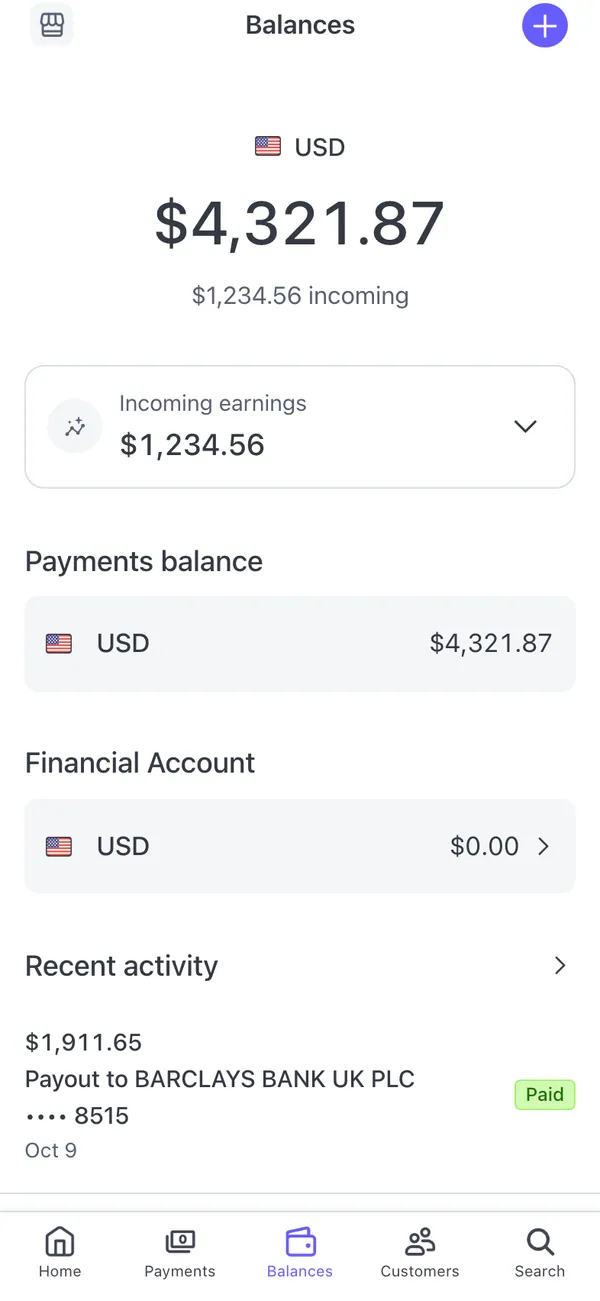
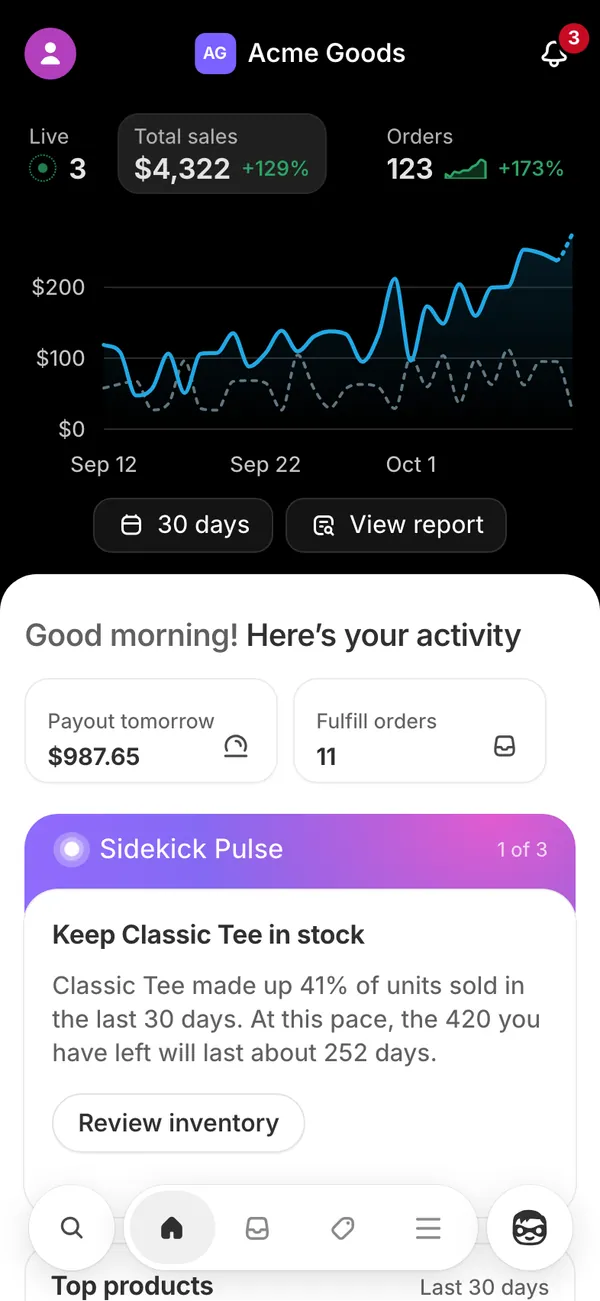
Say your next video is a day in the life of a store owner who also dabbles in crypto. It needs a store dashboard, a payments balance and a wallet. That is three apps, and the way each tool sells them changes the picture.
Check that each of the three is included in the plan you would buy on either site, and whether any sits in a higher tier. Then spend your time on the script. The point is to do the sum with your own list, not with a headline count.
Then look at consistency. If the store shows a busy morning and the payments screen shows a quiet one, the scene falls apart on the second cut. A persona that feeds all three screens from one set of figures removes that risk. If your tool of choice does not do that, plan to match the numbers by hand and double-check them before you record.
Finally, think about what happens during the take. If you want an order notification to arrive on your phone exactly when the voiceover mentions it, you need a tool that sends notifications to the device you are filming with. Test that with one short clip before you commit to a plan.
Which one fits which creator
Choose LarpLabs if you work on Windows and want the desktop app, if the free tier covers a one-off video, or if its list of apps matches what you need.
Choose MaxLarp if you film on an iPhone and edit on a Mac, if your videos show a store, a wallet and a payments screen in the same story, or if you want notifications to land on camera during a take.
A quick way to decide:
- 1Write down the three apps your next video needs.
- 2Open each site and confirm those three are included in the plan you would buy.
- 3Try a free version where one exists. MaxLarp has free tries at Shopify, Stripe and Coinbase, among others.
- 4Film one test clip with each tool and watch it on your phone at full size.
- 5Pick the one whose screens read cleanly and whose workflow you will actually repeat.
If you want a broader view that includes other tools, the best larp apps roundup covers six of them.
The fair case for LarpLabs
It would be unfair to write this page without saying what LarpLabs does well. Its free plan lets you try a small set of tools without paying, which suits a one-off project. It has a Windows desktop app, which matters if you edit on a PC. It is available on the web and as home-screen apps on a phone, and it lists a stock library alongside the dashboards.
It also has a longer track record in this niche than most newer tools, so its catalogue is wide. If a specific app you need is in it and not in ours, that settles the question. Ask the same of any tool, including this one: does it have the exact screens your script calls for?
What to check yourself before you buy
Any comparison written by one of the two companies deserves a second look. These are the points worth confirming on the official pages, today, not from memory:
- The exact list of apps in the plan you would buy, not just the headline count.
- Whether the apps you need work on the device you film with.
- The refund and cancellation terms, written down.
- Whether previews or exports carry a watermark or badge.
- Whether the tool needs a cable, a desktop app or anything installed on your phone.
Both tools are for props. Keep your content honest: label skits as skits, and never use a fake screen to convince someone to hand over money or trust. The legal and responsible use guide lays out where the line sits. A fake dashboard is a prop for the camera, not proof of anything.
The apps in this post

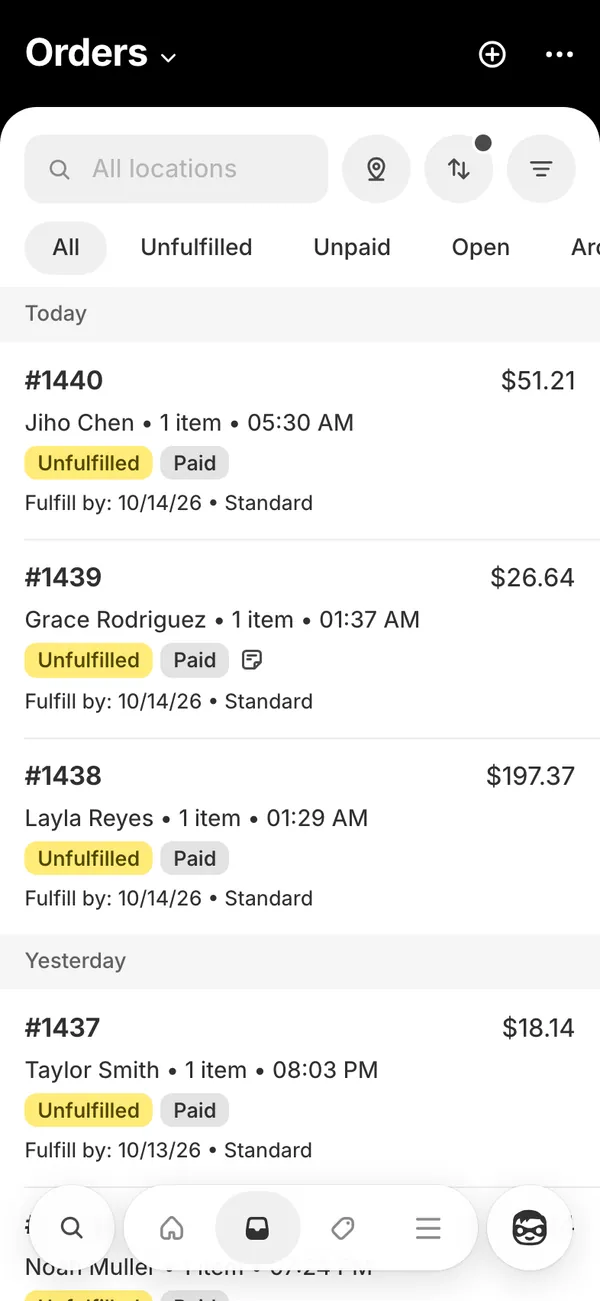
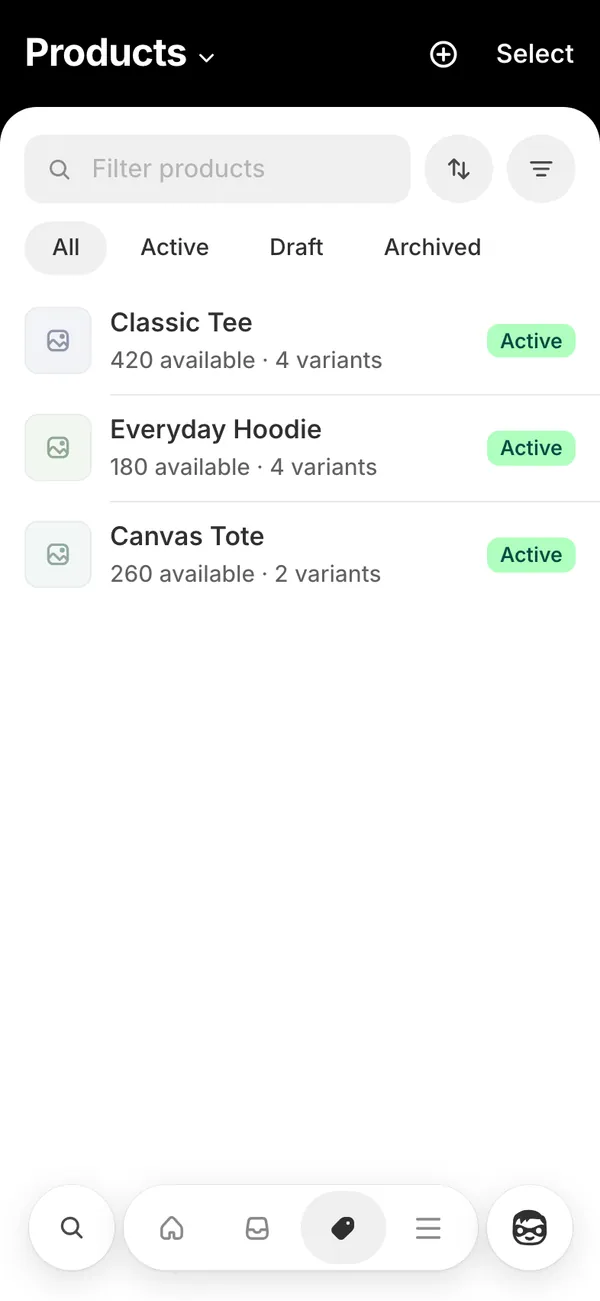

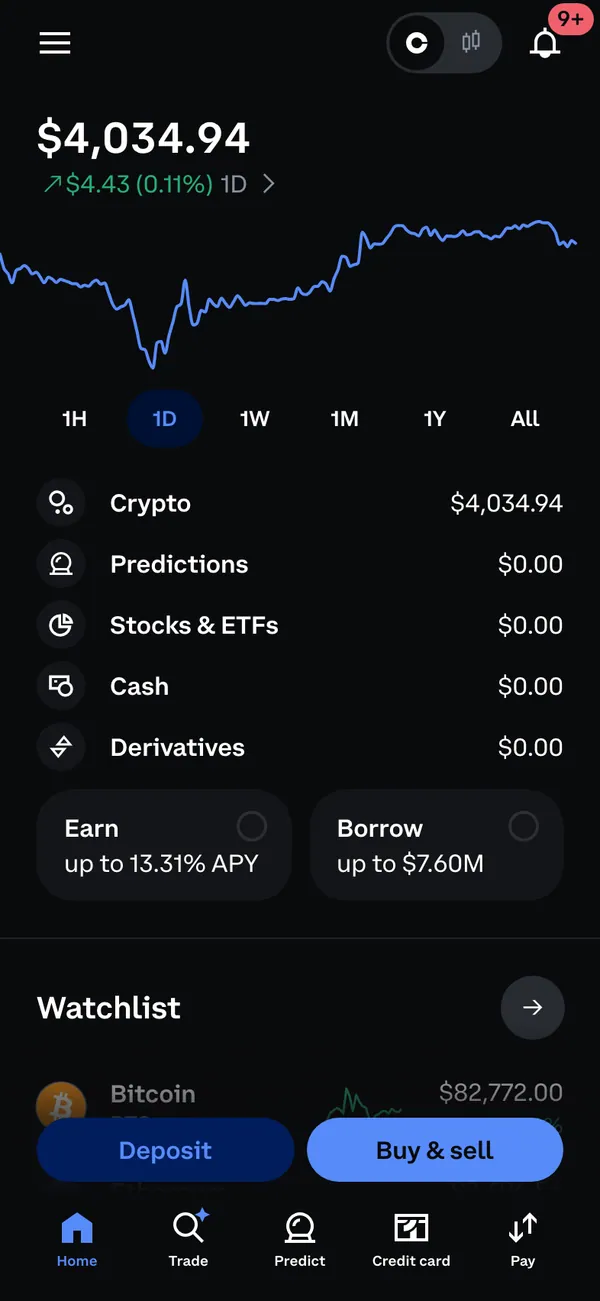
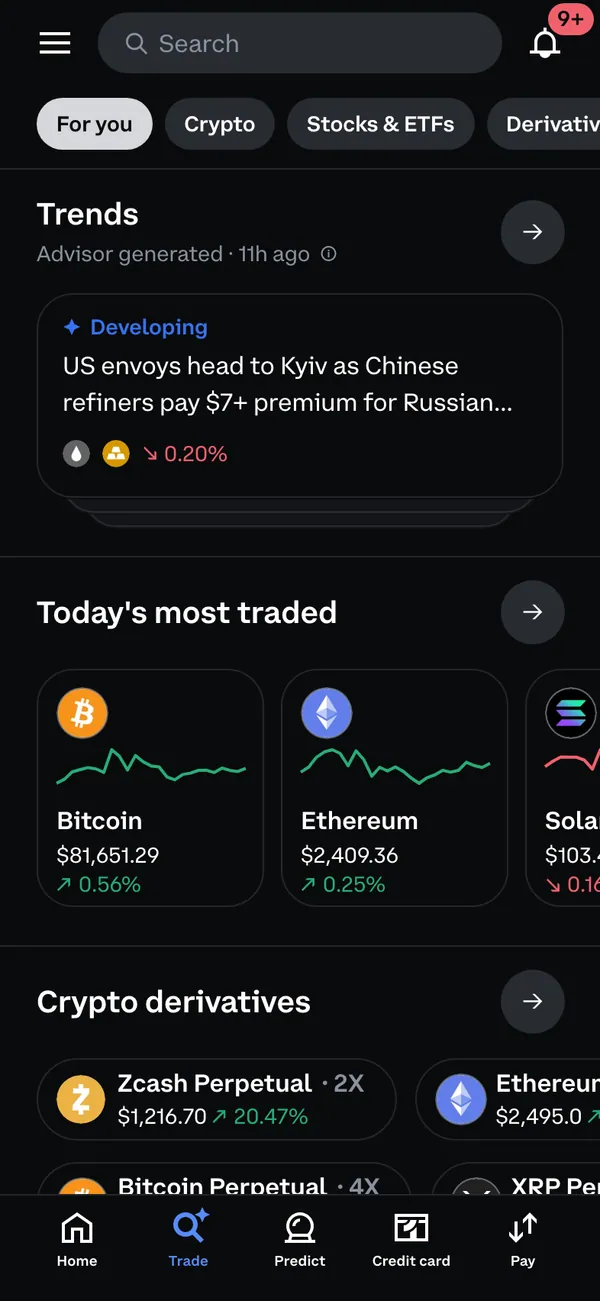
Questions
Is MaxLarp a good LarpLabs alternative?
It is a fit if you film on iPhone, edit on a Mac and want a membership that covers almost the whole catalogue, with a persona that keeps the numbers consistent. If you work on Windows, LarpLabs has a Windows desktop app, so it may suit you better.
Does LarpLabs have a free plan?
As of November 2026, LarpLabs lists a free plan with a small set of tools. Its previews carry a LarpLabs badge. Check its pricing page for the current limits. MaxLarp offers free tries of Shopify, Stripe, Coinbase, Phantom, YouTube and TikTok.
Does MaxLarp have a Windows app?
No. MaxLarp has a Mac app, the MaxLarp Companion, and the dashboards also run in a desktop browser. Phone dashboards install to the iPhone home screen. LarpLabs lists a Windows desktop app.
How big is the MaxLarp clip library?
The MaxLarp Vault holds 100,000+ clips. LarpLabs lists a stock library of more than 12,000 photos and clips on its site. Both are meant as b-roll for videos, so check the licence terms of whichever you use.
Are these comparisons up to date?
They reflect what each site stated in November 2026. Plans, apps and policies change, so confirm the details on the official pages before you buy.
Every number on MaxLarp is fictional. Not affiliated with any brand shown. Acceptable use