Fake live sales: how live mode moves your dashboards in real time

 · 4 min read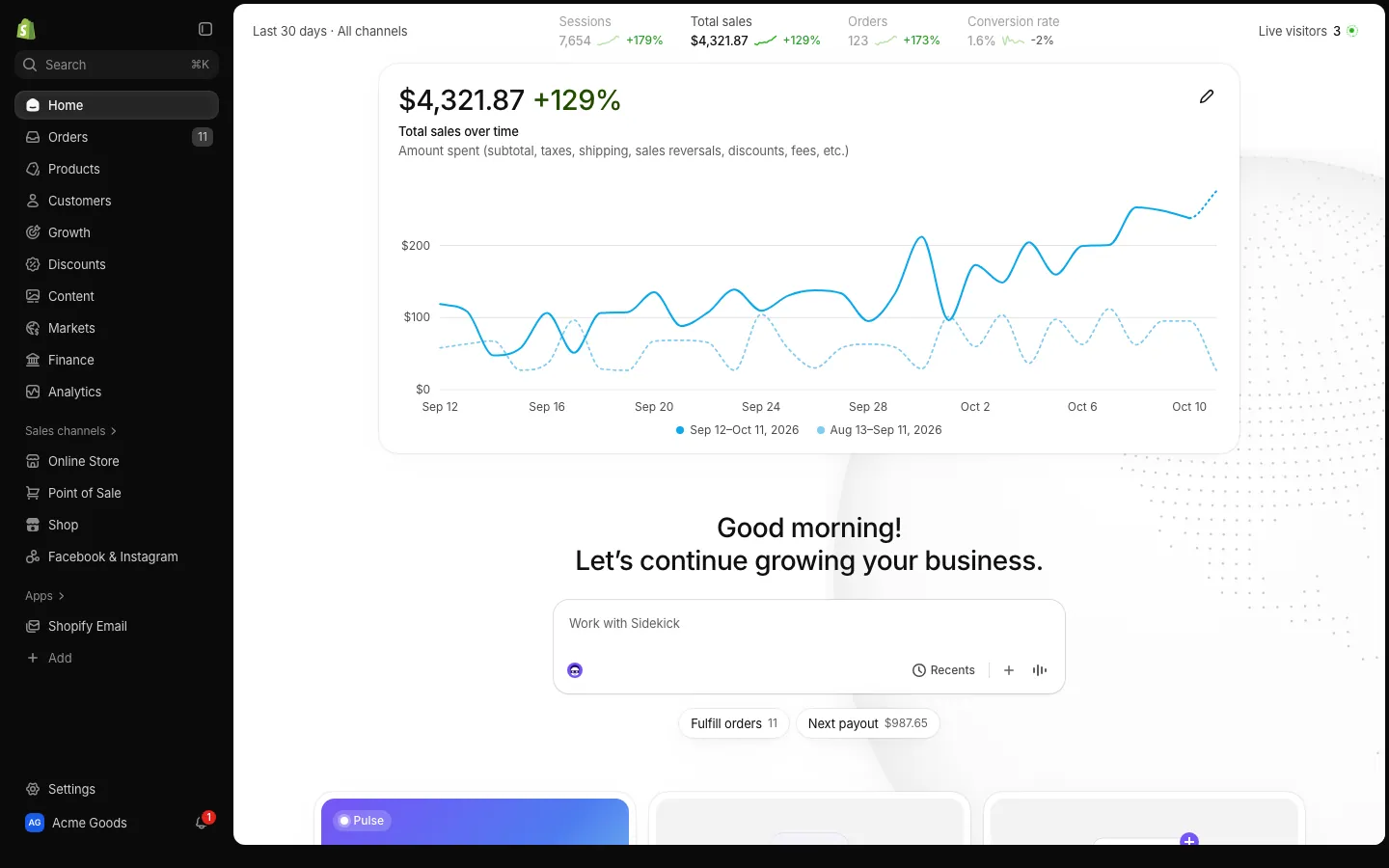
What live mode does
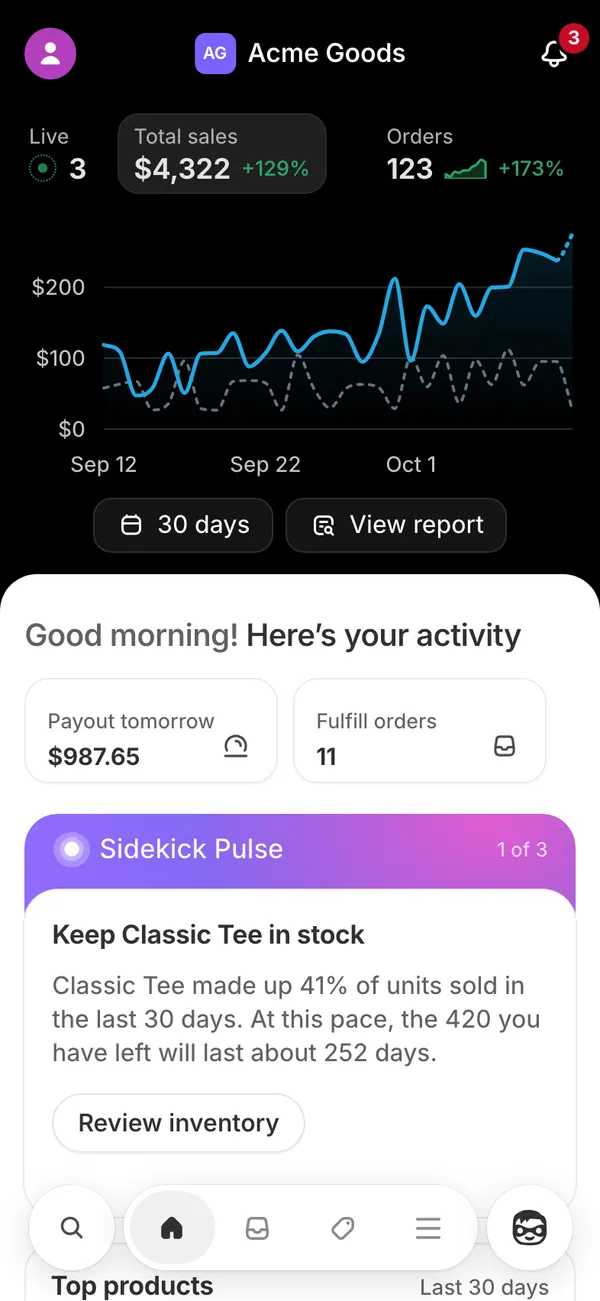
A static screenshot of a dashboard looks like a screenshot. A dashboard that changes while you watch looks like a business. Live mode is the difference. Once it is on, the app keeps going without you touching it: orders land at believable intervals, totals tick up, charts extend and your phone buzzes.
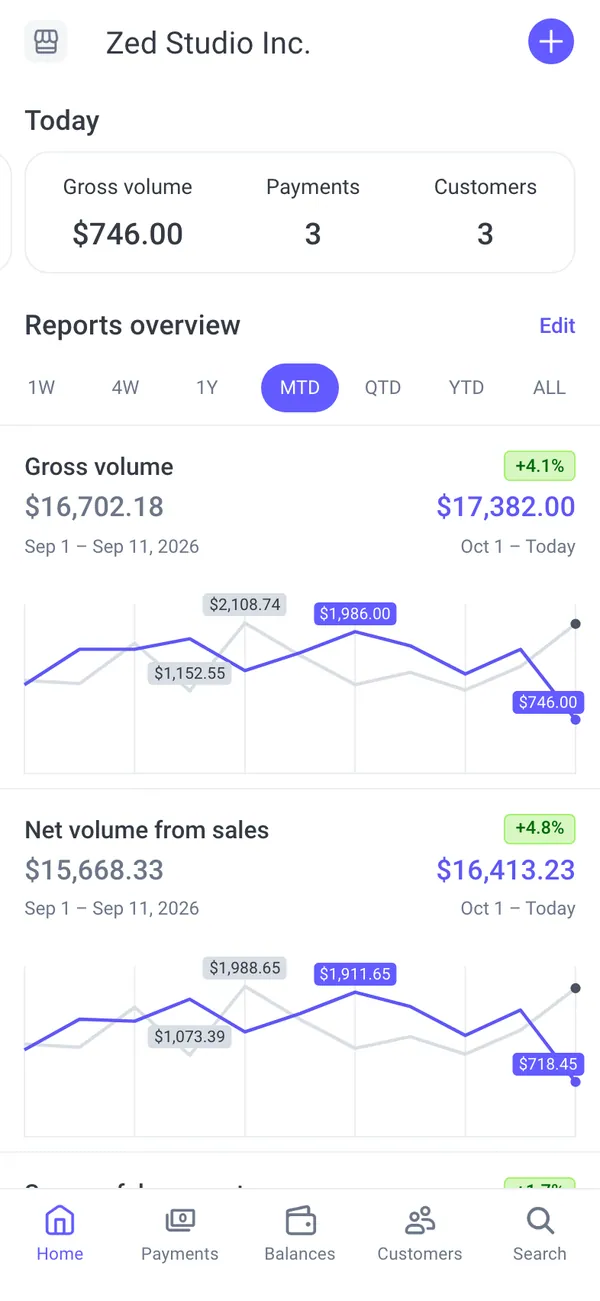
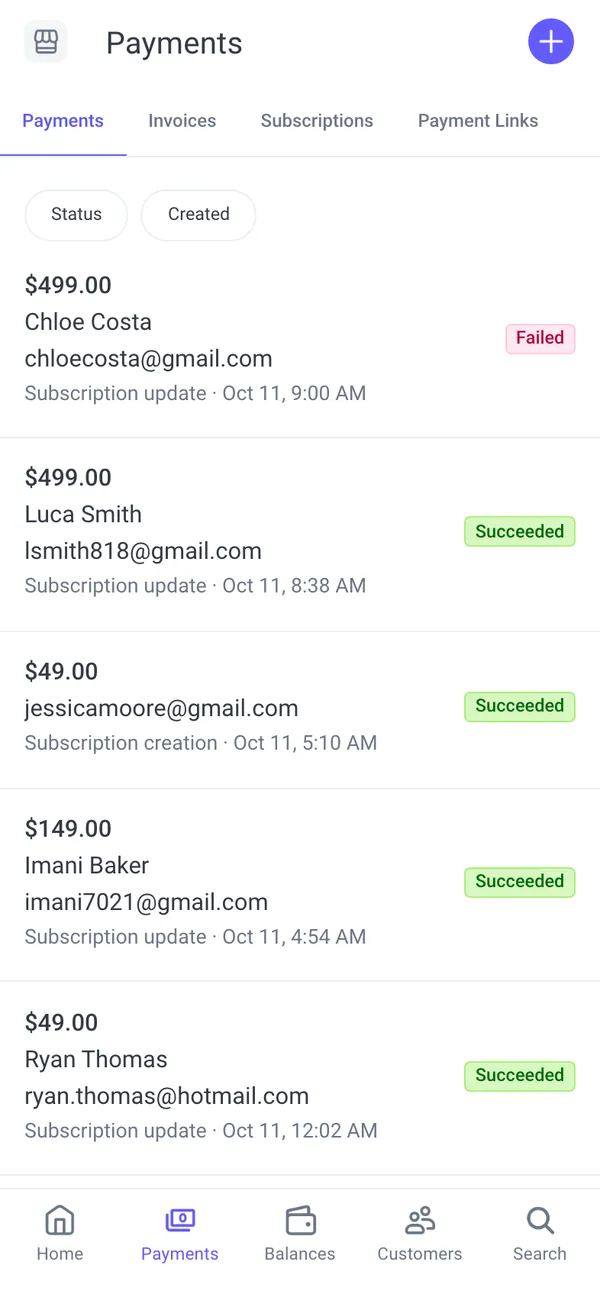
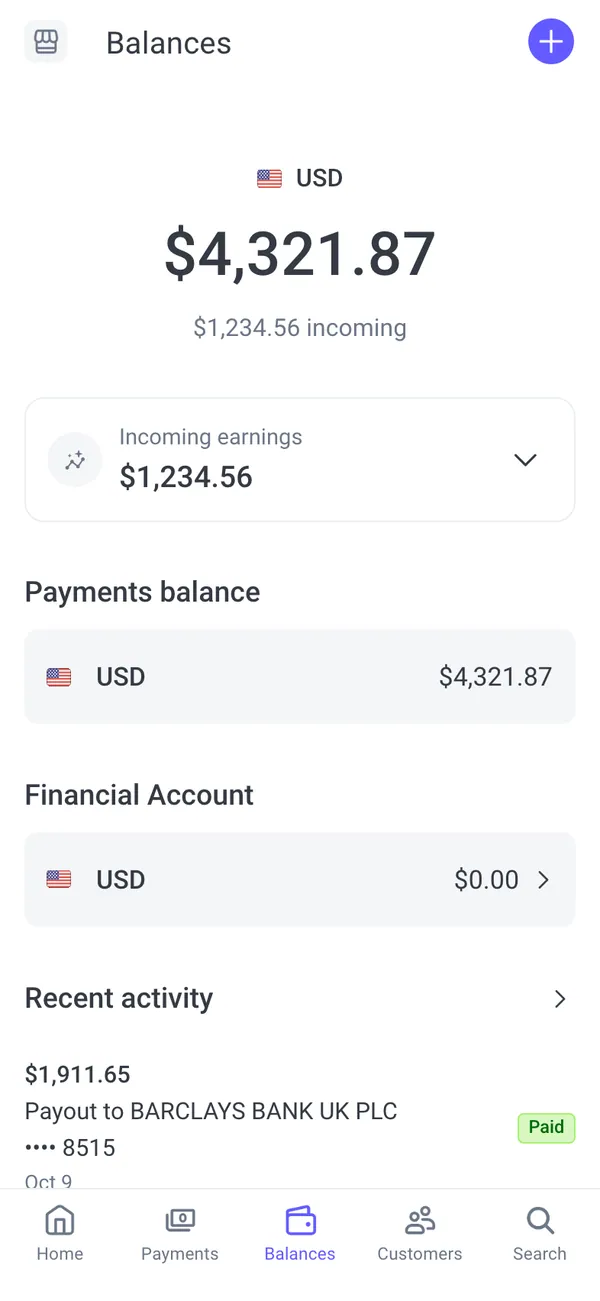
On Shopify that means new orders and the order sound on each sale. On Stripe it means volume and balance moving, payouts and new subscriptions arriving. Other apps follow the same idea in their own style, with alerts that fit the platform.
Live, static or scenario: which to use
Three modes cover almost every shot.
- Live: the dashboard moves by itself. Use it when the viewer should see activity, or when a notification has to land during the take.
- Static: every number stays where you set it. Use it for close-ups of a specific figure, screenshots and anything where a number changing under your cursor would be a problem.
- Scenario: a scripted stretch of time played on top of your normal month. Pick a "€10K day" and the whole day plays out order by order and notification by notification.
Switch between them whenever you like. Many creators shoot a static close-up of the hero number, then switch to live for the wide shot.
A simple rule helps: use static when the shot is about one number, live when the shot is about momentum. A close-up of a balance wants to hold still. A "my phone will not stop buzzing" moment wants the opposite.
Set up fake live sales on your phone
- 1Check your iPhone runs iOS 16.4 or later. Notifications for home-screen apps need it.
- 2Open the app, add it to your home screen and allow notifications when asked.
- 3Set up your persona or choose a preset, so the starting numbers make sense. The persona guide shows how.
- 4Turn on live mode, or pick a scenario if you want a scripted day.
- 5Start the screen recording, lock the phone or stay in the app, and let the activity arrive.
The screen recording guide covers Focus mode, clean status bars and pacing. For notification-specific setup see fake payment notifications on iPhone.
Scenarios: scripted days
Live mode generates activity on its own. A scenario is written. If your video says "I closed ten thousand euros in one day," a scenario plays that day through, order by order, so the totals match the claim in the voiceover.
Because a scenario sits on top of your normal month, the rest of the story stays intact. The month before and after the big day still looks like your persona's usual numbers, which makes the spike read as an event rather than a baseline.
That is helpful for storytelling because the dashboard and the narration agree. It also removes the waiting: instead of hoping a quiet hour does not ruin the take, you start the scenario and the day moves at the speed your video needs.
What arrives on your phone
Each phone app installs on its own and sends its own notifications. A few examples of the kinds of alerts that fit:
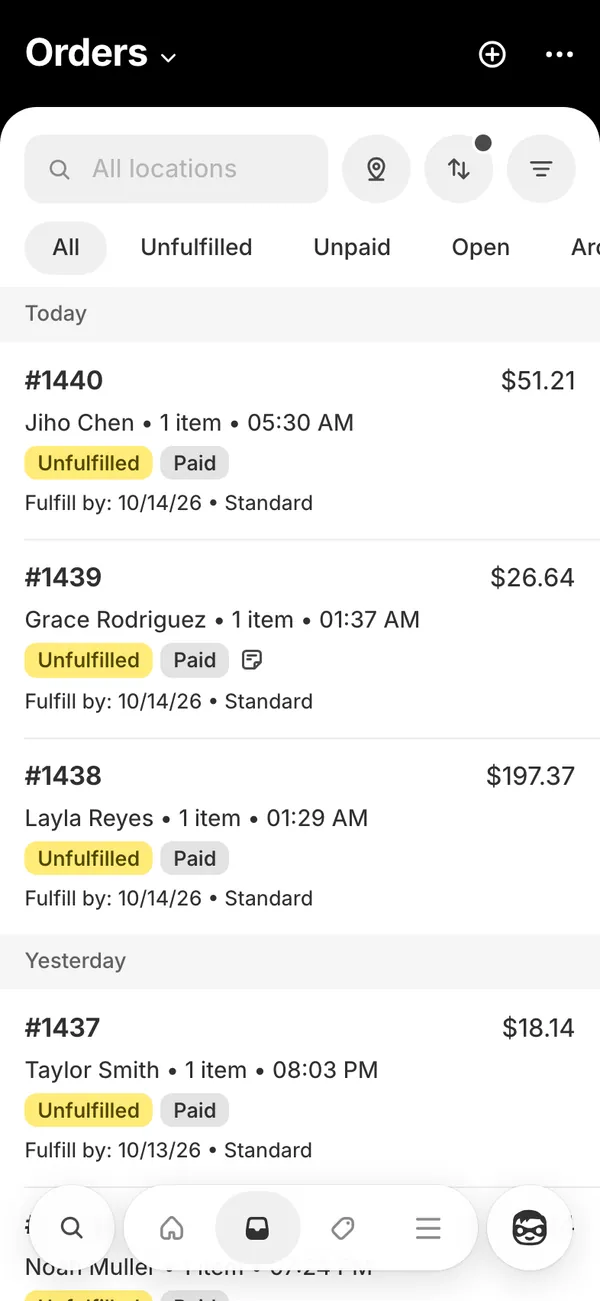
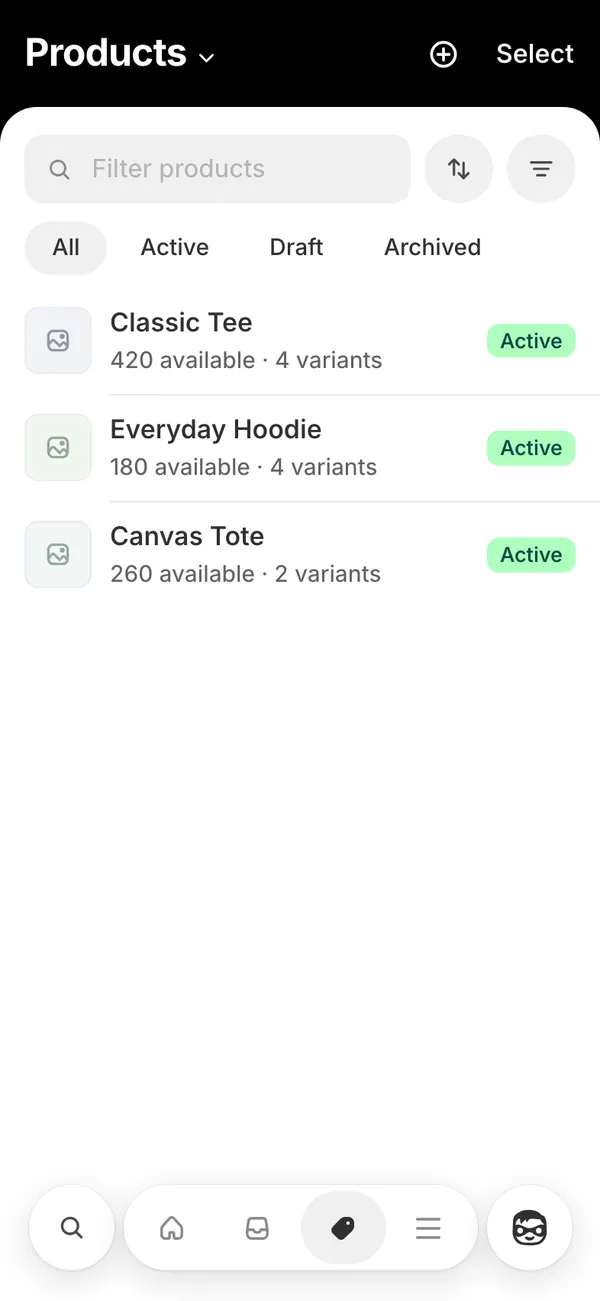
- Shopify: an order alert with the store name, plus the order sound.
- Stripe: "Payout of an amount is on the way" and "New subscription" alerts.
- YouTube: "You earned" yesterday, new subscribers and view milestones.
- Coinbase and Phantom: received assets, filled orders and swaps.
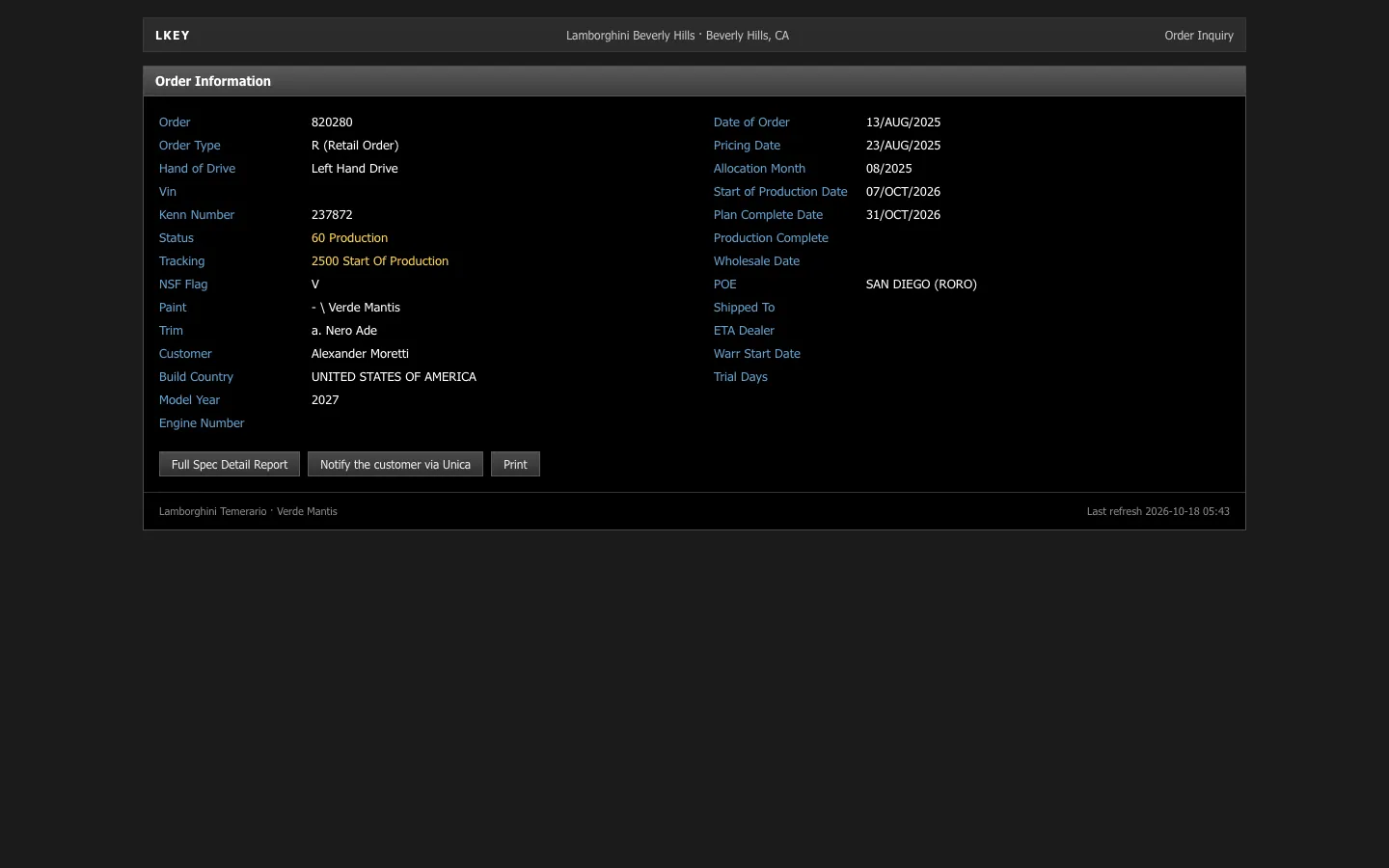
- Car order trackers: order confirmed, production started, VIN assigned and delivery scheduled.
A notification that arrives mid-scroll looks real in a way a recorded overlay never does. Add a sound bed that leaves room for the Shopify order sound.
One practical point: a notification only arrives while the phone is allowed to show it. If you use Focus mode to keep real messages out of the take, allow the fake app through, or the banner you came to film will be silenced with everything else.
Make the activity believable
Real stores are uneven. A long gap and then two orders in a minute reads as genuine, while a sale every thirty seconds does not. Pick a time of day that fits the persona and the audience's time zone. Do not let a brand-new character earn like an established one.
Keep the figures in proportion across apps: a Shopify morning in the low thousands should lead to a Stripe balance of a similar size. And say it is a prop when the context could confuse people. The responsible use guide explains why.
The apps in this post


Questions
What is live mode in MaxLarp?
Live mode makes a fake dashboard update itself: orders arrive, totals rise, charts grow and your phone receives push notifications. It is built for screen-recording, so the footage shows real activity instead of a still image.
Can I freeze the numbers?
Yes. Switch to static mode and every number stays where you set it, which is useful for close-ups, screenshots and any shot where a figure changing would be distracting.
What is a scenario?
A scenario is a scripted stretch of time played on top of your normal month. Choose something like a ten-thousand-euro day, and the whole day plays out order by order and notification by notification.
Do I need iOS 16.4 for notifications?
Yes. On iPhone, notifications need iOS 16.4 or later and the app added to your home screen. Without that, the dashboard works but live notifications will not arrive on the phone.
Every number on MaxLarp is fictional. Not affiliated with any brand shown. Acceptable use