Fake persona: one fictional story across every fake app

 · 4 min read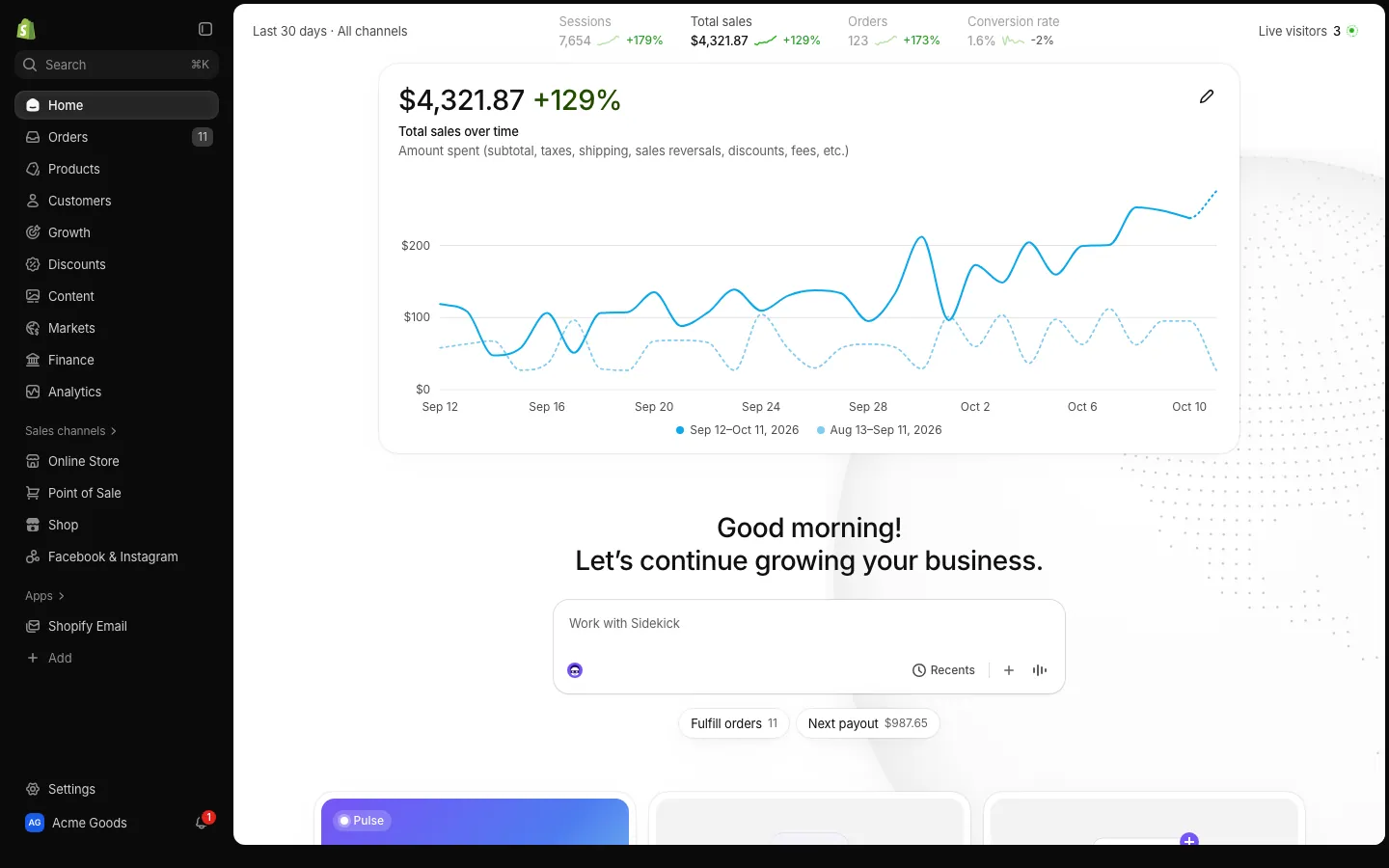
What a persona is
Fake screens fall apart when they disagree with each other. A store that makes forty thousand a month sitting next to a payment app with a few hundred dollars looks wrong in a way viewers feel even if they cannot say why. A persona fixes that.
The persona is a made-up character you define once: a name, a photo, a city, a currency and the income streams behind the money, such as a store, a crypto bag or a creator account. Each dashboard takes the part of that story it needs. Shopify shows the store, Stripe shows the payments and the Apple Wallet app shows the card in the pocket.
Set up a persona in four steps
- 1Create the character: name, profile photo, city and currency. Pick something that fits your video, not a real person.
- 2Add the income streams. A store, a crypto holding and a creator channel give you three different dashboards to film.
- 3Start from a preset so the numbers make sense for that type of business, then adjust.
- 4Open each app you plan to film and check that the names, photos and totals match the script.
Do this once at the start and every later app reuses it.
A good habit is to write the character down in one sentence before you open the app, for example "a 27-year-old in Austin who sells candles online and holds a little Solana." If you cannot describe the person in a sentence, the numbers will drift when you start tweaking them.
An example: one persona across five apps
Take a fictional character called Maya Torres, who lives in Austin, earns in dollars and runs a small store with a side crypto bag. Here is how the story could be spread out:
- Meta Ads opens the video with campaign spend and ROAS. It follows the store's sales, so the ad numbers and the orders agree.
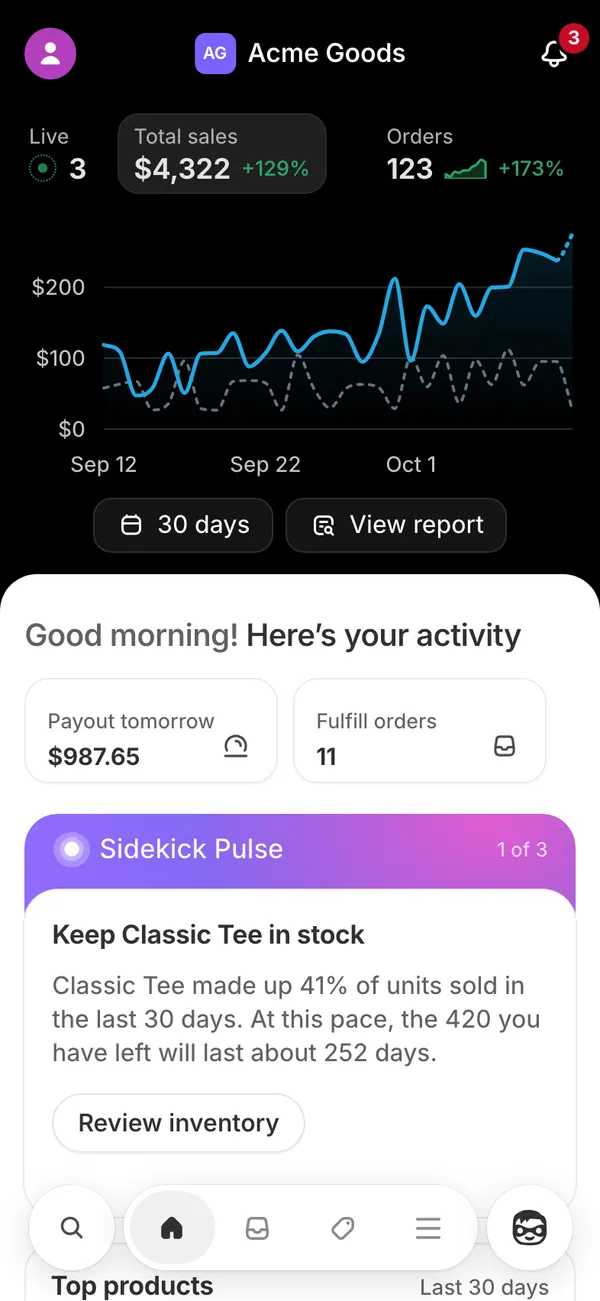
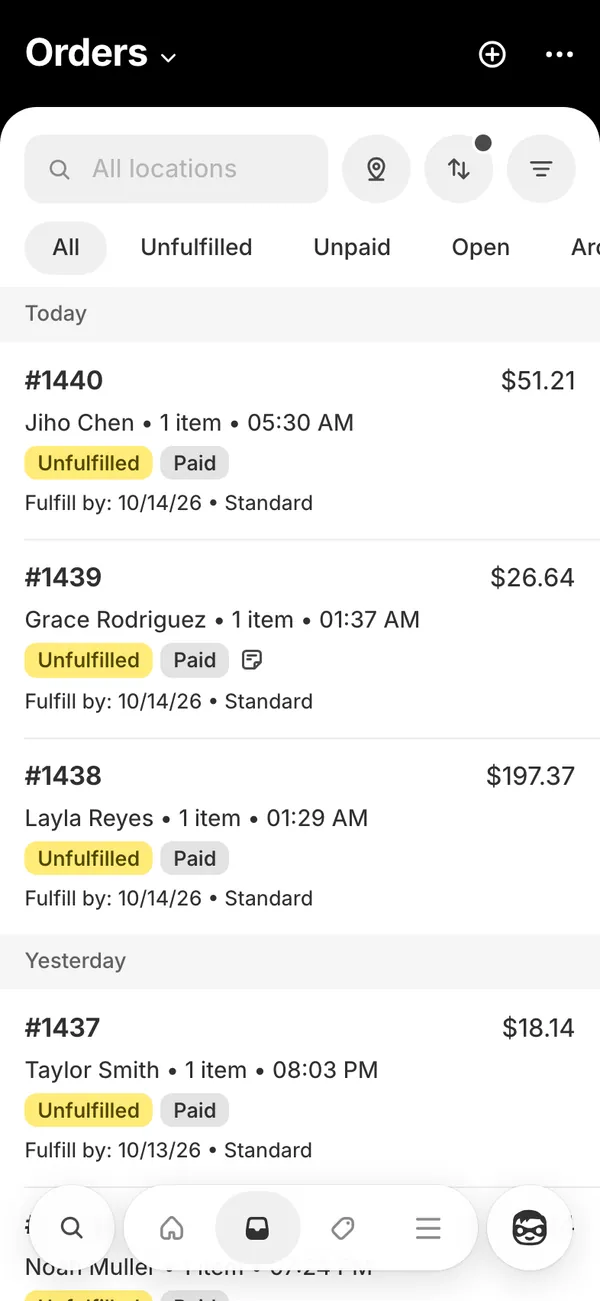
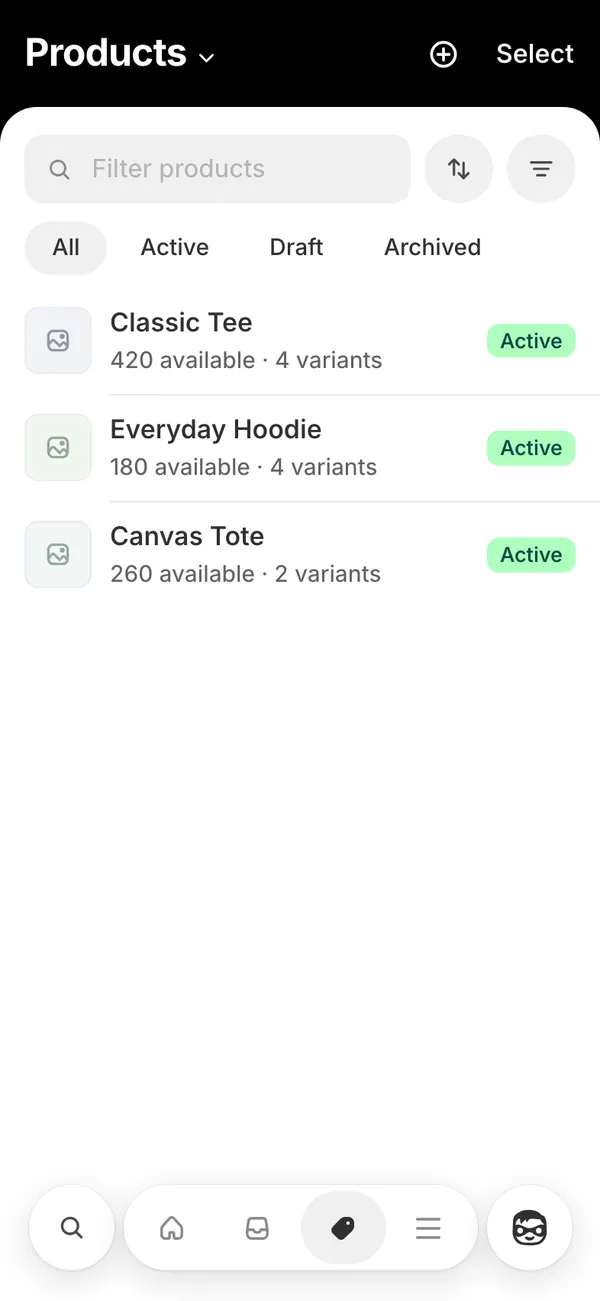
- Shopify shows the orders coming in, with the order sound, and the store name matching the persona.
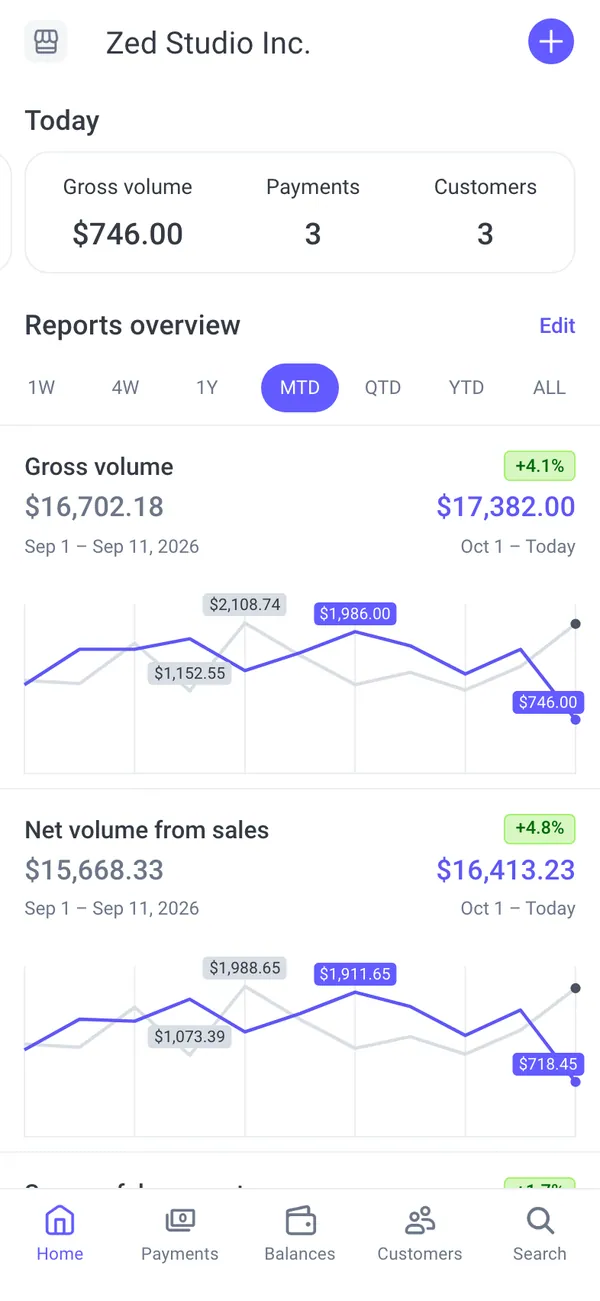
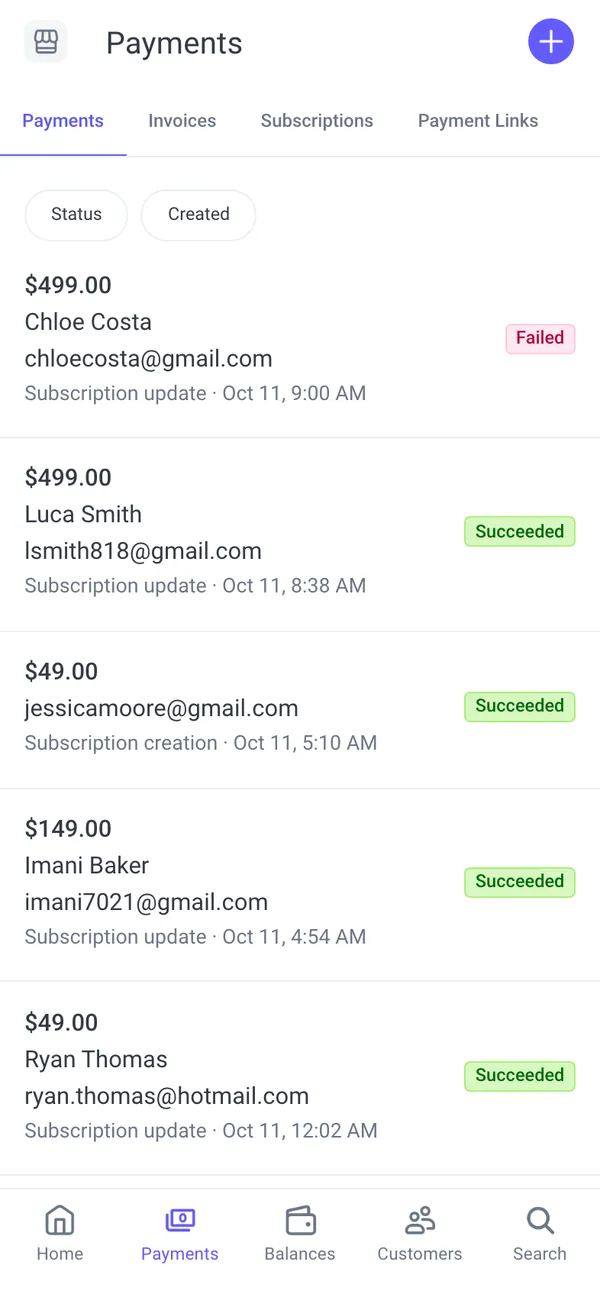
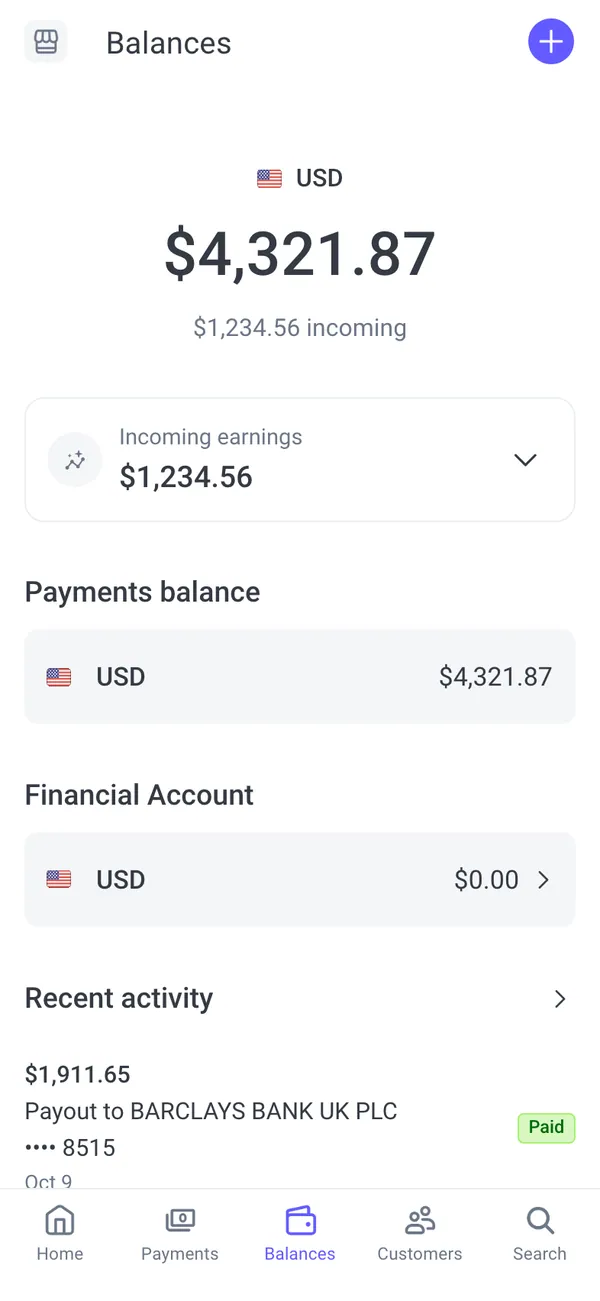
- Stripe shows the balance and a payout on the way.
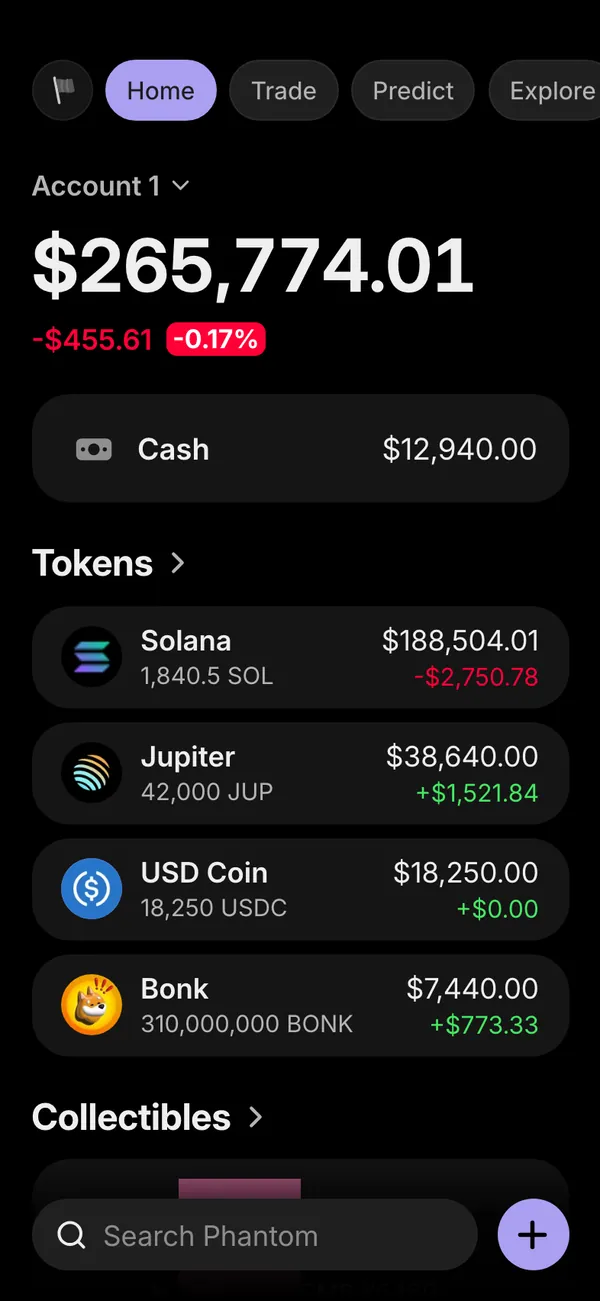
- Phantom shows a modest token balance, because her crypto stream is small next to the store.
- Apple Wallet closes with a card, the reward for a good week.
That chain is the same one many real founders show in a day-in-the-life reel, and the audience reads it without help. See fake Shopify sales and fake Apple Wallet card for the individual screens.
Income streams that make the numbers add up
The streams are what keep the story plausible. Think about proportions before you think about totals.
- A store with a big ad spend should have orders and revenue that justify it.
- A creator channel with a small audience should show small revenue, not a large one.
- A character who just started should have a small balance and a short history.
- A character who is rich should own more than one thing. One stream with a huge number looks staged.
Match the persona's currency everywhere. A euro store next to a dollar payout app is a mistake only careful viewers will spot, but they will spot it.
Change anything, per dashboard
The persona is a starting point, not a cage, and it is meant to be edited as the script changes. You can change names, numbers, products, dates, profile photos and chart shapes, and override any of it for a single app. That is useful when one scene needs a number that the rest of the story does not, for example a record day on YouTube for the video that is specifically about a viral hit.
If the story needs motion, combine the persona with live mode or a scripted scenario. The live mode guide explains the difference.
Keep the story consistent on camera
Film in the order the story would happen. Ads first, orders second, payout third, card last. Keep the same name, avatar and currency visible in every shot, and avoid mixing a persona's screens with your own real accounts. One real notification in the middle of a take breaks the spell.
Keep a short continuity note too: the store name, the best day, the biggest payout. If the voiceover says the store did twelve thousand in a month, the Shopify screen, the Stripe volume and the Meta Ads ROAS should all be able to back that up when the viewer pauses the video.
The screen recording guide covers filming, and the roundup of fake dashboards for videos suggests which apps to pair for which type of scene.
The apps in this post











Questions
What is a fake persona in MaxLarp?
It is a fictional character with a name, photo, city, currency and income streams that you set up once. Each fake dashboard uses its part of that character, so the whole set of screens tells the same story.
Can I use my real name as the persona?
You can type any name, but a made-up character is the safer choice for props. Avoid using a real person's identity in a way that could be mistaken for the real thing, especially in anything that involves money.
Can I change numbers on just one app?
Yes. Start from the persona or a preset, then override names, totals, products, dates, photos or chart shapes for a single dashboard without changing the others.
Does a persona link to real accounts?
No. A persona is only a set of fictional details. Nothing connects to a bank, a store or a wallet, and MaxLarp is not affiliated with the brands its apps imitate.
Every number on MaxLarp is fictional. Not affiliated with any brand shown. Acceptable use