Fake Cash App balance: a realistic account to film for videos
 · 3 min read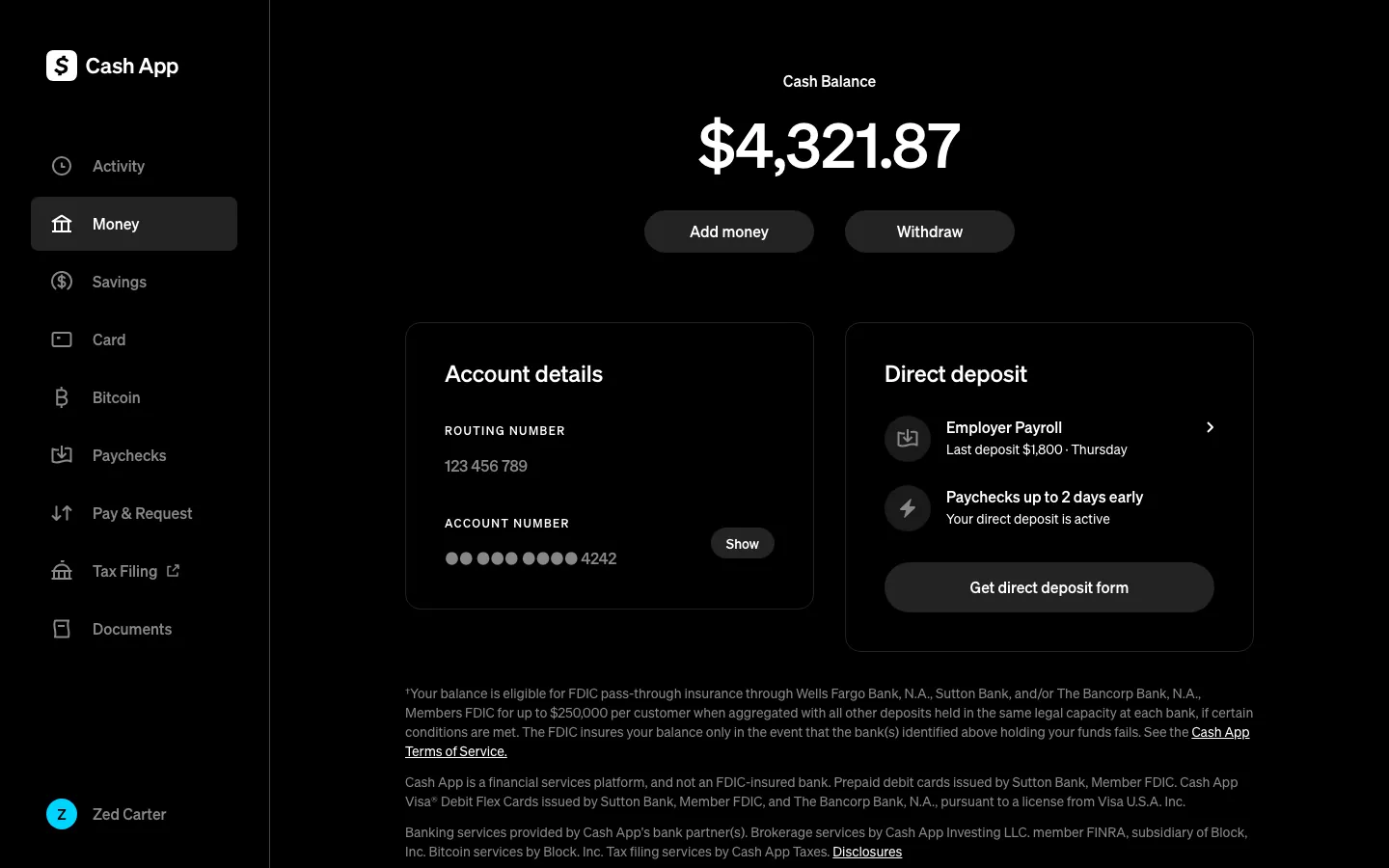
What the fake Cash App account shows
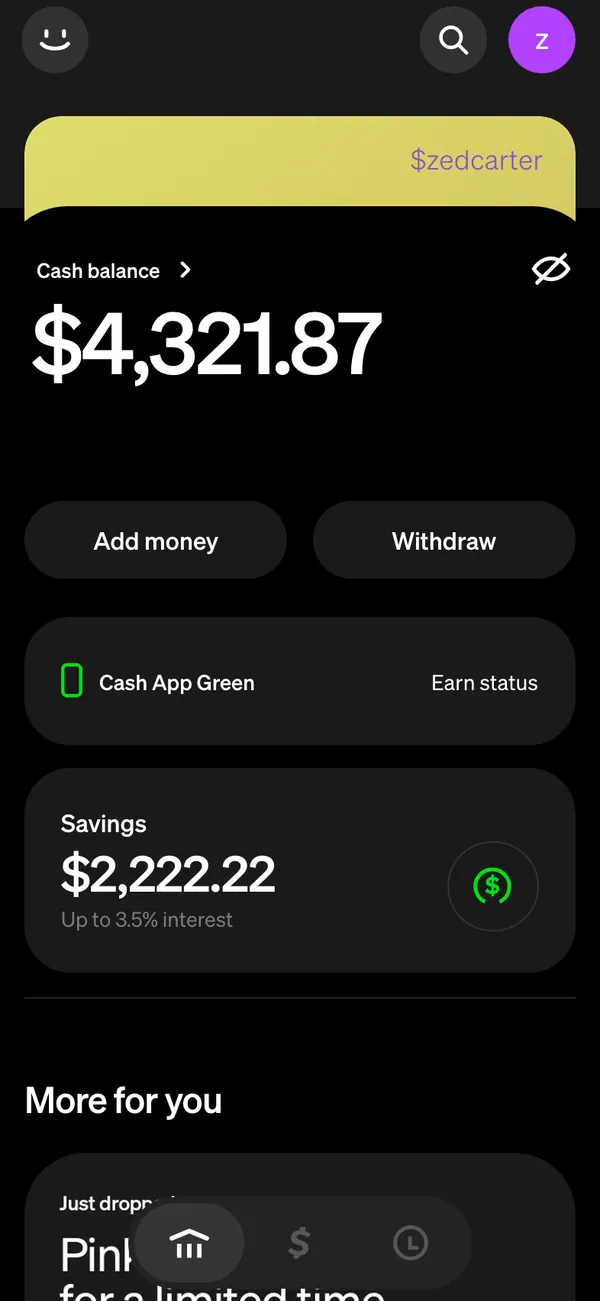
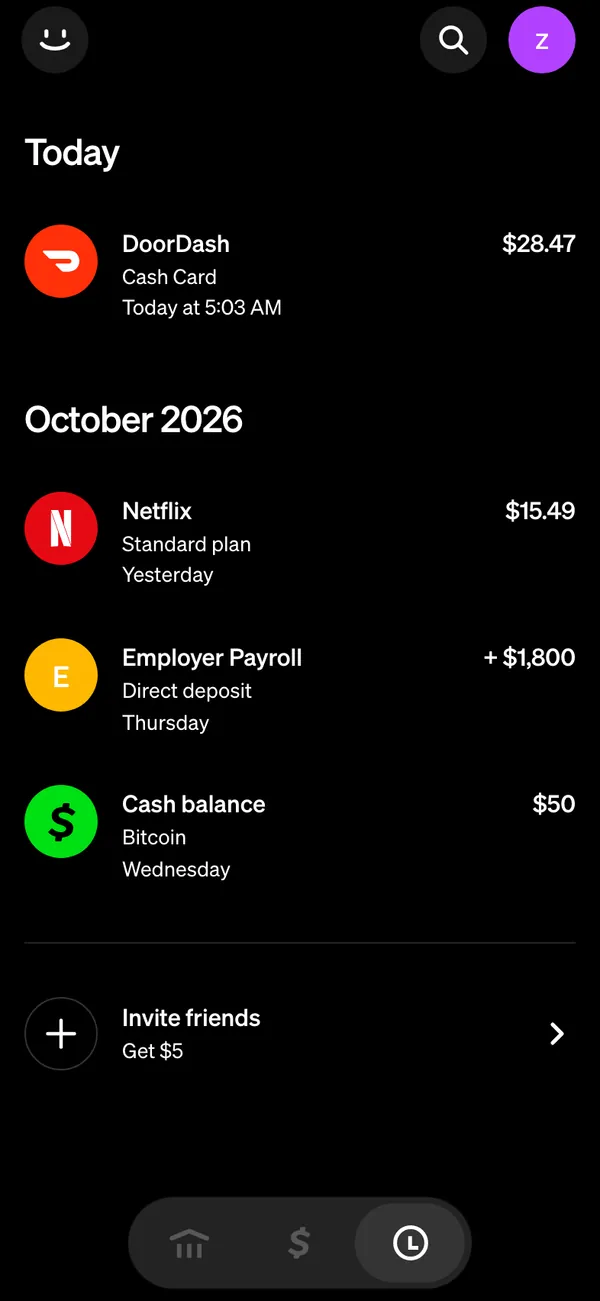
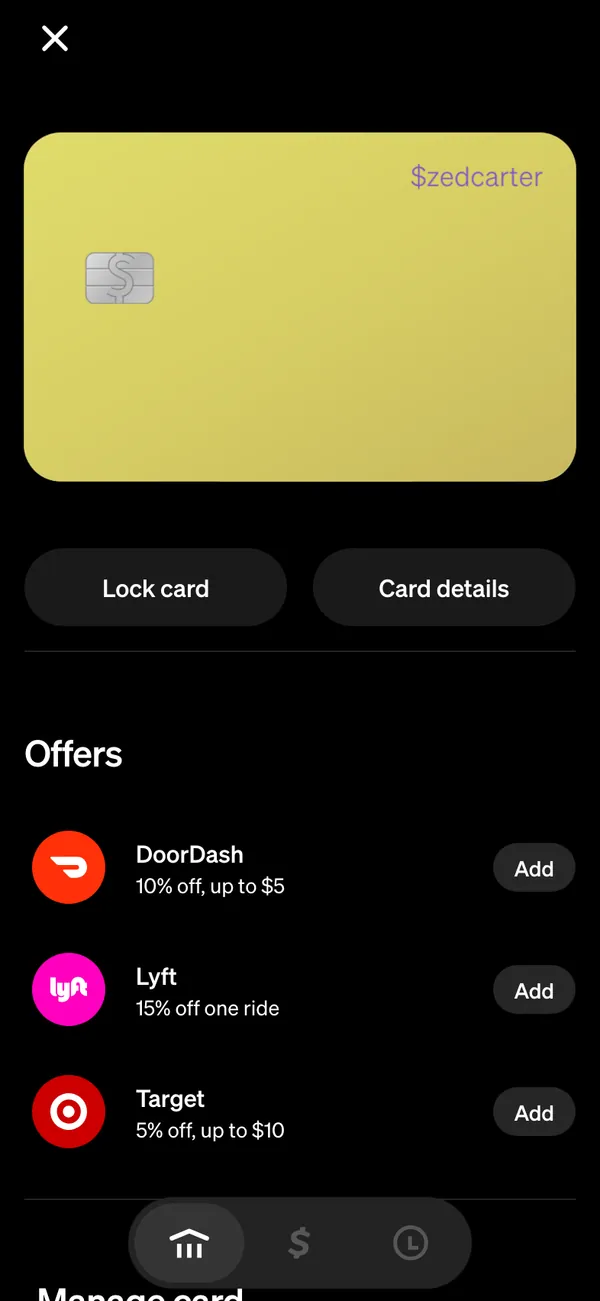
The fake Cash App dashboard follows the real app closely. On a desktop it appears at cash.app in the browser frame, and on iPhone it installs as its own app.
- Money, the home screen with your balance.
- Activity, a feed of payments in and out.
- Card, with a card you can style to your character.
- Bitcoin and savings, for stories about stacking.
- Alerts such as “Payment received,” “Direct deposit of an amount has arrived” and “You received” an amount of BTC.
Scenes that call for a Cash App
Cash App is the app people reach for when money needs to move fast and casually. That makes it a good prop for short, human scenes.
- A skit about paying back a friend and the balance dropping to almost nothing.
- A payday reel where the direct deposit alert lands on the lock screen.
- A “my first Bitcoin” story that needs a believable Bitcoin screen.
- A film scene where a character checks a balance before a hard decision.
It is a prop for the camera. Do not use it to ask real people to send money or to show a payment that never happened to someone who is relying on it.
Set up a fake Cash App balance
- 1Open the Cash App page and set up your persona: name, photo, city and currency.
- 2Type your balance, savings and Bitcoin holdings, or start from a preset and edit from there.
- 3Pick live mode so activity arrives on its own, or static mode to freeze the balance.
- 4Install it on your iPhone home screen if you want payment alerts, which need iOS 16.4 or later. Use a desktop browser for the web version.
- 5Rehearse the take once so you know where the alert will land.
- 6Screen-record the phone or film it with a second camera.
Keep the balance believable
- Pick a balance that fits the character. A student sitting on a huge balance needs a reason, such as a recent windfall.
- Fill the activity feed with small, ordinary payments, not only big ones. Real feeds are mostly food, rent splits and friends.
- Make direct deposits regular. Same amount, same weekday, once or twice a month.
- Keep Bitcoin proportionate. A small stack next to a modest balance reads as honest.
- Use the card screen for a close-up, but check that the name matches your other apps.
- Turn on Do Not Disturb before you film, then allow only the alert you plan to show.
Three shots that carry a Cash App scene
Cash App scenes are short, so each shot has to say something.
- The home screen with a balance, held still for two seconds so it registers.
- The activity feed scrolling slowly, with a payment arriving near the top.
- The card or Bitcoin screen for a lingering close-up when the character makes a decision.
Cut away to the character's face between screens. The reaction does the emotional work, and the screens just supply the facts.
Pairs well with
A paycheck story can cross several screens. A Stripe payout lands, the character moves it to Cash App, and splits a bill on Venmo. The Coinbase app makes a natural next stop for a Bitcoin storyline.
To make those alerts reach your phone, read about fake payment notifications on iPhone. For the Venmo side of the same story, see fake Venmo balance.
Open Cash App

Questions
Is the fake Cash App balance real money?
No. The balance, activity and Bitcoin are all fictional, built from your persona and settings. Nothing connects to Cash App or a bank, and nothing can be sent or withdrawn.
Can I change the balance and the activity feed?
Yes. You can change names, amounts, dates and the shape of the charts. Start from a preset so the numbers agree with each other, then override whatever you need.
Do the payment alerts show on my phone?
Yes, once the app is installed on your home screen. You need iOS 16.4 or later and notifications allowed. Alerts include Payment received and direct deposit messages.
Is a fake Cash App balance legal?
As a prop in a video it is fine. Using it to trick someone into sending money or to fake a payment is not allowed under the Acceptable Use Policy. MaxLarp is not affiliated with Cash App.
Every number on MaxLarp is fictional. Not affiliated with any brand shown. Acceptable use