Fake Meta Ads Manager ROAS: realistic ad results for videos
 · 4 min read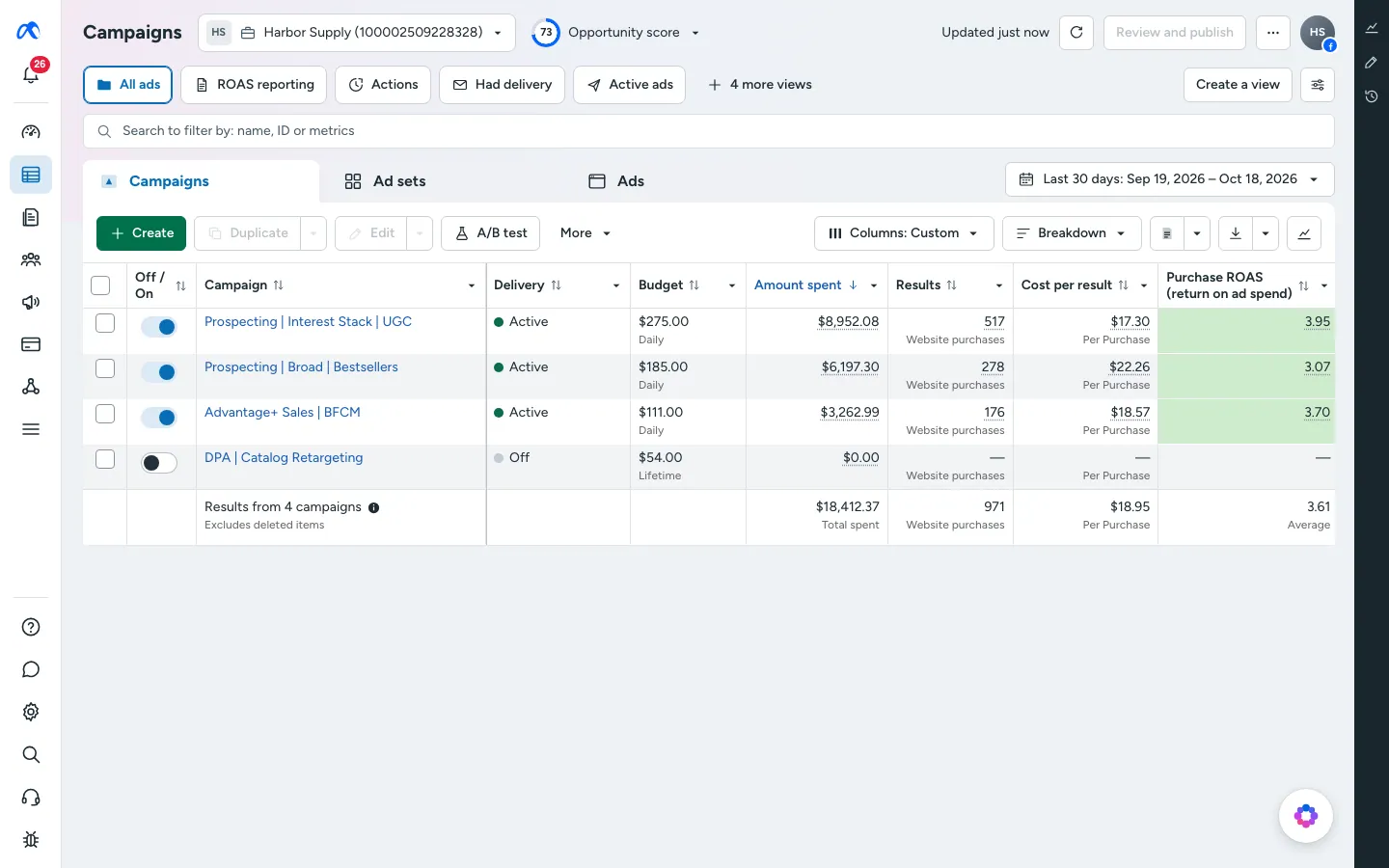
What fake Meta Ads Manager includes
The fake Meta Ads dashboard runs in a desktop browser with adsmanager.facebook.com in the address bar, and as an app on your iPhone.
- Overview, with spend and ROAS up top.
- Campaigns, a table you can rename and restyle.
- Ad sets, for the layer below each campaign.
- Numbers that follow your store's sales, so revenue here matches the orders on your Shopify screen.
This app has no push alerts. It is built for the desktop shot and the phone scroll.
Videos that need an ad account on screen
Ads Manager is the stage for the “scaling a brand” story. It looks serious, it is full of numbers and it makes a good backdrop for a founder talking to camera.
- A day-in-the-life reel of an e-commerce founder checking campaigns over coffee.
- A skit about a media buyer who refreshes the page every ten seconds.
- A film scene in which a campaign takes off overnight.
- A parody of marketing gurus with a deliberately absurd ROAS.
Use it as a prop. Do not post fake ad results as proof that a method works in order to sell a course or a service.
Set up fake ROAS in MaxLarp
- 1Open the Meta Ads page and set up your persona: name, city, currency and income streams.
- 2Set up the store behind the ads so sales and spend share a story.
- 3Edit campaign names, spend and ad sets, or start from a preset and override a few values.
- 4Choose live mode so numbers keep moving, or static mode to lock the table.
- 5Open it in a desktop browser for the full Ads Manager, or install it on your iPhone home screen for the phone view.
- 6Screen-record the browser, or film the phone with a second camera.
Make the ROAS believable
ROAS is revenue divided by ad spend. If it looks too good, viewers who run ads will notice right away.
- Stay in a credible band. A ROAS around 2 to 4 reads as healthy for most stores, and 10 or more needs a very good story.
- Make spend, revenue and ROAS agree. Spend of 1,000 and revenue of 3,200 gives a ROAS of 3.2, so check that the table says so.
- Let campaigns differ. One winner, a few average ones and a loser look real. Five identical rows do not.
- Scale spend gradually from day to day. A jump from 50 to 5,000 overnight is a plot point, not a default.
- Match totals to the store. Ad revenue should be a share of total store sales, not larger than them.
- Use a calm cursor and scroll slowly. A frantic scroll hides the numbers you worked to set.
Filming the Ads Manager
The Ads Manager is a table, so the camera work is about readable framing. On desktop, zoom the browser until the campaign names and the ROAS column are large enough to read on a phone. A viewer scrolling a reel will give the screen one second.
On the phone version, scroll slowly and stop on the row you want people to see. Let the cursor or your thumb point to the best campaign, then move on.
If you plan a cut to a store screen, make sure the date range matches on both. A mismatch in the date filter is the easiest way to give the game away.
Pairs well with
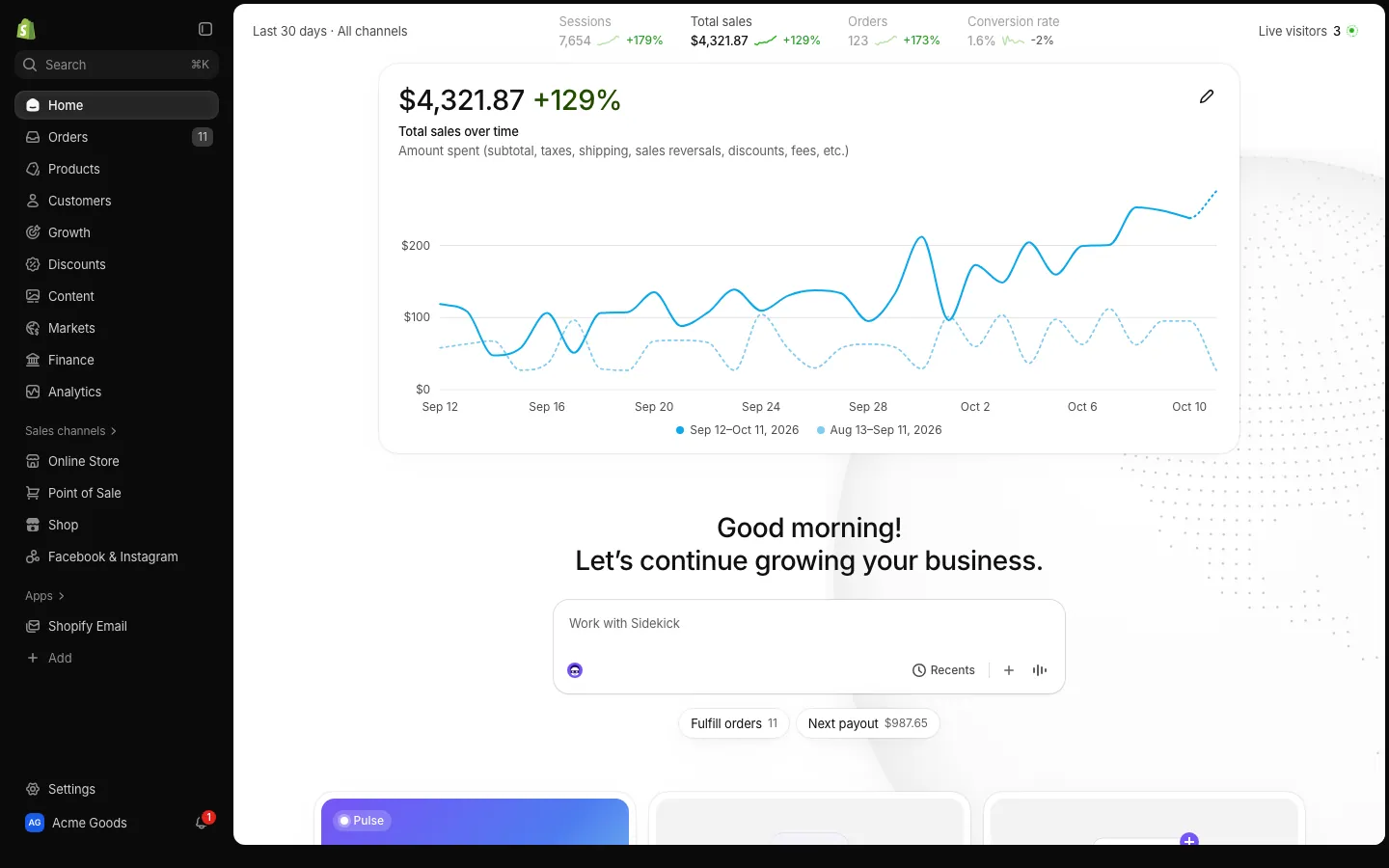
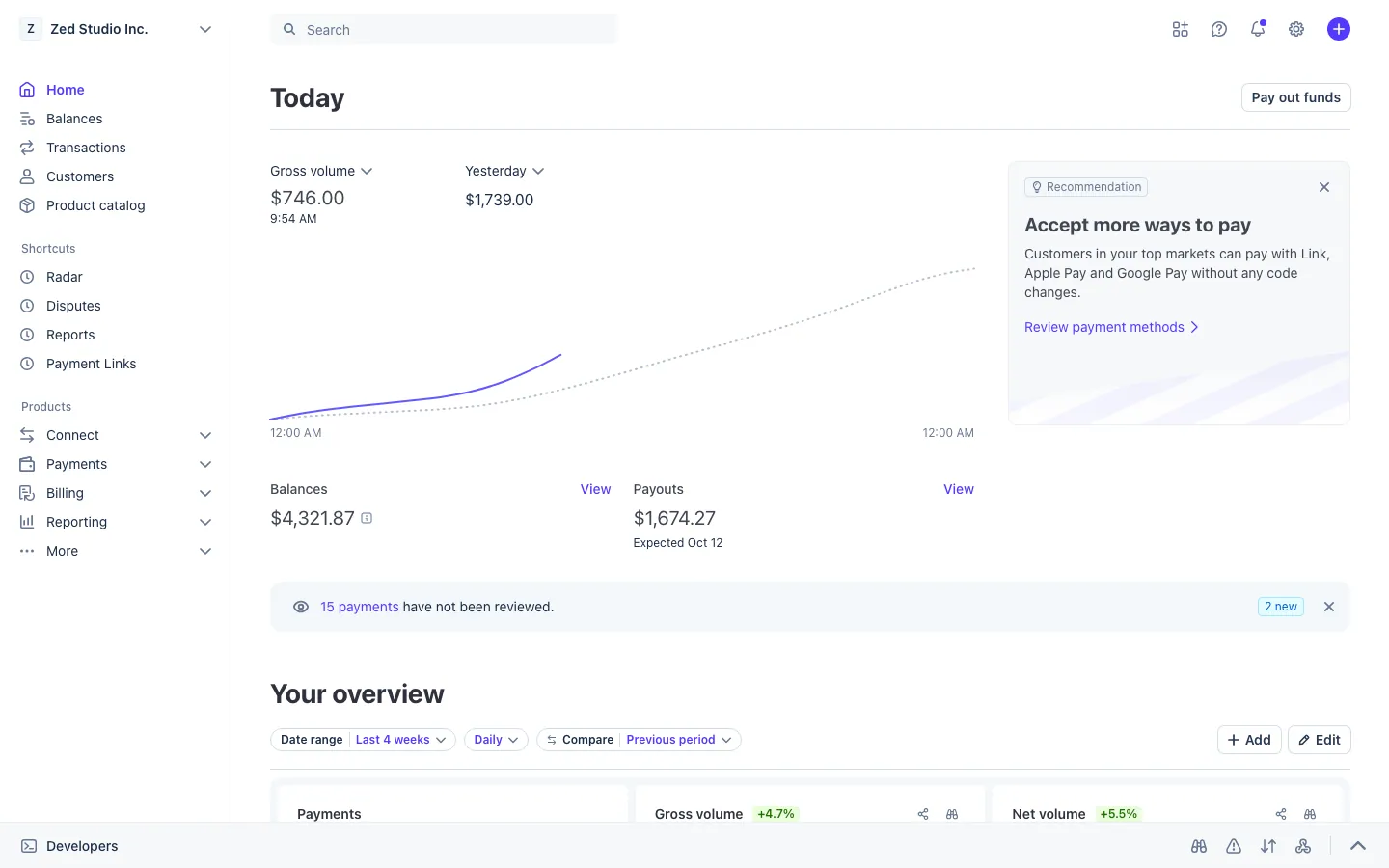
Ads are the start of the chain. Spend appears here, orders land in Shopify, and the money settles in Stripe. The Shopify sales guide shows the order side, and the Stripe dashboard guide covers the payout.
The live mode article explains how numbers keep moving together across apps.
Open Meta Ads

Questions
Does the fake Meta Ads Manager connect to a real ad account?
No. It never connects to Meta or any ad account. Spend, ROAS and campaign results are generated from your persona and settings, and no ads run anywhere.
Do the ad numbers match my fake Shopify store?
Yes. The ads dashboard follows your store's sales, so revenue in Ads Manager lines up with the orders on the Shopify screens from the same persona.
Can I edit campaign names and ROAS?
Yes. You can change campaign names, spend, results and chart shapes. A preset keeps the figures consistent with each other, and you can then override any single value you like.
Is a fake Meta Ads dashboard legal?
As a prop in a video or skit it is fine. Posting fake results to sell a course or recruit clients is not allowed. MaxLarp is not affiliated with Meta, and this is not legal advice.
Every number on MaxLarp is fictional. Not affiliated with any brand shown. Acceptable use