Fake Apple Wallet card: show a Centurion or Platinum on camera
What the fake Apple Wallet card includes
The fake Apple Wallet app gives you Apple Wallet with your own cards. It runs on the iPhone only, because the whole point is to see the card where it normally lives: in your Wallet stack.
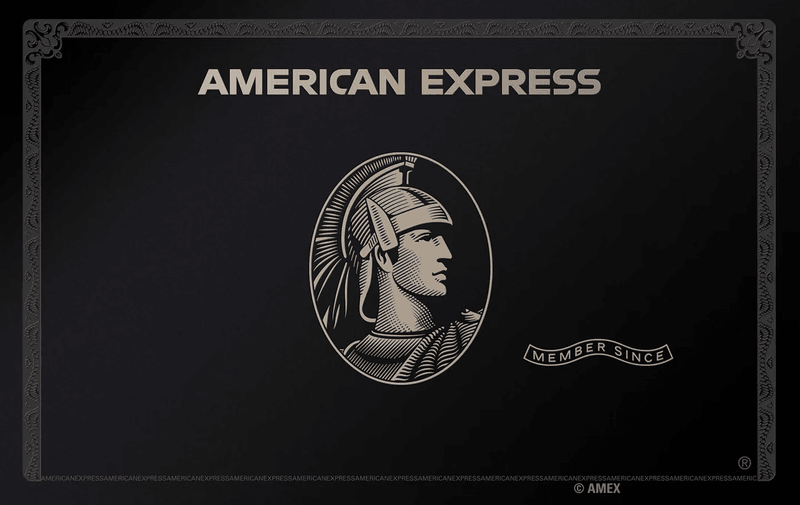
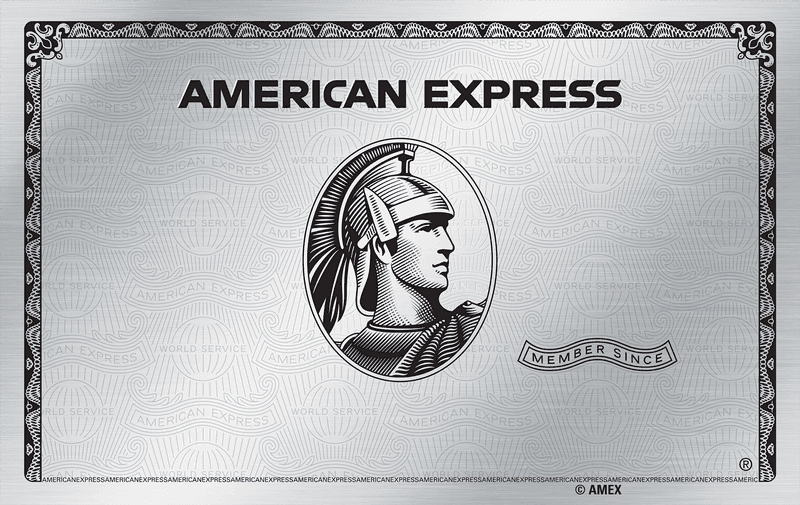
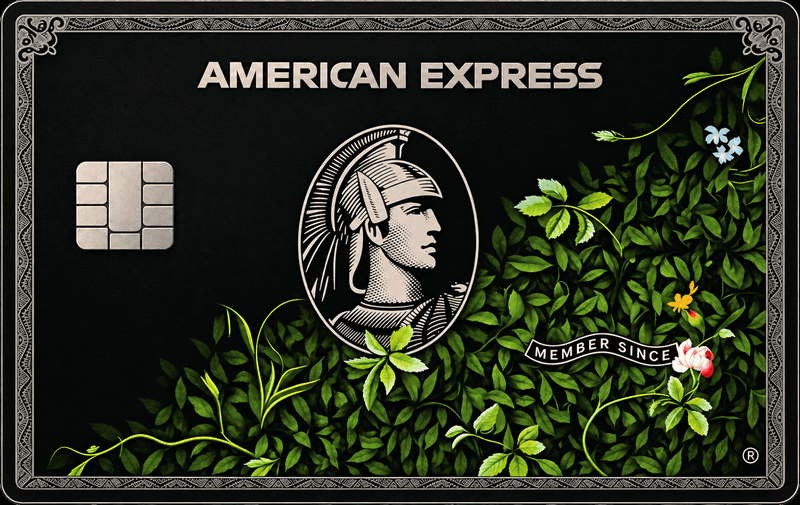
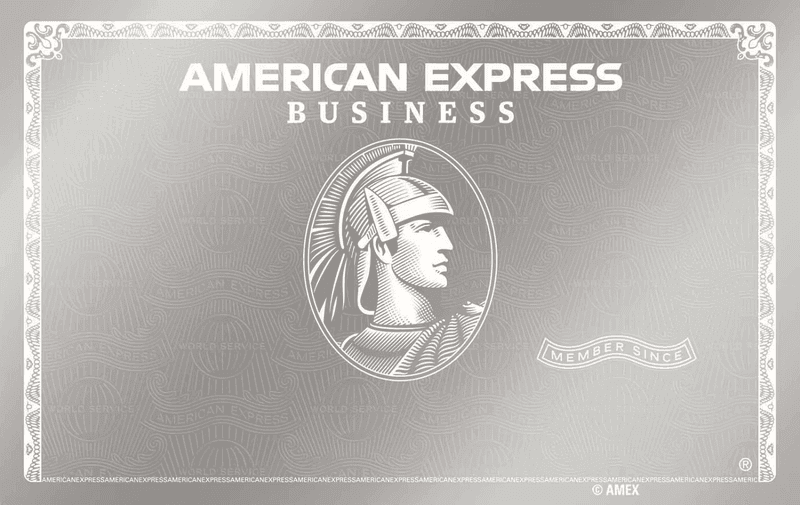
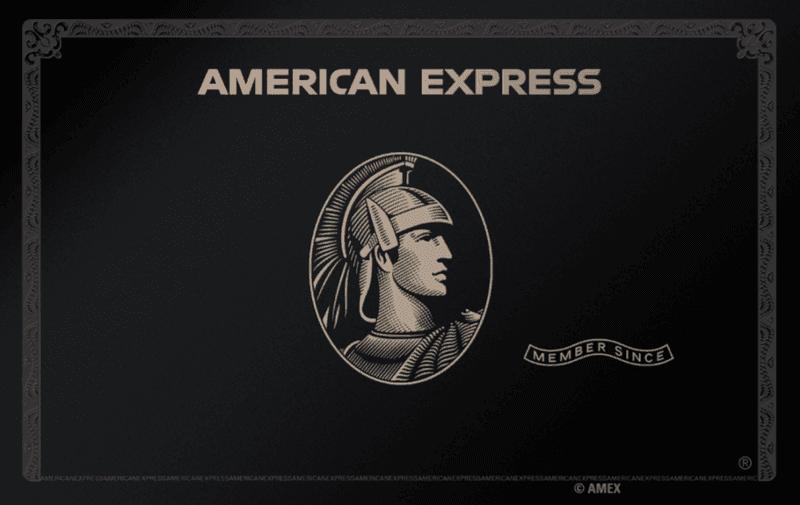
- Card types including Centurion, Sapphire and Platinum, so you can pick the look that fits your character.
- A card that adds to Apple Wallet on your phone, not a flat screenshot.
- Apple Pay style alerts, so a payment banner can slide in while the camera rolls.
- Details that follow your persona, so the name and currency match the other apps you use.
Videos where a fake card earns its place
Most creators reach for the card when a scene needs a visual shortcut for money. A character who flashes a black card says everything in two seconds.
- A “what is in my wallet” reel where the Wallet stack is the whole video.
- A skit about a very expensive dinner and a very calm payment.
- A short film scene where a character taps to pay and the alert appears on the lock screen.
- An ad or brand parody that needs a premium card in frame without using a real one.
It is a prop. Use it for the camera, not to pay for anything or to convince a person or a business that you hold a real card.
Add a fake card to your Wallet
- 1Open the Wallet page on your iPhone.
- 2Set up your persona once: name, photo, city and currency.
- 3Choose the card type, such as Centurion, Sapphire or Platinum.
- 4Add it to Apple Wallet and check that it sits where you expect in the stack.
- 5Allow notifications so the Apple Pay alerts can arrive. This needs iOS 16.4 or later and the app on your home screen.
- 6Film the Wallet screen or the lock screen with your normal screen recorder or a second camera.
Make the card look like it belongs to someone
A card only convinces when the story around it makes sense. These checks take a minute and save a retake.
- Match the name. The cardholder should be the same character shown in your other apps.
- Match the lifestyle. A Centurion next to a persona with a tiny monthly income feels off, so pick a card that fits the numbers elsewhere.
- Check the rest of the Wallet stack before filming. The camera sees every pass in that stack, including real ones.
- Turn on Do Not Disturb and let only the alert you want through, so a random message does not cut across the take.
- Trigger the alert on camera instead of cutting to it. A banner that arrives mid-shot reads as real in a way an edit does not.
- Hold the phone steady and film in portrait. The Wallet stack is built for vertical.
A short shot list for the card
Plan four shots and you have a clean sequence. Each one is a few seconds, so the whole thing edits into a quick, confident beat.
- 1A close-up of the Wallet stack as your character slides the card into view.
- 2A wider shot of the hand holding the phone near a counter or a table.
- 3The lock screen as the Apple Pay style alert arrives.
- 4A reaction, which can be a smile, a shrug or total calm.
Shoot each one twice. The second take is usually calmer, and calm is what sells a premium card.
Pairs well with
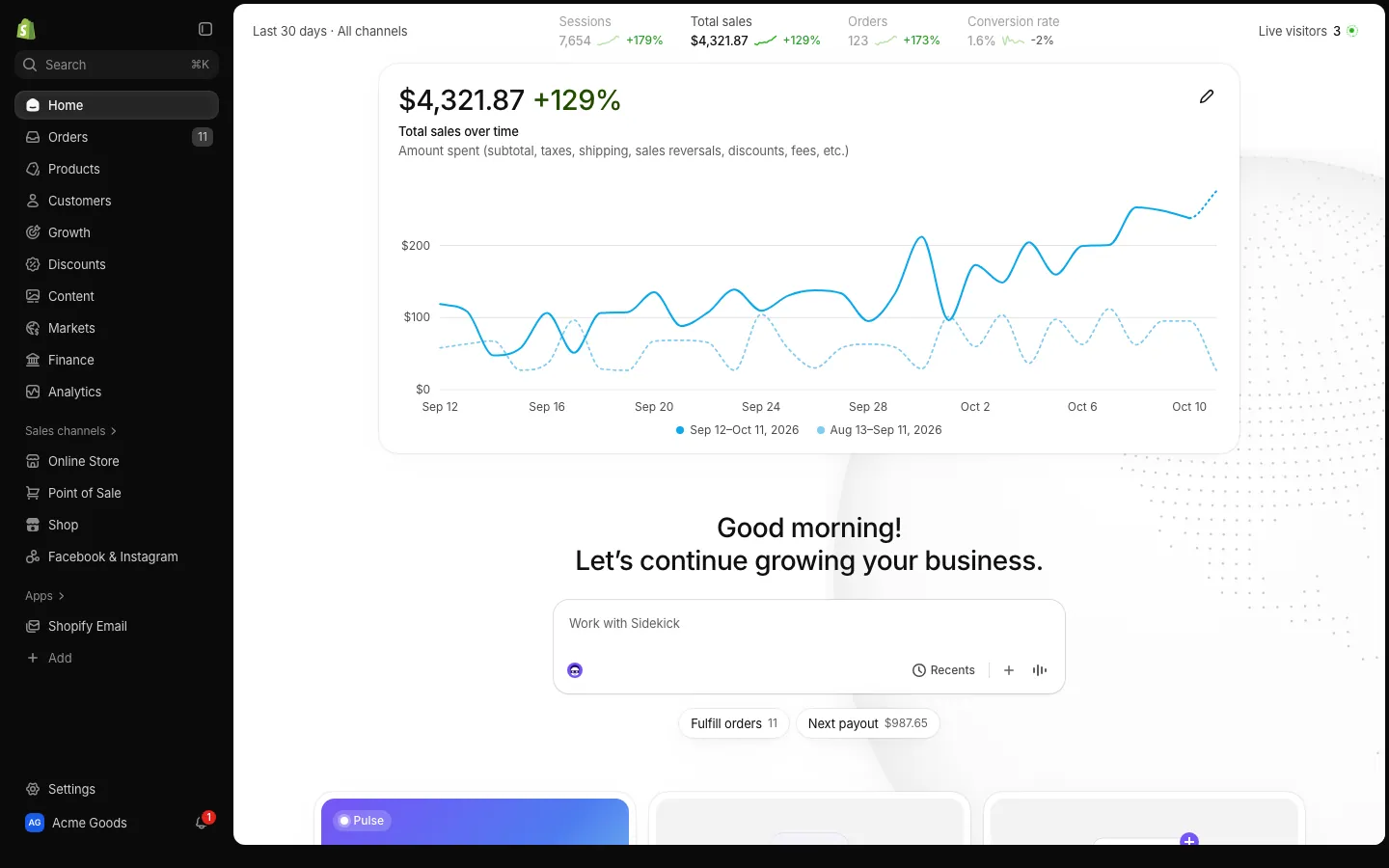
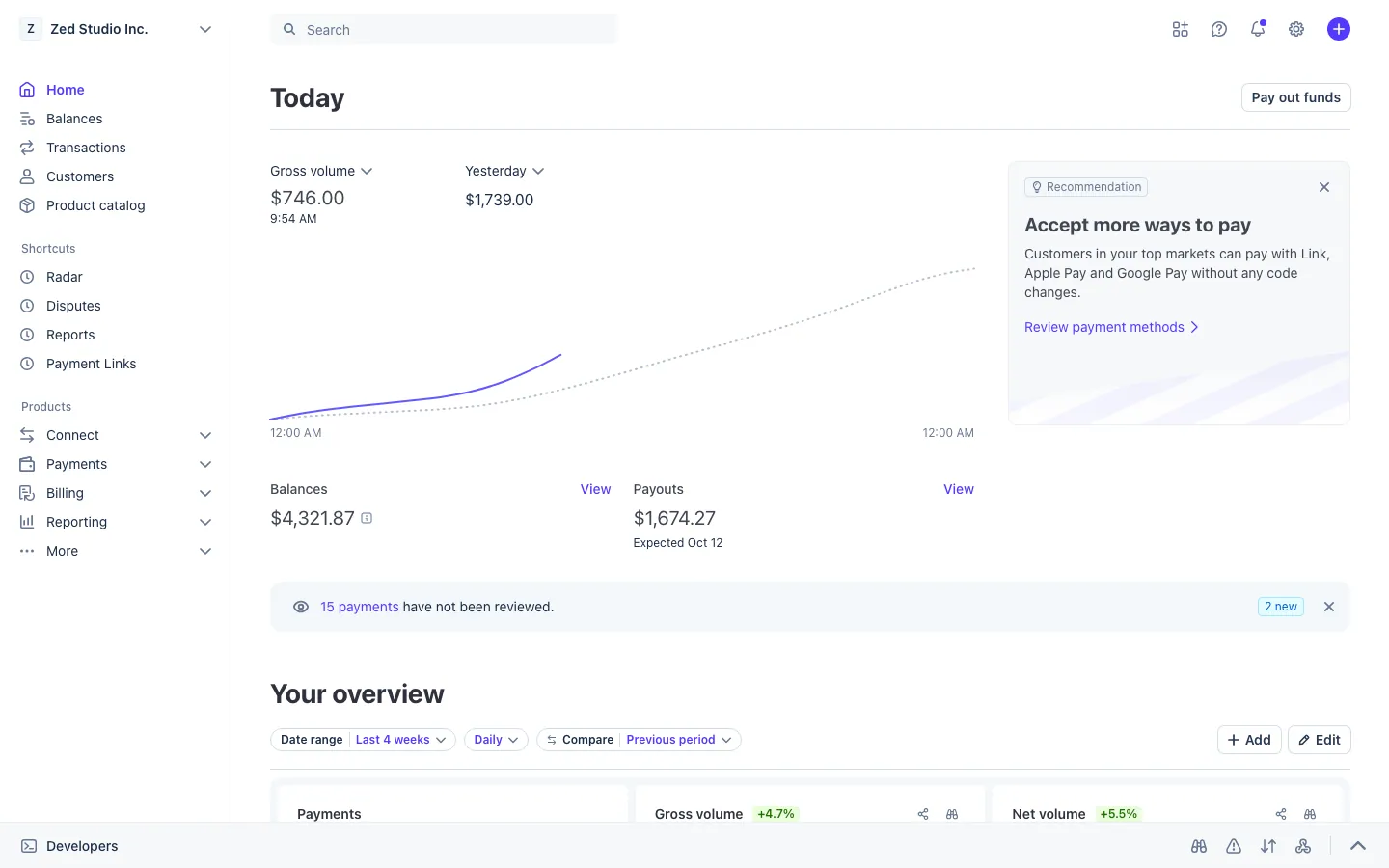
Money scenes work best as a chain. A Shopify sale lands, a Stripe payout follows, and the card in Wallet is what the character reaches for at dinner. If the character carries an American Express, the Amex app shows the same card from the issuer side, and the Amex Centurion guide covers that setup.
For the bigger picture, read how one fake persona keeps every app consistent, and how fake payment notifications on iPhone are set up.
Open Wallet




Questions
Does the fake Apple Wallet card work for real payments?
No. It is a prop for video. Nothing is charged, nothing is sent and no real bank account is behind it. The alerts and balances are fictional and come from the persona you set up in MaxLarp.
Can I choose the card type?
Yes. You can pick card types such as Centurion, Sapphire and Platinum, and set the details to match your persona. Change the name, numbers and photo whenever a scene calls for something different.
Is a fake Apple Wallet card legal?
Using one as a prop in a video or skit is ordinary content making. Using it to deceive someone in a real transaction is not, and the Acceptable Use Policy forbids it. MaxLarp is not affiliated with Apple. This is not legal advice.
Every number on MaxLarp is fictional. Not affiliated with any brand shown. Acceptable use