Fake Shopify sales: a store dashboard that pings on every order
 · 4 min read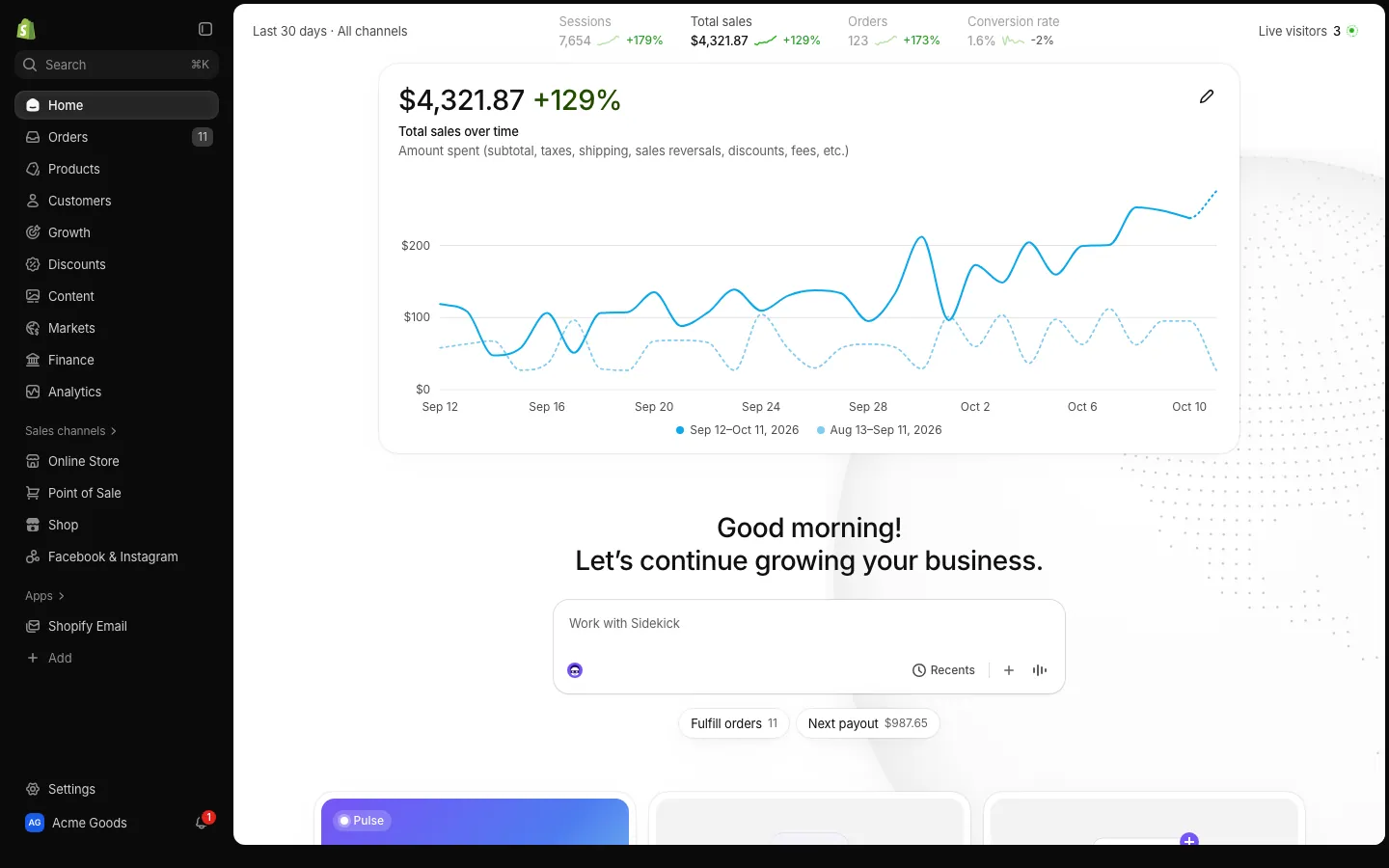
What fake Shopify sales look like
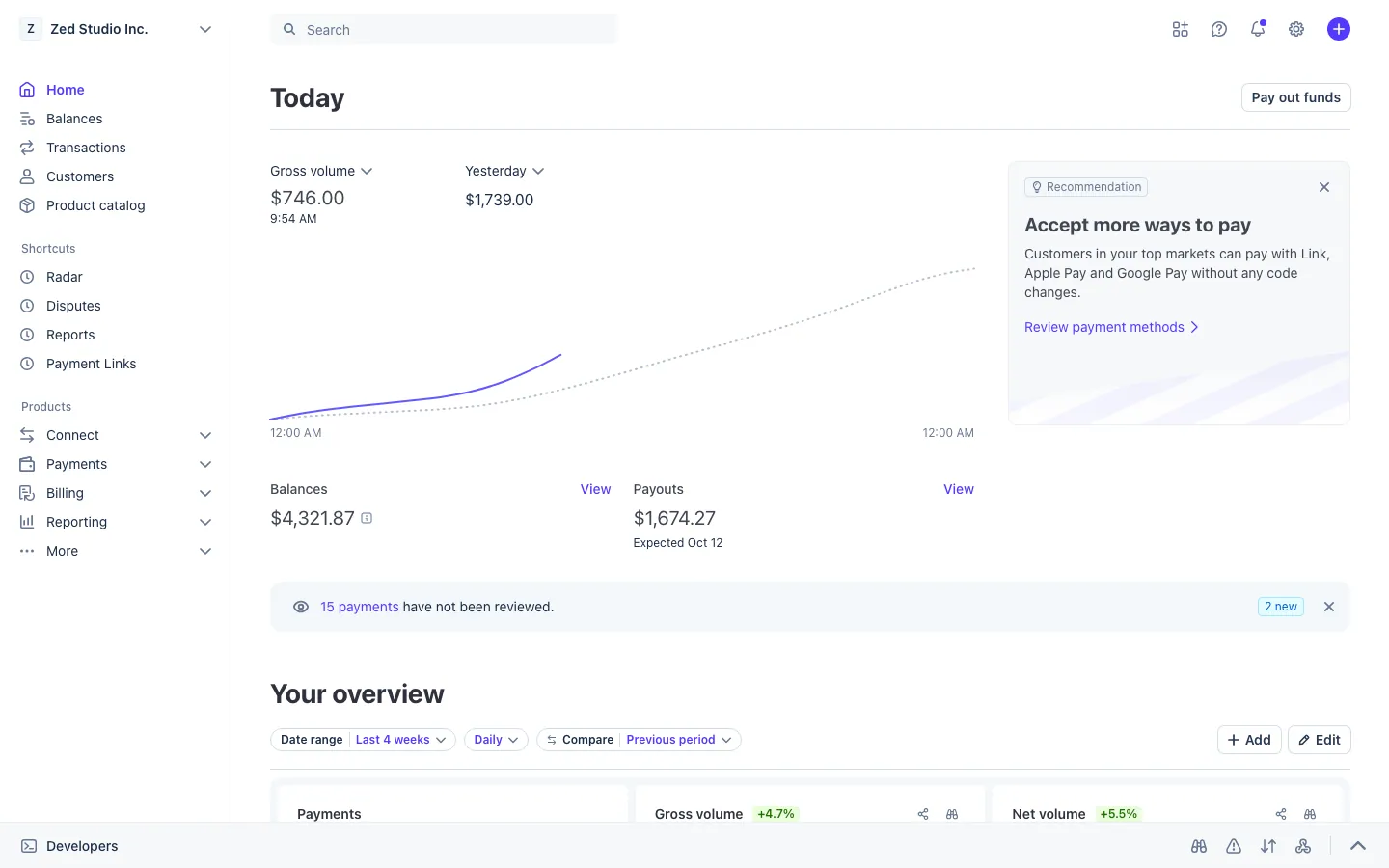
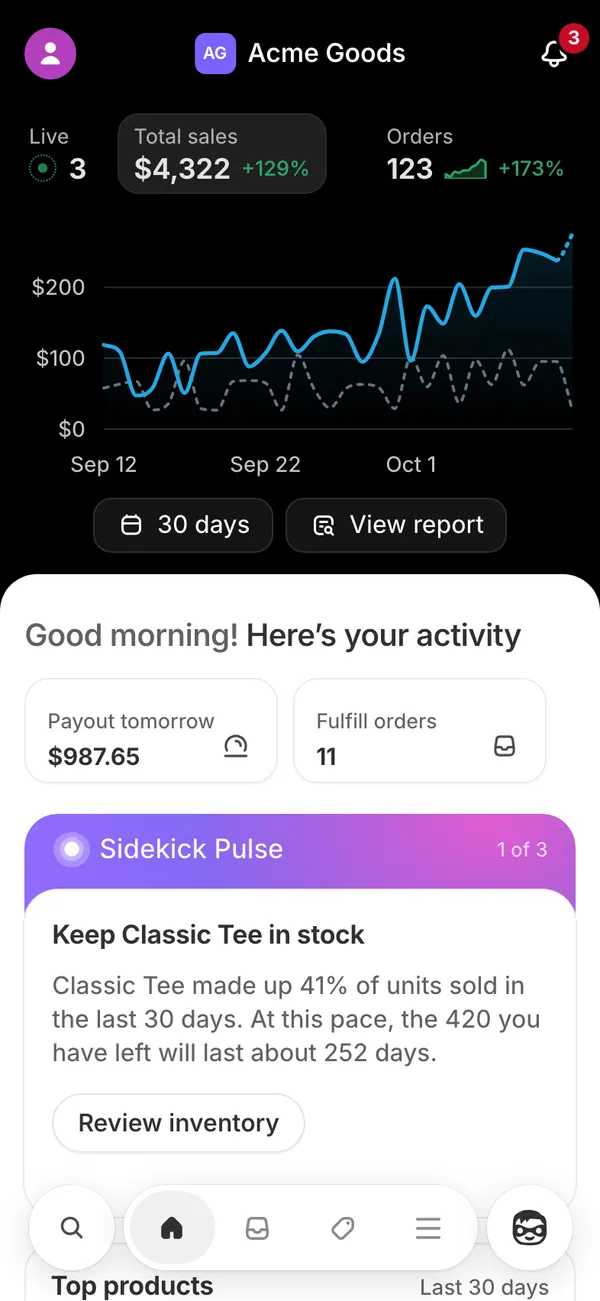
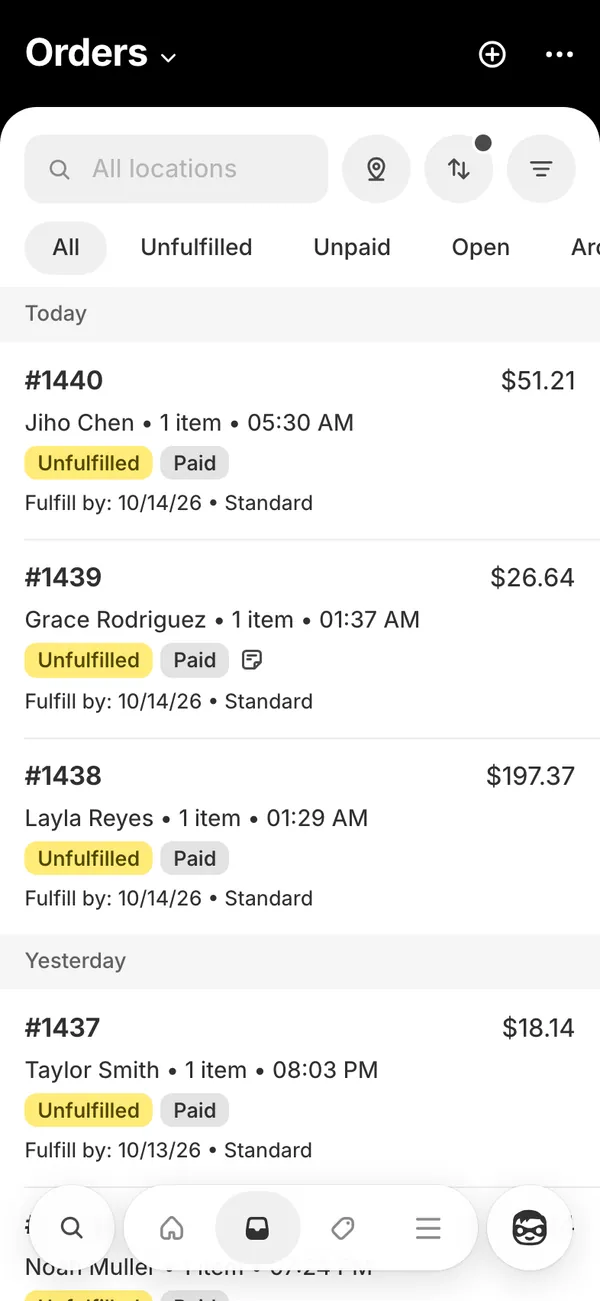
The fake Shopify dashboard recreates the store admin in a desktop browser, with the real address in the browser frame, and the store app on your iPhone. You get the screens a store owner actually looks at.
- Sales, orders and sessions on the home and analytics screens.
- An orders list that grows as sales arrive.
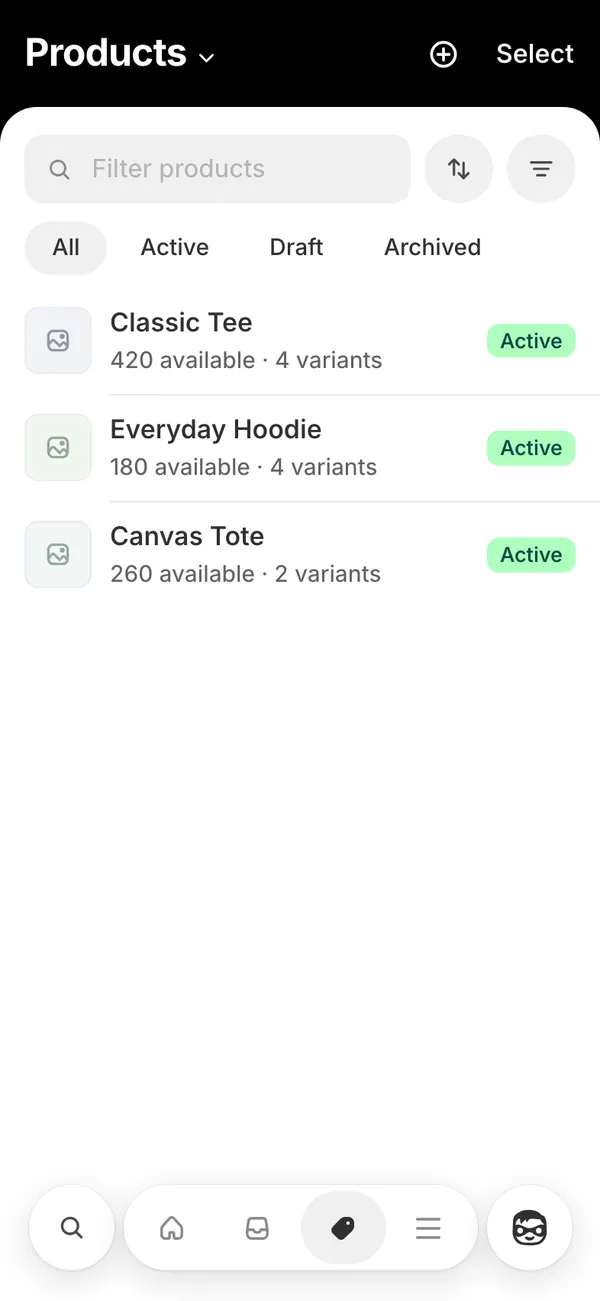
- Products and customers you can rename and restyle.
- The order sound on every sale, plus push alerts titled “Order #” with the number, and the name of your store.
Videos that need a store with a pulse
A static screenshot of sales is dull. A store that pings while you talk is a scene.
- A “day in the life of a store owner” reel where the phone buzzes during breakfast.
- A skit about checking orders in the middle of a date.
- A film scene where a founder watches the first sale roll in.
- An ad or product demo that needs a busy-looking admin behind the host.
Use it as a prop for the camera. Do not present it as proof of income that you are selling to anyone.
Set up fake Shopify sales in MaxLarp
- 1Open the Shopify page and set up your persona: store name, city, currency and income streams.
- 2Edit products, prices, customers and the store name so the catalog matches your story.
- 3Choose live mode for orders that arrive by themselves, or static mode to freeze every number.
- 4Optionally play a scenario, such as a record sales day, and let it run order by order.
- 5Open the admin in a desktop browser, or install the store app on your iPhone home screen. Phone alerts need iOS 16.4 or later.
- 6Screen-record, or point a second camera at the phone, while the orders arrive.
Make the sales feel earned
Numbers that fit each other are what separate a convincing store from a fantasy one.
- Keep order values close to your product prices. If the catalog sells a 45 dollar item, a stream of 400 dollar orders needs a reason.
- Keep sessions far larger than orders. Real stores convert a small share of visitors, a few percent at most, so a dashboard with one order per five sessions looks wrong.
- Space orders unevenly. Real sales come in clumps and gaps, not a metronome.
- Match the time of day. A rush at 3 a.m. needs a story, such as a different time zone or a launch.
- Check the sound before filming. Ringer on, volume up, and no other app stealing the audio.
- Silence everything else with Do Not Disturb so only the Shopify alert breaks through.
Desktop admin or phone: choosing the shot
The two surfaces do different jobs. The desktop admin works for an over-the-shoulder laptop shot, where the sales chart and orders list fill the frame and the real address sits in the browser frame. The phone works for the moments where a buzz in a pocket is the joke or the payoff.
Many creators use both. Leave the admin open on a monitor behind the host, then let the phone ping on the table in front of them. One order sound, two screens, and the story reads as a store that never sleeps.
Keep your camera off the chart for the first second, so the viewer hears the sale before they see it.
Where fake Shopify fits in a bigger story
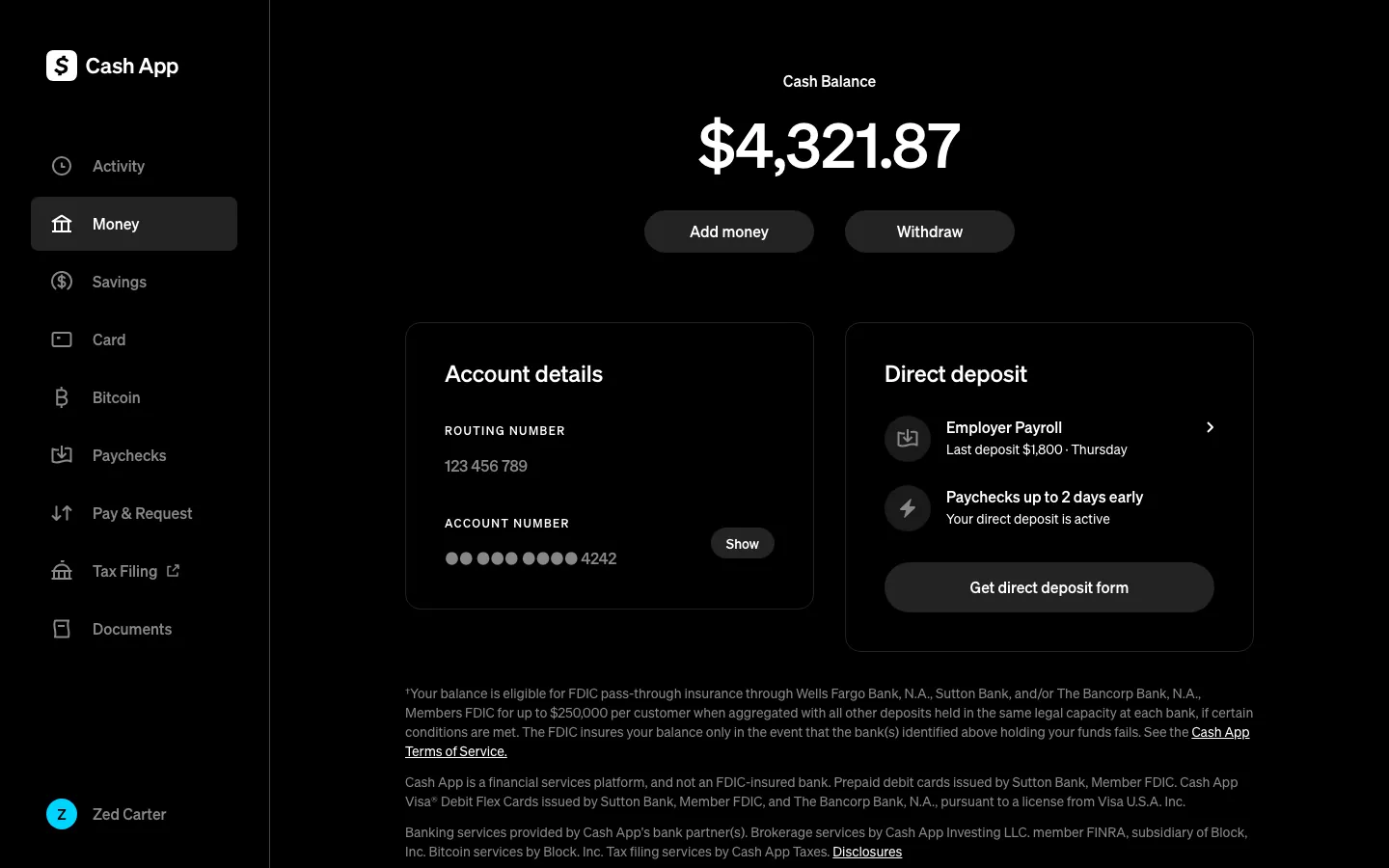
A store is the start of a money story, not the end. Ad spend in Meta Ads follows your store sales, so the two screens agree. The payout lands in Stripe, and the profit shows up on a card in Apple Wallet.
Read the live mode guide to see how orders, totals and alerts keep moving, and the filming guide for clean captures.
Open Shopify

Questions
Does fake Shopify connect to my real store?
No. It never touches a real Shopify account. Every order, product and total is generated from the persona and settings you choose in MaxLarp, and nothing is bought, sold or shipped.
Will my phone really play the Shopify order sound?
Yes. The phone app plays the order sound on each new sale. You need the app on your home screen and iOS 16.4 or later, with notifications allowed and the phone ringer on.
Can I stop the numbers from moving?
Yes. Switch from live mode to static mode and every number stays put, which is useful for a still shot or a long take where totals should not change.
Can I use the fake Shopify dashboard on desktop?
Yes. The admin runs in a desktop browser with the real address in the browser frame, and the store app installs on iPhone. MaxLarp is not affiliated with Shopify.
Every number on MaxLarp is fictional. Not affiliated with any brand shown. Acceptable use