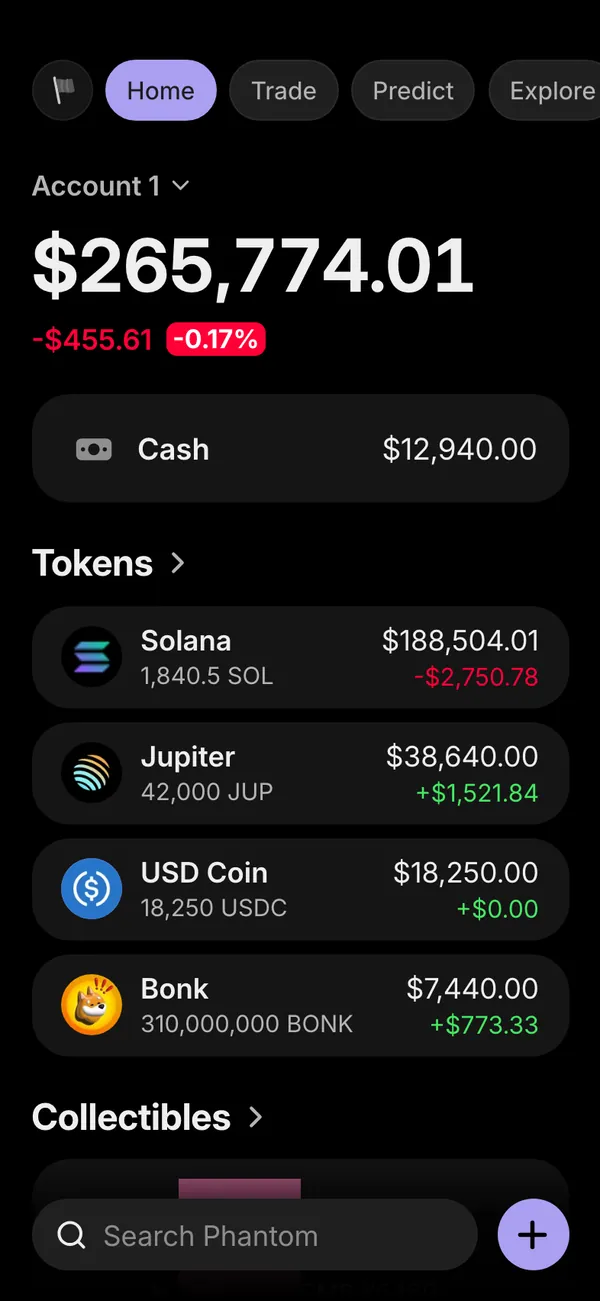
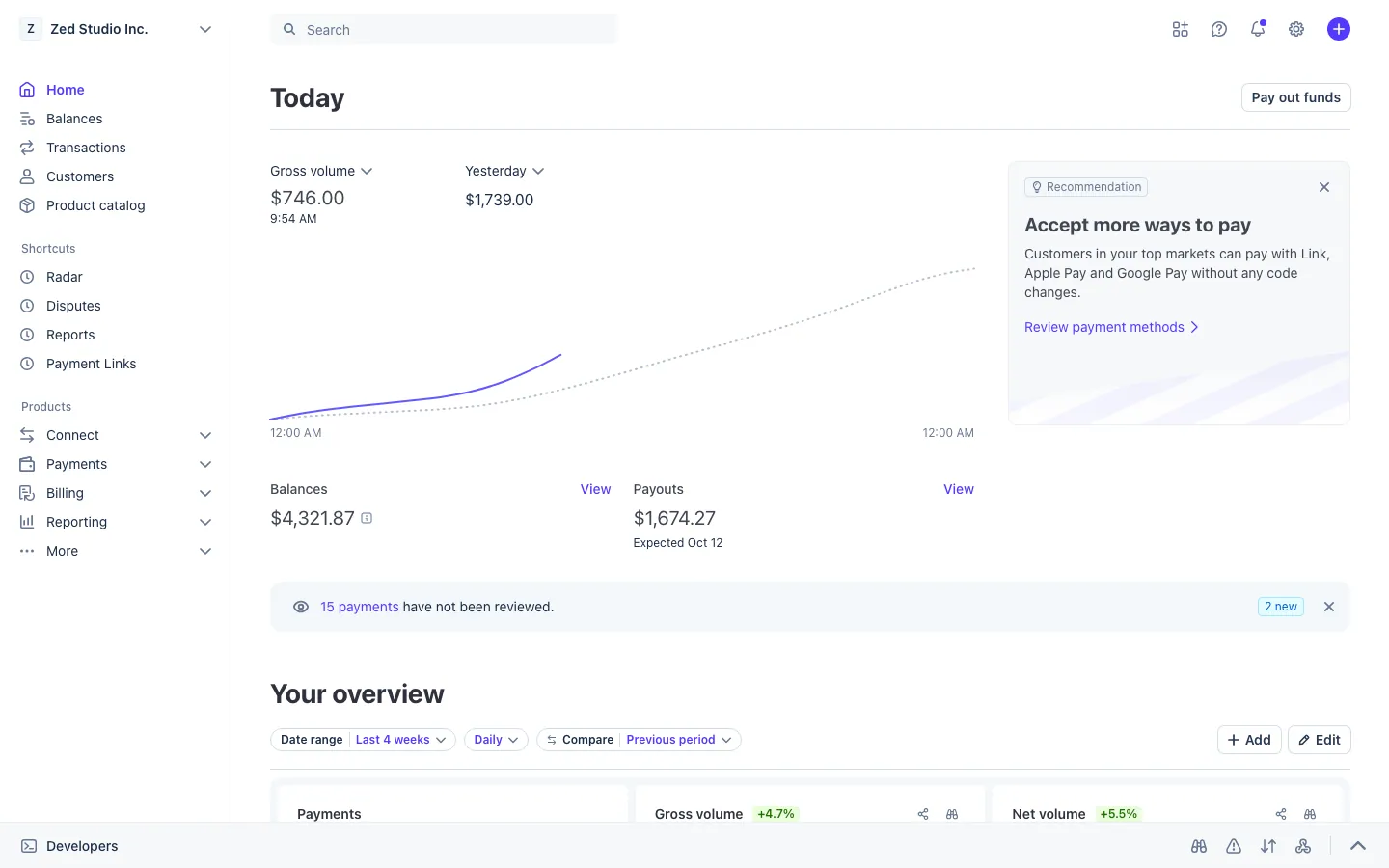
Fake payment emails and receipts: inbox, receipts and texts
What the fake inbox includes
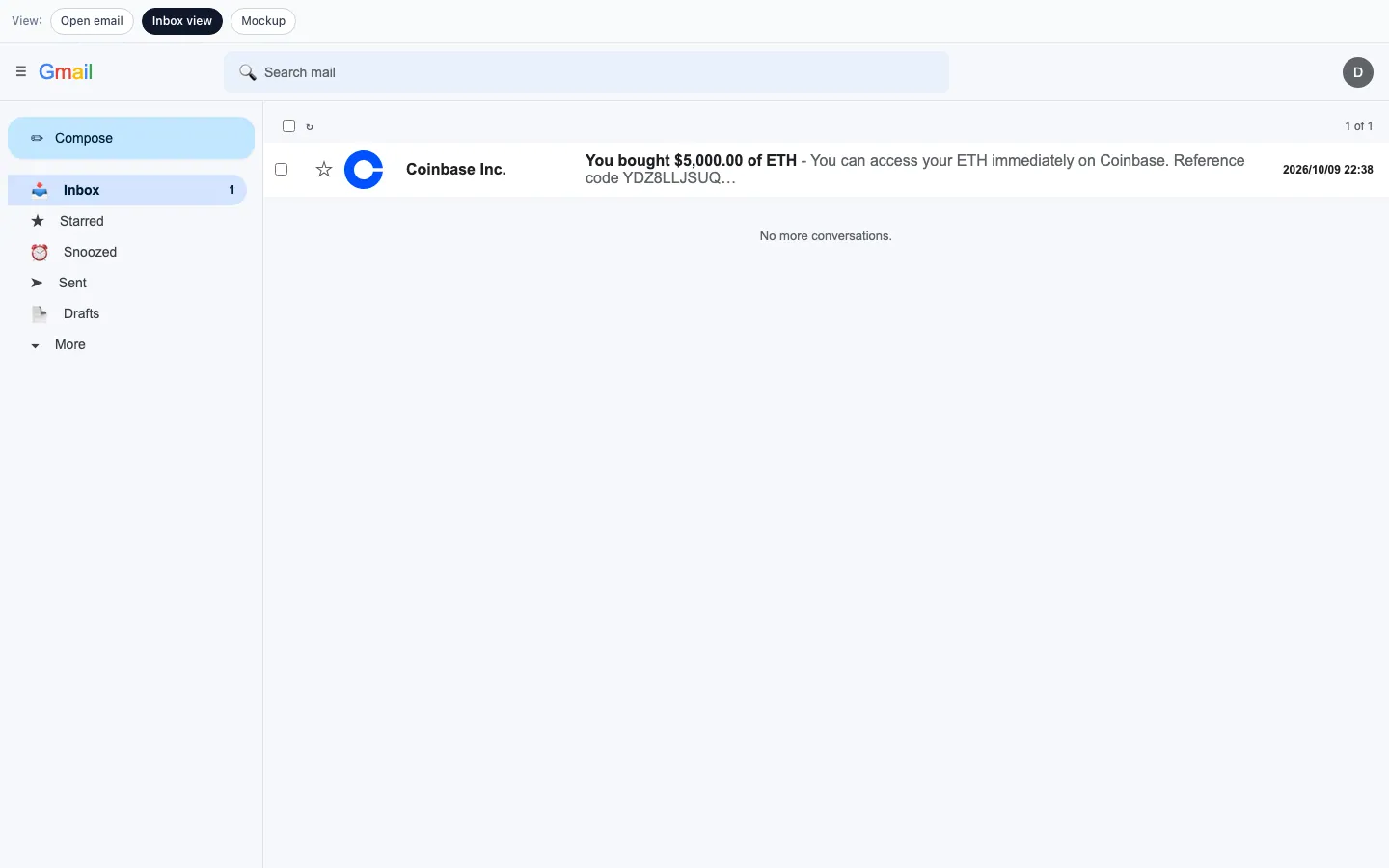
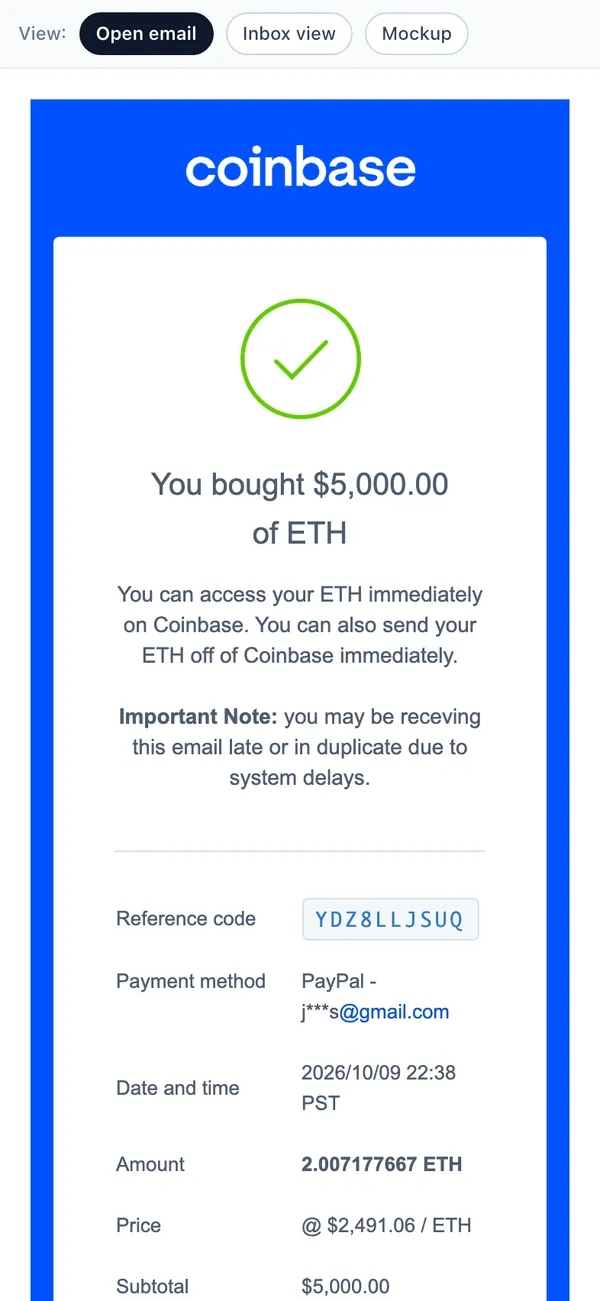
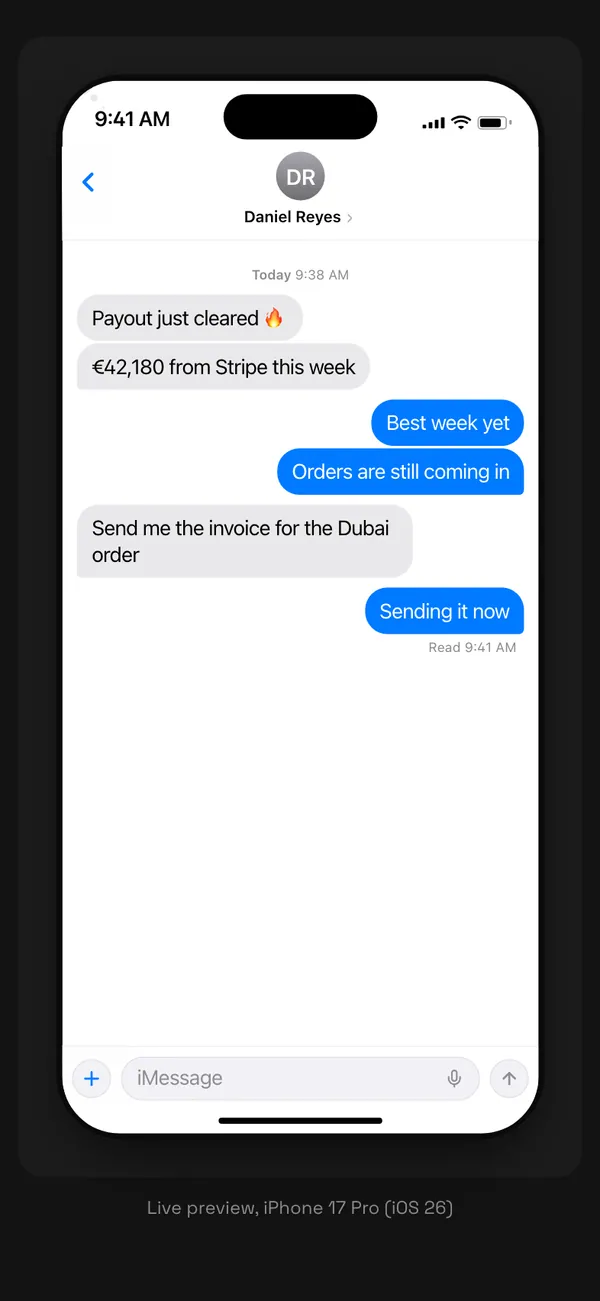
The fake Inbox app covers the small screens that carry a money story: the email that says you got paid, the receipt, and the text that follows. On desktop it runs at mail.google.com in the browser frame, and on iPhone it installs as an app.
- An email inbox with a list of messages.
- A single email view for the one you want to read on camera.
- A receipt you can edit line by line.
- An iMessage thread for texts between characters.
Scenes that need a message on screen
Money rarely arrives with a drumroll. It arrives as an email subject line or a text, and the reaction is the scene.
- A short film where a character reads a payment email and goes quiet.
- A skit built on a group chat that gets more absurd each message.
- A reaction video that needs a believable receipt on screen.
- A brand parody where the order confirmation is the joke.
These are props. Do not use a made-up receipt to claim a refund, win a dispute, pass a verification check or pose as a business in a real transaction.
Build the inbox in MaxLarp
- 1Open the Inbox page and set up your persona: name, photo, city and currency.
- 2Write the emails: sender, subject, amount and body. Add a receipt if the scene needs one.
- 3Build the text thread in the iMessage view with the lines your characters will say.
- 4Open the inbox in a desktop browser, or install it on your iPhone home screen.
- 5Open the screen you plan to film and rehearse the scroll once.
- 6Screen-record, or film the phone with a second camera.
Writing messages that read as real
- Keep the subject line short and boring. Real payment emails say things like “You received a payment,” not “Congratulations.”
- Put the amount where it belongs. Match the number in the email with the number on your other screens.
- Use a believable timestamp. A payment email at 3:07 a.m. on a Sunday needs a reason.
- Make receipts add up. Line items, tax and total must agree, because someone will check.
- Let texts stay short. People rarely write paragraphs in iMessage, so a character who does will stand out, on purpose or not.
- Fill the rest of the inbox with ordinary mail so the one message you care about is not alone.
Filming message scenes
Reading is slow, and video is fast, so give each message room. Hold on the subject line for two seconds, then open it and hold on the amount for another two. Viewers need that time to register what they are seeing.
For a text thread, film it as a sequence. Open the thread, let the first message sit, then add the reply. A conversation that arrives all at once looks pasted in.
Keep the phone at eye level and avoid glare. A screen that is easy to read matters more than a clever angle. If you film a laptop instead, raise the screen brightness and wipe the display first, because a smudge catches the light and distracts from the subject line.
Pairs well with
The inbox is where other apps leave their traces. A Shopify order produces a receipt, a Venmo payment sparks a text, and an Amex charge leads to a statement email. Use one persona and the whole set tells the same story.
The persona guide shows how to keep names consistent, and the filming guide covers clean captures.
Open Inbox
Questions
Can I write the sender, amount and message myself?
Yes. You control the emails, receipts and text threads, including names, amounts, dates and wording. Everything you write is fictional, stays inside MaxLarp and is meant for filming only.
Does it send real emails or texts?
No. Nothing is sent to anyone. The inbox and the iMessage threads are screens for filming, and no real email or text message leaves them.
Does it work on iPhone?
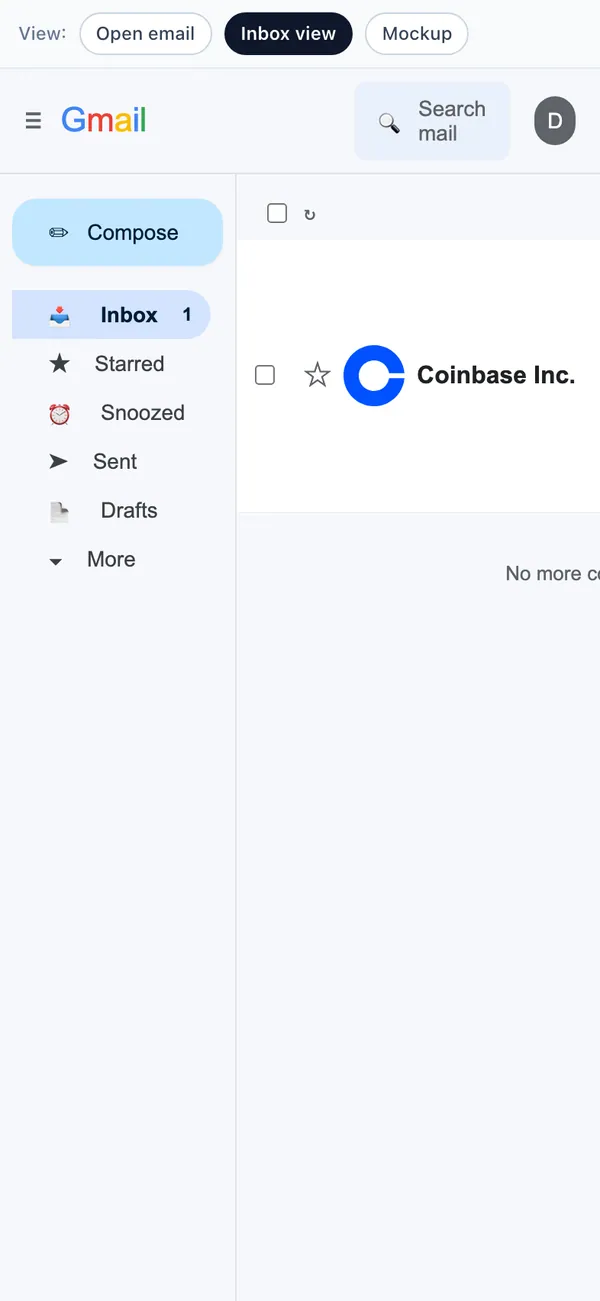
Yes. Install it on your home screen for the phone version. It also runs in a desktop browser at mail.google.com in the frame, so you can film a laptop shot too.
Are fake receipts and payment emails legal?
As props in a video they are ordinary content. Using them to commit fraud, win a refund or impersonate a business is not allowed. MaxLarp is not affiliated with any brand shown, and this is not legal advice.
Every number on MaxLarp is fictional. Not affiliated with any brand shown. Acceptable use