Best fake dashboards for videos, by the type of video you make


 · 4 min read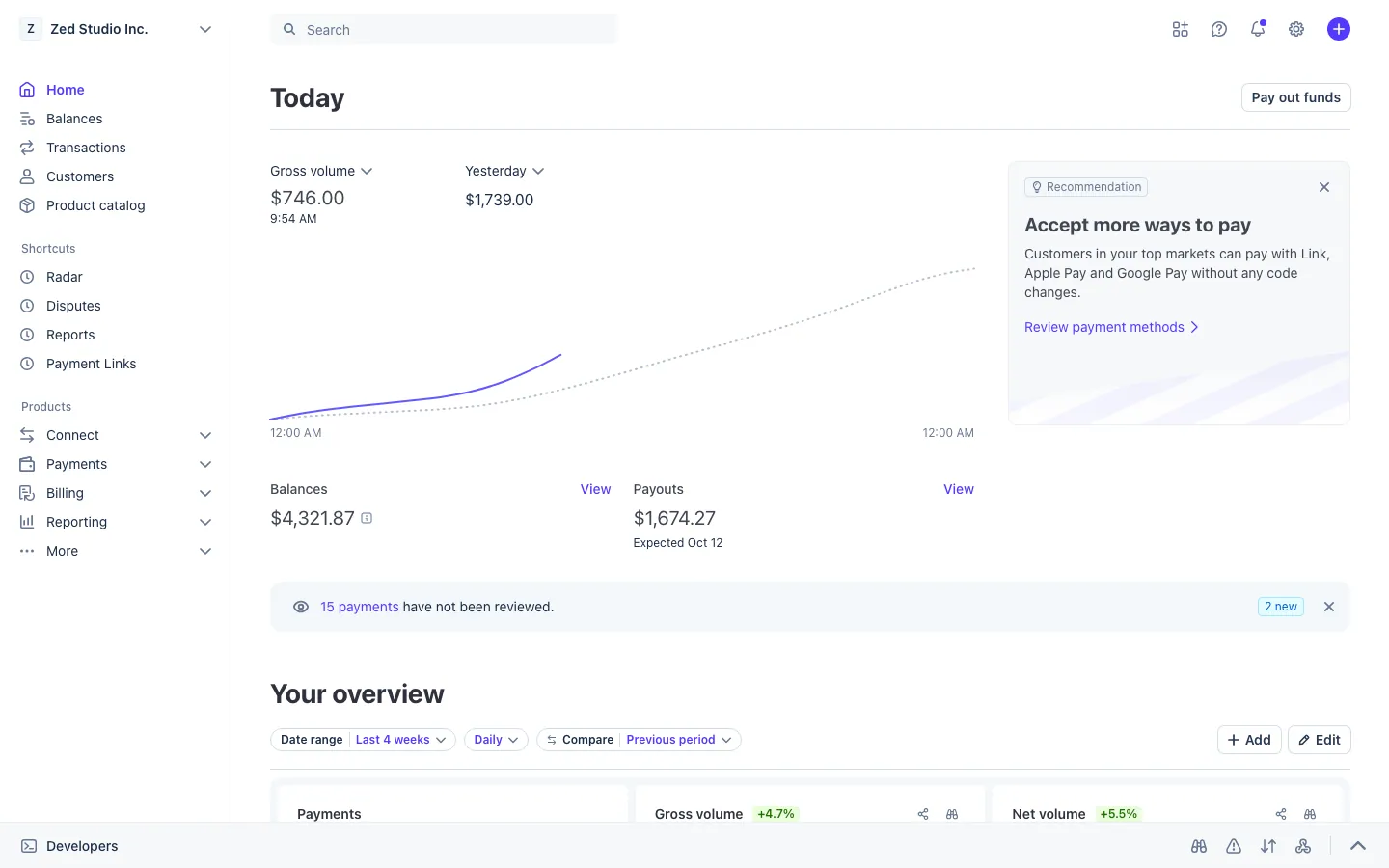
Start from the scene, not the app
Viewers read a screen in about two seconds. That means one recognizable hero screen per scene beats five busy ones. Decide what the shot has to say, such as "this store is busy", "this wallet is full" or "this order is real", and pick the dashboard that says it fastest.
MaxLarp apps come in three shapes. Desktop apps run in a browser with the real address showing in the frame. Phone apps install to the iPhone home screen with their own icon and notifications. Share-image apps make a downloadable card. The shape matters for the shot you have planned, so each pick below says which one it is.
Day-in-the-life and store owner reels
This is the most common prop video: a morning routine, a laptop on a desk and a store that keeps making sales. Three screens carry it.
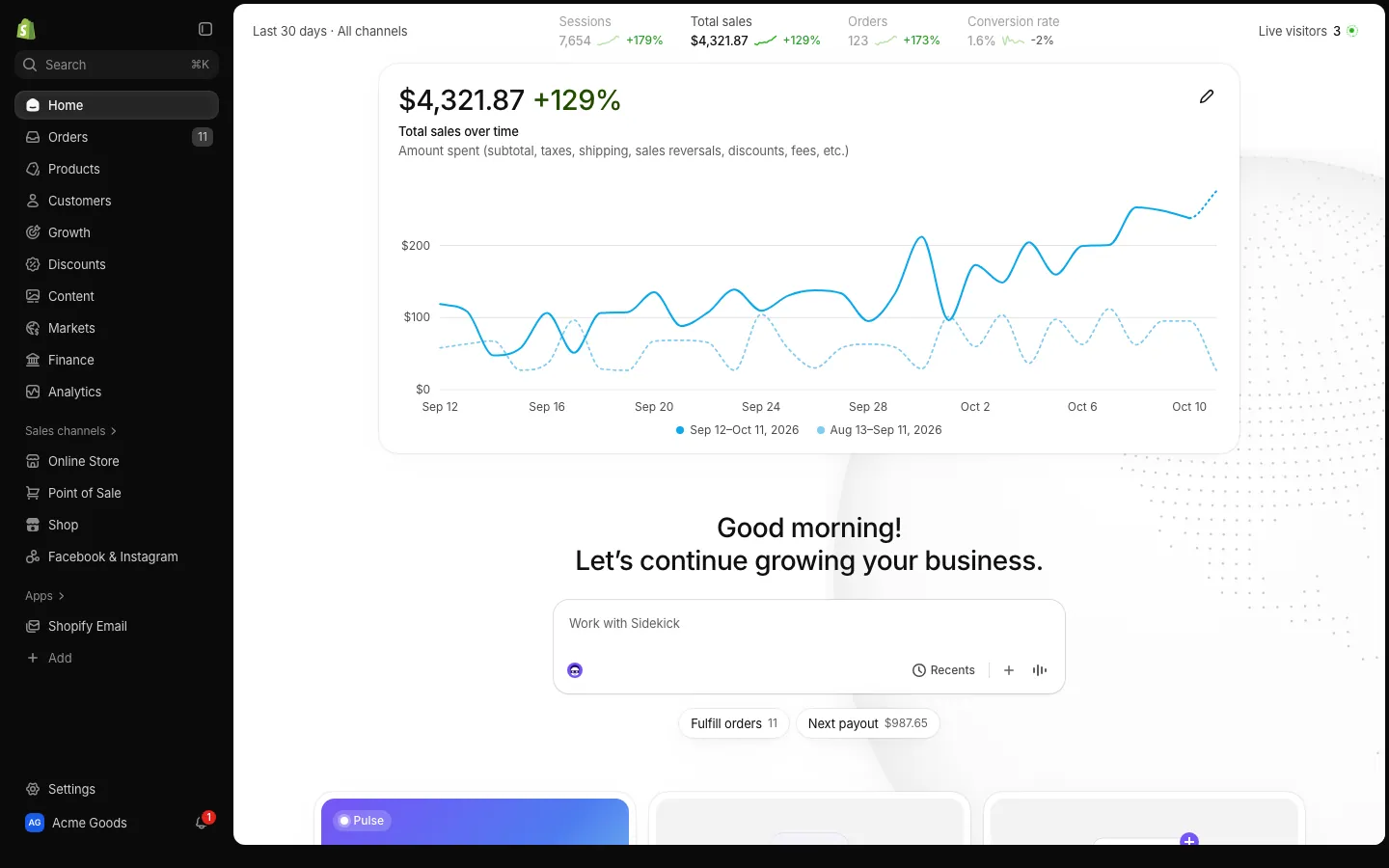
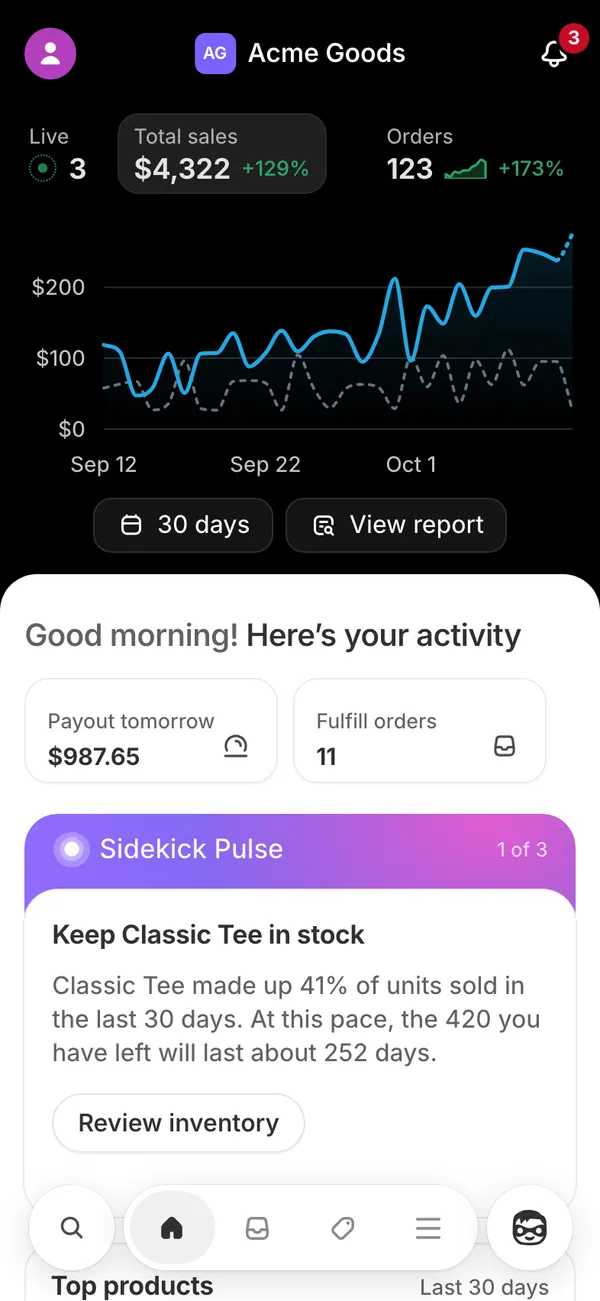
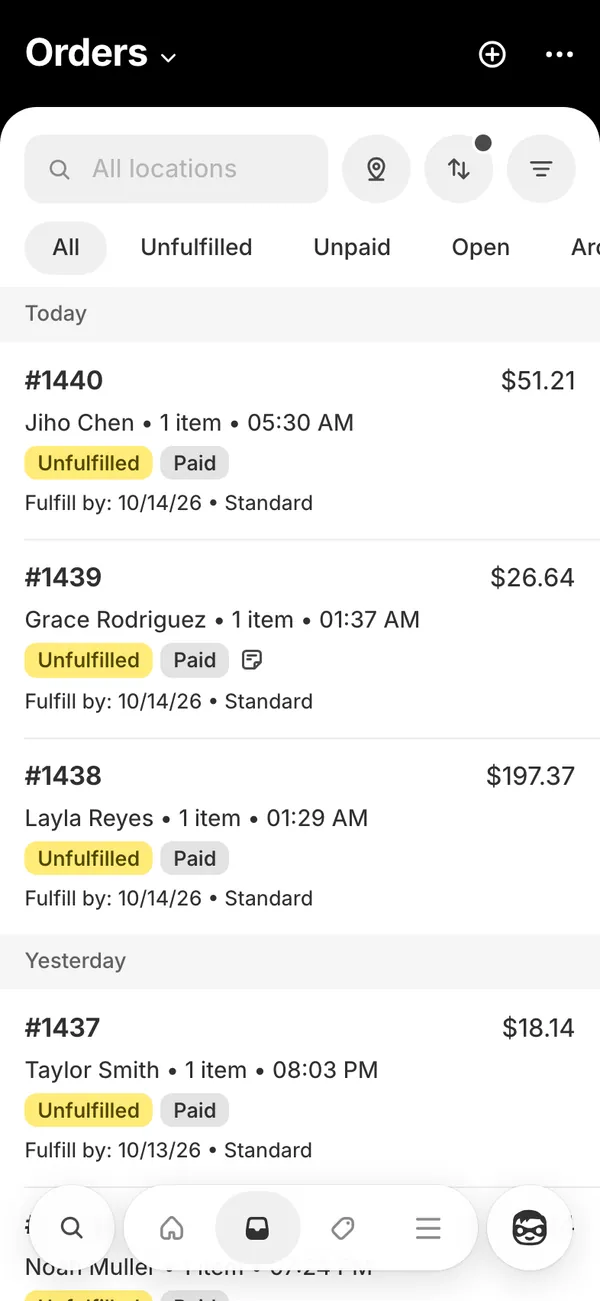
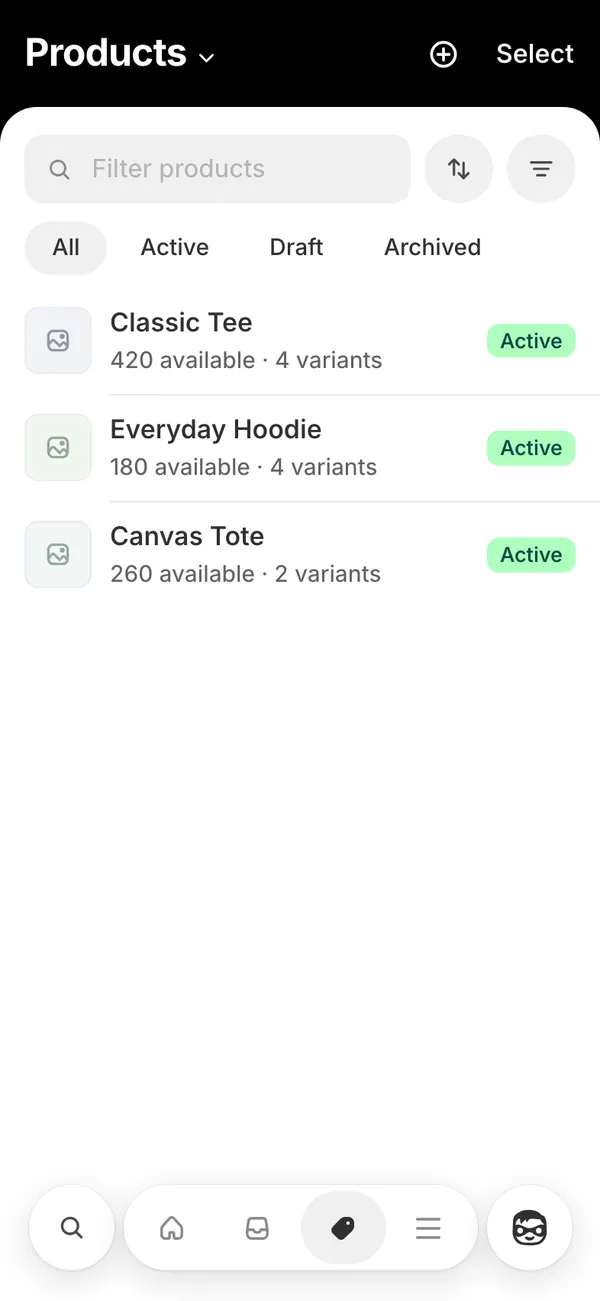
- Shopify runs on desktop and phone. It shows sales, orders and sessions, plus products and customers, and it plays the order sound on each sale. See fake Shopify sales.
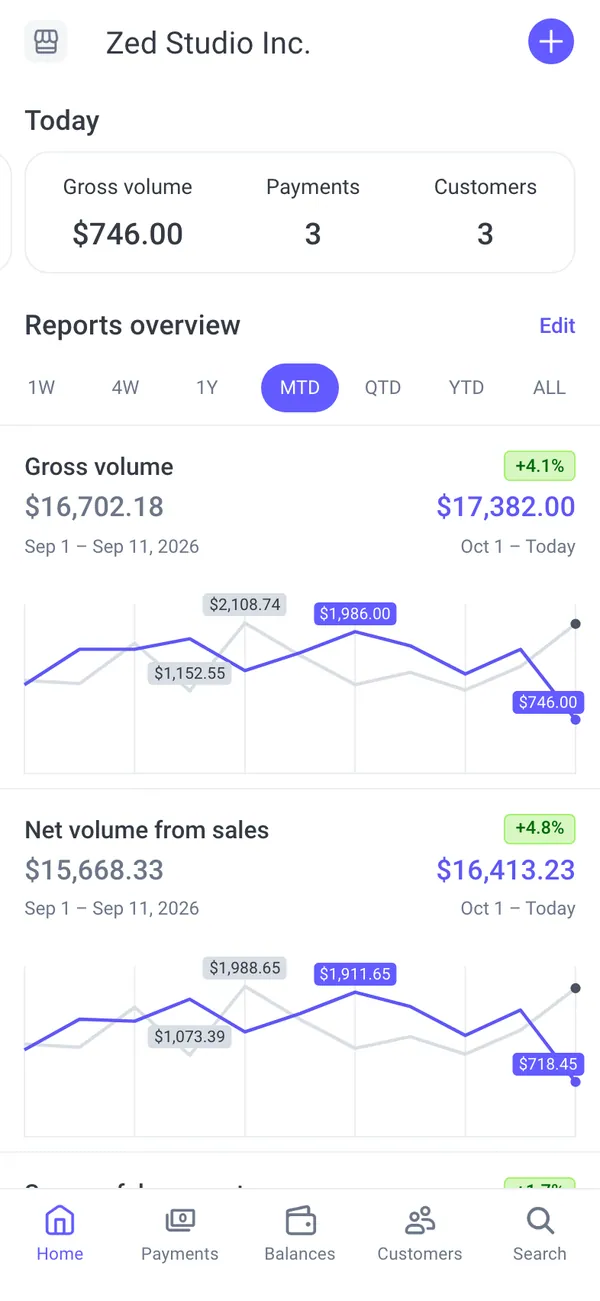
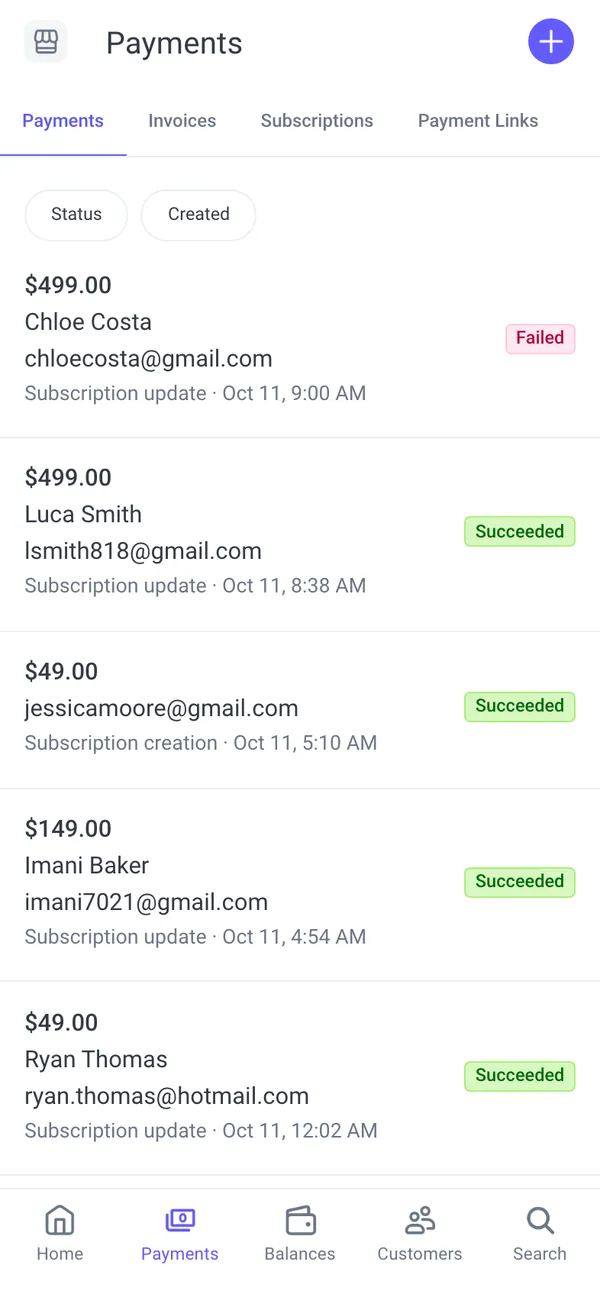
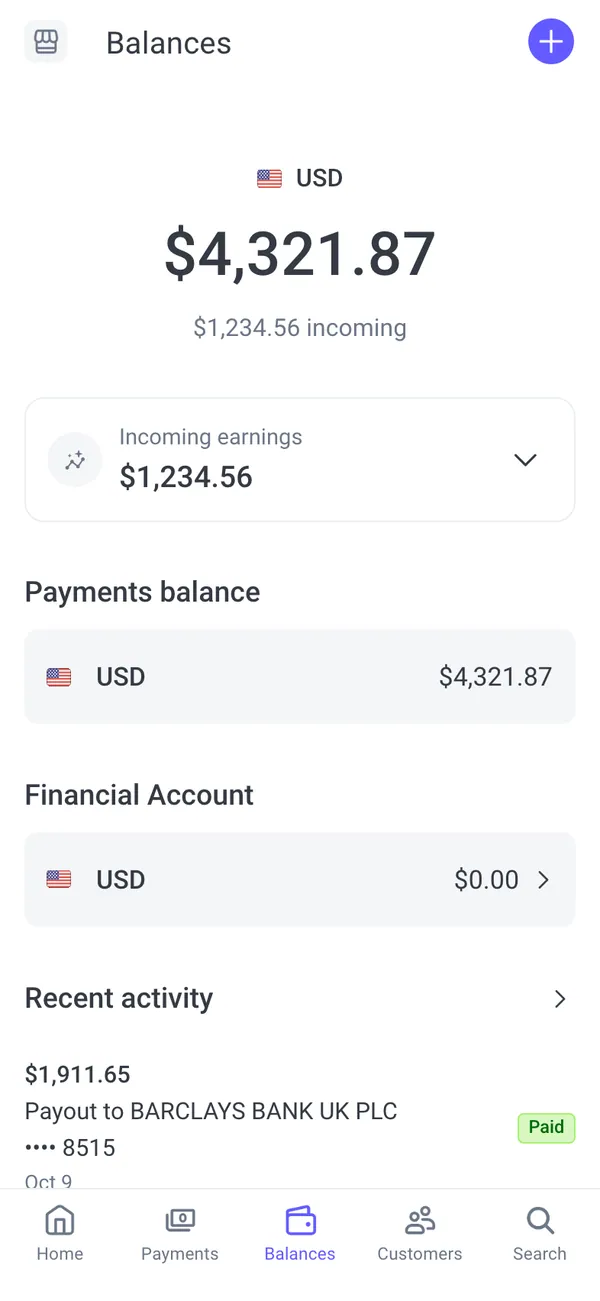
- Stripe shows gross volume and MRR, balances, payouts and customers. A balance screen followed by a payout notification is a clean closing shot. See the Stripe dashboard guide.
- Meta Ads shows spend, ROAS and campaigns, and it follows your store's sales so the ad numbers and the orders agree. See fake Meta Ads ROAS.
Film Shopify first, then Stripe, then Meta Ads, and the viewer follows the money without a single line of narration.
Crypto and wallet content
Wallet videos need a believable balance and a bit of movement. The phone apps are the strongest because a wallet is something people check on their phone.
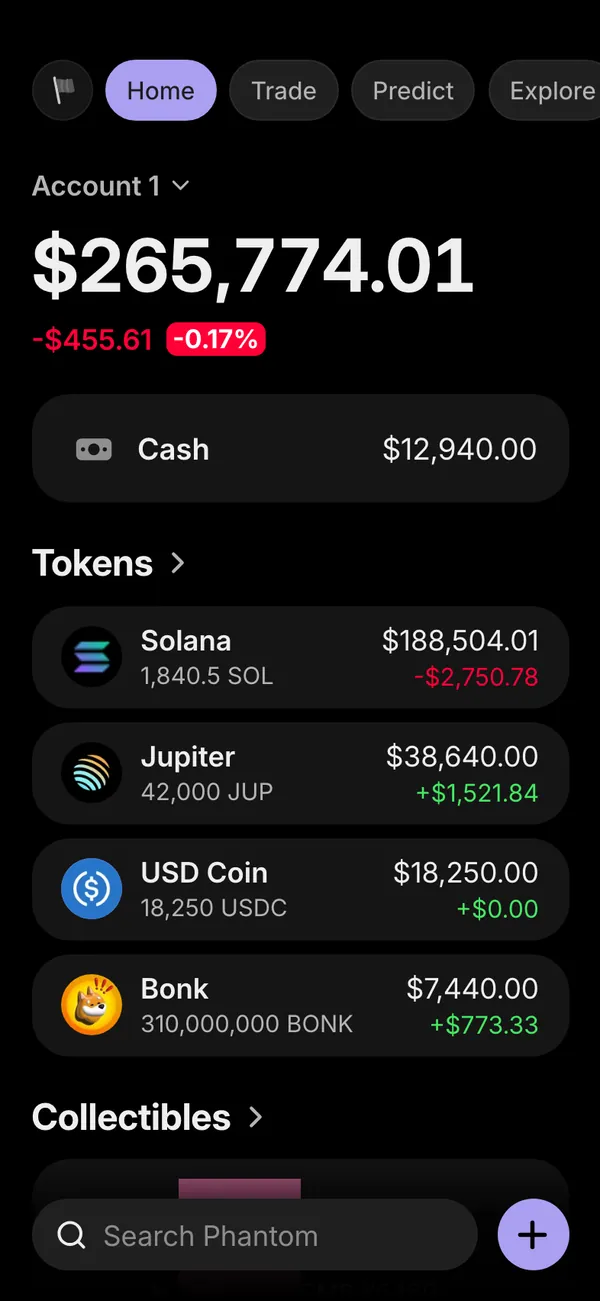
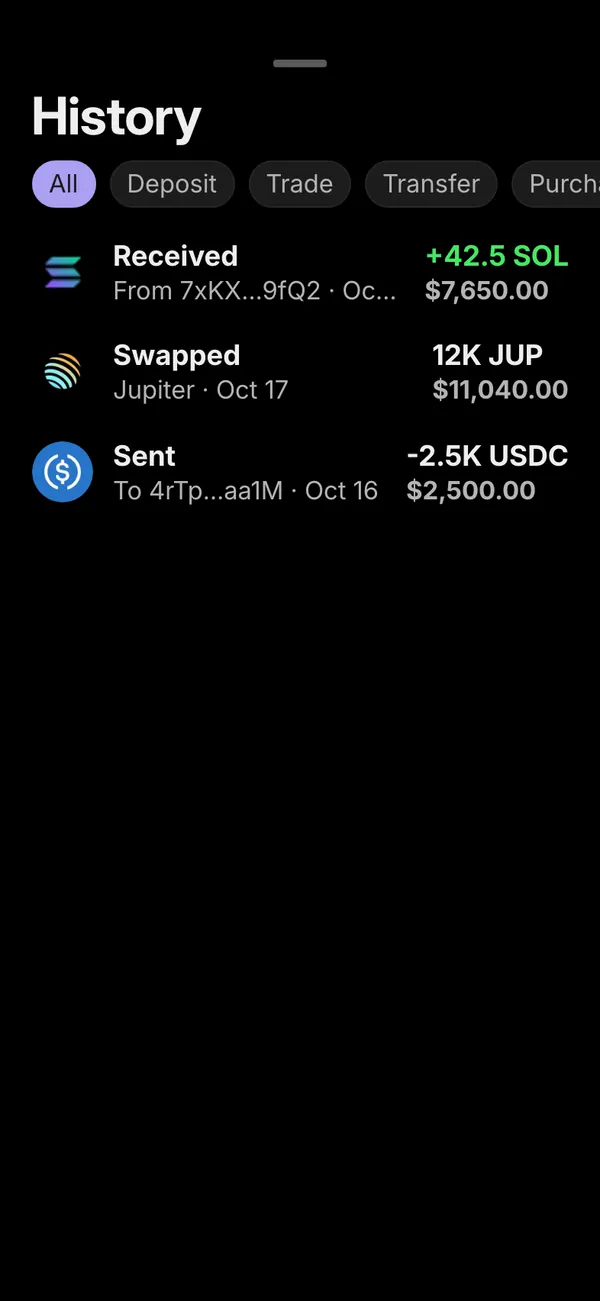
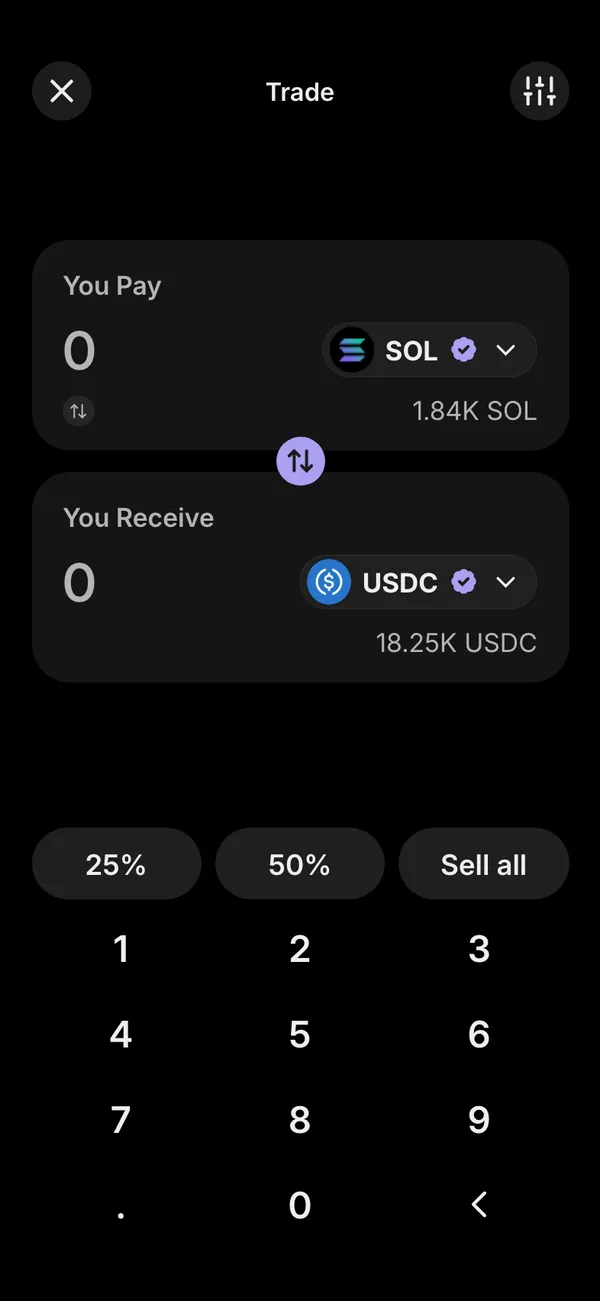
- Phantom is a Solana wallet with balance, tokens, collectibles, activity and swaps. It is the one most meme-coin skits reach for. See fake Phantom wallet.
- Coinbase works on desktop and phone with a portfolio, holdings, trades and history, and prices that can be live or fixed. See fake Coinbase balance.
- Exodus is a multi-coin wallet for Mac, useful for a desktop shot. Ledger is a phone app for the cold-storage joke.
Trading clips and PnL cards
Trading content splits into two kinds of shot: the app screen with open positions, and the share card posted afterward. For the app screen, Binance, Bybit, Prop Firm (FTMO, Topstep and Apex styles) and MetaTrader (MT4 and MT5) cover most scenes.
For the card, Axiom, OKX, KuCoin and MoonX make share images. The PnL card comparison sets all six side by side. If your skit is about a funded-account payout, the prop firm payout certificate is the screen to build around.
Creator income and analytics
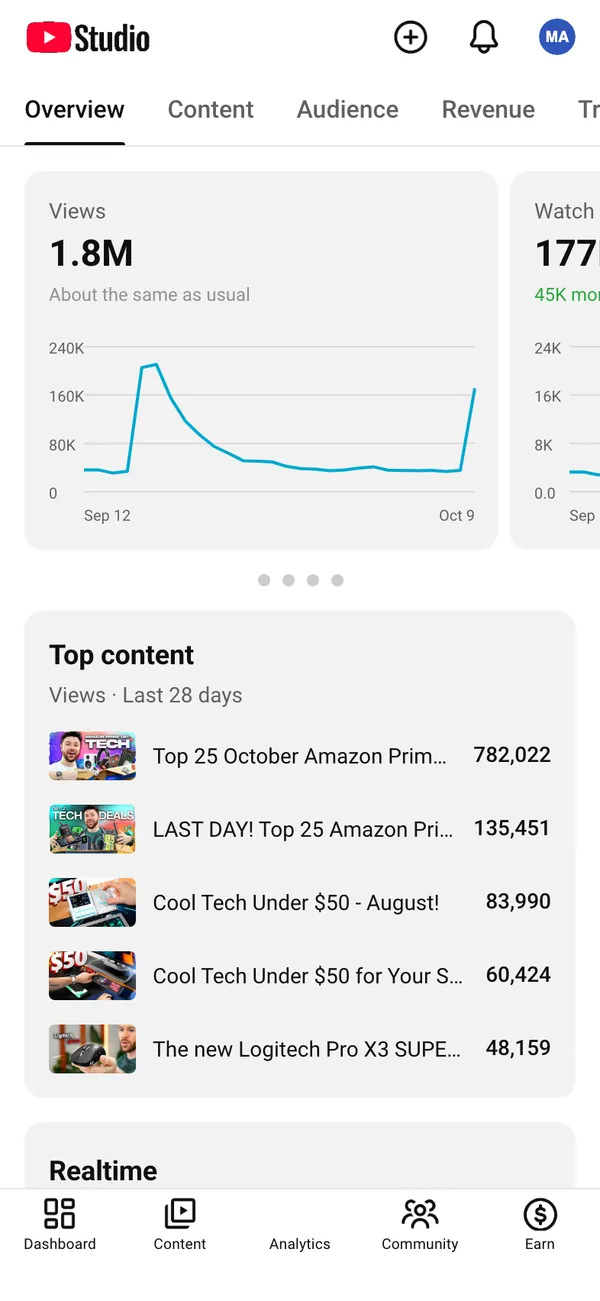
Creator scenes want a graph going up and a revenue figure that makes sense for the audience size.
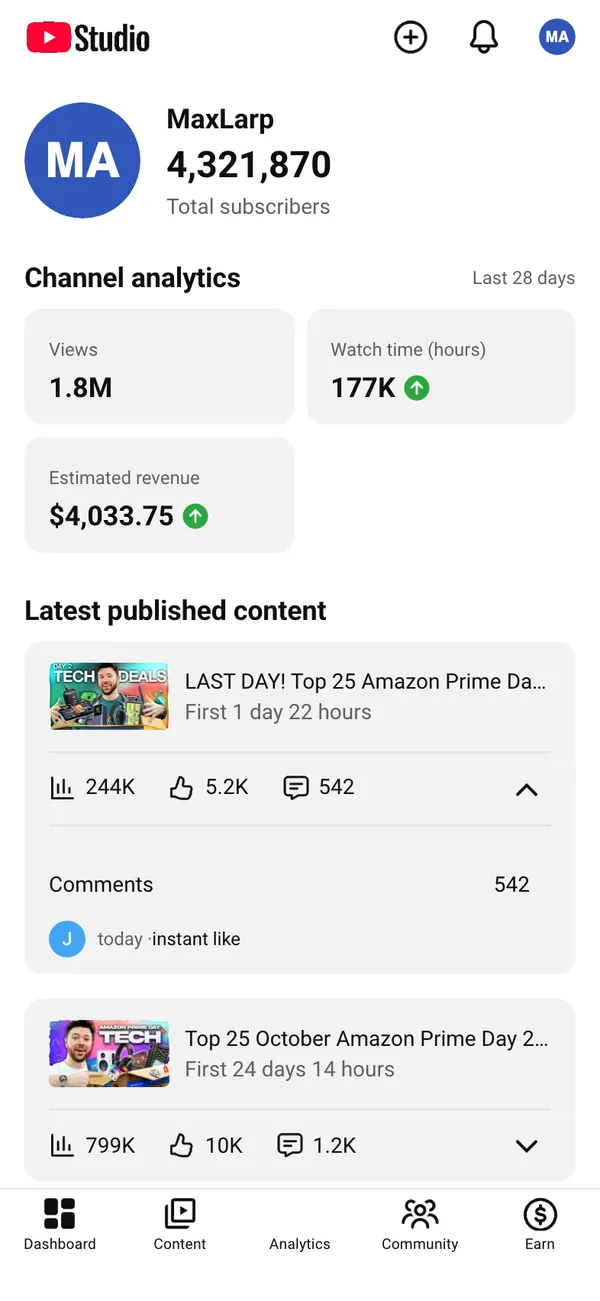
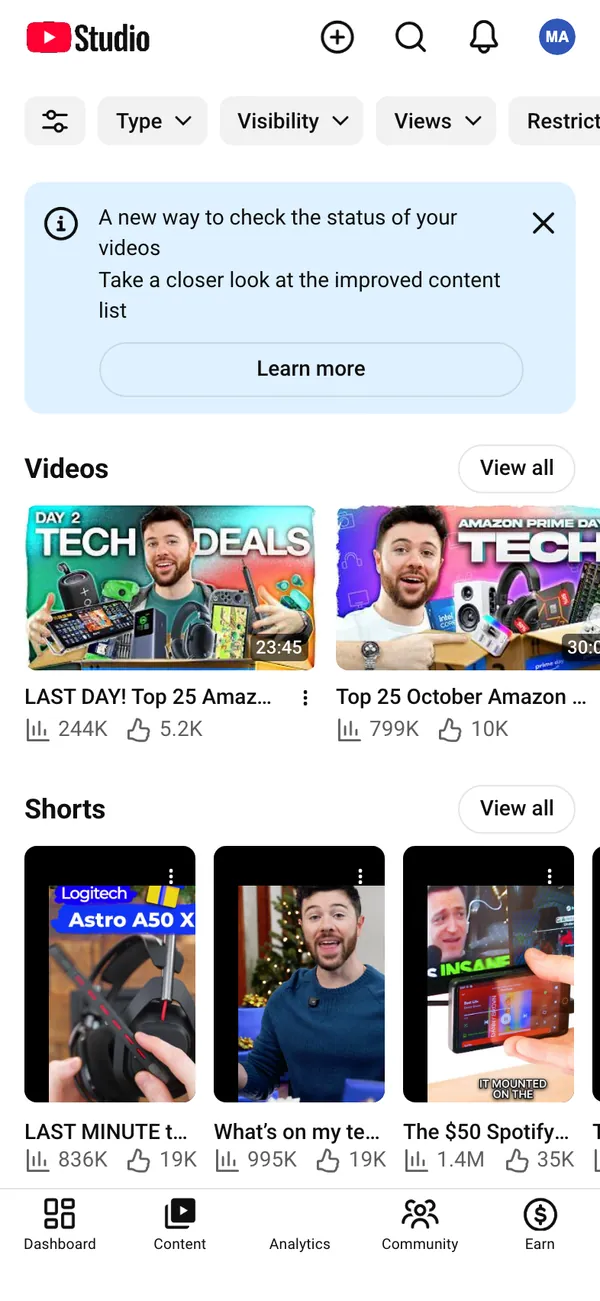
- YouTube shows views, watch time, subscribers and estimated revenue on desktop and phone, with notifications like "You earned" alerts. See fake YouTube Studio revenue.
- TikTok covers views, followers, post analytics and creator rewards. Spotify is the Spotify for Artists view for music skits. Twitch gives a stream manager on desktop.
- OnlyFans, Fanvue and Infloww cover creator earnings, payouts and agency views, for parody or behind-the-scenes content.
Luxury, cars and card flexes
The car order trackers are built for the "it finally arrived" video. Lamborghini walks from your spec through every stage to delivery, and Porsche, Tesla, BMW and McLaren each follow their own brand's flow. The Lamborghini order guide shows a full build.
Add a card shot with Apple Wallet or Amex, then cut to a clip from the Vault of supercars, watches or private jets, and the scene has everything it needs.
Skits and short films: the small props
Some of the most useful screens are the small ones. Fake emails, receipts and texts give a film scene its payment confirmation or iMessage thread. Venmo and Cash App give a skit its "you sent me money" beat. Fake iPhone location puts the phone somewhere else for a travel or alibi gag.
Whatever you pick, tell your audience it is a prop when the context is unclear. The legal and responsible use guide explains where that line sits.
The apps in this post




Questions
What is the best fake dashboard for a day-in-the-life video?
A fake Shopify dashboard is the usual first choice because sales, orders and an order sound read instantly on camera. Add Stripe for payouts and Meta Ads for spend, and the three screens tell a complete store story.
Do I need to be on a desktop to use these?
No. Many apps run on desktop in a browser, many install on the iPhone home screen as their own app, and the PnL cards are downloadable images. Each app page lists which surfaces it supports.
Can I use more than one fake dashboard in the same video?
Yes, and it works better that way. Set up one persona and every app picks up its share, so the store, the wallet and the notifications show the same fictional person.
Are these affiliated with the real brands?
No. MaxLarp is not affiliated with, endorsed by or sponsored by any platform it recreates. Every number is fictional and nothing connects to a real account, so they are props for videos, skits and films.
Every number on MaxLarp is fictional. Not affiliated with any brand shown. Acceptable use