Fake payment notifications on iPhone: real alerts for video


 · 3 min read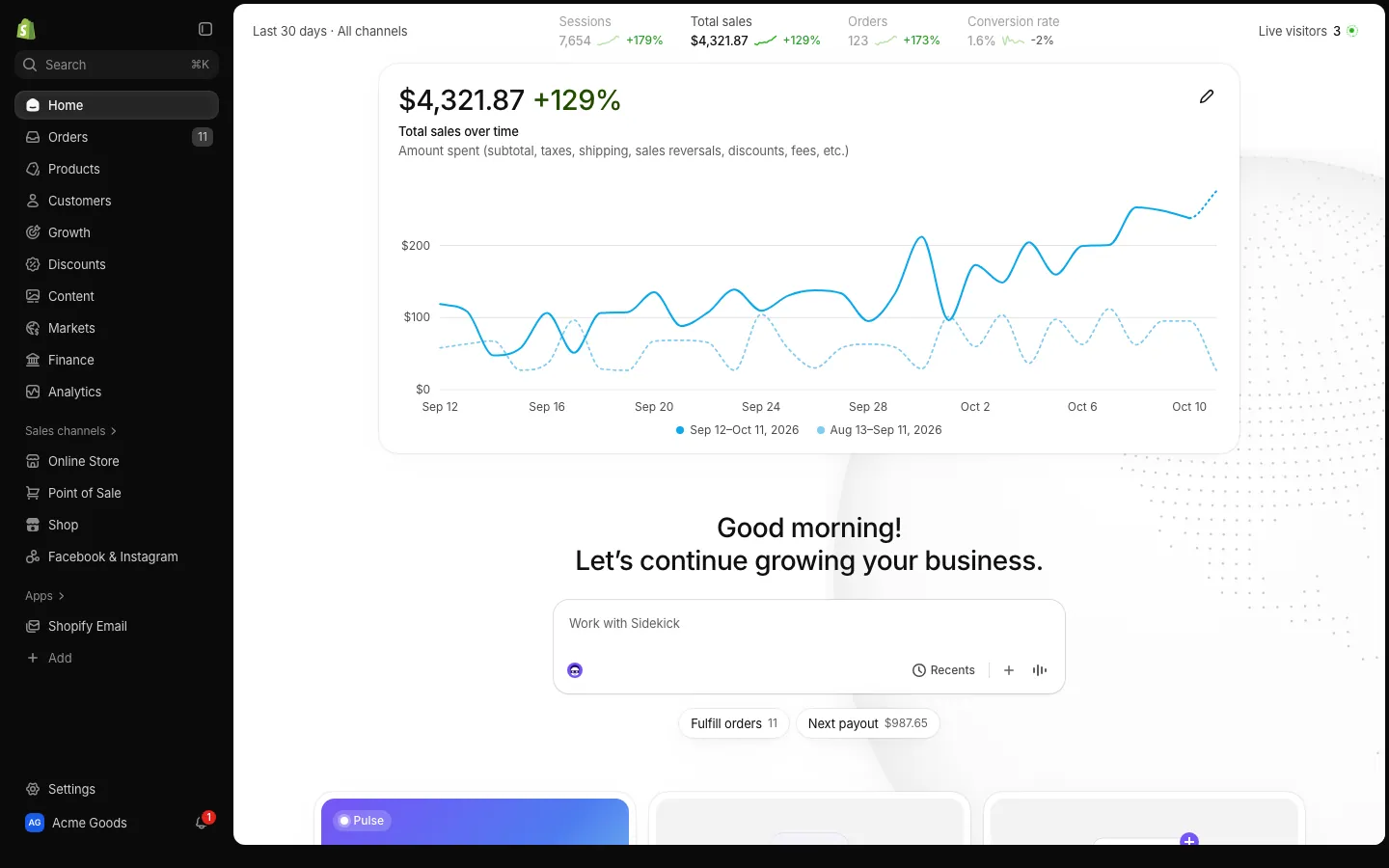
How the notifications work
Each phone app in MaxLarp installs to your home screen as its own app and receives its own notifications. That is why the alert looks and behaves like a real one: it arrives on the phone, not inside a screen recording.
On iPhone this needs iOS 16.4 or later and the app added to your home screen. A bookmark in Safari is not enough. The alerts are driven by live mode and by scenarios, so they follow your persona and your numbers.
Alerts you can film
Different apps send different alerts. A few of the most used ones:
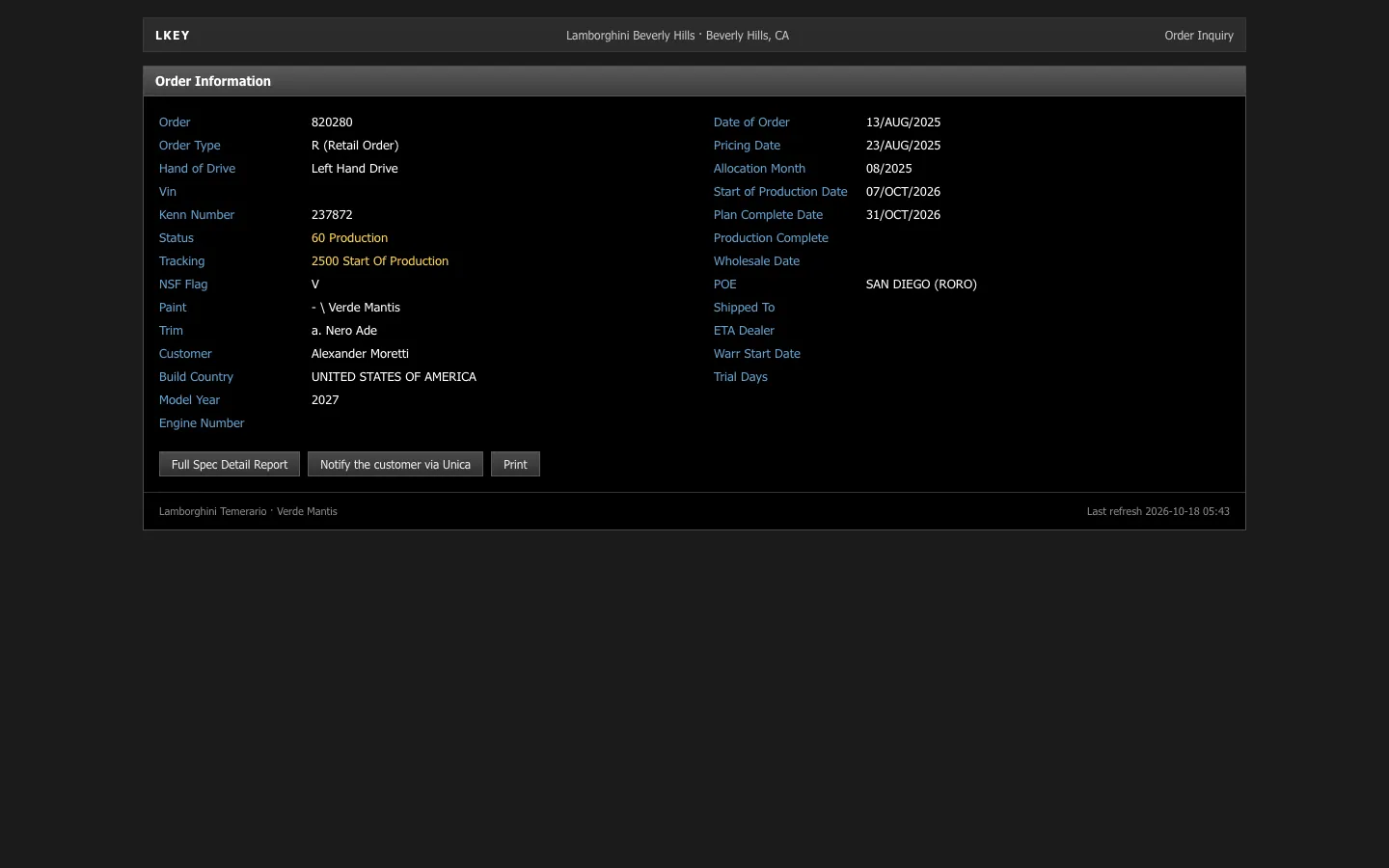
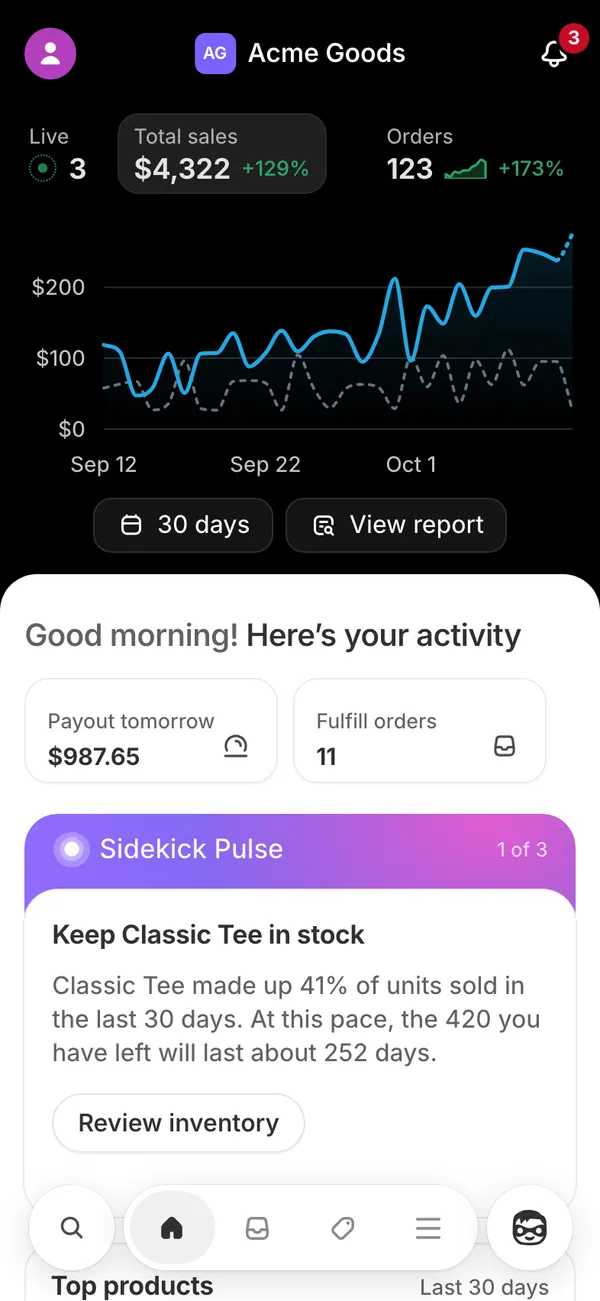
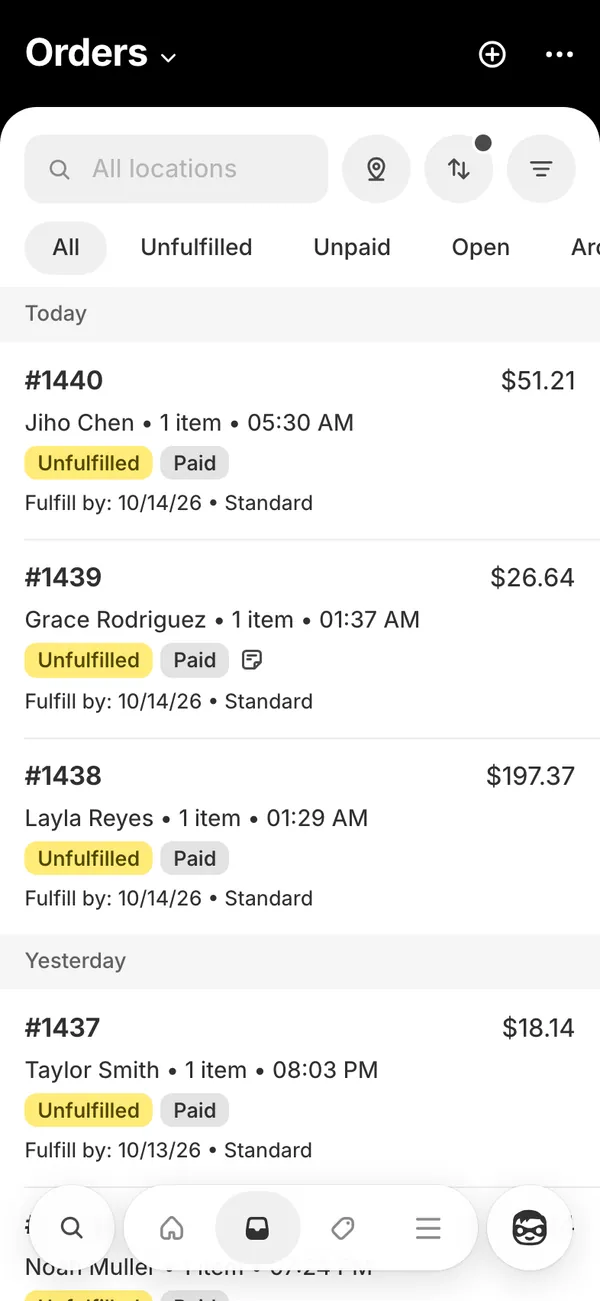
- Shopify: an alert titled “Order #” with the order number, plus the order sound on every sale.
- Stripe: “Payout of an amount is on the way” and “New subscription from” a customer.
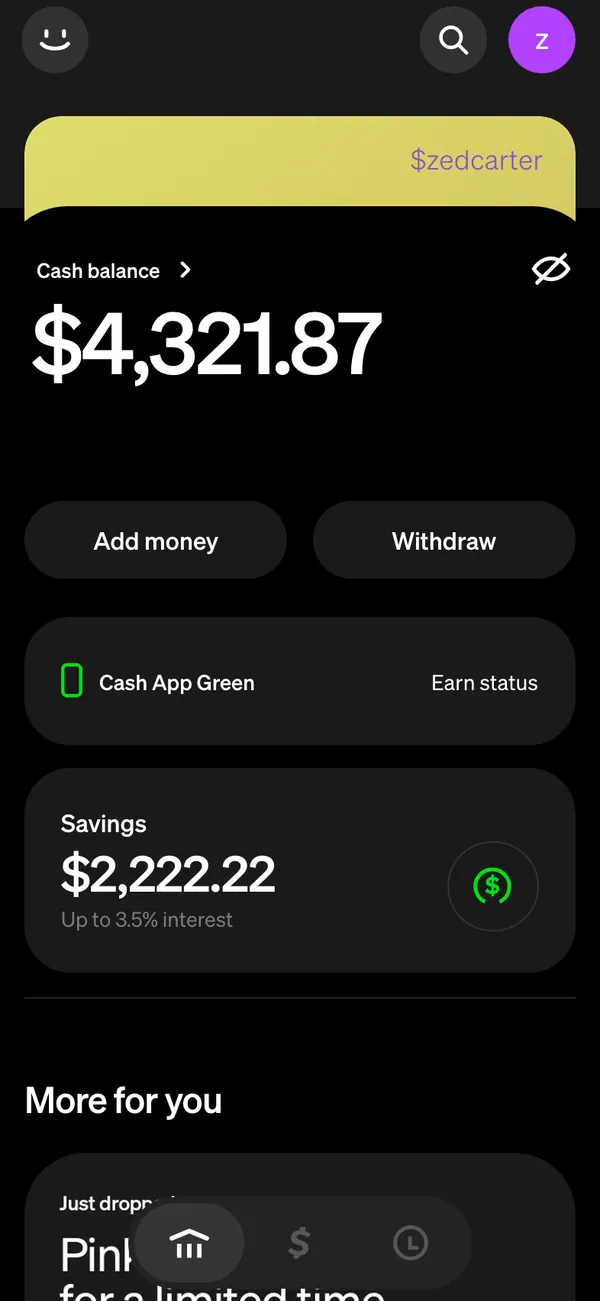
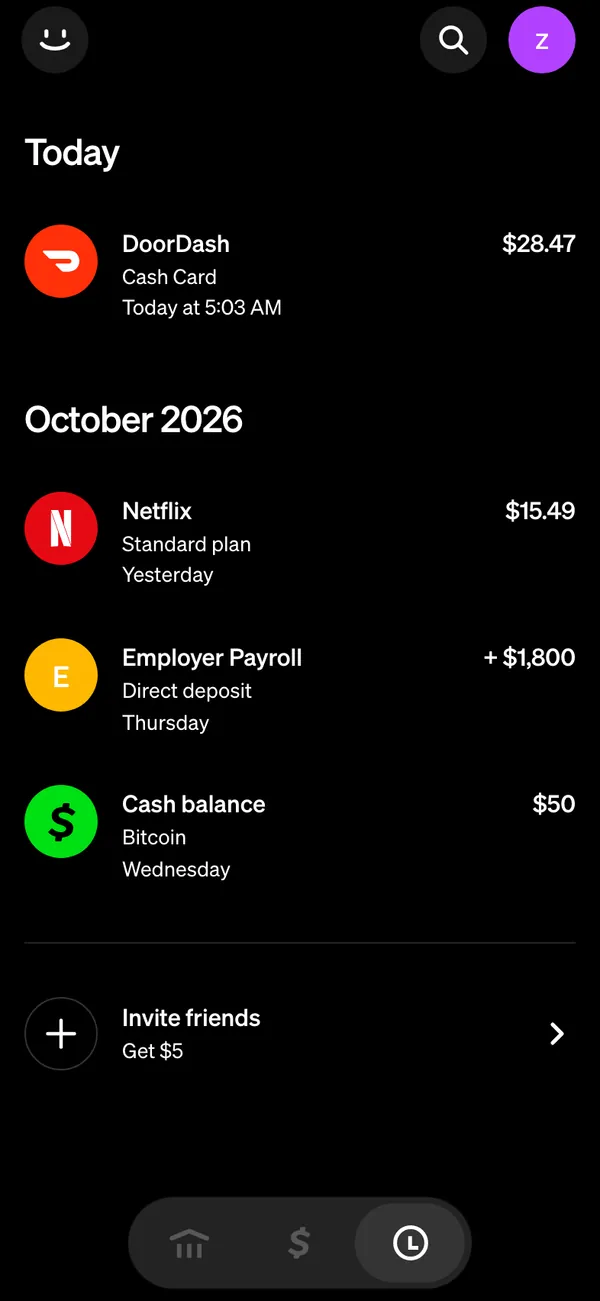
- Cash App: “Payment received,” “Direct deposit of an amount has arrived” and “You received” an amount of BTC.
- Venmo and Amex: a transfer-complete alert and card charge alerts.
Turn on fake payment notifications
- 1Open the app's page on your iPhone and add it to your home screen.
- 2Open the app from the home screen icon and allow notifications when asked.
- 3Set up your persona so the alerts use your name, store or currency.
- 4Switch on live mode, or play a scenario such as a record day, so alerts start arriving.
- 5Lock the phone and wait for the first alert to confirm it works.
- 6Film the lock screen and the banner, then switch back to static mode when you want the alerts to stop.
Filming alerts cleanly
- Use Do Not Disturb and allow only the app you are filming, so unrelated messages do not appear.
- Set notification previews to show, so the full text reads on the lock screen.
- Check the ringer. The Shopify order sound needs the phone ringer on and the volume up.
- Test the sound before the take. What a screen recording picks up depends on your phone settings, and a second camera or microphone is a safe backup.
- Clean the lock screen: a calm wallpaper, a sensible time and no other banners stacked underneath.
- Let the alert arrive during a take rather than cutting to it. The reaction shot is the scene.
Scenarios for a scripted burst
Live mode keeps alerts arriving at believable times. When you want a specific moment, play a scenario instead. Pick a stretch such as a record sales day and the day plays out order by order, alert by alert.
This is how creators film a “the phone would not stop buzzing” shot without waiting around. Start the scenario, set the phone on the table, and keep the camera rolling until the pile of banners looks right.
Alert counts should fit the story. Three alerts in a minute reads as a good morning, thirty reads as a joke.
If the alerts do not arrive
- Check the iOS version. Notifications need iOS 16.4 or later.
- Confirm the app was opened from the home screen icon, not from a Safari tab.
- Look in Settings for the app's notification permission and turn it on.
- Check that Focus or Do Not Disturb is not blocking the app.
- Make sure live mode or a scenario is running, since static mode keeps numbers still.
For the wider picture, read how live mode keeps orders and totals moving, and how fake apps on the iPhone home screen are installed.
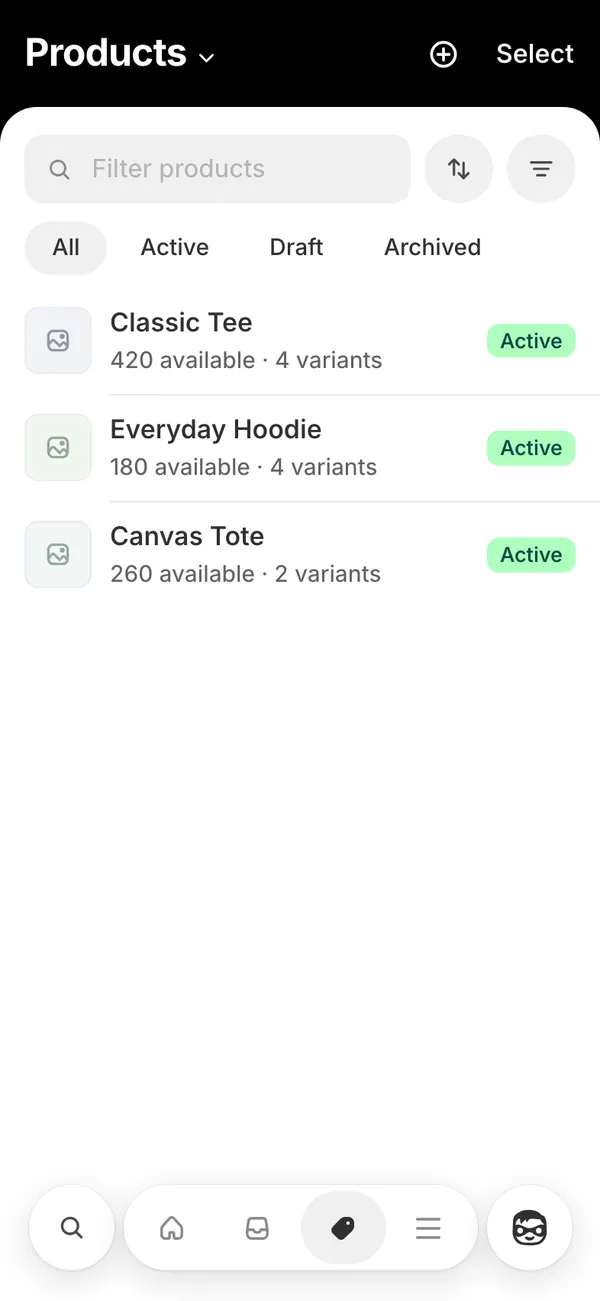
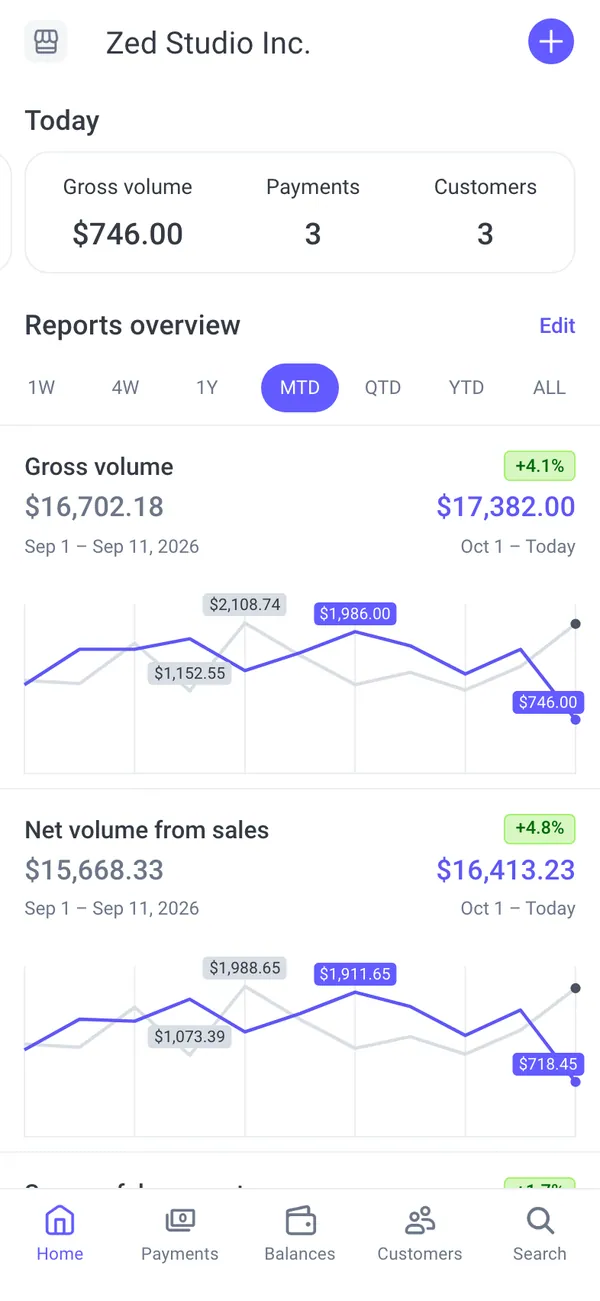
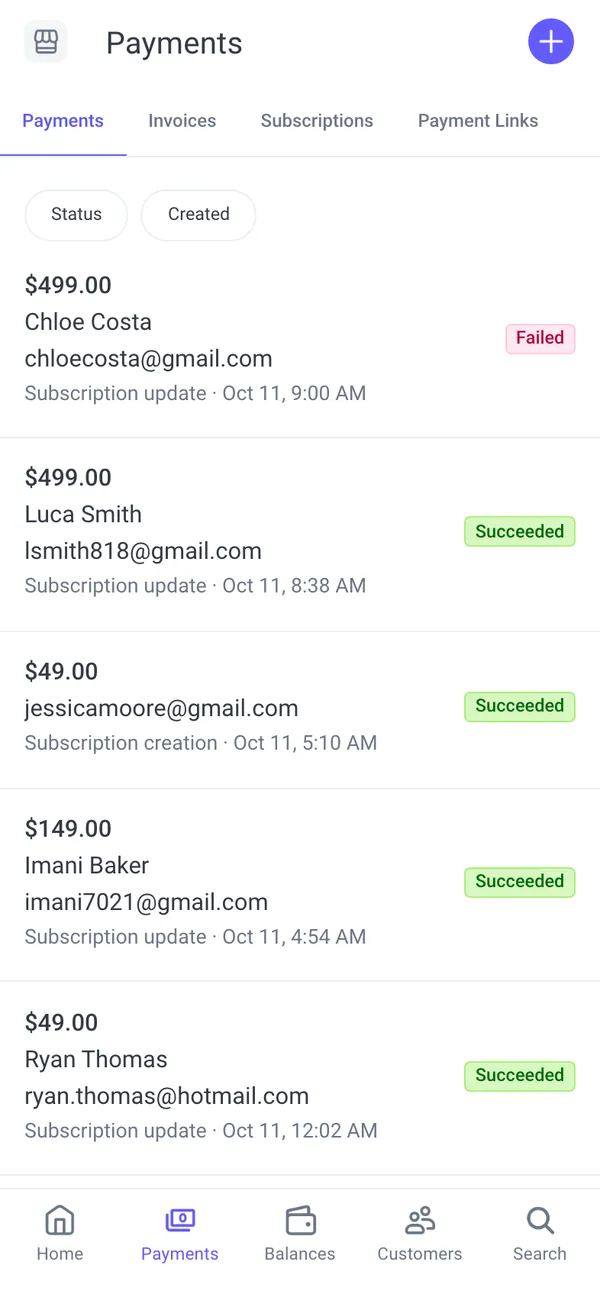
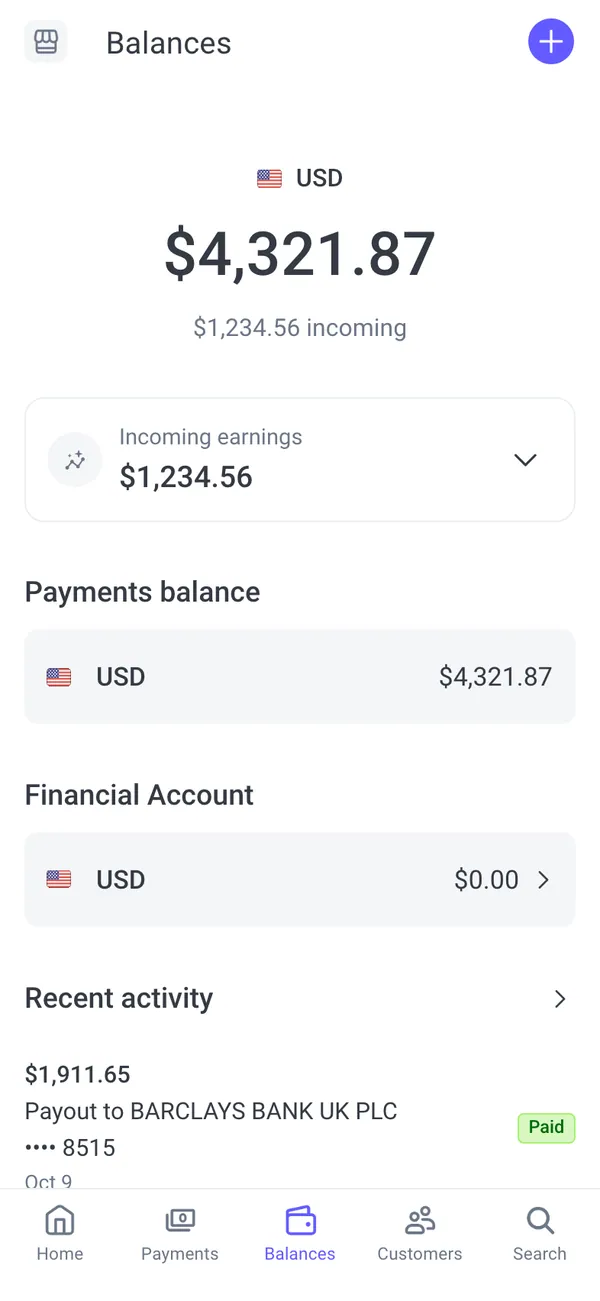
The apps in this post



Questions
Do the fake notifications really arrive on my phone?
Yes. Each phone app installs to your home screen and sends its own push notifications. They arrive like normal alerts on the lock screen, so you can record them live.
What do I need for fake payment notifications on iPhone?
You need iOS 16.4 or later, the app added to your home screen, and notifications allowed. Then turn on live mode or play a scenario so the alerts start.
Can I control when the alerts arrive?
Yes. Use live mode for alerts that arrive on their own, play a scenario for a scripted burst, or switch to static mode when you want the phone quiet during a take.
Is it legal to fake payment notifications?
As a prop for a video or skit it is fine. Showing them to a real person as proof of a payment is not allowed. MaxLarp is not affiliated with the brands it depicts, and this is not legal advice.
Every number on MaxLarp is fictional. Not affiliated with any brand shown. Acceptable use