Luxury b-roll clips for content: what the Vault includes
 · 4 min read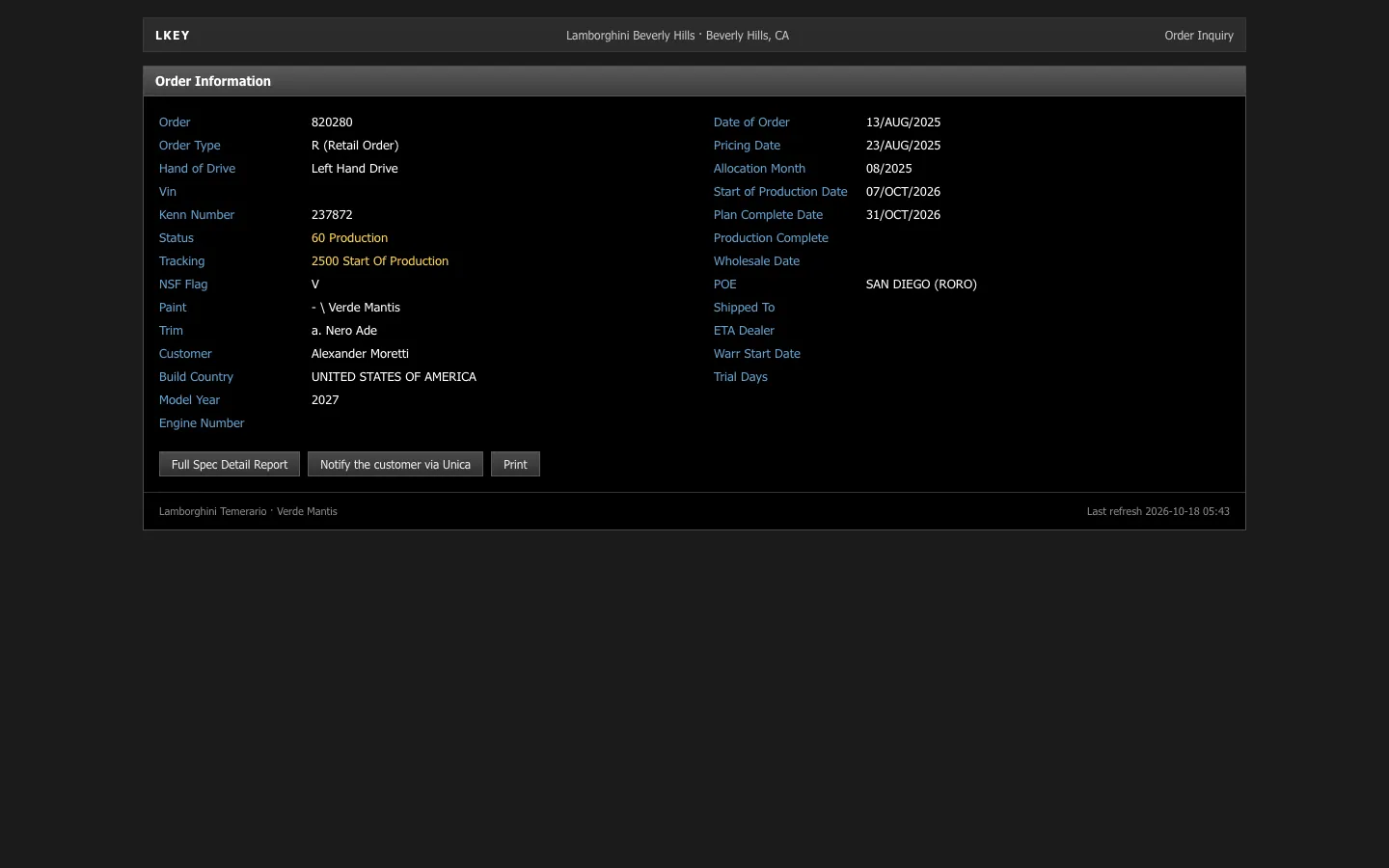
What the Vault is
A dashboard on its own shows the money. B-roll shows what the money is for. The Vault is the second half of that equation: clips and photos of the things luxury content leans on, organized into packs so you can find a scene quickly. It is included with membership and lives on the Vault page.
Clips and photos are separate assets, so you can use a still as a thumbnail, a title card or a background and keep the motion for the edit itself. The twelve packs are:
- Supercars
- Watches
- Yachts
- Private jets
- Villas
- Travel
- Fashion
- Nightlife
- Gym
- Desk setups
- Dining
- City views
Why b-roll makes a fake dashboard land
A single screen asks the viewer to believe a number. A cut to a car, a watch or a view over a city asks them to believe a life, and the two support each other. Most successful lifestyle videos run on this rhythm: a number, a visual reward, a number, another reward.
B-roll also hides the seams. If a dashboard take runs long, cutting away to a clip lets you trim the dead time. If a wall of numbers feels dry, a short clip resets attention before the next screen.
Pair each pack with the right dashboard
The best matches follow cause and effect. The money screen comes first and the payoff second.
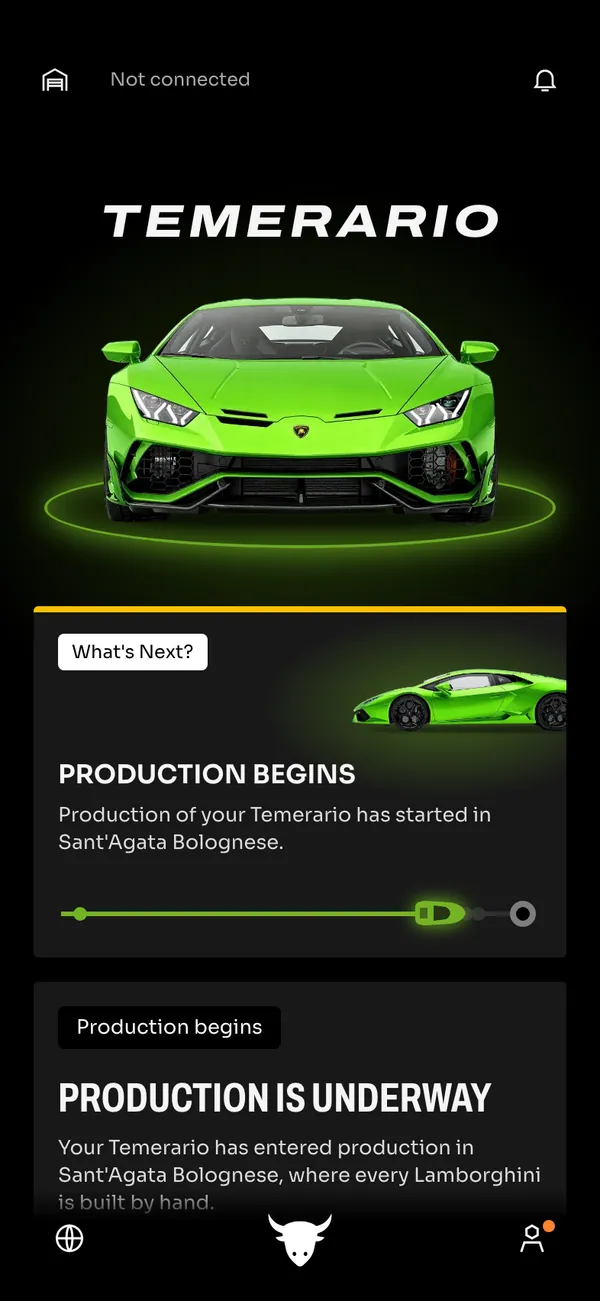
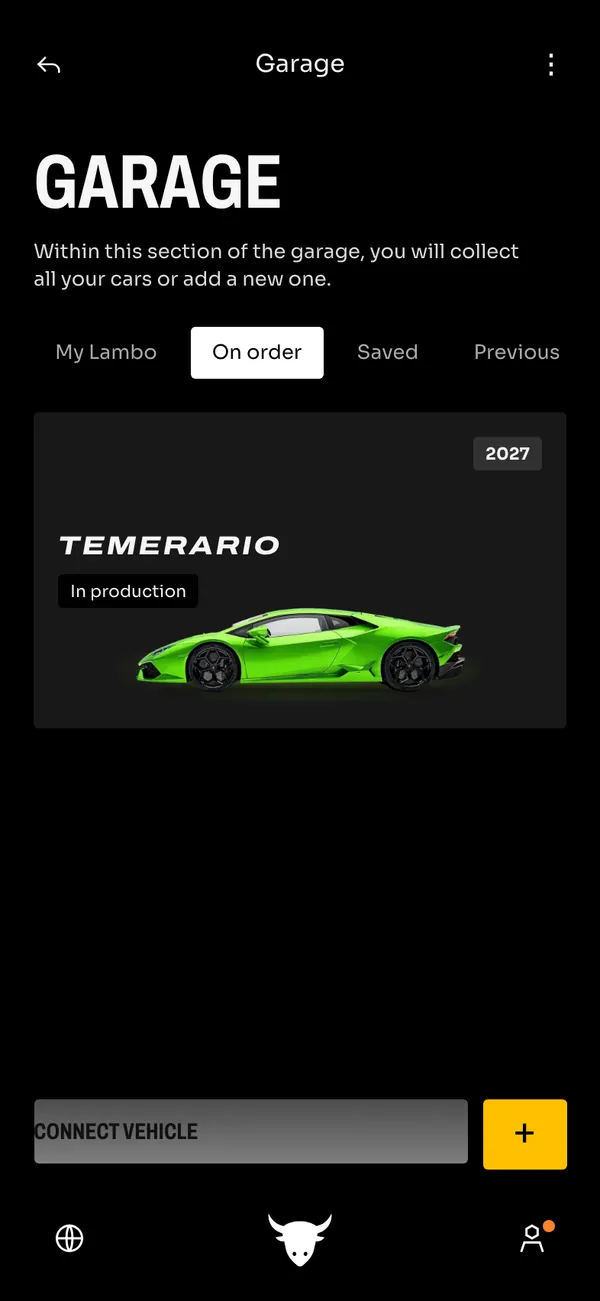
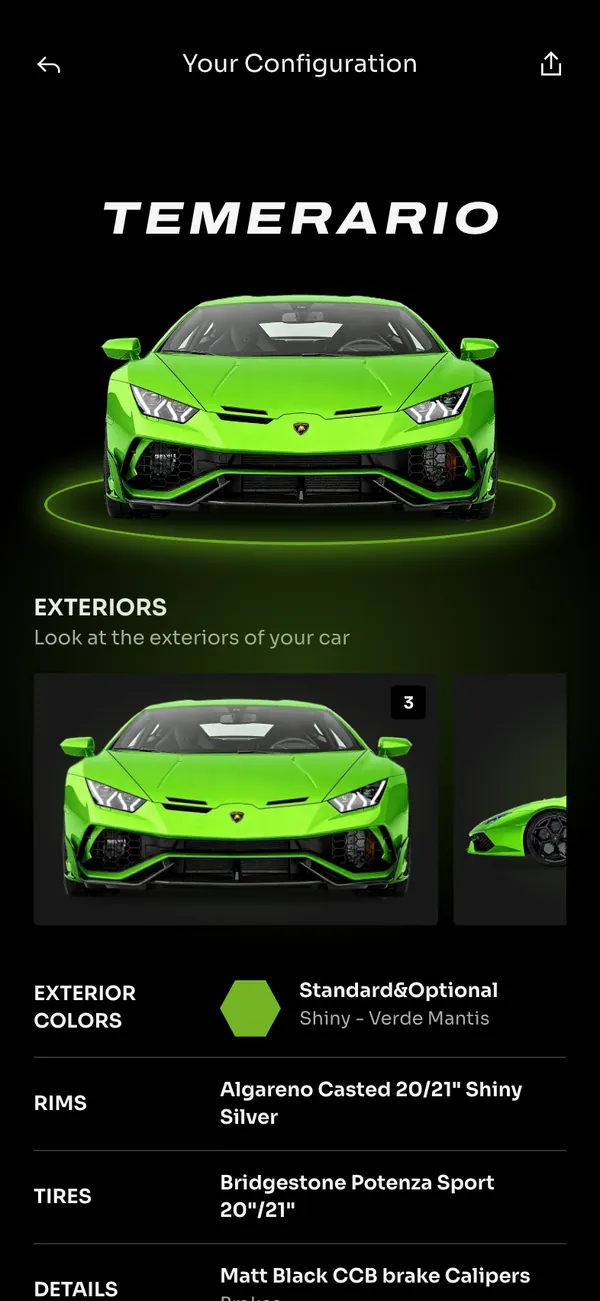
- Supercars with the Lamborghini order tracker: your spec, every stage, then the garage. A clip of the car closes the loop. See the Lamborghini order guide.
- Watches with an Apple Wallet card or Amex shot: spending screen, then the wrist.
- Yachts and Private jets with a Stripe payout or a Coinbase portfolio: the big number, then the destination.
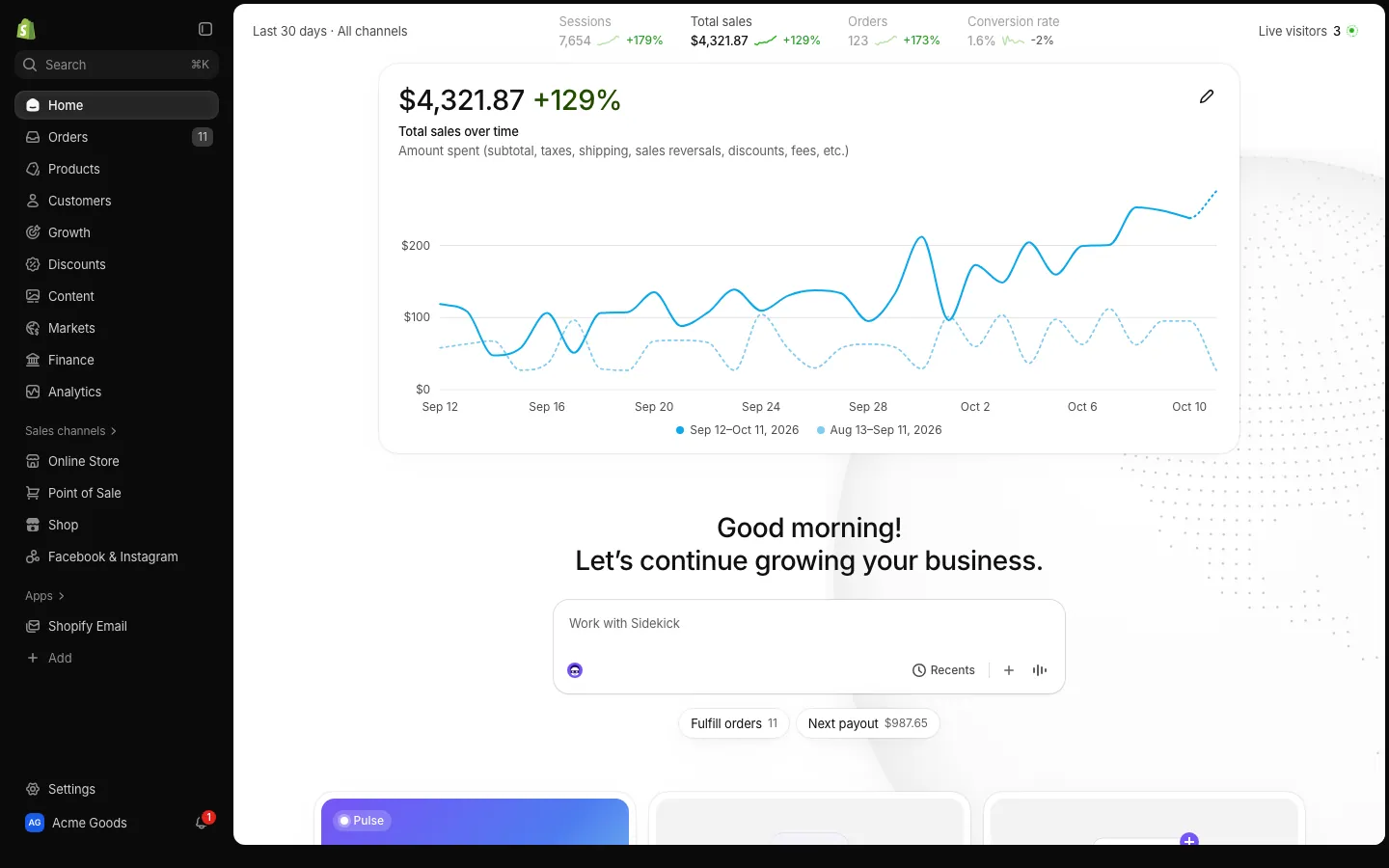
- Villas and Travel with a Shopify sales morning: the store runs while the owner is away.
- Desk setups and Gym with a YouTube revenue shot: the daily routine behind the income.
- Nightlife, Dining, Fashion and City views for the "after the win" scenes.
Cut a money-flex video in five steps
- 1Write the arc in one line: for example, "store sale, payout, car order, delivery".
- 2Film the dashboard takes first, using a persona so the numbers agree. The persona guide shows how.
- 3Pick one pack clip per dashboard beat. Do not fill the timeline with every clip you like.
- 4Cut on the number or the notification, then land on the clip for a second or two before the next screen.
- 5Add music or a voiceover that gives the clips a reason to be there.
Keep clips short. Two to three seconds per shot is enough to establish a mood, and shorter feels more energetic on a vertical feed.
Repeat a visual motif rather than collecting random beauty shots. If your character is a watch collector, let the Watches pack return three times across the video and let the numbers escalate each time. Repetition tells the viewer what the video is about, and a tight set of clips looks more intentional than a showreel.
Scene ideas by pack
If you are staring at an empty timeline, a few ready-made structures help.
- The morning routine: Desk setups, Gym and Dining between two Shopify sales checks.
- The arrival: a Lamborghini order tracker screen that ends on a Supercars clip, with a Private jets shot as the epilogue.
- The weekend off: Travel, Yachts and Villas clips, with a Phantom balance as the only dashboard in the video.
- The night out: Nightlife and Fashion clips, ending on a payment notification on the lock screen.
- The city hustle: City views as the opener, then a Stripe payout and a quick Dining shot.
Each of these works as a skit as much as a flex. The more obviously over the top it is, the less anyone mistakes it for a real brag.
Keep the matching honest
Luxury b-roll is fine when the video is openly a skit, a parody or a stylized edit. It gets murky when stock footage of a jet is presented as your own jet to sell something. If a viewer could reasonably think the clip shows your real belongings and money is on the line, say it is a prop or do not use it that way.
The terms are worth reading before you publish, and the responsible use guide explains where the line sits. For ideas on what to build the video around, see the best fake dashboards for videos.
Open Lamborghini

Questions
What is the MaxLarp Vault?
It is a library of luxury clips and photos in packs covering supercars, watches, yachts, private jets, villas, travel, fashion, nightlife, gym, desk setups, dining and city views. It is included with membership.
What kinds of luxury b-roll are in the packs?
Clips and photos of cars, watches, yachts, jets, villas, travel scenes, fashion, nightlife, gym sessions, desk setups, dining and city skylines. Browse the Vault page to see the packs.
Do I need a dashboard to use the Vault?
No. The Vault works as plain b-roll for any video. It pairs well with fake dashboards because the screen shows the money and the clip shows the lifestyle, but you can use either on its own.
Is the Vault affiliated with the brands in the clips?
No. MaxLarp is not affiliated with, endorsed by or sponsored by any brand that appears in its apps or clips, and all trademarks belong to their owners. Treat the footage as props for content.
Every number on MaxLarp is fictional. Not affiliated with any brand shown. Acceptable use