Larp app: what one is, what it does and the kinds MaxLarp covers


 · 5 min read
What a larp app is
A larp app is a copy of a real app's screens, built to look right on camera. You pick the balance, the orders, the wins and the names. Nothing connects to the real service, so every number on screen is invented.
The word comes from LARP, live-action role-play, where people act out a character in a real place. A larp app applies the same idea to a screen. It is a costume for a phone or a laptop, and it works because everyone involved knows it is a performance.
Creators use larp apps in skits, short films, day-in-the-life reels and ads that need a populated screen instead of an empty one. The origin of the word is covered separately. This page is about the product and how to pick one.
What one does, step by step
A larp app does three jobs: it looks like the real app, it holds numbers you set, and it keeps those numbers consistent across the screens you film. Here is the usual order of work.
- 1Pick the kind of app the scene needs, such as a payments balance, a wallet or a store admin.
- 2Set the identity: the name, the profile photo and the currency.
- 3Set the numbers: balances, sales, positions and history. The lists, such as orders or transactions, belong to the same edit.
- 4Choose live mode if the numbers should move on their own, or static mode if a figure has to stay put.
- 5Open the dashboard and record it, full screen, on the device the scene uses.
Every dashboard has the same four edit areas: identity, numbers, lists, and page and device. Start from a preset so the numbers make sense together, then change anything you need for that one screen. For a longer stretch of time, a scenario plays a scripted day on top of your normal month, so the orders and alerts arrive in order.
The kinds of larp app MaxLarp covers
MaxLarp groups its dashboards by kind. Each kind below has one example you can open to see the screens before you plan a shoot.
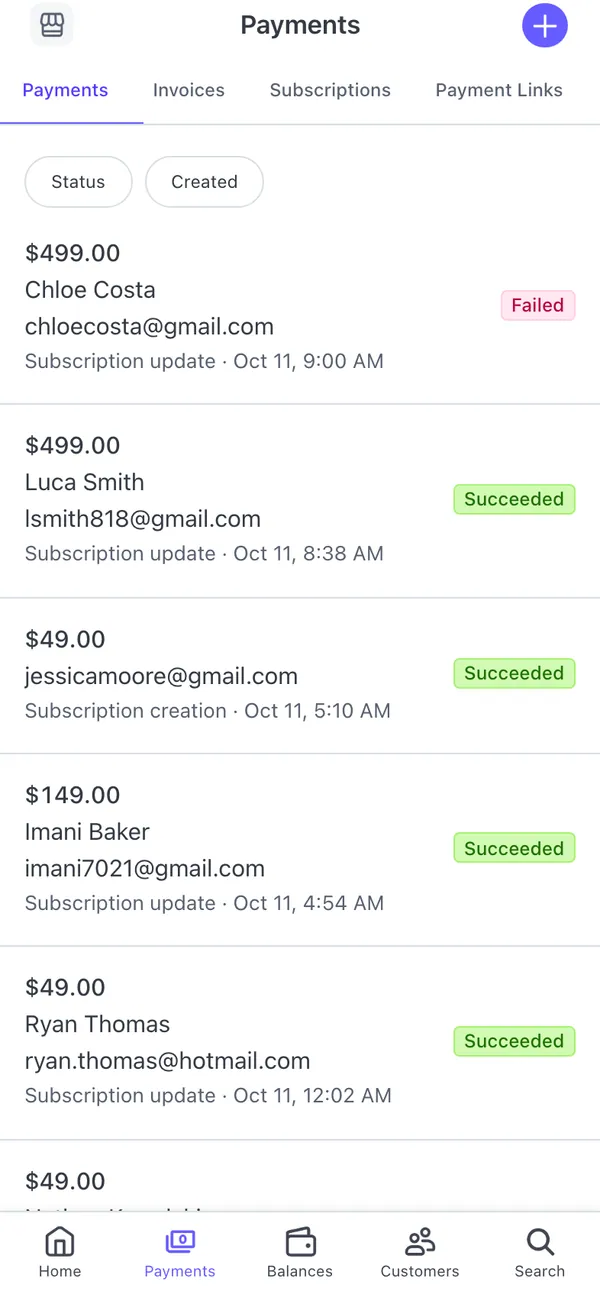
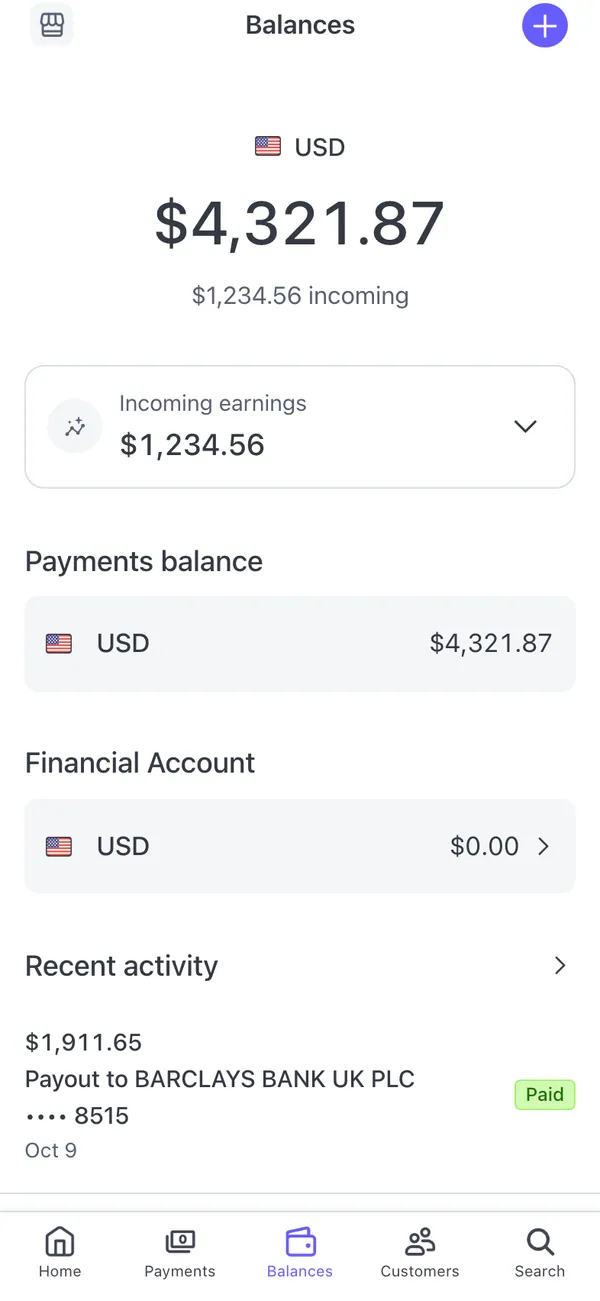
- Money. Payments and bank screens, such as the Stripe payments balance or the Cash App account.
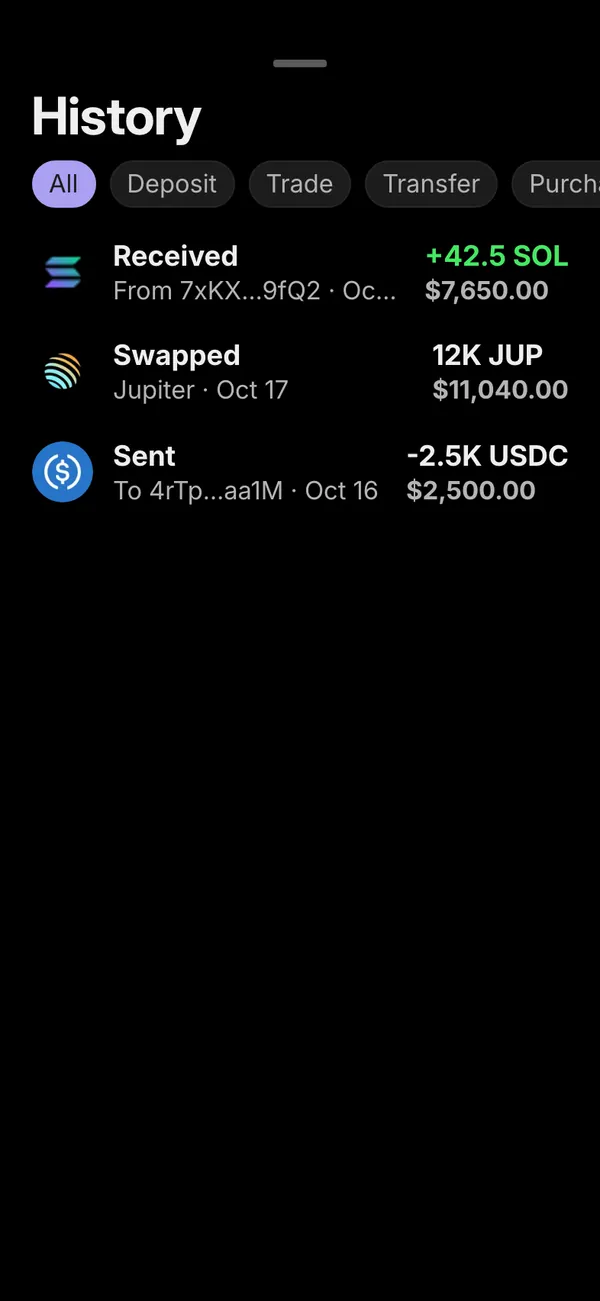
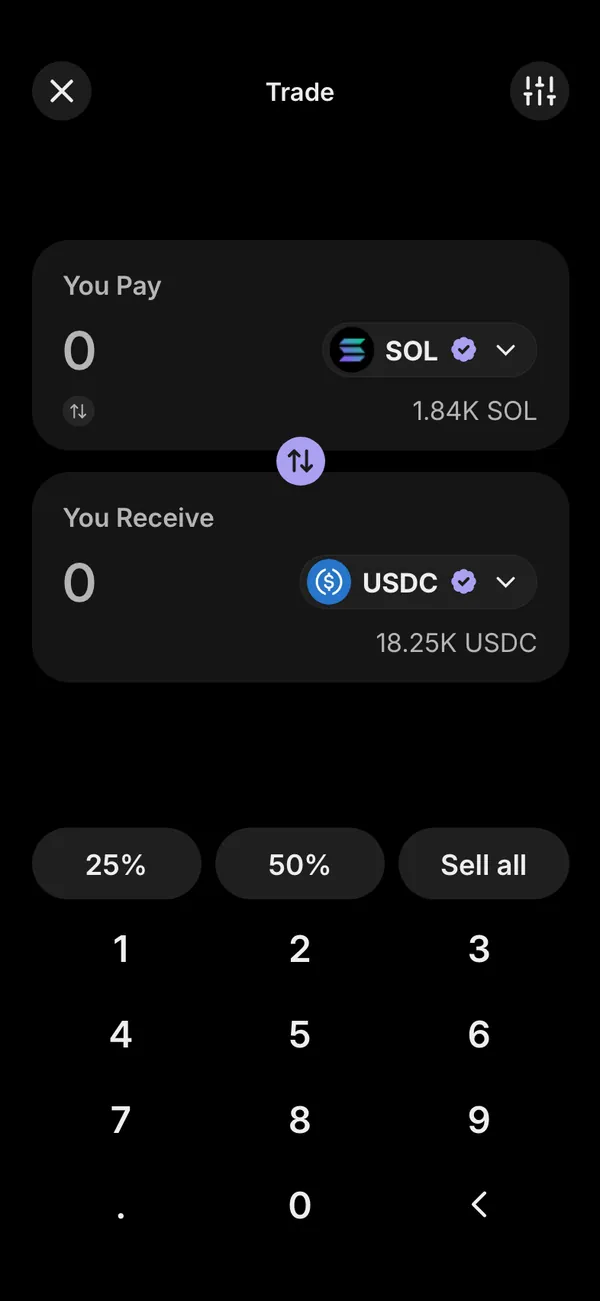
- Crypto. Wallets and exchanges, such as the Phantom Solana wallet. The Phantom app is phone only.
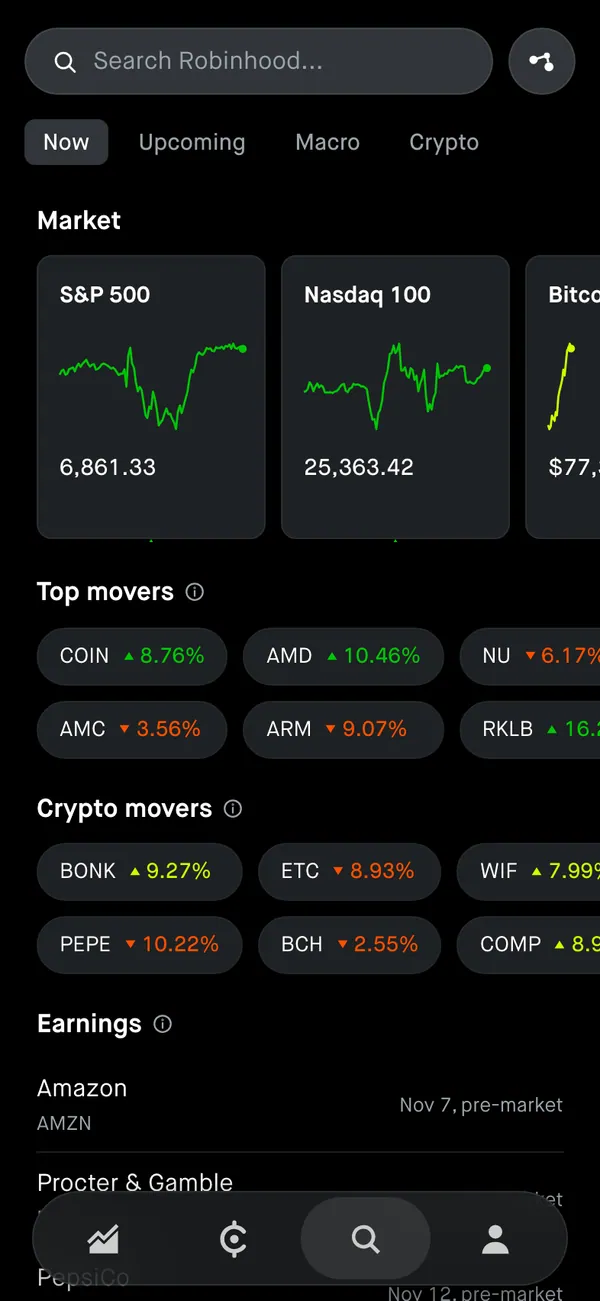
- Trading. Brokerage and portfolio screens, such as Robinhood with stocks, gold and crypto.
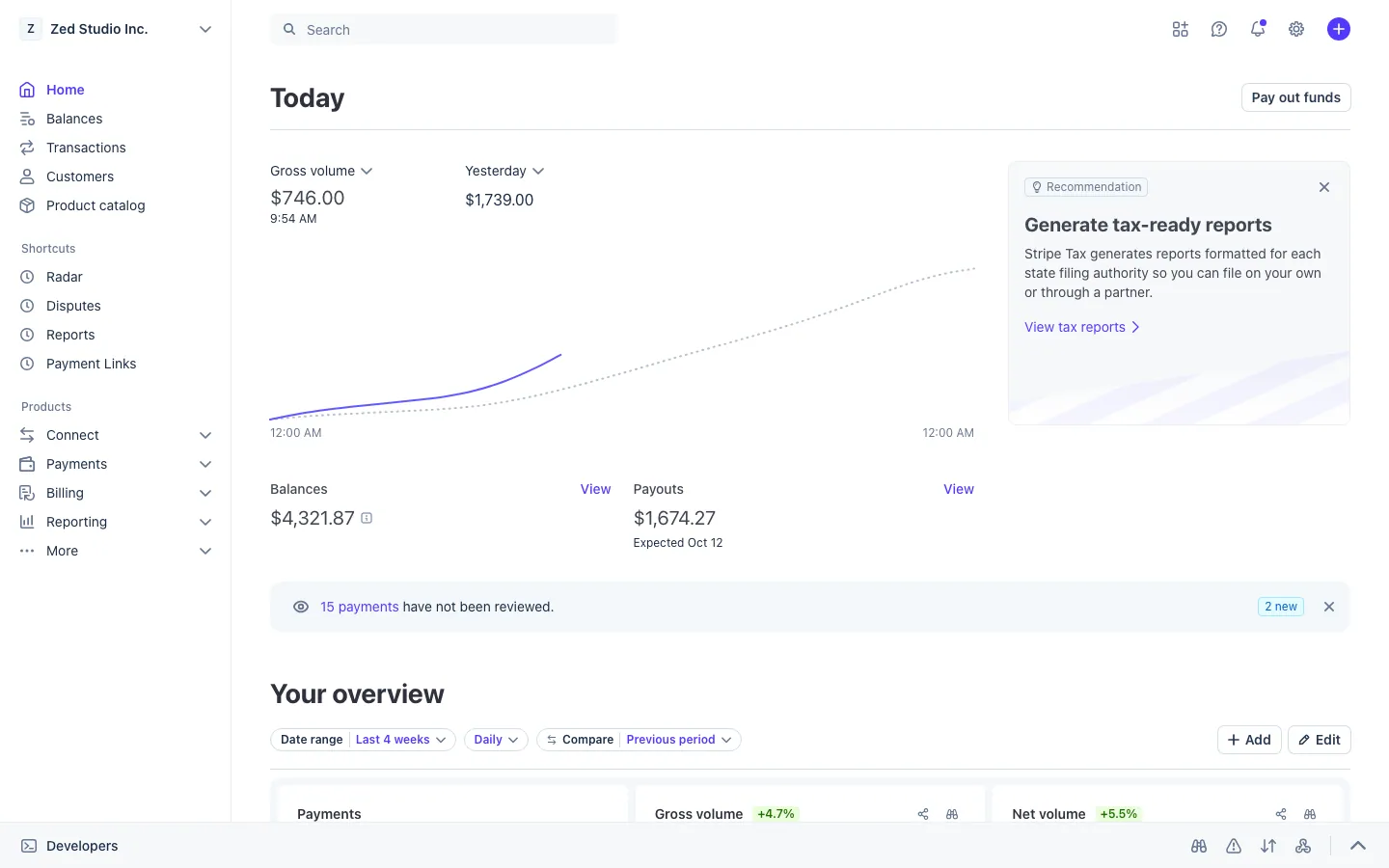
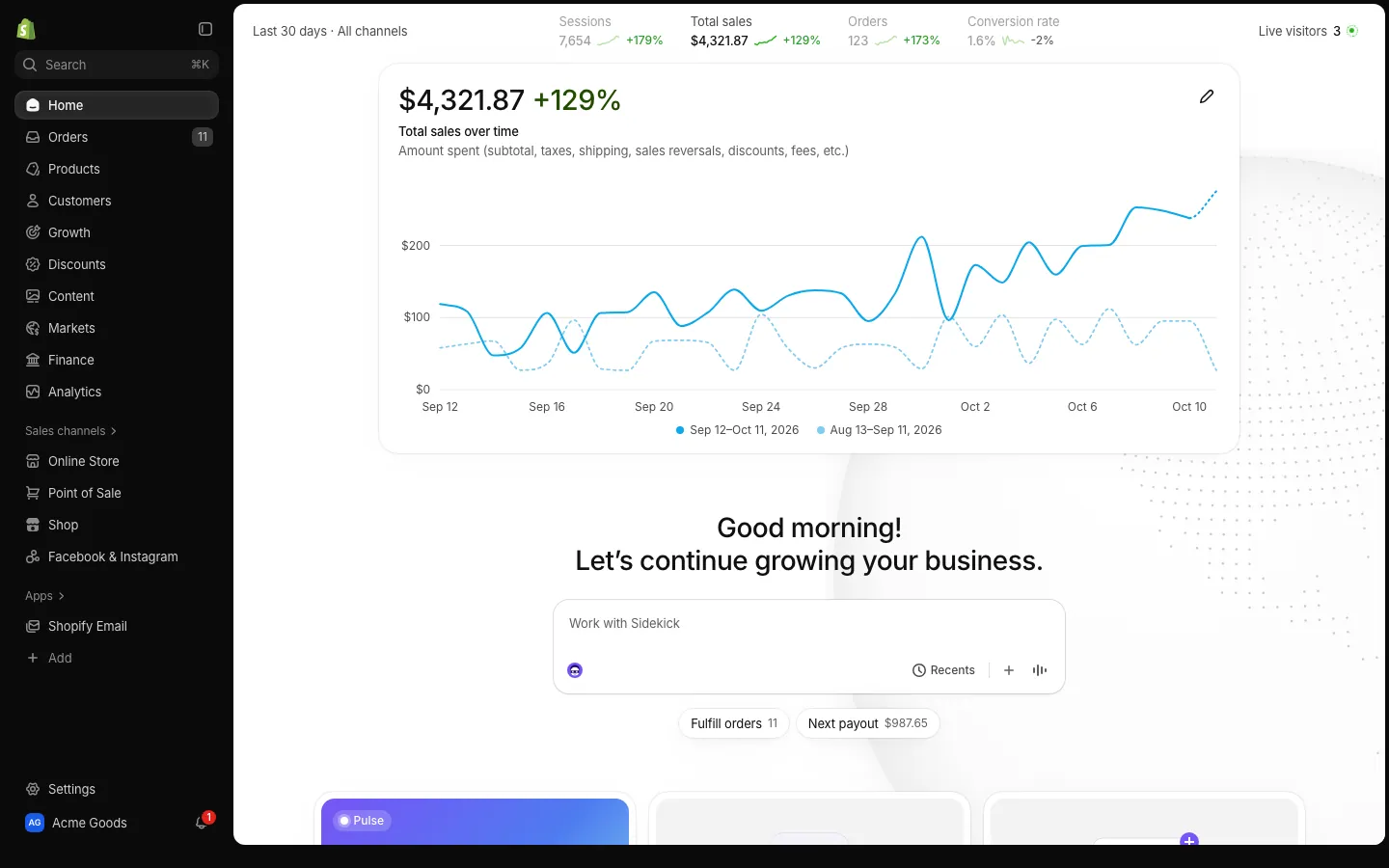
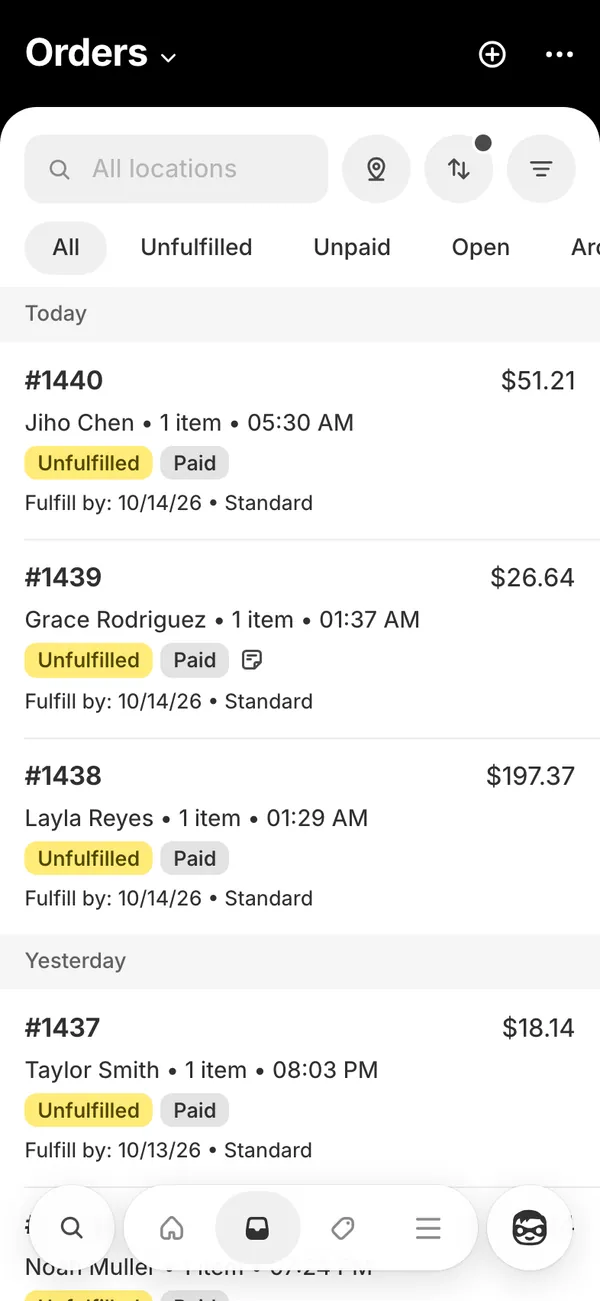
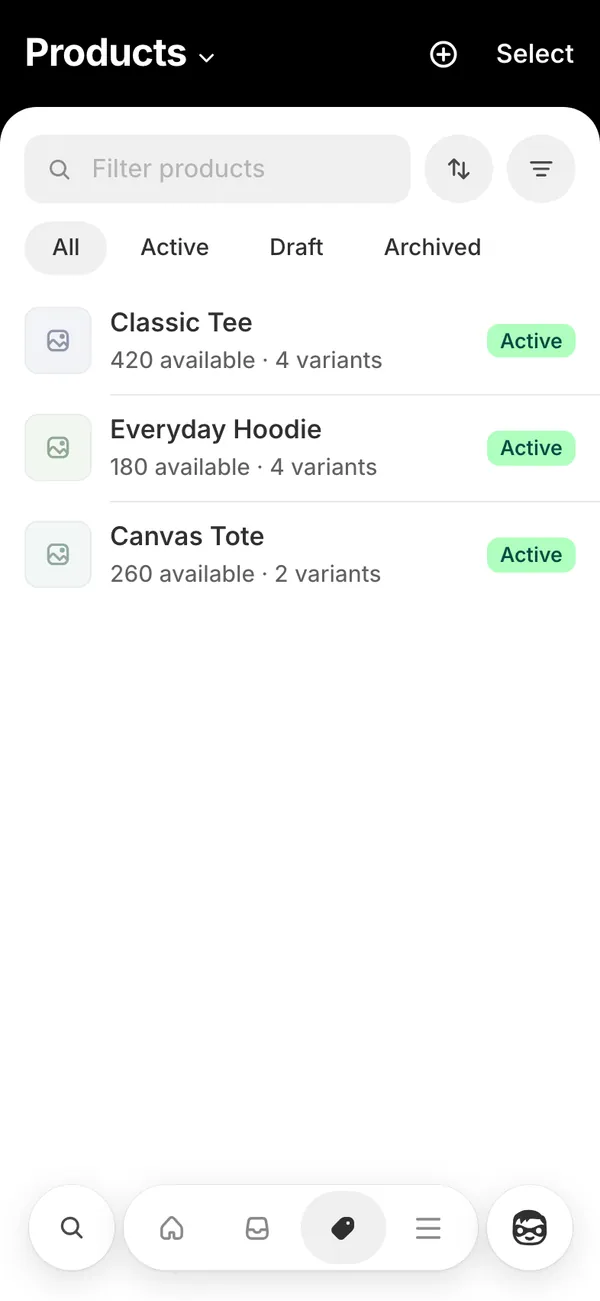
- Business. Store and ads screens, such as the Shopify store admin with sales, orders and sessions.
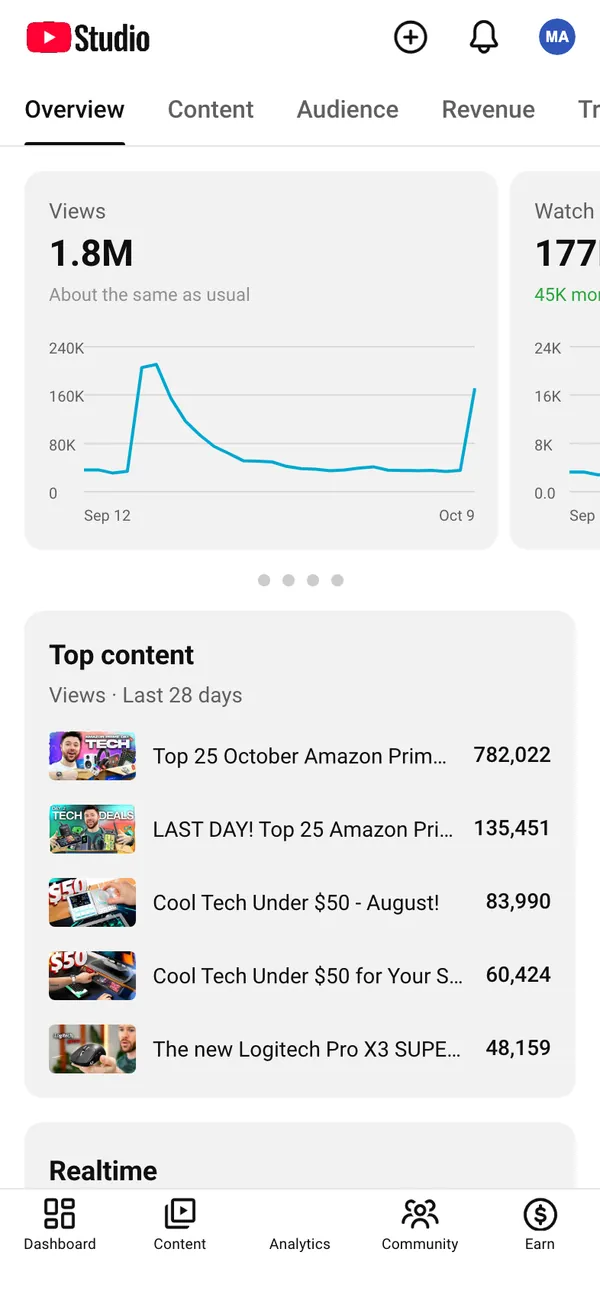
- Creator. Channel and earnings screens, such as YouTube Studio with views, watch time and estimated revenue.
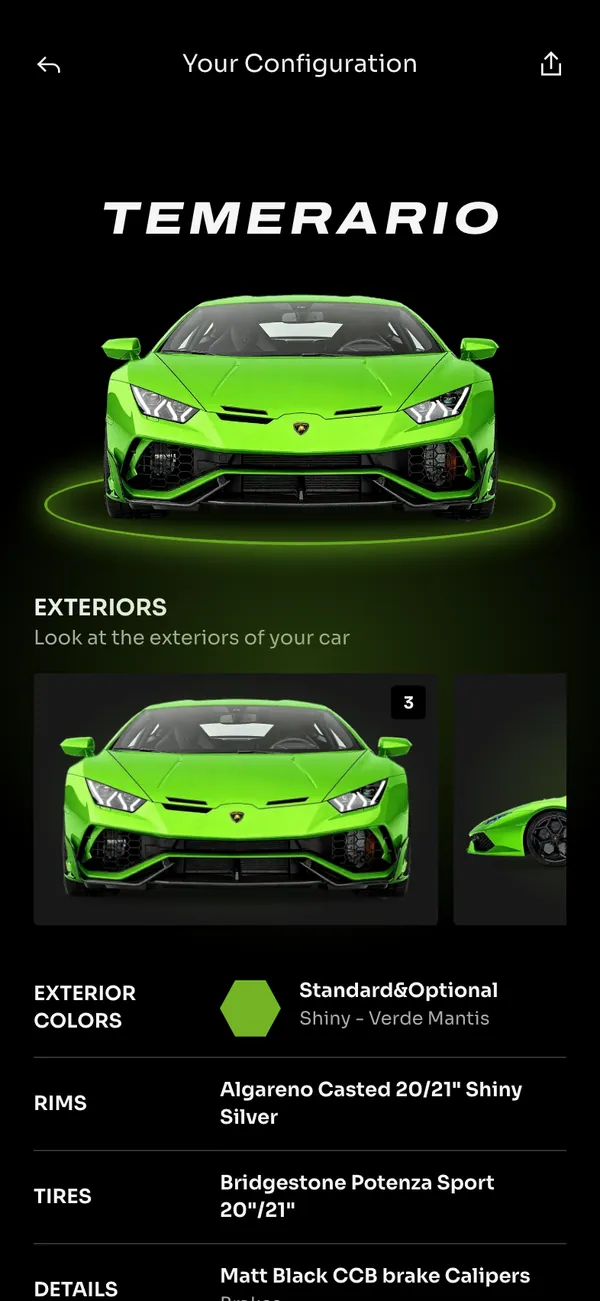
- Cars. Order trackers, such as the Lamborghini order from confirmation to delivery.
- Lifestyle. Travel, hosting and everyday apps, such as Airbnb trips and earnings.
The catalogue also has betting screens, and games that run through the Mac app. Browse the full dashboards library to see what is available for your kind of scene.
MaxLarp Pro covers almost the whole catalogue in one membership. Single apps and packs can also be bought, and a few premium apps sit in a separate Elite tier. Check the tier of each app you need before you plan the shoot, not after.
Phone or desktop: which one to use
Most apps come in more than one form. Pick the device that matches the shot, not the one that looks more impressive on a website.
- Phone. Each phone dashboard installs to your iPhone home screen as its own app, with its own icon, and receives its own notifications. This needs iOS 16.4 or later. A banner that lands mid-shot only works here.
- Desktop. The desktop version runs in a browser. Use it for laptop scenes, store admins and trading screens filmed at a desk.
- Mac app. The MaxLarp Mac app, the Companion, covers what a browser cannot. It can move the iPhone's location, put your own card art in Apple Wallet, and open wallets such as Exodus and Ledger as their own Mac apps.
Some apps are phone only, such as Phantom. Some are desktop only, such as Trezor Suite. Check the device line on each dashboard before you storyboard the scene, because switching devices mid-project costs more time than any other choice.
Building a scene from more than one app
Most scenes need two or three screens. A day in the life might show a store admin on the laptop, a payments balance on the phone and a car order on the same phone. Three habits keep that believable.
Use one persona for all of them. The persona guide walks through it. The store total, the payments balance and the wallet then agree when you cut between screens. A viewer who sees a busy morning in one shot and a quiet bank account in the next stops believing the story.
Decide the punchline screen. Put the biggest number on the screen the viewer will look at longest, and keep the others supporting it.
Plan the notification cut. Phone notifications are how a banner lands on camera mid-shot. Write the cut around it before you film, so the alert arrives on the line of script that needs it.
Where a larp app stops
A larp app is a prop for the camera. It should never be used to convince someone to pay, invest, lend or hand over trust. A skit label, a caption or a voiceover keeps the scene honest. If you are unsure where the line sits, read the legal and responsible use guide before you post.
Every number is fictional and nothing connects to a real account, so a larp app cannot prove anything about its owner. That is the point of a prop, and it is also its limit.
The apps in this post
 from$9.99
Shopify
Store admin and store app
DesktopMobile9:41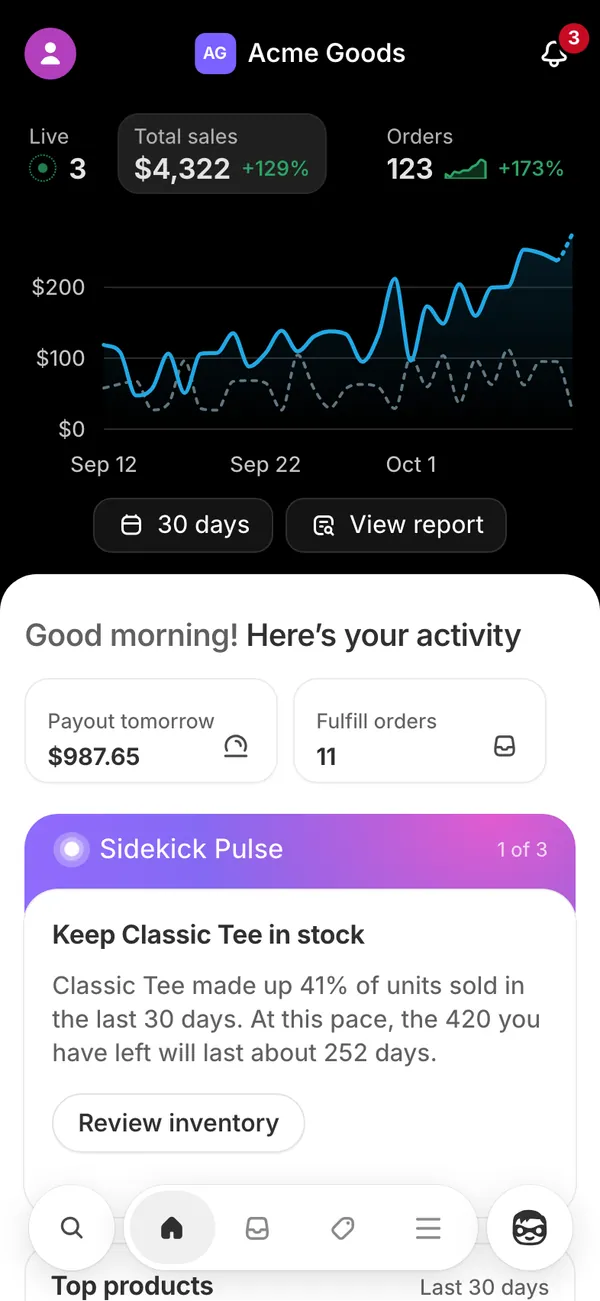 9:41
 9:41
 from$9.99
Stripe
Payments dashboard
DesktopMobile9:41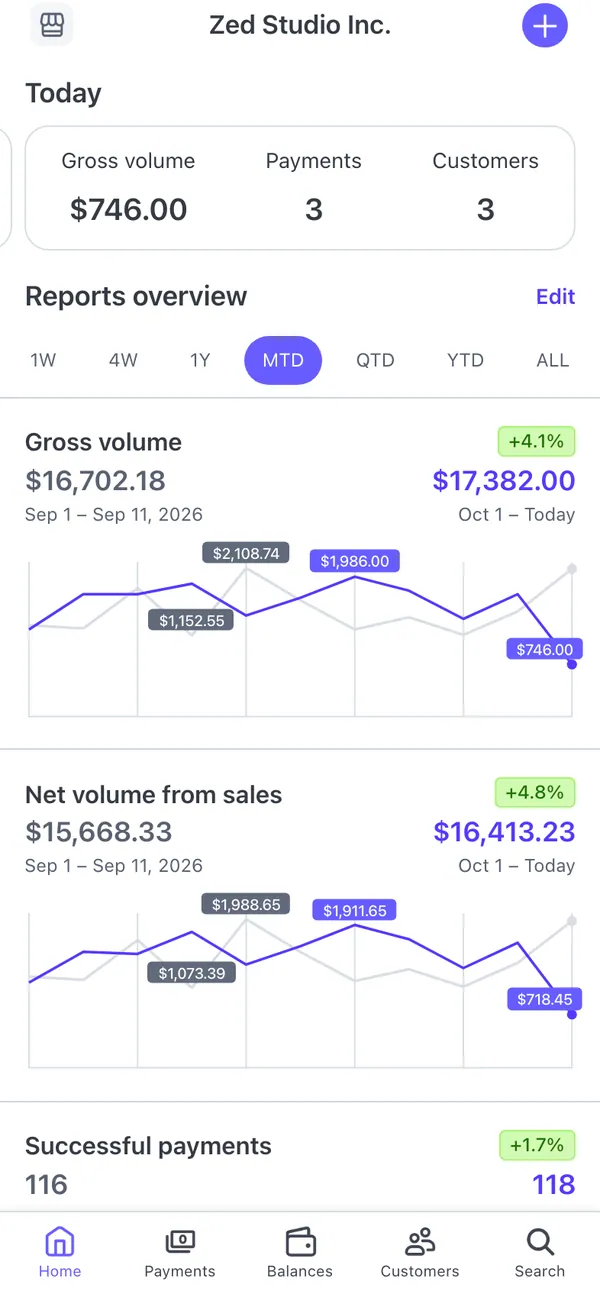 9:41
 9:41
 from$9.99
Phantom
Solana wallet
Mobile9:41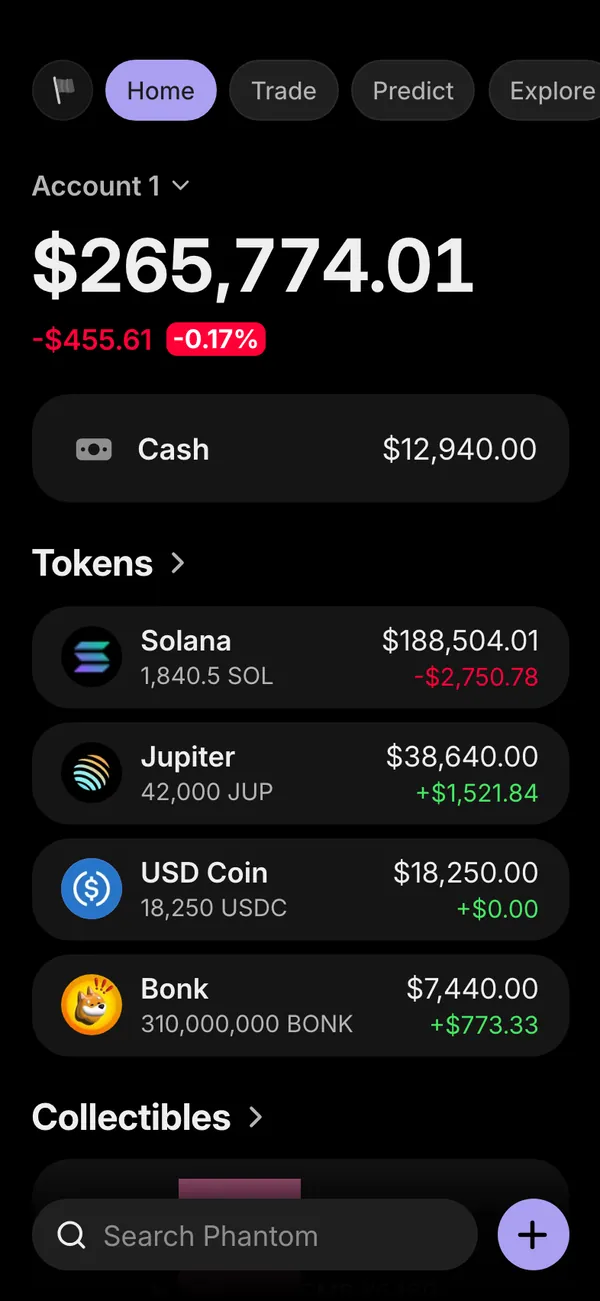 9:41
 9:41
 from$9.99
Robinhood
Stocks, options and crypto
DesktopMobile9:41 9:41
 9:41
 from$9.99
YouTube
Channel analytics and revenue
DesktopMobile9:41 9:41
 9:41
 from$9.99
Lamborghini
Order to delivery
DesktopMobile9:41 9:41
 9:41
Questions
What is a larp app?
A larp app is a look-alike of a real app, such as a payments balance, a wallet or a store admin, filled with numbers you choose. Creators use it as a prop in skits and videos. Every number is fictional.
Is a larp app only for iPhone?
No. Most MaxLarp apps run in a desktop browser, and many also install to the iPhone home screen. Some apps are phone only and some are desktop only, so check the device line for each one.
What does an iPhone larp app need?
iOS 16.4 or later. Add the dashboard to your home screen and it opens as its own app, with its own notifications.
Can I change the numbers later?
Yes. You can change names, numbers, products, dates, profile photos and chart shapes for each dashboard. Start from a preset so the numbers agree, then override anything you need.
Are the apps connected to the real companies?
No. MaxLarp is not affiliated with, endorsed by or sponsored by any platform it simulates. All trademarks belong to their owners, and nothing connects to a real account.
Every number on MaxLarp is fictional. Not affiliated with any brand shown. Acceptable use