Fake Infloww agency dashboard: a prop for business-drama video
 · 4 min read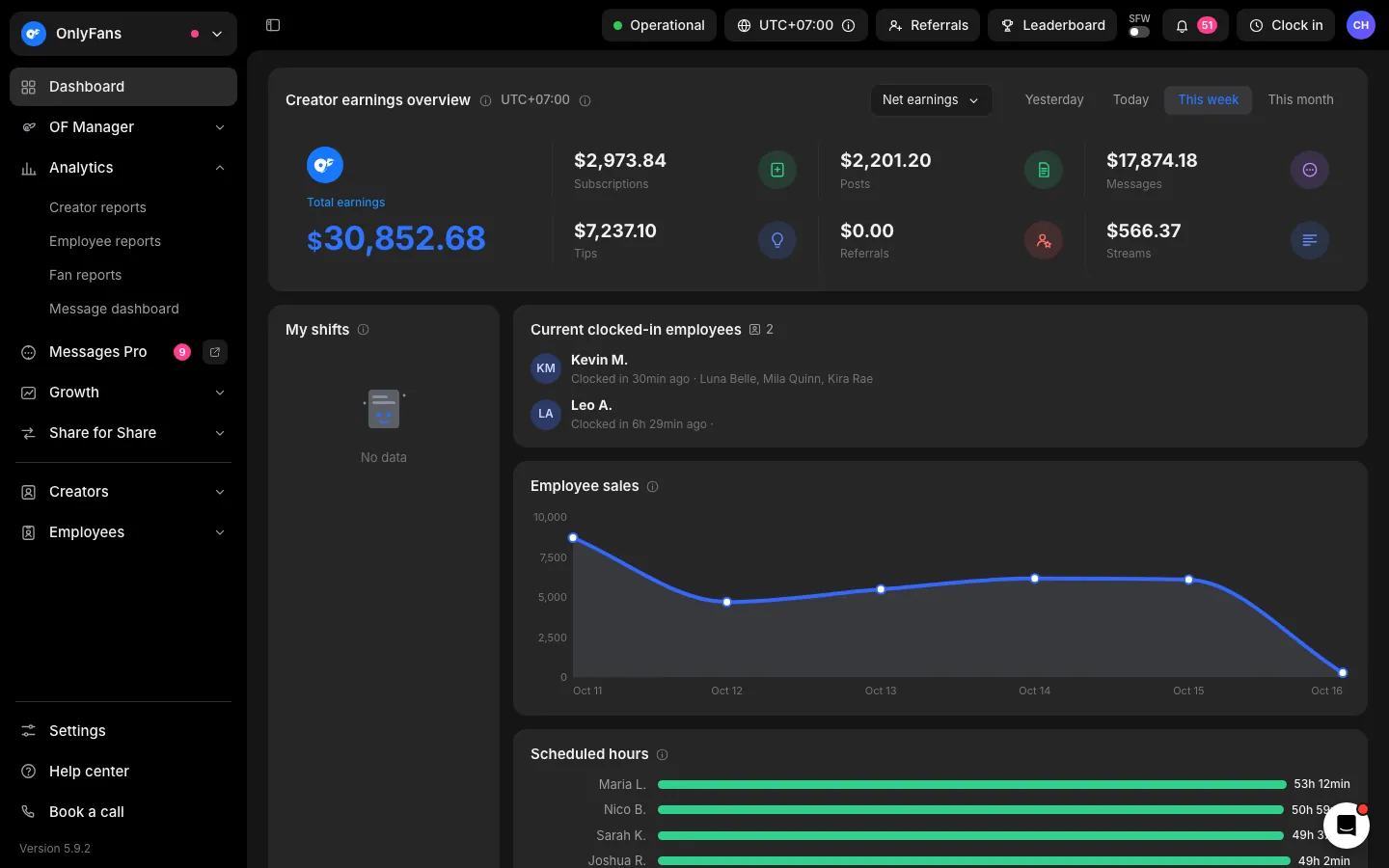
What the fake Infloww dashboard shows
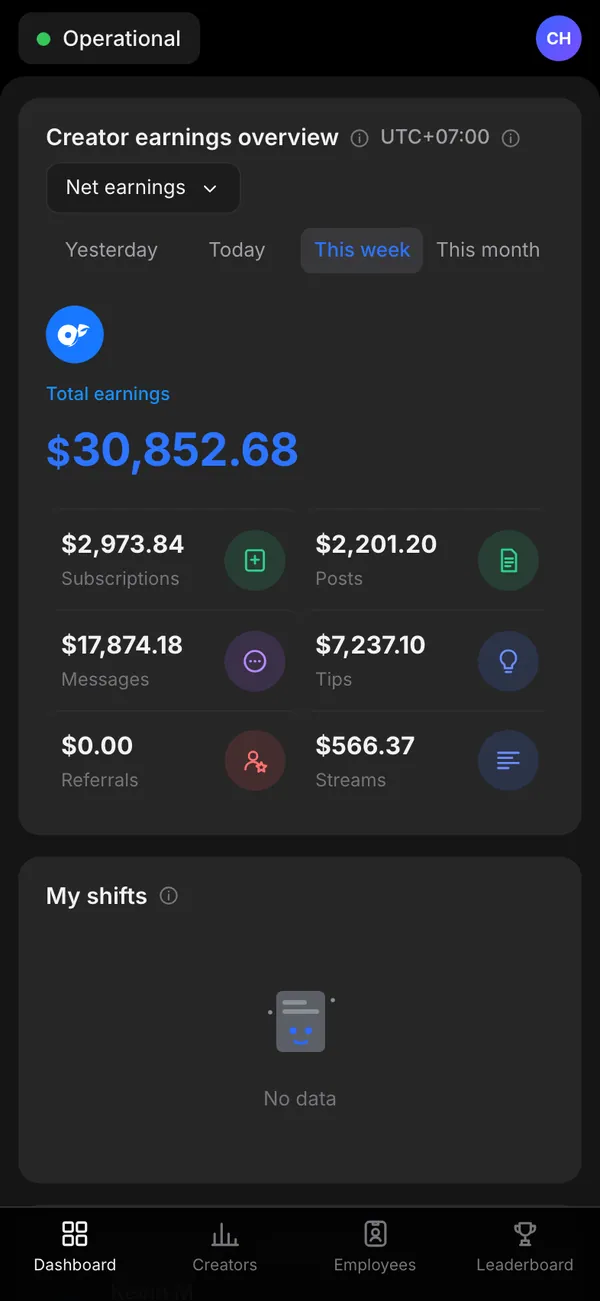
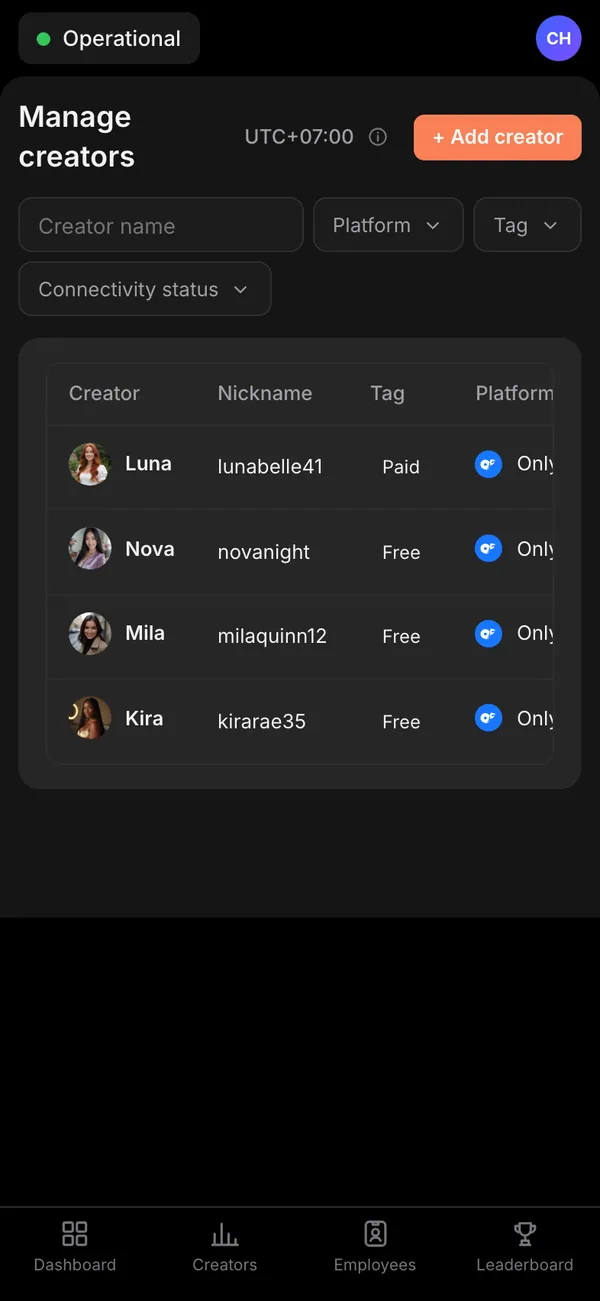
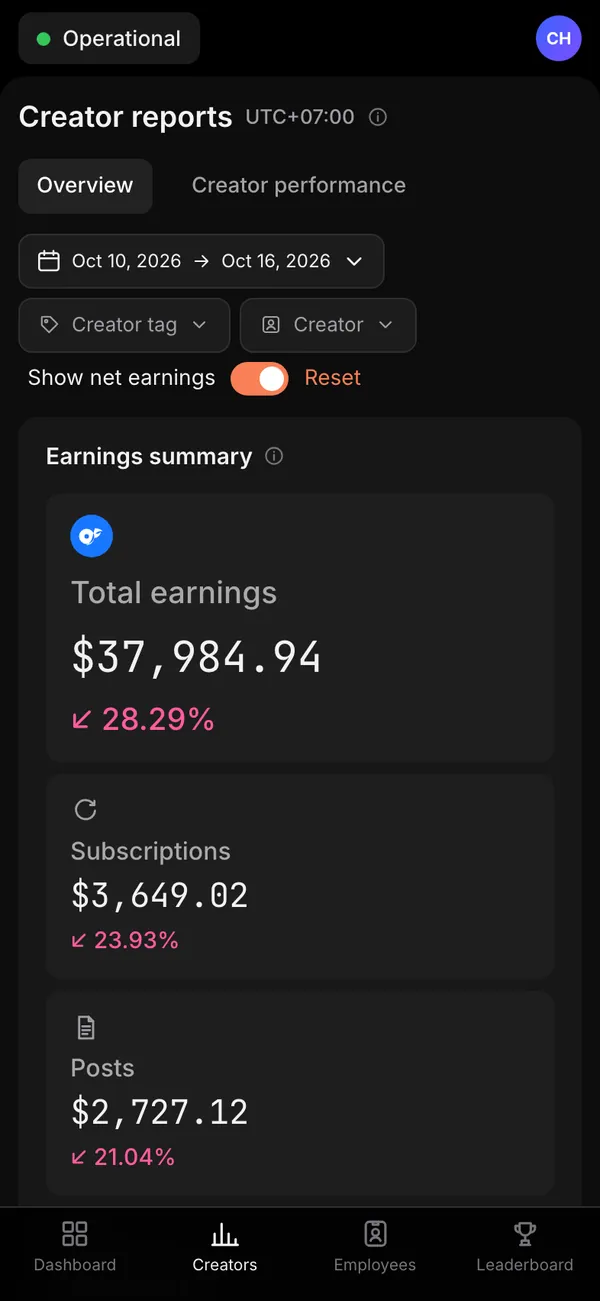
The fake Infloww dashboard is the agency view, not a single creator's page. It has a main dashboard, a creators screen, creator reports and a leaderboard.
- Creators and chatters
- Agency earnings
- Leaderboard
On desktop it opens with infloww.com in the address bar, which makes a screen capture look like the real tool. On iPhone it installs as its own app with its own icon. The creators, the chatters and every total are fictional.
Who films with an agency dashboard
A management dashboard is a good prop for workplace comedy and drama. A sketch about a boss who watches a leaderboard all day writes itself. So does a short film about a small agency under pressure at month end, or a satire of hustle culture where every screen is a chart.
Writers and directors also use it when a character needs to look busy and successful without showing a real business. The leaderboard and the creator reports give an actor something specific to react to.
This is a prop for a story. Do not use it to pitch management deals, to recruit creators, or to show income that does not exist.
How to set it up in MaxLarp
- 1Open the Infloww page and add the app.
- 2Create or reuse a persona to act as the agency owner: name, photo, city and currency.
- 3Edit the creators and chatters list, then adjust agency earnings and the leaderboard standings.
- 4Choose live mode if the numbers should keep moving, or static to freeze a total for a close-up.
- 5Open it on a desktop browser for the office shot, or install it on an iPhone for the owner-checks-the-phone beat.
- 6Record the screen yourself. Notifications need iOS 16.4 or later and the app on the home screen.
Making an agency screen believable
An agency dashboard is a roll-up, so its numbers need to add up. If the agency earnings line is the sum of the creators, a careful viewer will notice when it is not.
- Make the agency total roughly the sum of the creator rows, with one or two clear top earners and a long tail.
- Give the leaderboard a plausible spread: a leader, a close second, and a gap before the rest.
- Keep the chatter list small enough to read on screen. Five to eight clean rows beat thirty crowded ones.
- Choose varied, ordinary names so the list does not look generated.
The live alerts cover a new subscriber, a tip, a paid message unlocked and a payout sent. A single one landing while the owner talks on the phone adds realism to an office scene.
For tidy footage, record on a clean desktop, close extra tabs, and scroll slowly. The filming guide covers more.
Writing the scene around the screen
A dashboard works best when the script gives it a job. A leaderboard can create rivalry between two chatters. A creator report can be the document a character slides across a desk. Agency earnings can be the number that gets a nervous toast at a team dinner.
Give each screen one beat and cut away before it gets stale. Because the data is yours, you can match the leaderboard to the characters in the cast list, so a viewer who has met the people sees their names. Pick the top name on purpose, since the audience will look there first.
Pairs well with
A business-drama arc has a front office and a back office. Start on this dashboard, cut to a fake OnlyFans earnings page or a Fanvue creator view for the creator side, and follow the cash into a fake Stripe dashboard.
For more on picking props by scene, see the best fake dashboards for videos.
Open Infloww

Questions
Is the fake Infloww dashboard connected to a real agency?
No. It connects to nothing. The creators, chatters, earnings and leaderboard are all fictional and generated from your persona or typed in by you.
Can I rename creators and change the leaderboard?
Yes. You can change names, numbers, photos, dates and chart shapes. Start from a preset so the agency totals match the rows underneath, then override whatever the scene needs.
Does it work on a phone?
Yes. It installs to the iPhone home screen as its own app and can send notifications, which needs iOS 16.4 or later and the app added to the home screen.
Is MaxLarp affiliated with Infloww?
No. MaxLarp is not affiliated with, endorsed by or sponsored by Infloww. This is an independent mock-up for props in fiction, parody and demos.
Every number on MaxLarp is fictional. Not affiliated with any brand shown. Acceptable use