Fake OnlyFans earnings: a creator dashboard prop for video
 · 4 min read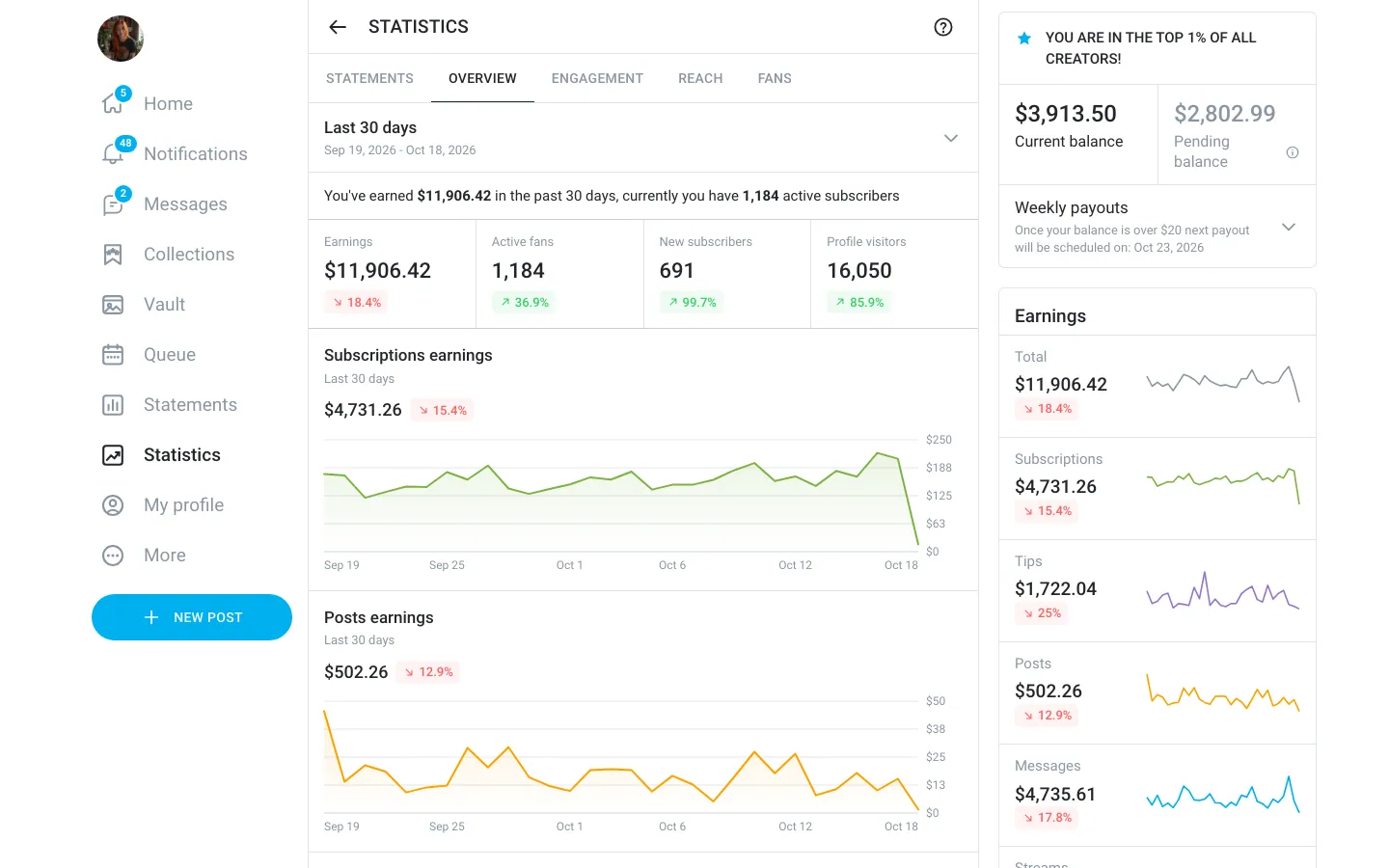
What the fake OnlyFans dashboard shows
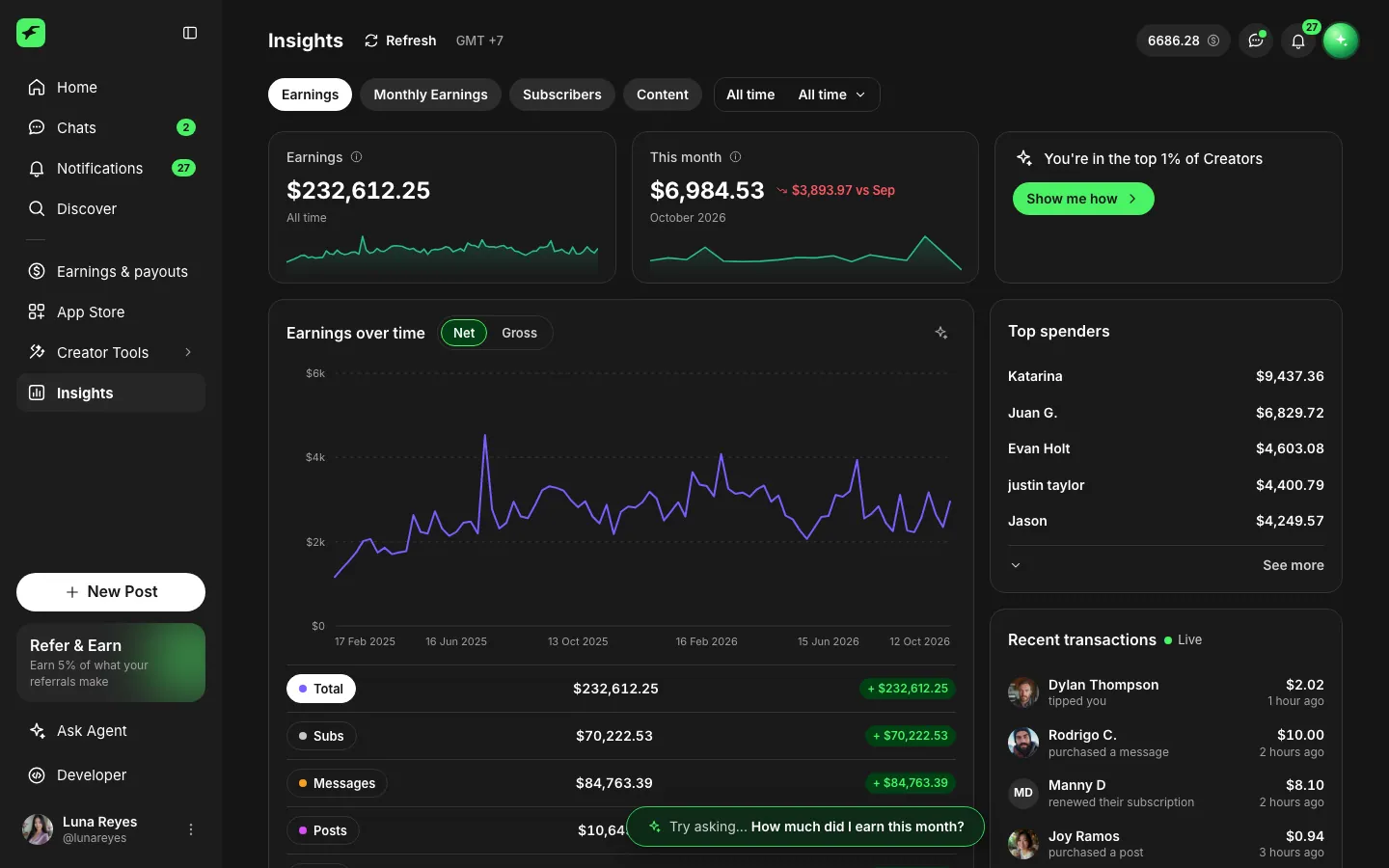
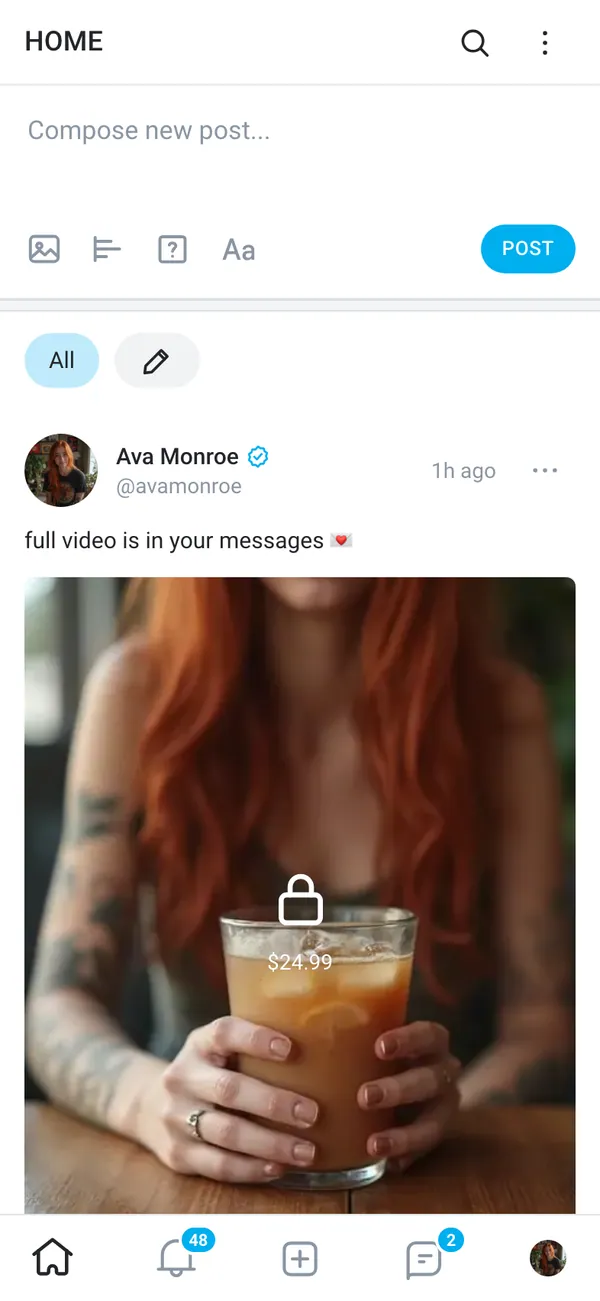
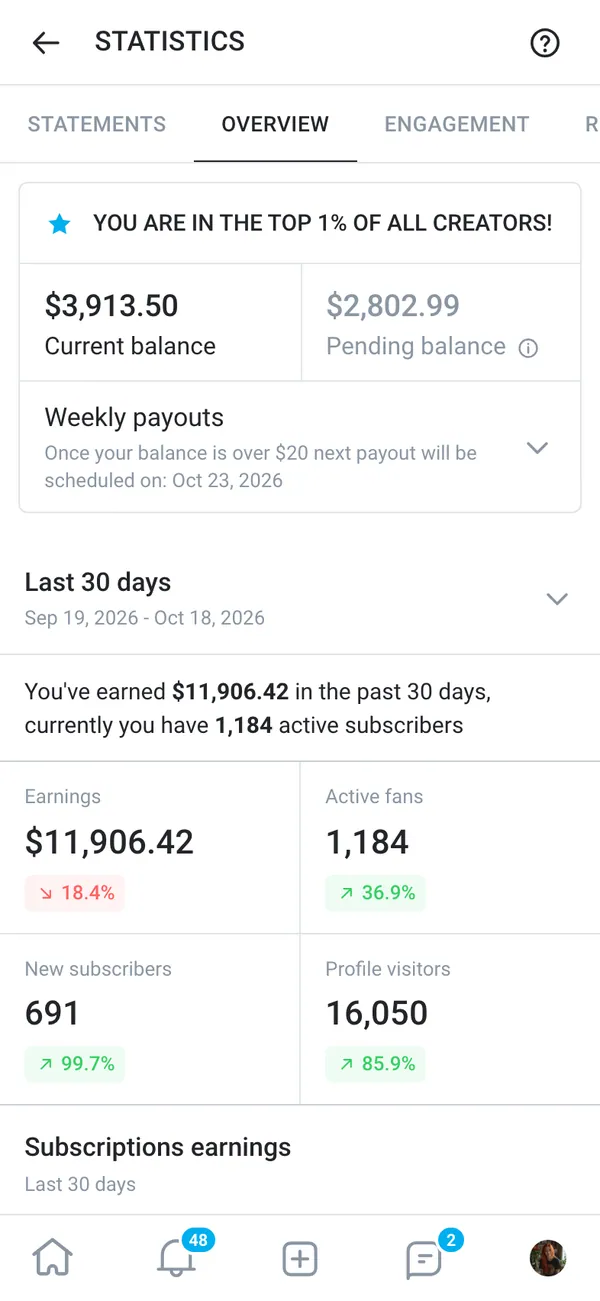
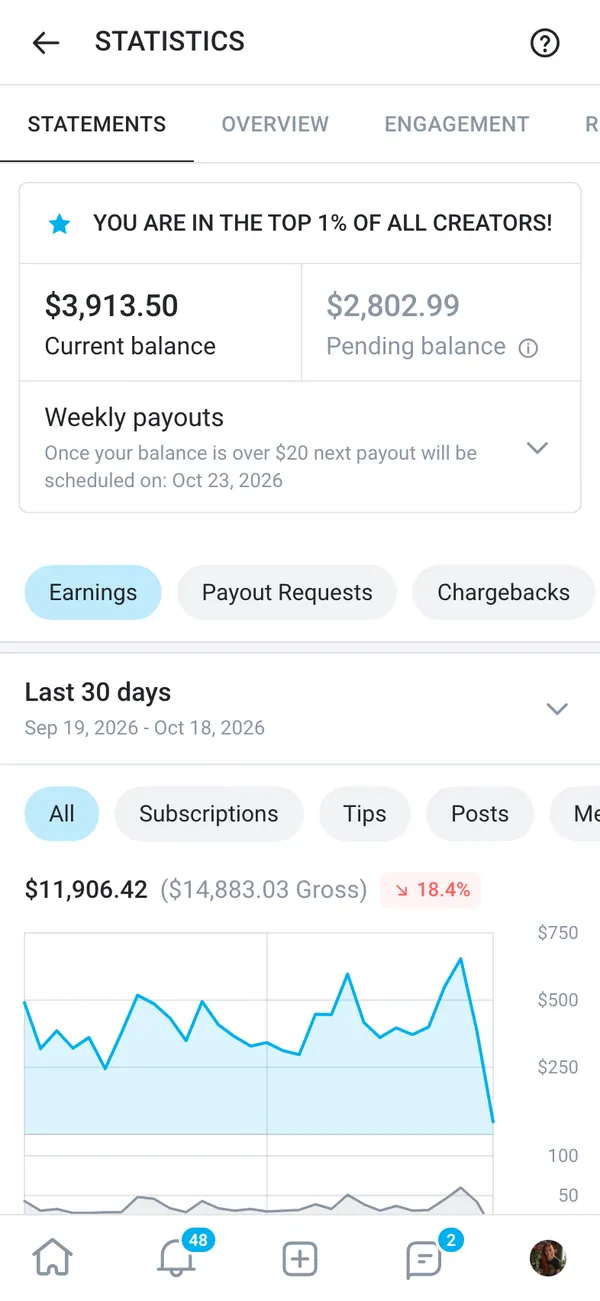
The fake OnlyFans dashboard rebuilds the creator side of the platform. You get the home and overview screens, an earnings page and a statements page. Payouts and the fans and chats area are included too, so a scene can cut from a balance to a message list without breaking the illusion.
On desktop it opens in a browser frame with onlyfans.com in the address bar. On iPhone it installs to the home screen as its own app, with its own icon.
- Earnings and statements
- Payouts
- Fans and chats
Every number is fictional. Totals, names and charts come from the persona you set up, not from a real account.
Where a fake earnings screen fits in a video
Creator-economy stories need a believable screen in the background. A sketch about quitting a desk job for content needs one. So does a short film about a creator whose first big month changes things, or a commentary video that explains how payouts and statements work.
It also works for parody. Reaction videos and 'my first month' formats are easy to send up when the dashboard on screen is one you control.
Keep the prop on the story side. A made-up balance is fine in a scene. Do not use it to recruit people or to sell management services with income that does not exist.
How to set up a fake OnlyFans dashboard in MaxLarp
- 1Open the OnlyFans page in MaxLarp and add it to your apps.
- 2Set up a persona with a name, photo, city and currency, or reuse one you already made.
- 3Start from a preset so the figures make sense together, then override the earnings, statement lines and payout amounts you want to show.
- 4Pick live mode if you want activity to keep arriving, or static if a number has to stay put for a locked-off shot.
- 5Open it on desktop, or add it to your iPhone home screen. Notifications need iOS 16.4 or later and the app on the home screen.
- 6Record the shot with your own screen recorder.
Making the numbers look believable
A dashboard gets doubted when its numbers do not fit together. Keep the earnings, the statement lines and the payouts in proportion. A payout should trail earnings by a few days, so it should not match yesterday's income to the dollar.
- Avoid round totals. Real months end on odd figures, and days inside a month are uneven.
- Let the fan count and the earnings move in the same direction, with a few quiet days between good ones.
- Film at a plausible hour. A payout alert at 3 a.m. looks off unless your character is a night owl.
- Use your persona's currency and city everywhere so the scene matches other apps on screen.
The live alerts cover a new subscriber, a tip, a paid message unlocked and a payout sent. Trigger one mid-take and the buzz on the phone does the acting for you.
For clean footage, switch on Do Not Disturb for everything except the app you are filming, hide the status bar clutter, and scroll at a natural pace. The screen recording guide has more on filming craft.
Pairs well with
A creator story usually follows the money. Start on earnings here, move to a fake Cash App balance where the payout lands, show the Apple Wallet card that gets used, and finish with a Lamborghini order for the payoff shot.
To keep the name, photo and income the same on every screen, read how a fake persona carries across apps.
Open OnlyFans

Questions
Does the fake OnlyFans dashboard connect to my real account?
No. Nothing connects to a real account and no money moves. Every figure is generated from your persona or typed in by you, so it is safe to show on camera without revealing anything real.
Can I change the earnings and payouts?
Yes. You can change names, numbers, dates, profile photos and chart shapes. Start from a preset so the totals agree with each other, then override any value on any screen.
Does it work on iPhone?
Yes. It installs to the home screen as its own app and can send its own notifications. On iPhone that needs iOS 16.4 or later, with the app added to the home screen.
Is a fake OnlyFans dashboard legal to use in a video?
Using a mock-up as a clearly fictional prop in a skit or film is common. Passing it off as real earnings to mislead people, or to sell something, is not what it is for. MaxLarp is not affiliated with OnlyFans.
Every number on MaxLarp is fictional. Not affiliated with any brand shown. Acceptable use