Fake TikTok analytics: creator studio numbers for your skit
 · 4 min read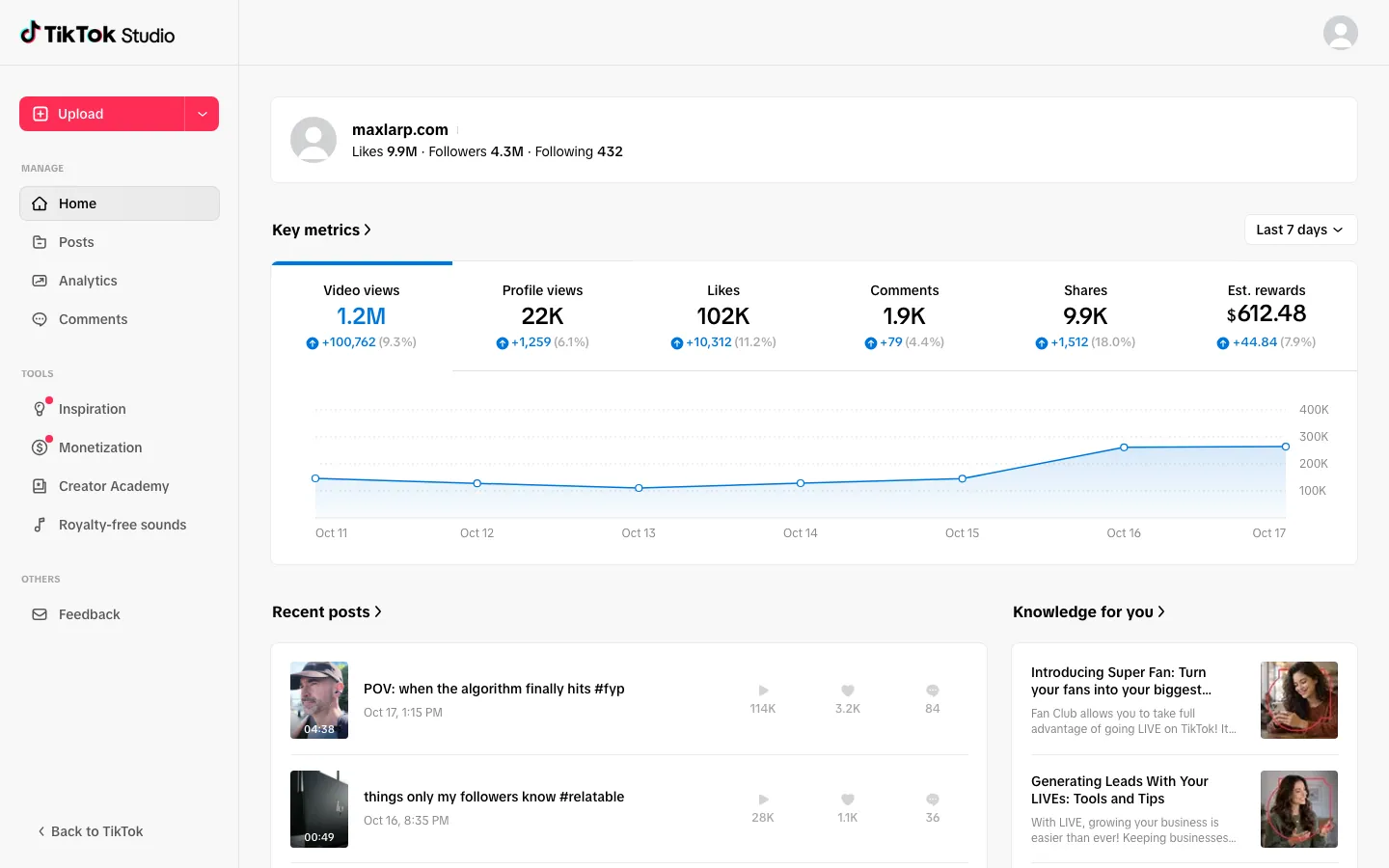
What the fake TikTok analytics screens include
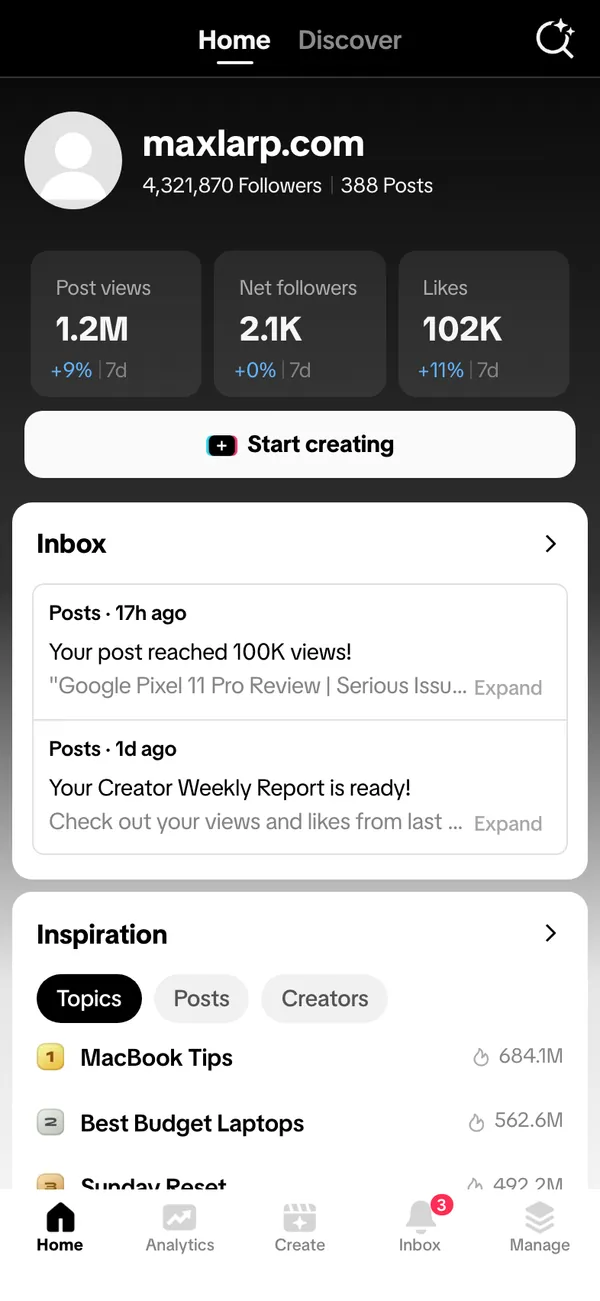
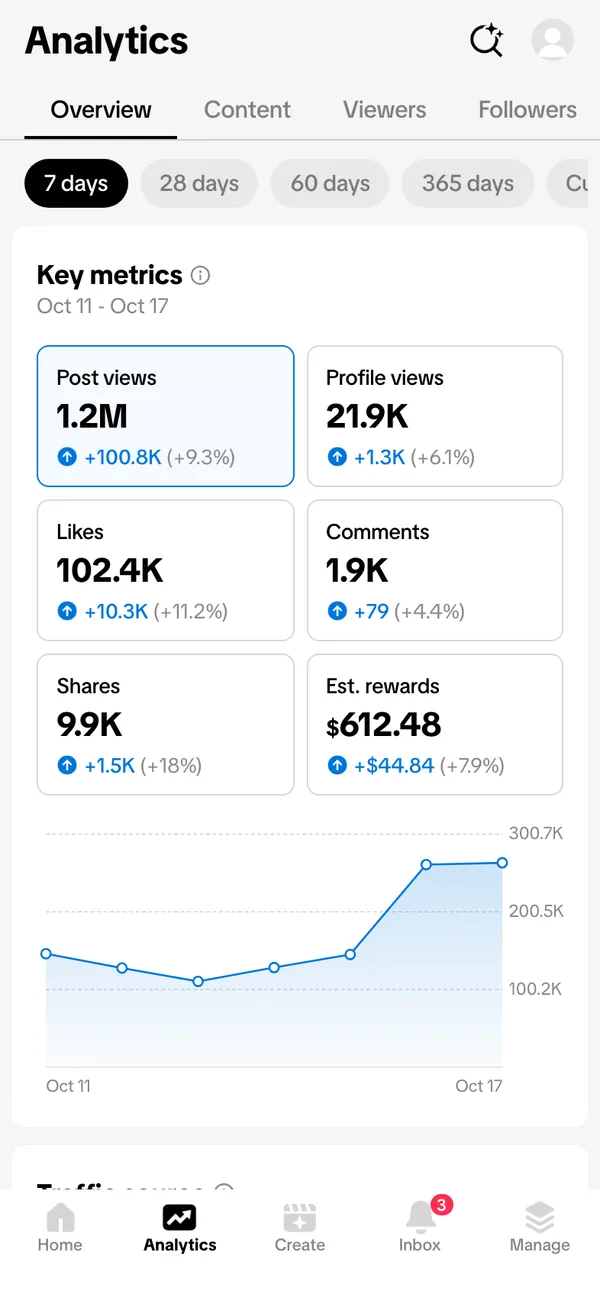
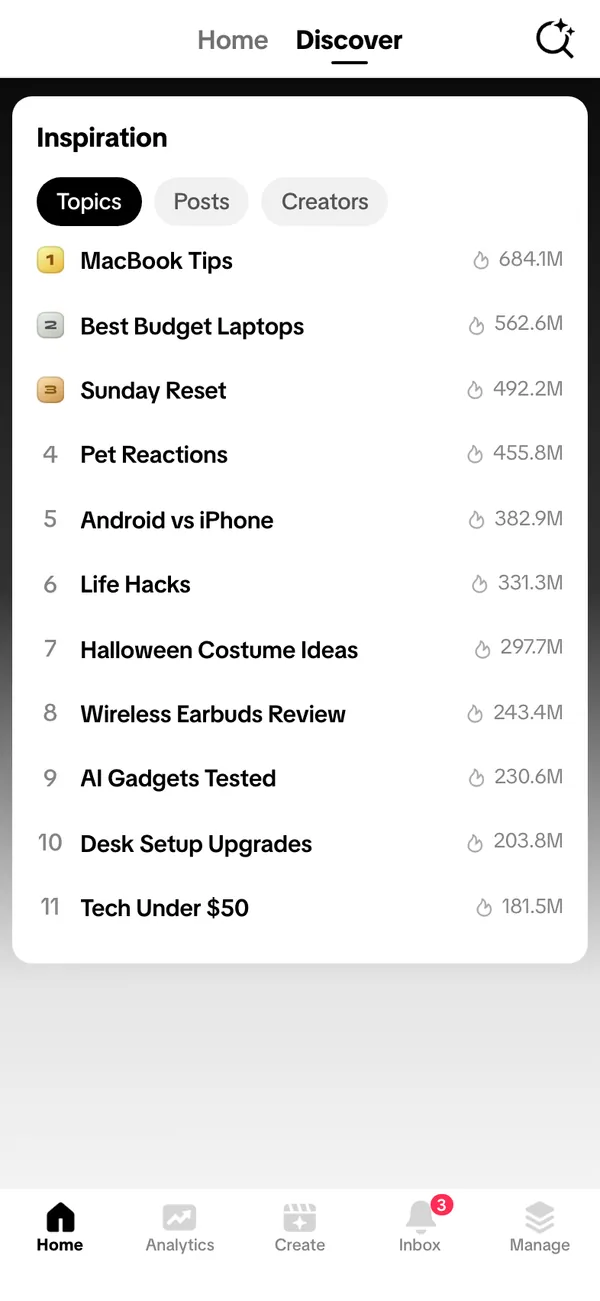
The fake TikTok dashboard covers both the desktop creator studio and the phone experience. On desktop there are home, analytics and content screens at tiktok.com/tiktokstudio. On the phone side you get a home view, an analytics view, a discover view and a 28-day analytics view.
- Views and followers
- Post analytics
- Creator rewards
That gives you the full chain for a scene: a video posts, a number climbs, and a rewards line shows what it earned. All of it is fictional and driven by your persona.
Why creators film with a fake analytics page
Short-form creators spend a lot of time on stories about growth: the video that took off overnight, the follower count that finally crossed a line, the day the rewards balance appeared. Those stories need a screen that looks right and says exactly what the script says.
A mock-up is handy for skits and reaction formats, for ads that follow a creator's week, and for films where an actor plays an influencer. You control the follower count and the 28-day curve, so the take does not depend on what a real account happened to do.
Keep it honest. These are props for content. They are not proof of earnings to hand to a buyer.
How to set up fake TikTok analytics
- 1Open the TikTok page and add it to your apps.
- 2Make a persona with a name, photo, city and currency, or pick one you already use.
- 3Choose a preset, then set followers, views, post analytics and creator rewards to match the moment in your script.
- 4Pick live mode so the counters tick on camera, or static so a figure holds for a close-up.
- 5Use the desktop version for a studio-style shot, or install the phone app to your home screen for a hand-held one.
- 6Screen-record with your own recorder. Notifications need iOS 16.4 or later and the app on the home screen.
Tips so the numbers read as real
Short-form analytics have a recognizable rhythm. Most posts do modest numbers, and a few do far more. A page where every post lands at the same view count looks invented.
- Give older posts smaller totals than a recent breakout, with a gap between the best and the median.
- Let followers climb in steps after a breakout post, not in a straight line.
- Keep likes below views, and comments well below likes, so the ratios look natural.
- Use the 28-day view for the growth shot and the phone home view for the quick reaction shot.
The live alerts include earnings, likes from named accounts, a view count milestone and a new follower. A single buzz while the actor is mid-line often sells the moment better than a cut.
On set, put the phone on Do Not Disturb, fix the clock to a normal time, and scroll slowly. The screen recording guide covers the details.
Common slips to avoid before you film
The usual slip is symmetry. Real accounts are messy, so avoid a page where every post sits at a neat multiple of the one before it. Another is mixing time frames: a 28-day chart that peaks on a day the posts list says nothing was uploaded.
Check the rewards line against the views. Rewards should rise when views rise, not sit still while a breakout post climbs. Run through the home, analytics and content screens once, in the order the camera will, and fix anything that disagrees with the story you are telling.
Pairs well with
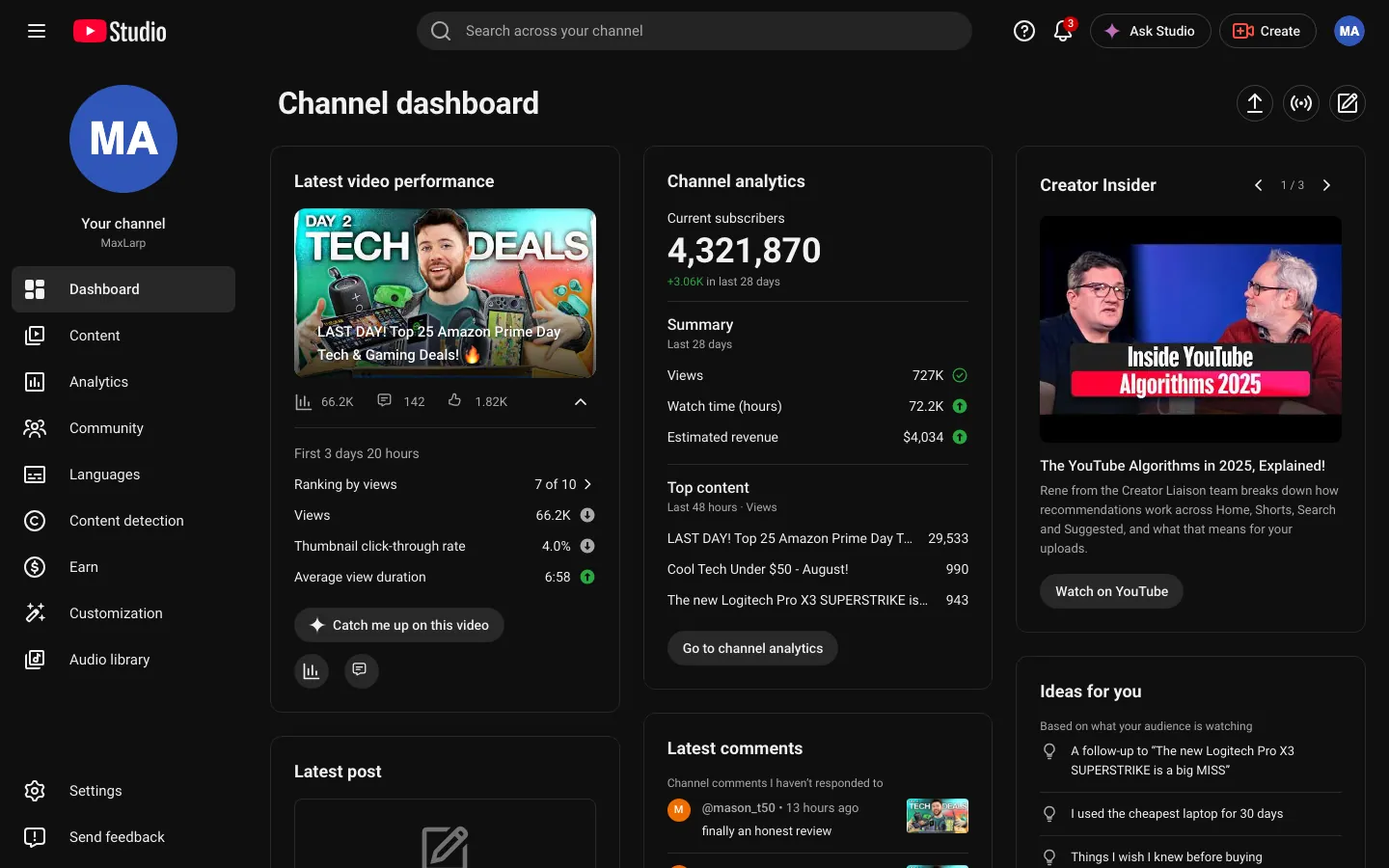
Follow the trail of one fictional creator. Start with TikTok views, move to the YouTube channel dashboard for the long-form side, show a brand deal landing in a fake Stripe account, then reveal the Porsche order tracker as the reward.
The fake persona guide shows how to keep one character across every screen.
Open TikTok

Questions
Is the fake TikTok dashboard connected to my account?
No. It does not connect to TikTok, your account or any follower data. Everything on screen is generated from your persona or typed in by you.
Can I change my follower count and views?
Yes. You can change numbers, names, photos and chart shapes. A preset is a good starting point so views, likes and followers agree, and you can override any figure afterward.
Does it work on iPhone and desktop?
Both. The desktop version runs in a browser at the creator studio address, and the phone version installs to your home screen. Notifications need iOS 16.4 or later.
Is this affiliated with TikTok?
No. MaxLarp is not affiliated with, endorsed by or sponsored by TikTok. It is a fictional mock-up meant for skits, films, ads and other content.
Every number on MaxLarp is fictional. Not affiliated with any brand shown. Acceptable use