Fake YouTube Studio revenue: analytics you can edit for video
 · 4 min read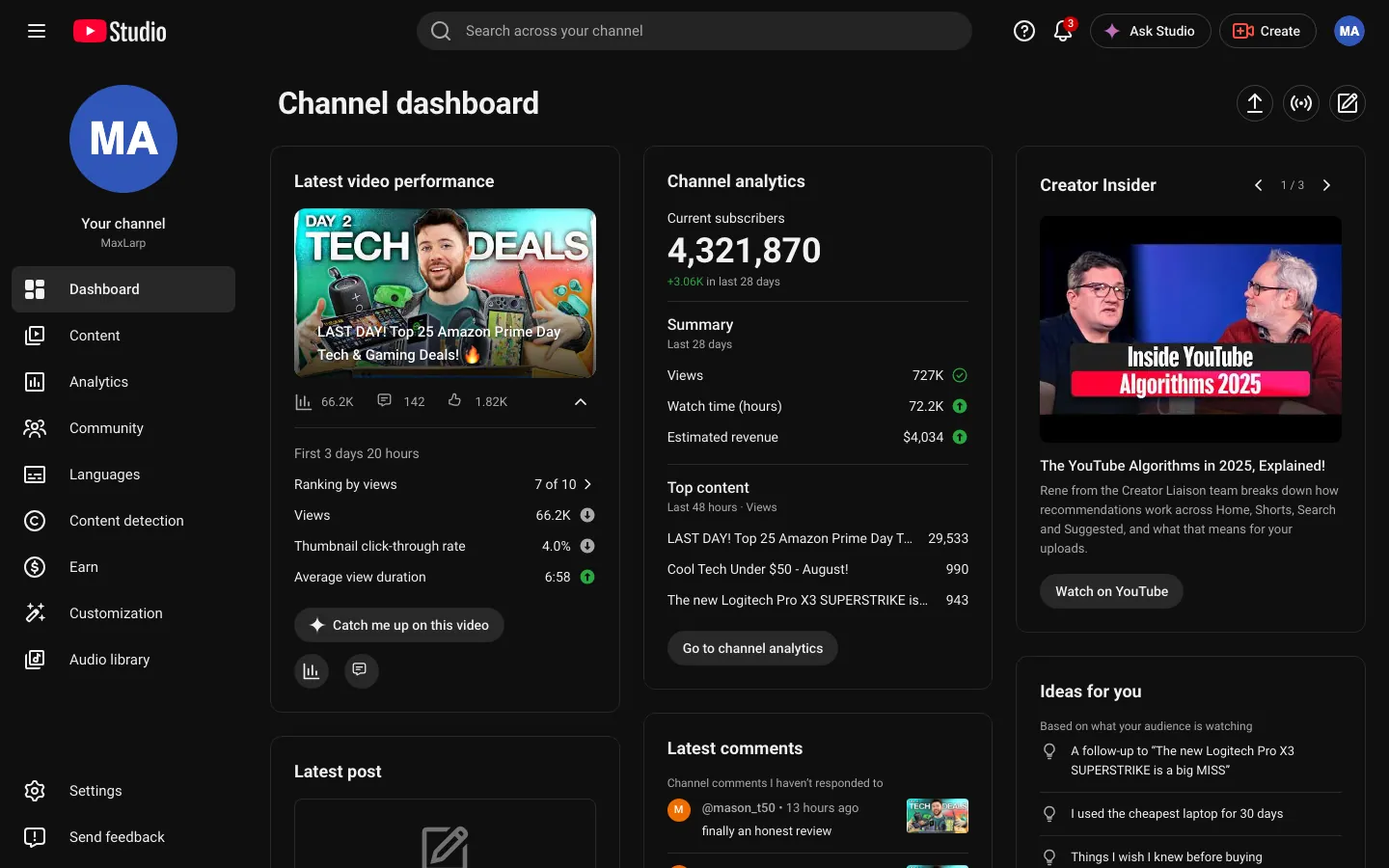
What the fake YouTube Studio shows
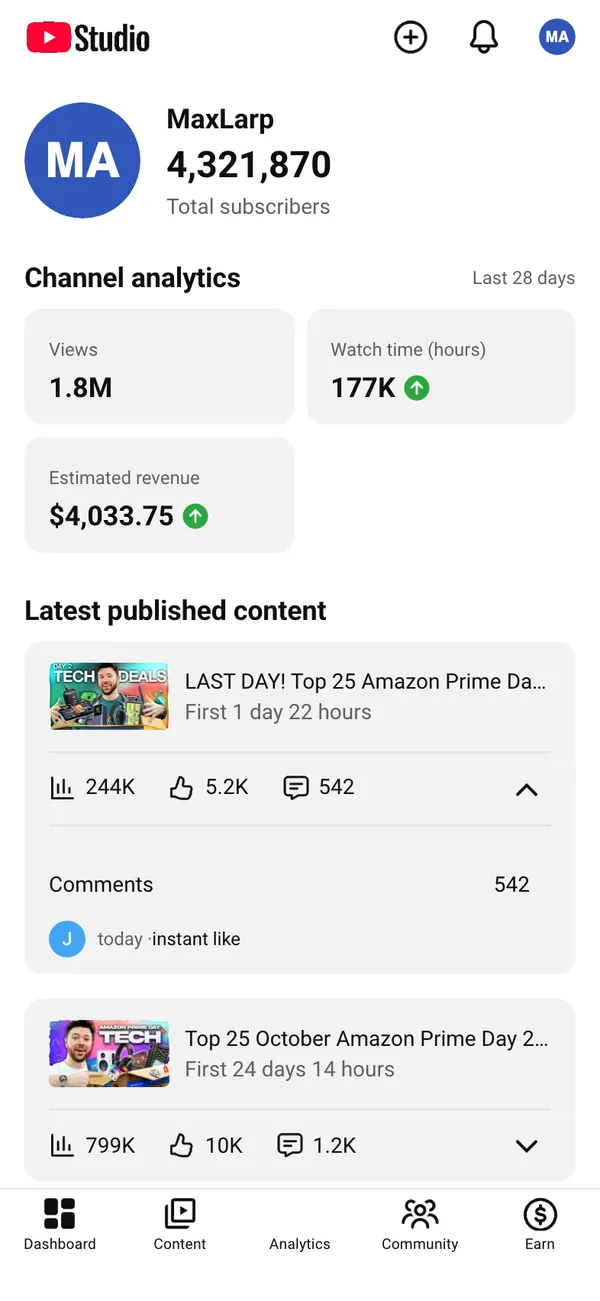
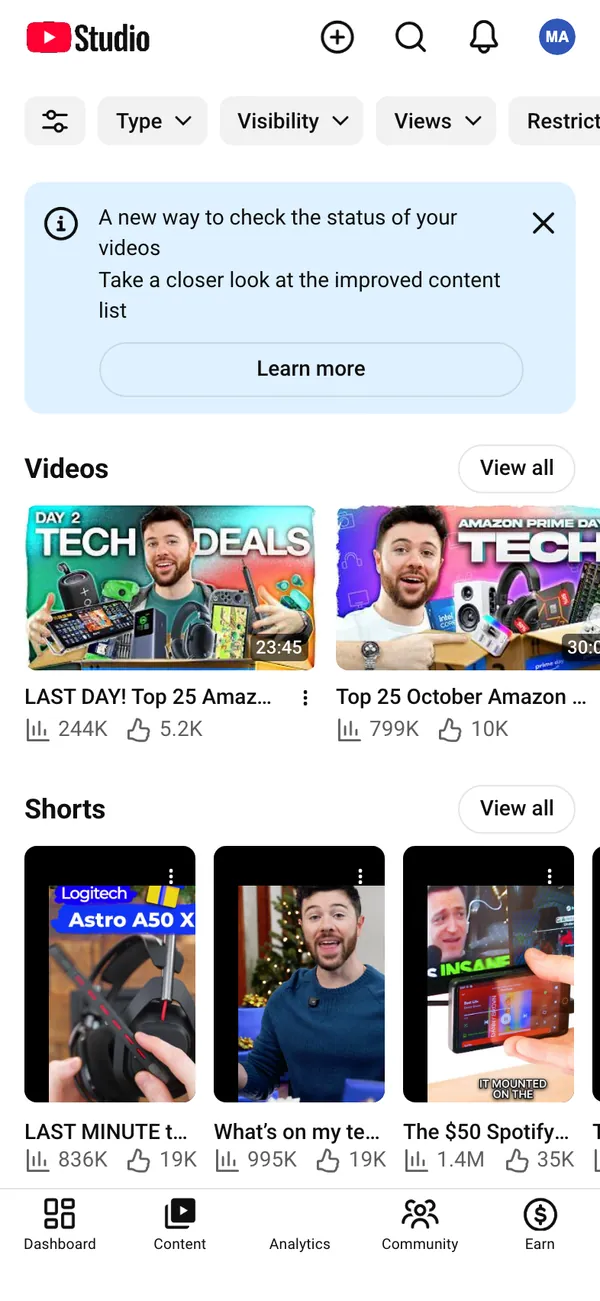
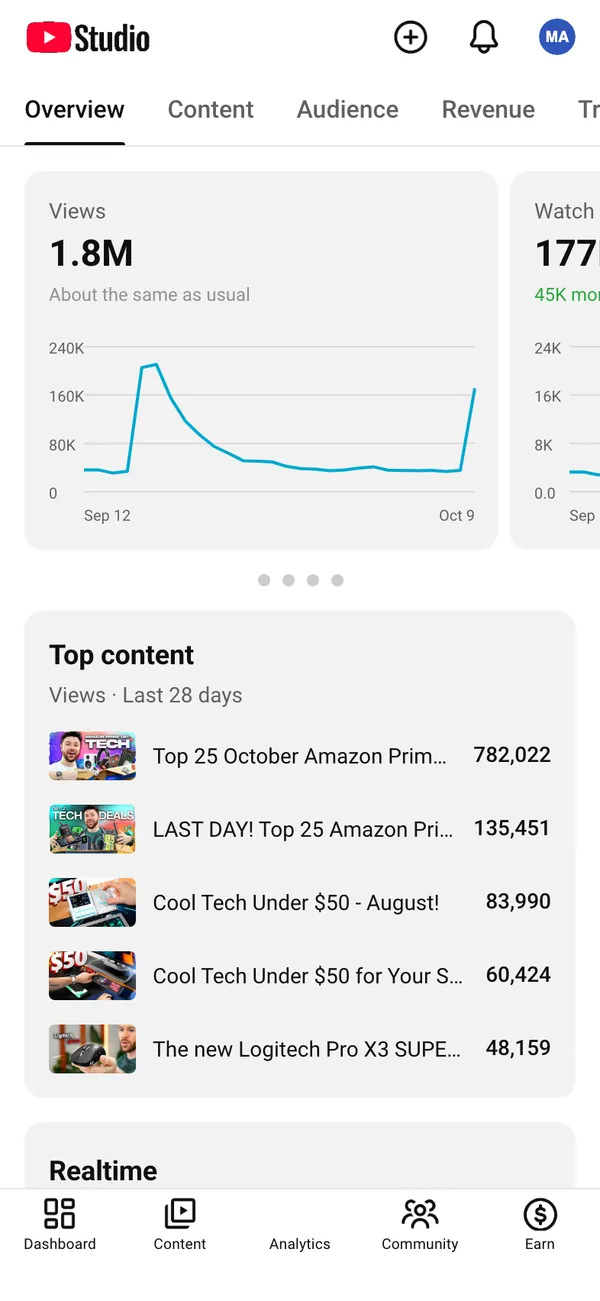
The fake YouTube dashboard recreates the channel analytics side of Studio. It has a dashboard screen, a content screen and an analytics screen, with views and watch time, subscribers, and estimated revenue front and center.
On a desktop it runs in a browser with studio.youtube.com in the address bar, so a screen capture reads as the real tool. On iPhone it installs as its own app and can send its own alerts.
- Views and watch time
- Subscribers
- Estimated revenue
The numbers belong to a fictional channel you define. Nothing is pulled from a real one.
Videos that need a channel dashboard
The most common use is the 'my channel is blowing up' sketch, where an actor watches a counter climb. It also suits a short film about an uploader chasing a hit, a parody of milestone videos, or a behind-the-scenes explainer where the analytics page has to say something specific.
Marketers use it too. A product ad that follows a creator through a good week needs a believable analytics screen, and a mock-up lets you set exactly the weekly trend the script calls for.
If a video claims real results, the numbers should be real. A prop belongs in fiction, parody and demos, not in a pitch that sells a course.
Set up a fake YouTube Studio in MaxLarp
- 1Open the YouTube page and add the app.
- 2Create a persona, or reuse one, with the channel owner's name, photo, city and currency.
- 3Choose a preset, then edit views, watch time, subscribers and estimated revenue to fit your scene.
- 4Decide between live mode, where the figures keep moving, and static, where they stay fixed for a precise shot.
- 5Open it in a desktop browser for the Studio look, or install it on your iPhone for the phone view.
- 6Record the screen with your own tools, or take a screenshot for a still.
Keeping the analytics consistent
Analytics pages get scrutinized because viewers know how the pieces relate. Keep them in line and the screen holds up.
- Revenue should follow views. If views double over a week, estimated revenue should rise by a similar factor, not stay flat.
- Subscribers grow slower than views. A viral spike brings many views and a modest bump in subscribers.
- Shape the chart like a real upload: a sharp rise in the first days, a decay, then a gentle tail.
- Watch time and views should move together. A video with huge views and almost no watch time looks wrong.
The live alerts include yesterday's earnings, new subscribers today, views over the last 48 hours and a new comment. Fire one while the camera is on the phone and the scene gains a beat without extra editing.
Match the persona in the background. If the channel owner lives in a given city and uses one currency here, keep it the same in the other apps in frame.
Mistakes that give a fake channel away
Most giveaways are small. A channel with a million views and forty subscribers looks off. So does estimated revenue that never changes between the 28-day and the lifetime views. Check the content screen against the analytics screen: the video you call the hit should be the one with the tallest bar everywhere.
Also look at timing. If the scene is set on a Monday morning, the alert about yesterday's earnings should read like a weekend figure. A short scroll through every screen before you press record catches most mistakes, and it takes less than a minute.
Pairs well with
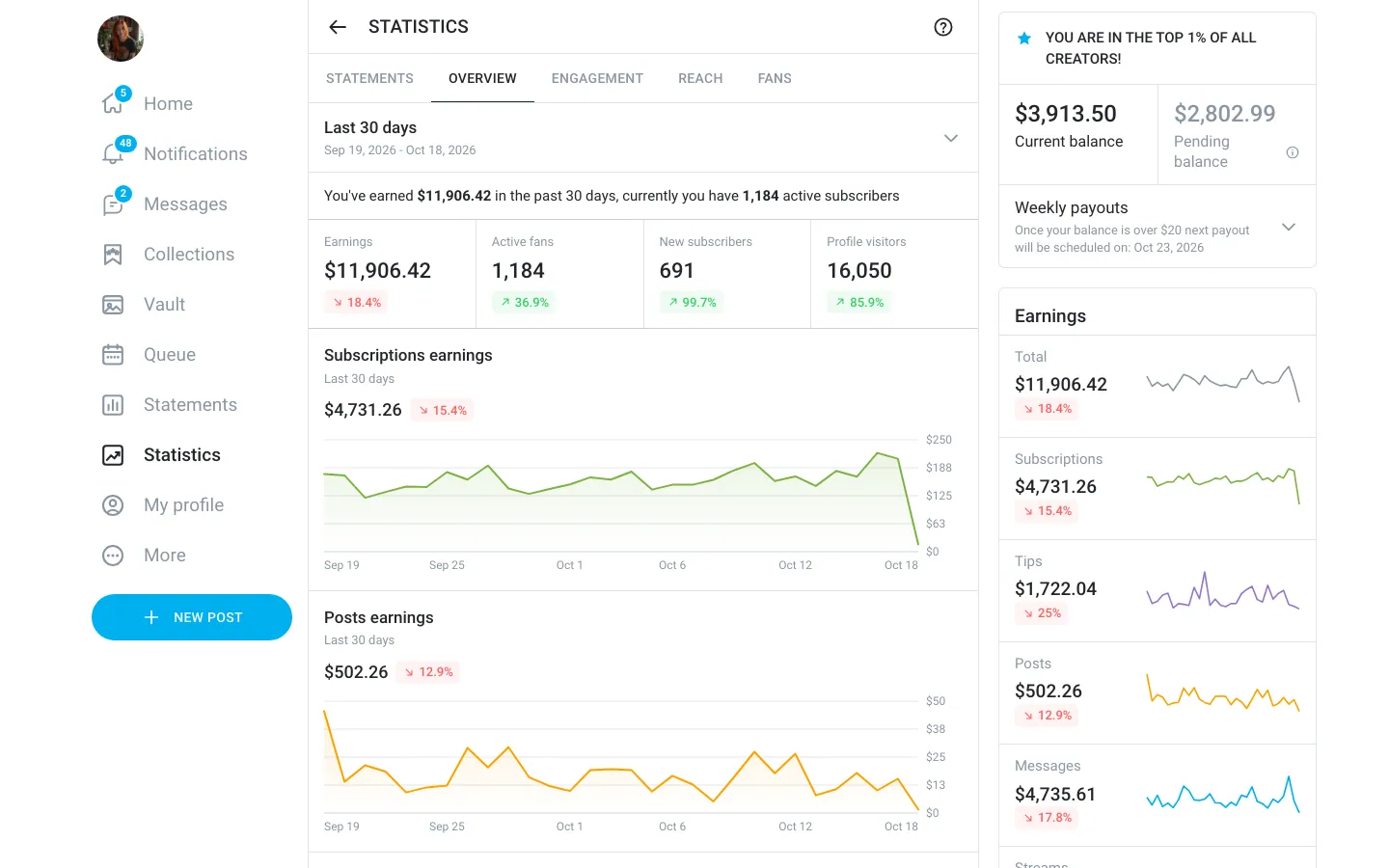
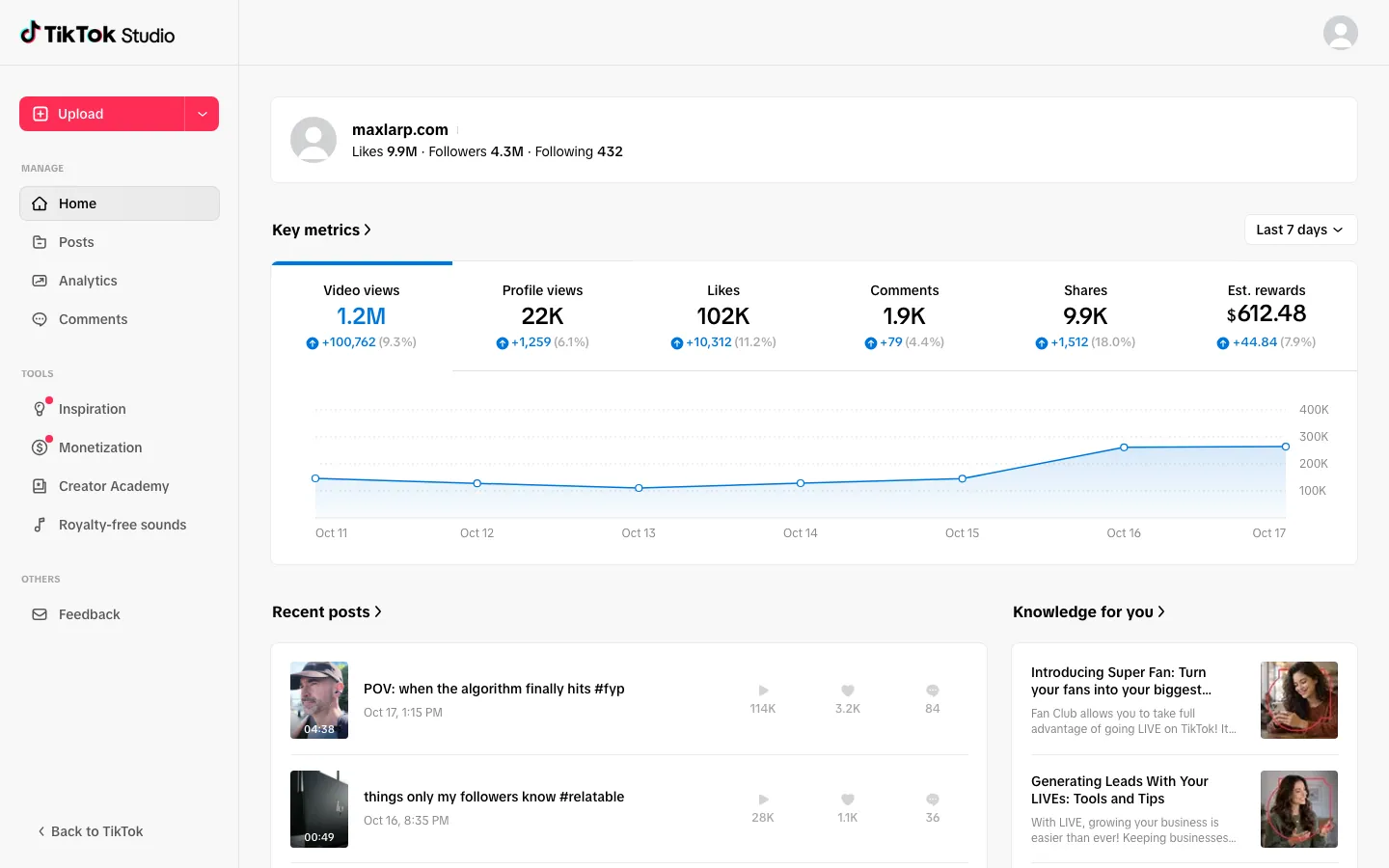
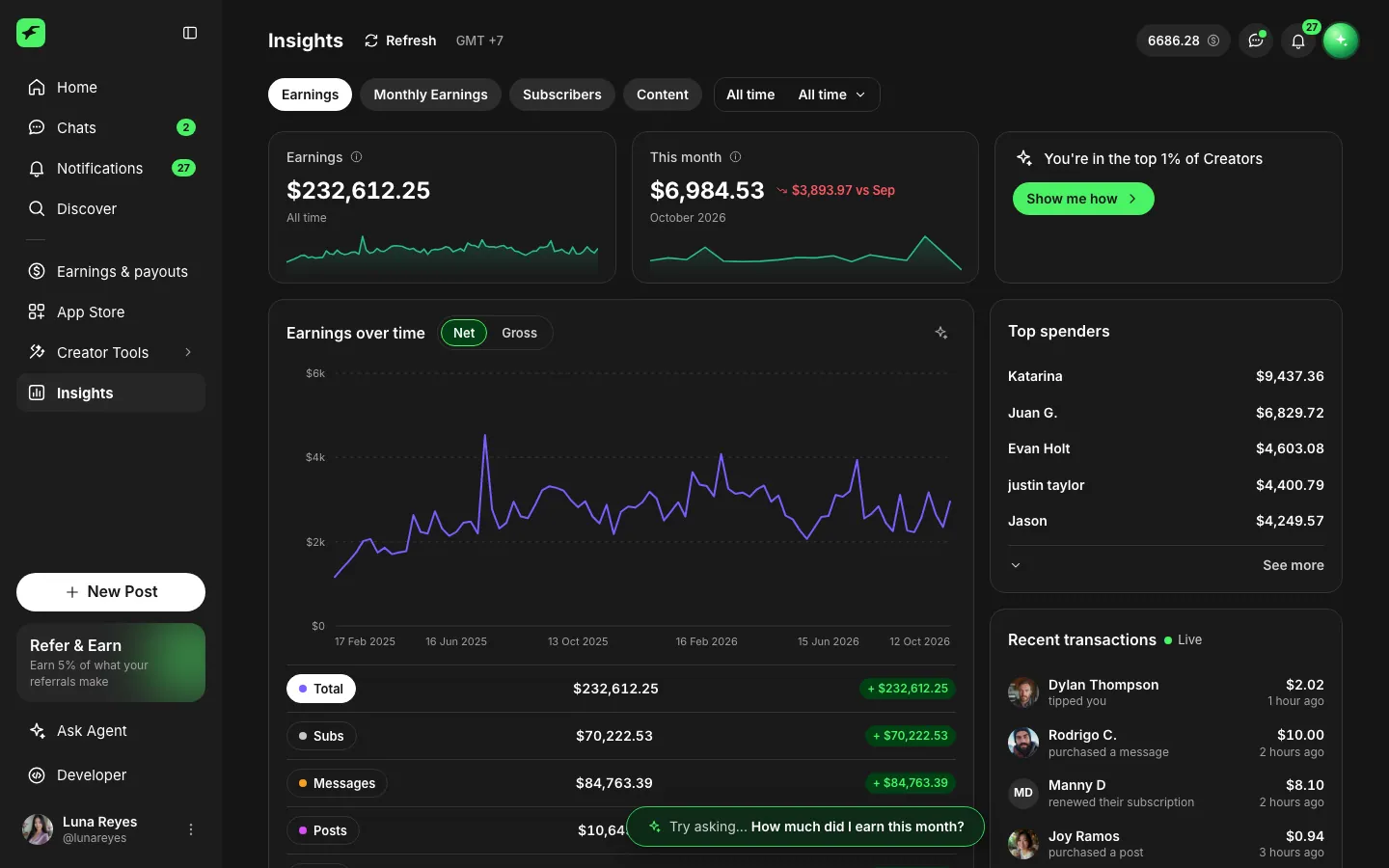
A channel story has a second screen: money in. Show the fake Stripe dashboard for sponsorship payments, a fake TikTok studio for the short-form side, or a fake Spotify for Artists page if the character also releases music.
For a ranked list of props by video type, see the best fake dashboards for videos. For the numbers that keep moving between takes, read about live mode.
Open YouTube

Questions
Does it connect to my real YouTube channel?
No. It never touches a real channel or Google account. The channel, its views and its estimated revenue are all fictional and come from the persona and values you set in MaxLarp.
Can I edit views, subscribers and revenue?
Yes. Edit any figure, name, date, photo or chart shape. Starting from a preset keeps the numbers consistent with each other, and you can override anything afterward.
Will it send notifications on my iPhone?
Yes, once the app is on your home screen. It needs iOS 16.4 or later. The alerts include earnings for yesterday, subscriber gains, views and comments, ready to screen-record.
Is it affiliated with YouTube?
No. MaxLarp is not affiliated with, endorsed by or sponsored by YouTube or Google. It is an independent mock-up for props, parody and film.
Every number on MaxLarp is fictional. Not affiliated with any brand shown. Acceptable use