Fake Spotify for Artists streams: an editable artist dashboard
 · 3 min read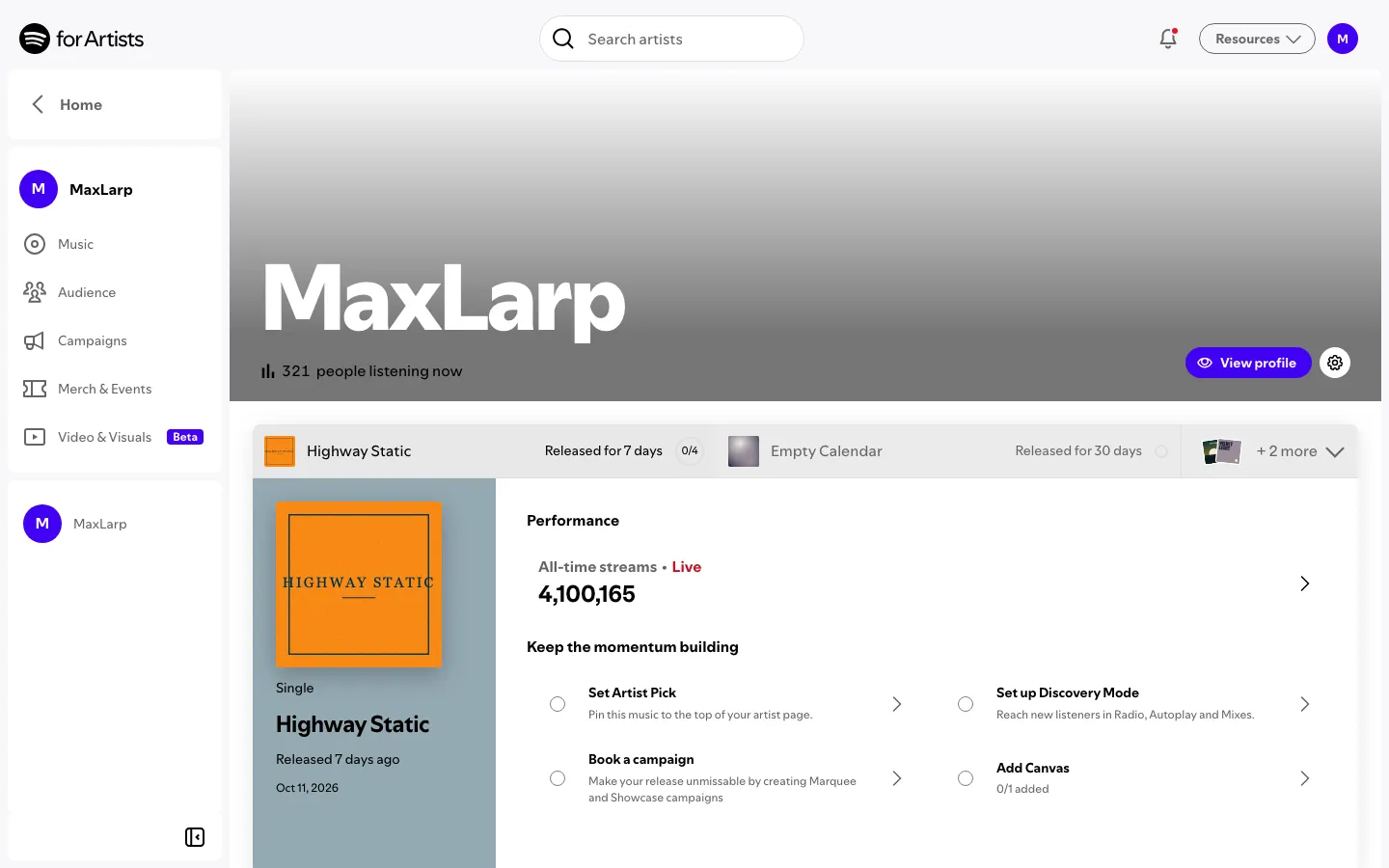
What the fake Spotify for Artists dashboard shows
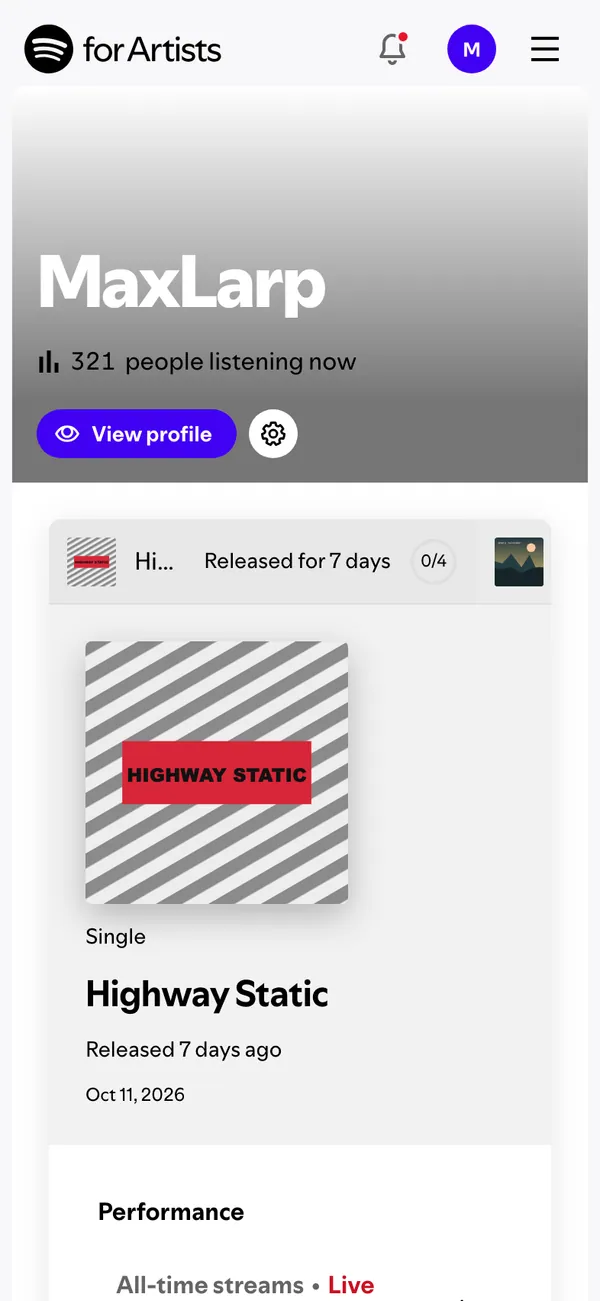
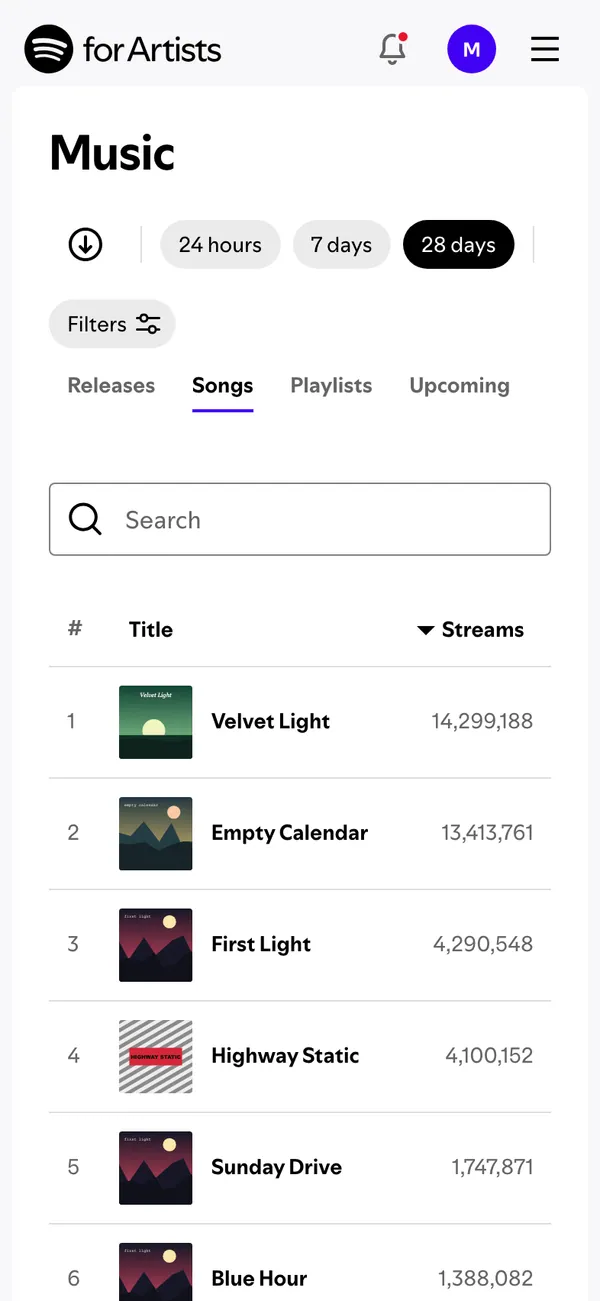
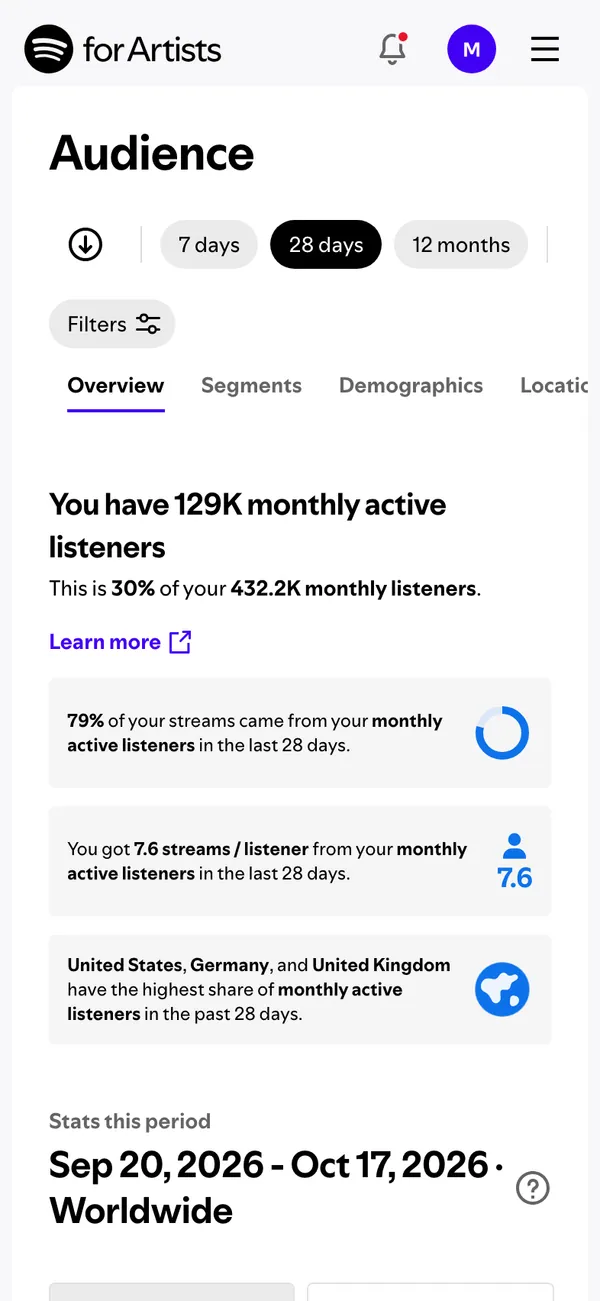
The fake Spotify dashboard recreates the artist-facing tool. It has a home screen, a songs screen, an audience screen and a releases screen.
- Listeners and streams
- Releases
- Audience
On desktop it opens with artists.spotify.com in the address bar. On iPhone it installs as its own app and can send alerts. The artist, the songs and the stream counts are made up and controlled by you.
Music content that needs the screen
Artists film release-day reels where the stream counter ticks up and the caption says thanks. Directors shoot short films about a musician's first breakthrough, where the dashboard is the proof that something changed. Comedy channels send up the 'we just passed a million' post.
Producers and editors use it for music-video cutaways and for tutorial-style videos that explain how an artist reads audience data without exposing a real profile.
Keep the intent clear. The screen is a prop. Do not show it to a label, a booker or a playlist curator as if it were real data.
Setting up fake Spotify for Artists in MaxLarp
- 1Open the Spotify page and add the app.
- 2Build a persona for the artist, with a name, photo, city and currency.
- 3Enter your song titles and release dates, then set listeners, streams and audience figures.
- 4Choose live mode so the totals keep climbing, or static to hold a count for a specific shot.
- 5Use the desktop version for a laptop-on-the-studio-desk shot, or install it on your iPhone for the phone-in-hand moment.
- 6Record with your own tool. Notifications need iOS 16.4 or later and the app on the home screen.
Tips so the streams look real
Streaming numbers follow a pattern fans recognize. A new release spikes, then settles. Older songs keep a small steady line.
- Give the newest song the highest recent streams and older ones a lower, flatter line.
- Keep monthly listeners lower than total streams, since one listener plays a song many times.
- Use audience data that fits the persona: a city, a country mix and an age spread that suit the music.
- Time the release screen to a Friday if the scene is about release day.
The live alerts include a royalty payout, a song passing a stream count, a playlist add and a rise in monthly listeners. Firing the playlist add during a take gives the artist something to react to.
Before you film, set Do Not Disturb, clear the status bar of clutter and scroll gently. The screen recording guide has the full checklist.
Matching the dashboard to the music
The screen has to suit the sound. A bedroom pop artist and a stadium rapper do not share an audience profile, and a viewer who knows the genre will notice. Choose the countries, cities and age groups on the audience screen with the music in mind.
The same goes for scale. If the character is a first-time artist, a few thousand listeners feels earned and a few million feels like a joke, unless the joke is the point. Name the songs the way a real artist would, with a clear single and a few album tracks. Release dates should leave room between them, since artists rarely drop two songs in the same week.
Pairs well with
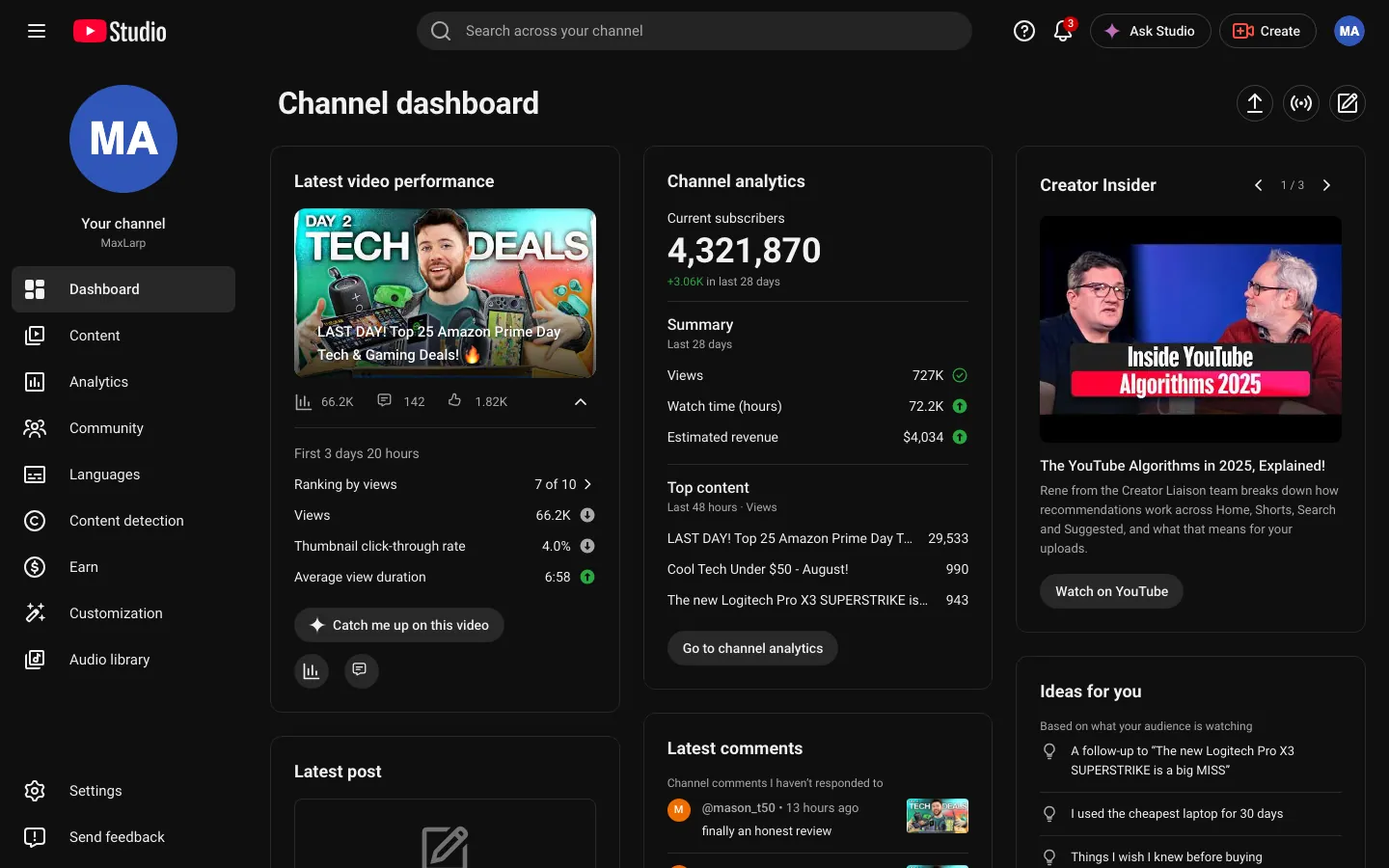
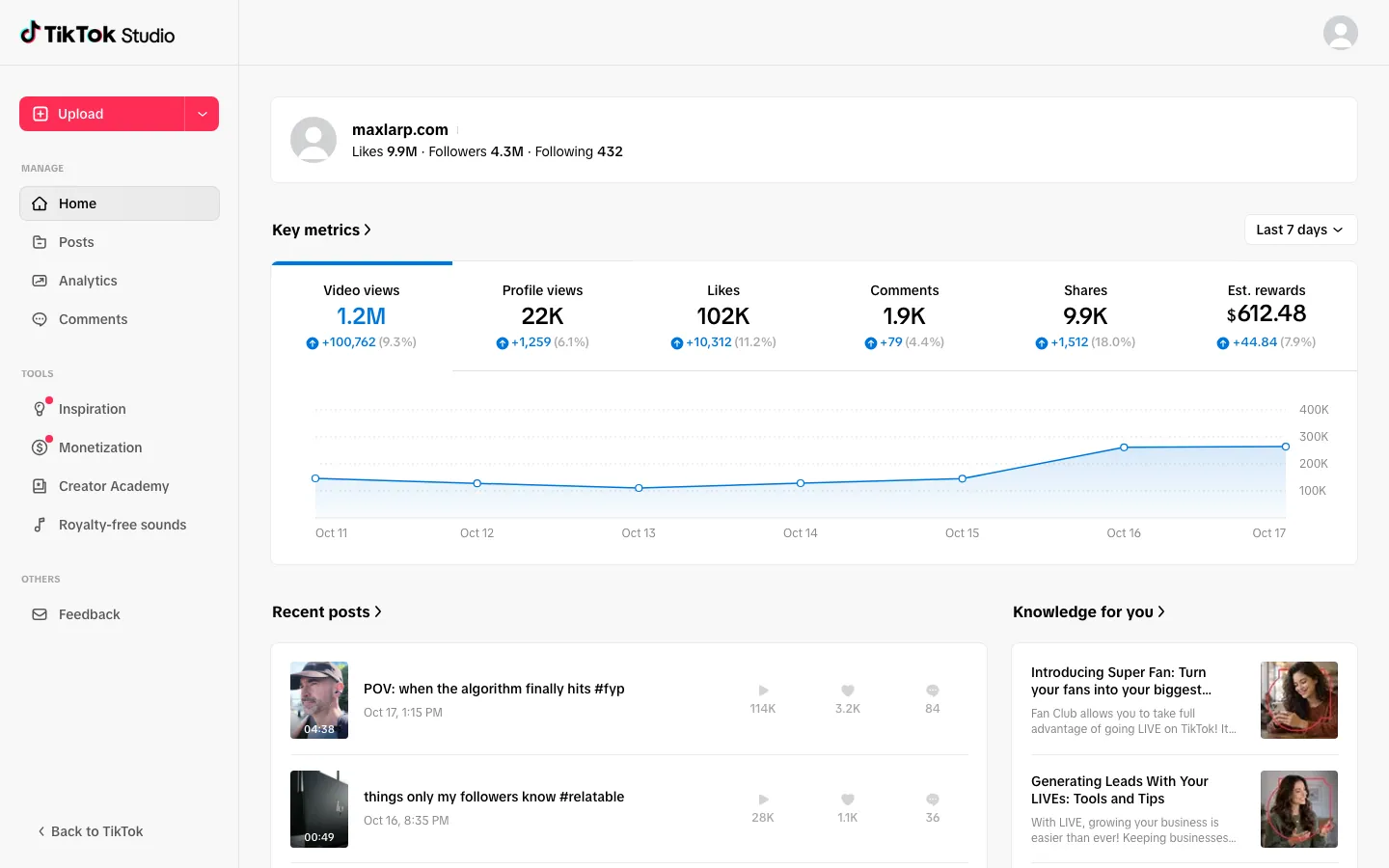
An artist's rise has a few beats. Show streams here, then the YouTube dashboard for the music video views, the TikTok studio for the sound that took off, and a fake Apple Wallet card for the first big spend.
To keep the artist's name and photo identical on all of them, read the fake persona guide.
Open Spotify
Questions
Does it connect to my real Spotify for Artists profile?
No. It never touches a real artist profile or account. The listeners, streams and releases are fictional and come from your persona or values you type in.
Can I use my own song titles?
Yes. You can change names, numbers, dates, photos and chart shapes, so your own songs and release dates can appear on screen. Start from a preset, then override what you need.
Does it work on iPhone and desktop?
Yes, both. The desktop version runs in a browser, and the phone version installs to the home screen. Notifications need iOS 16.4 or later.
Is it affiliated with Spotify?
No. MaxLarp is not affiliated with, endorsed by or sponsored by Spotify. It is an independent mock-up for videos, parody and film.
Every number on MaxLarp is fictional. Not affiliated with any brand shown. Acceptable use