Fake Twitch stats: a creator dashboard for streamer skits
 · 3 min read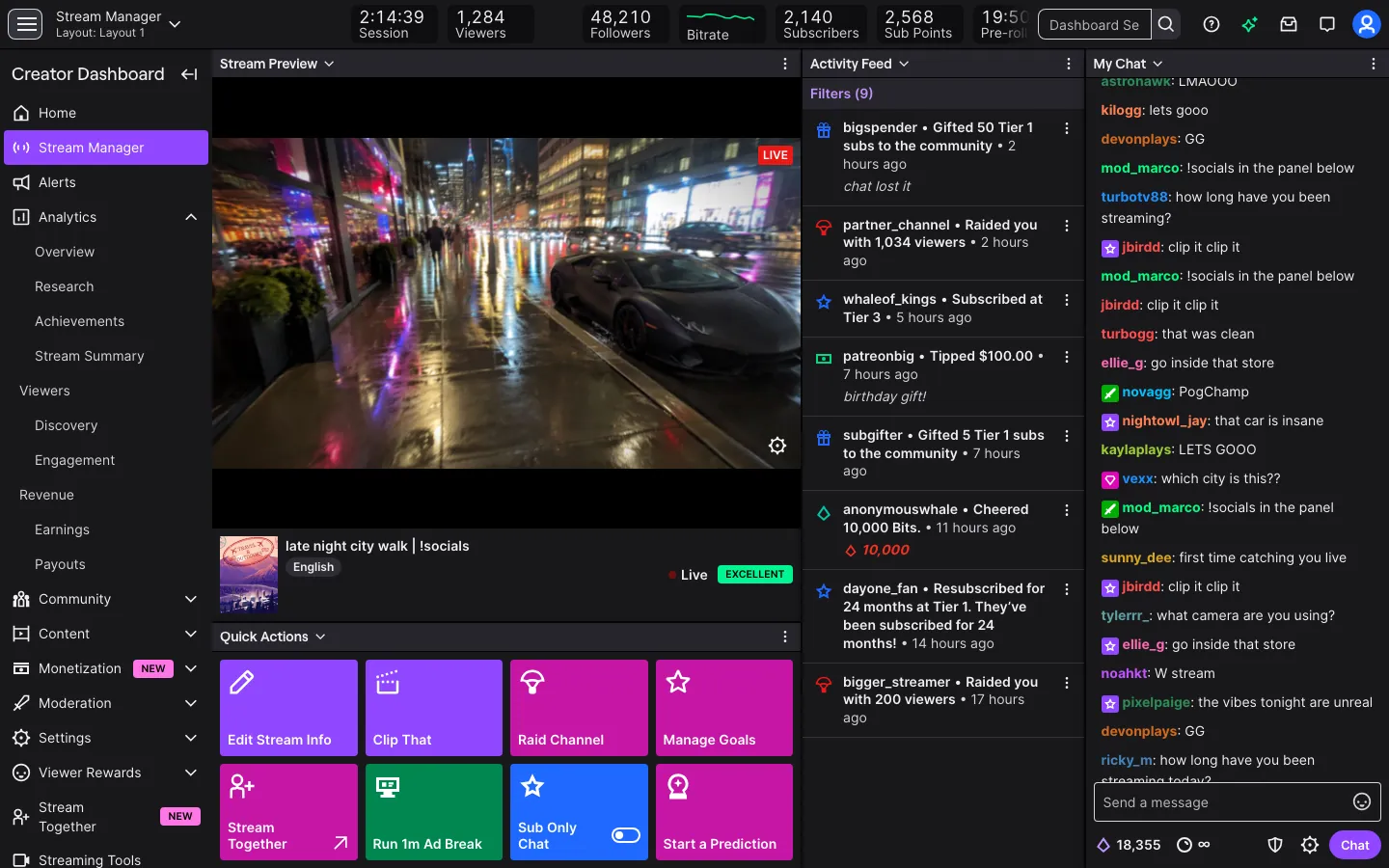
What the fake Twitch dashboard includes
The fake Twitch dashboard is built for the desktop. It has the stream manager, a home screen and an analytics screen, with dashboard.twitch.tv in the address bar so the capture reads as the real creator dashboard.
- Followers
- Analytics
- Revenue
It runs in a desktop browser only. There is no phone version of this one. The streamer, the follower count and the revenue are fictional and come from your persona.
Scenes that call for a streamer dashboard
Streamer comedy leans on the dashboard. A sketch about the first big sub train needs one. So does a short film about a late-night streamer finally getting traction, or a parody of the 'I hit affiliate' announcement.
Editors use it for montage cutaways, and game-channel creators use it in story videos where a character watches the numbers during a stream. Because it opens in a desktop browser, it sits naturally beside a game window or chat panel in a split-screen shot.
It is a prop. Do not present the revenue figure to sponsors or buyers as real.
How to set up a fake Twitch dashboard
- 1Open the Twitch page and add the app.
- 2Create or reuse a persona for the streamer: name, photo, city and currency.
- 3Set the follower count, the analytics figures and the revenue, or start from a preset and edit what you need.
- 4Pick live mode so the numbers move during the take, or static to lock them for a clean close-up.
- 5Open it in a desktop browser, and arrange your game window and chat beside it.
- 6Record the screen with your own recorder.
Making streamer numbers hold up
Streaming analytics have a texture. Follower growth is lumpy, revenue depends on stream hours, and the best day is usually an outlier.
- Tie revenue to stream time. A channel that streams twice a week should not show daily income.
- Let followers grow in bursts after a good stream, then flatten for a few days.
- Keep average viewers well below the follower count. A small channel with a large follower base reads as odd.
- Match the dashboard to what is on the rest of the screen. If the chat shows twenty people, the analytics should not claim thousands.
Live mode adds the activity streamers know: a payout, a new subscriber, Bits cheered, a raid and a follow. Let a raid or a cheer land while the character is mid-sentence and the scene gains energy.
Close extra browser tabs, hide the bookmarks bar and keep the cursor calm. The screen recording guide lists more habits that look professional.
Setting up a streamer scene
A desktop dashboard looks best inside a believable setup. Put it in a browser window next to a game and a chat panel, and let the cursor drift between them. A second monitor in the shot helps: the dashboard on one screen, the stream on the other.
Sound matters too. Streamers keep alerts on, so a short sound cue on a follow or a raid fits the room without extra work. If you are filming a character who is nervous about the numbers, hold the shot on the revenue panel for a beat longer than feels natural. The audience reads the face first, then the number, so give both time. Finally, stream a few minutes of real gameplay before the take, so the stream manager shows a session that looks recently active.
Pairs well with
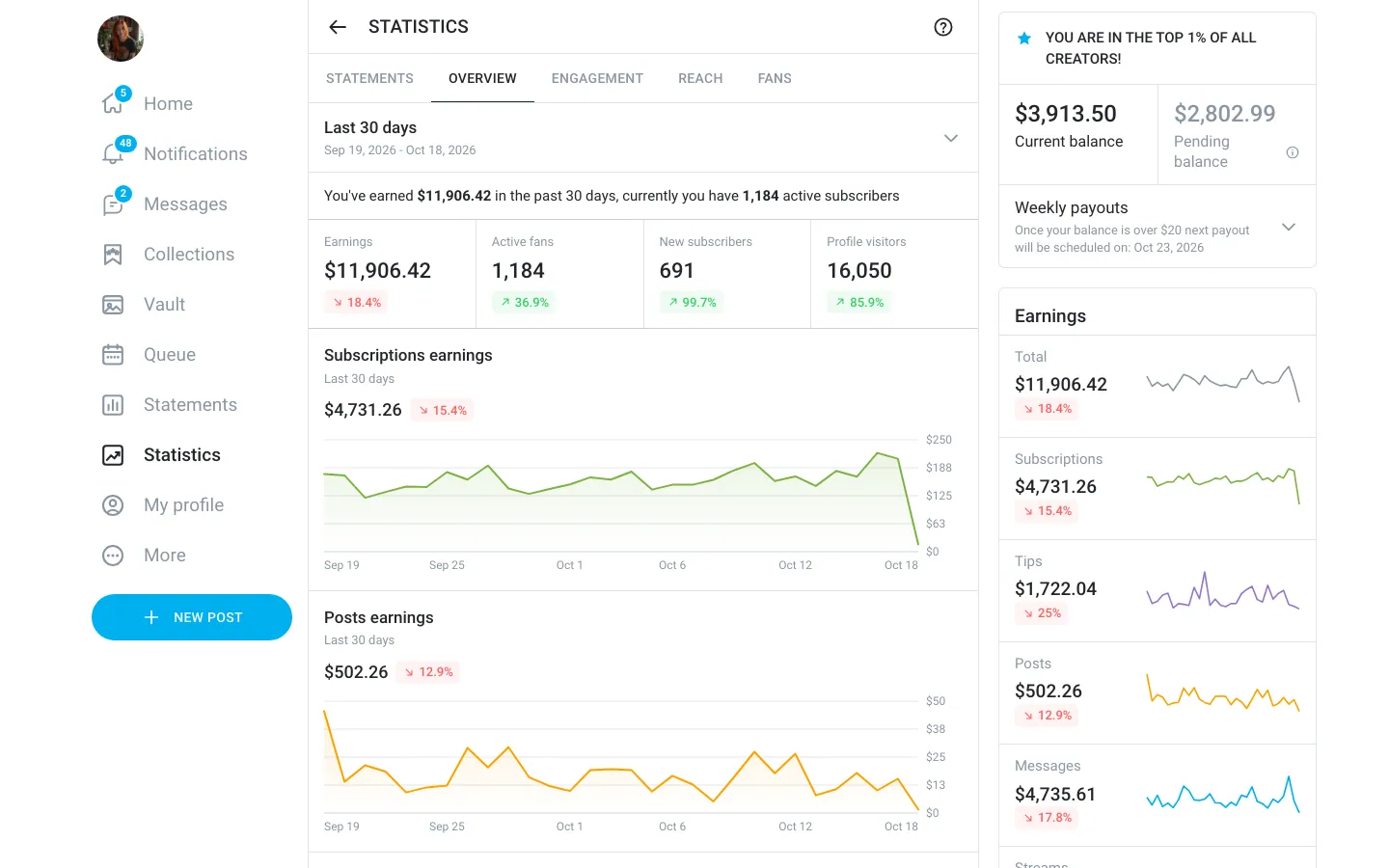
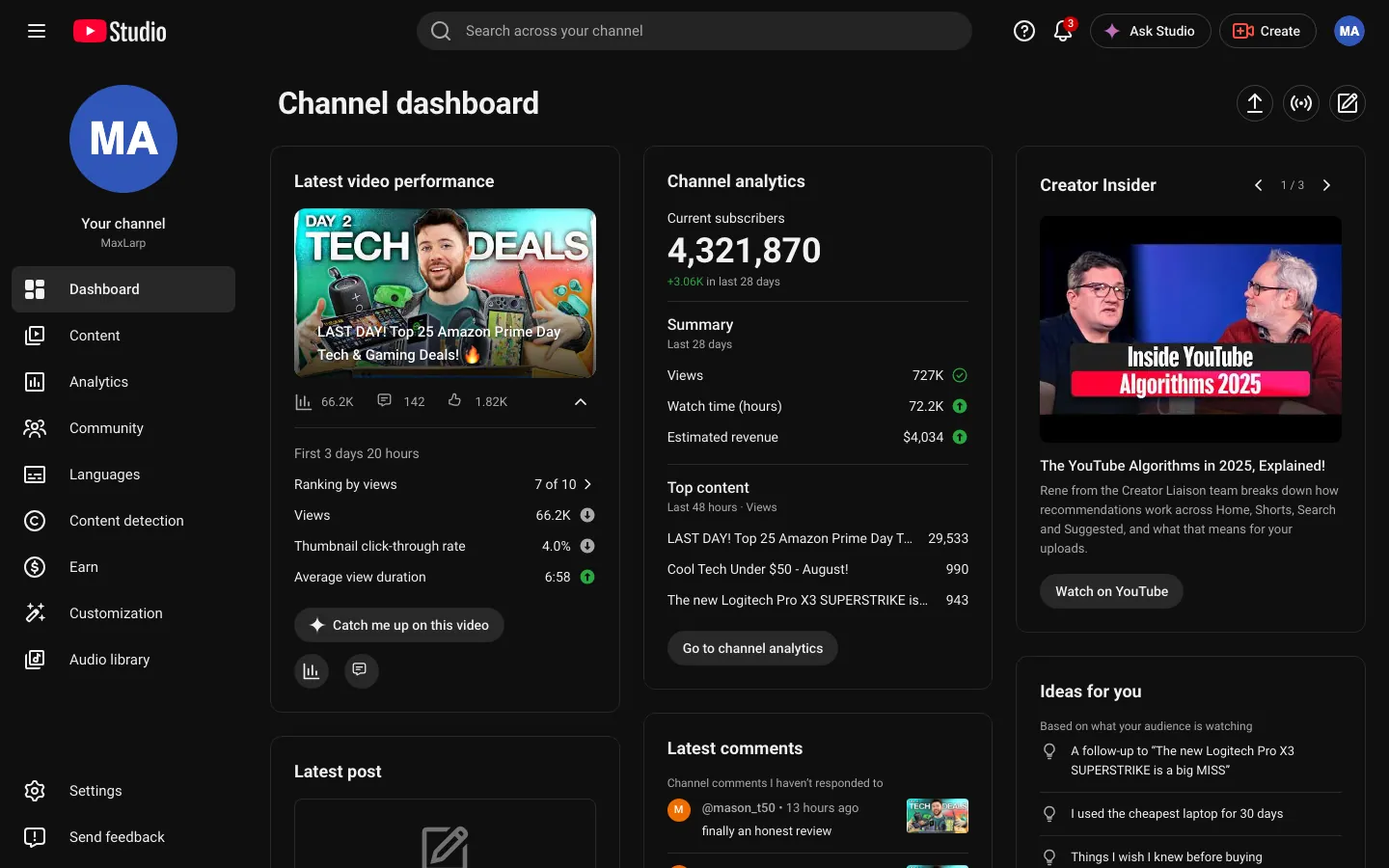
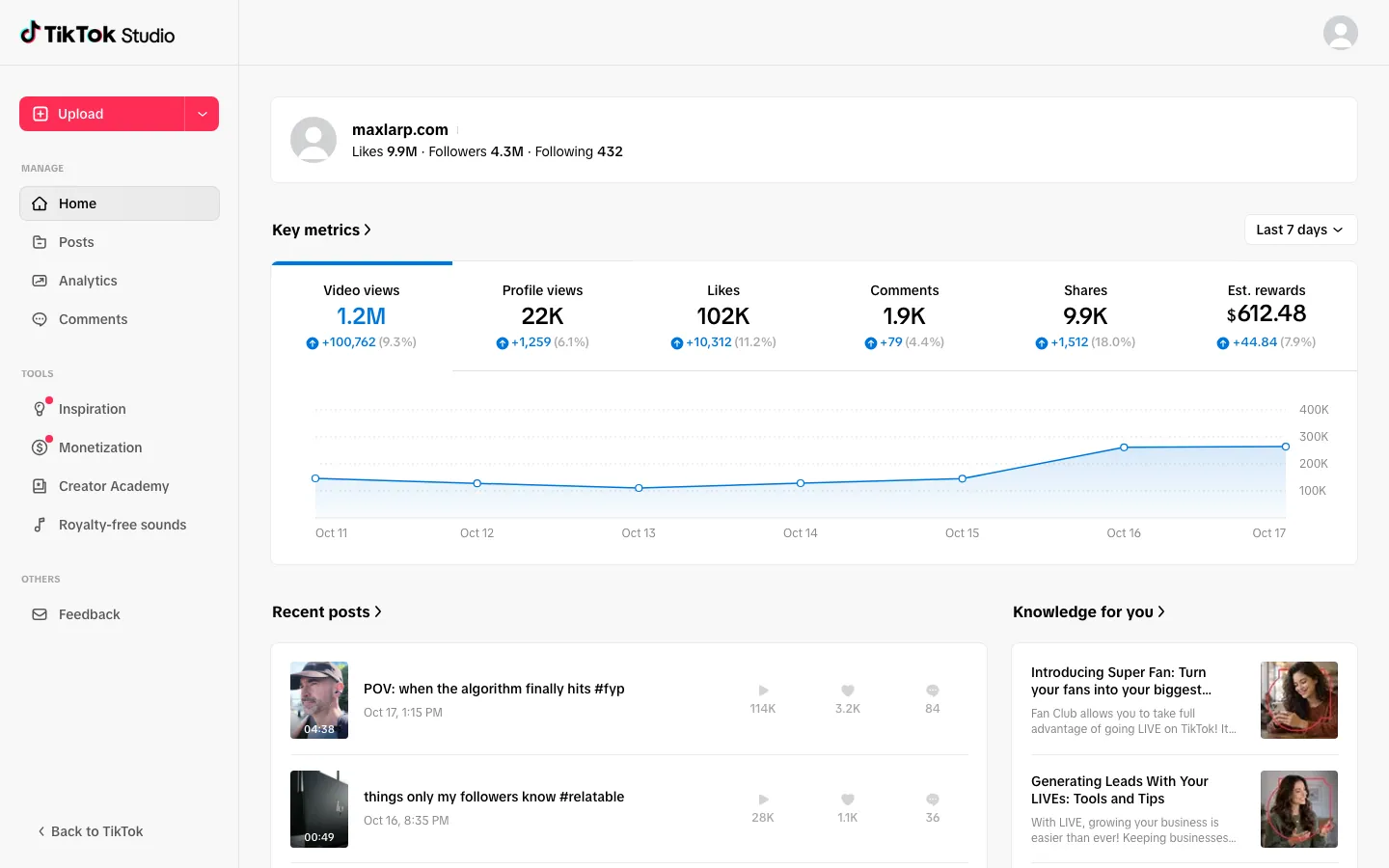
A streamer story branches out quickly. Add the fake YouTube dashboard for the highlight channel, a fake TikTok studio for clips, and a fake Cash App balance where the payout lands.
For a ranked list of props by video type, read the best fake dashboards for videos.
Open Twitch

Questions
Does the fake Twitch dashboard connect to my channel?
No. It never connects to Twitch or a real channel. The followers, analytics and revenue are fictional and come from your persona or values you set.
Does it work on iPhone?
No. This dashboard runs in a desktop browser only. Several other MaxLarp apps install on the iPhone home screen, but the Twitch dashboard is a desktop view.
Can I change the followers and revenue?
Yes. Every name, number, date and chart shape can be edited. Starting from a preset keeps the totals consistent, and you can override any figure afterward.
Is it affiliated with Twitch?
No. MaxLarp is not affiliated with, endorsed by or sponsored by Twitch. It is an independent mock-up for props in skits, edits and films.
Every number on MaxLarp is fictional. Not affiliated with any brand shown. Acceptable use