Fake Lamborghini order: a tracker from confirmation to delivery
 · 4 min read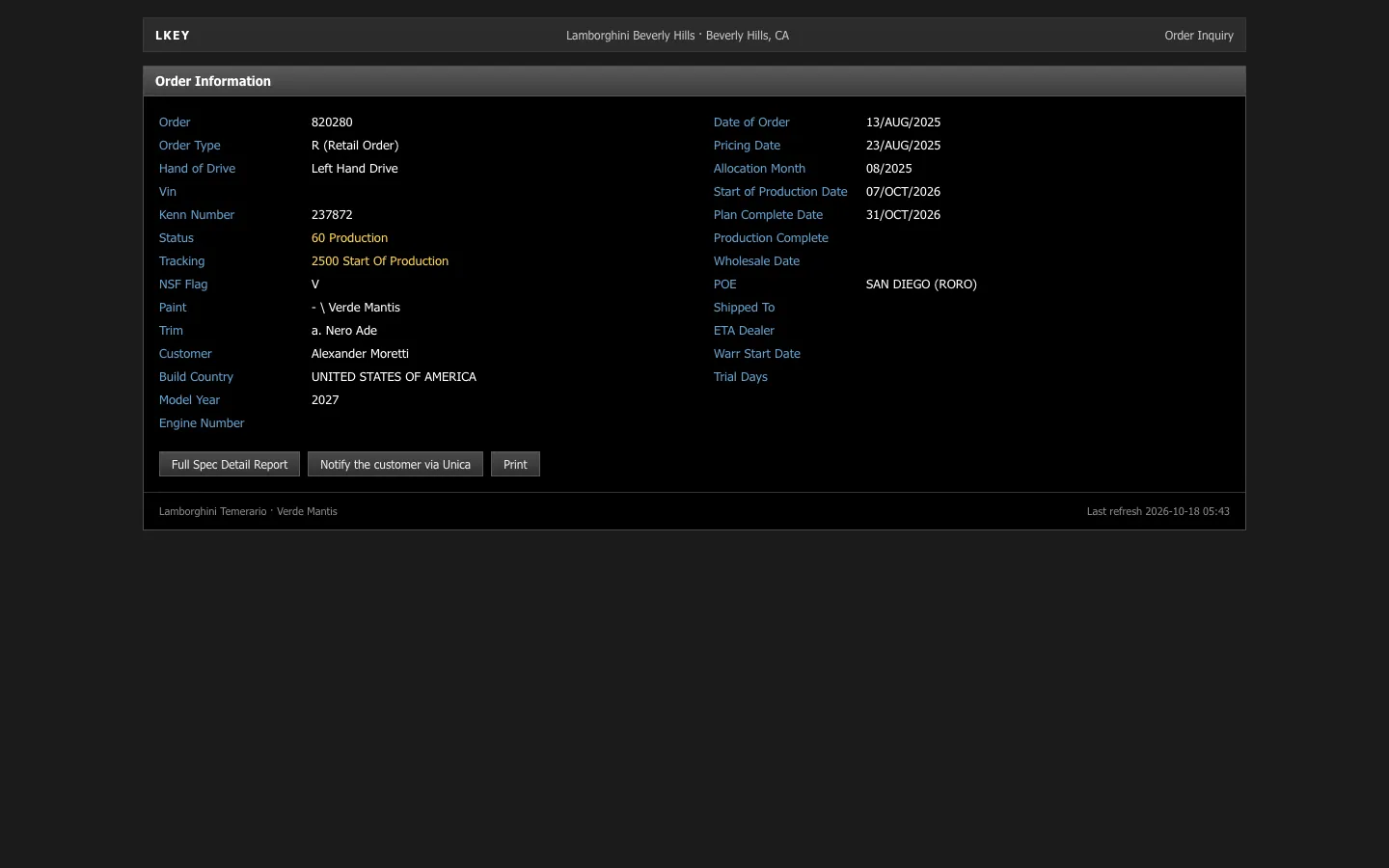
What the fake Lamborghini order tracker shows
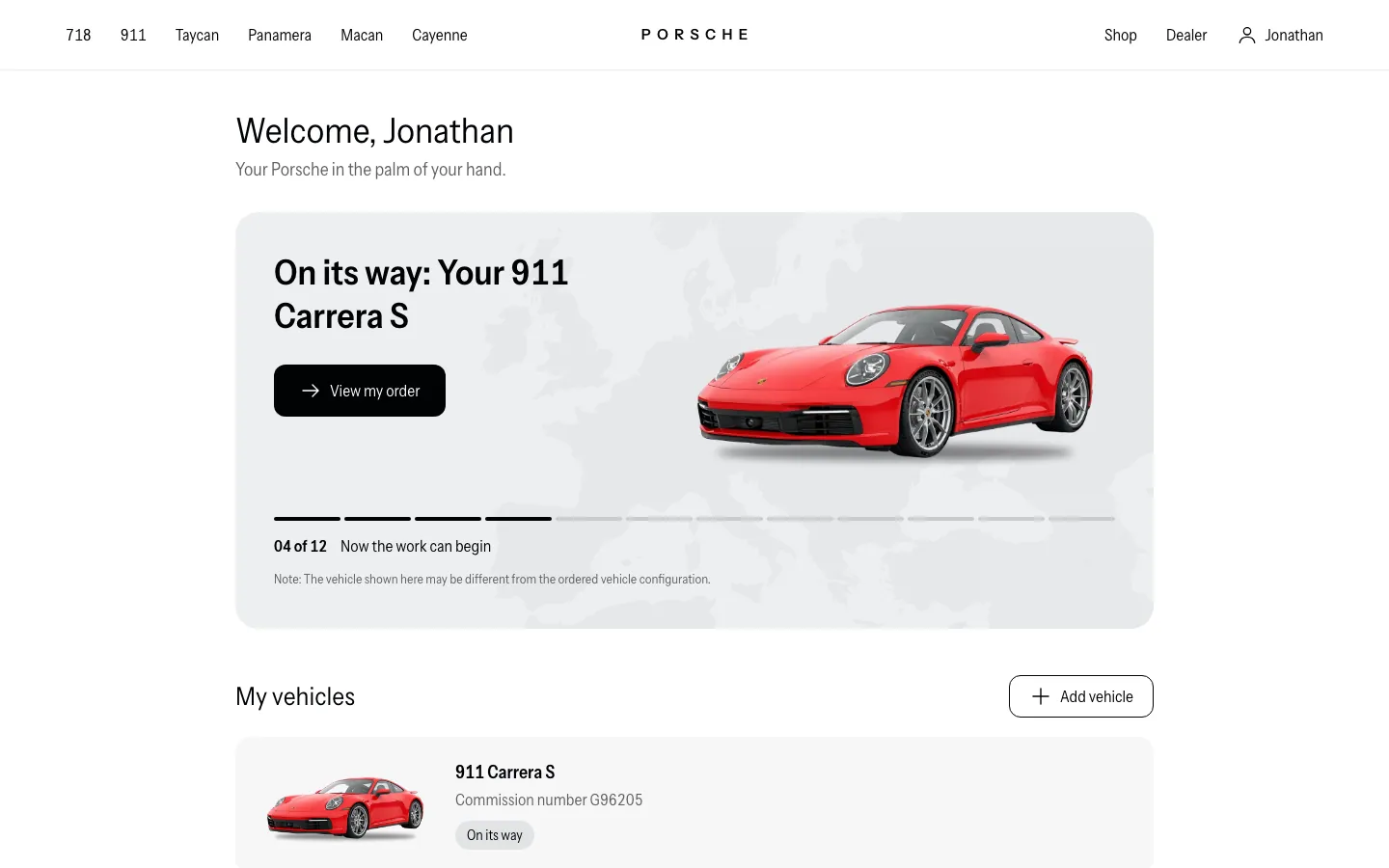
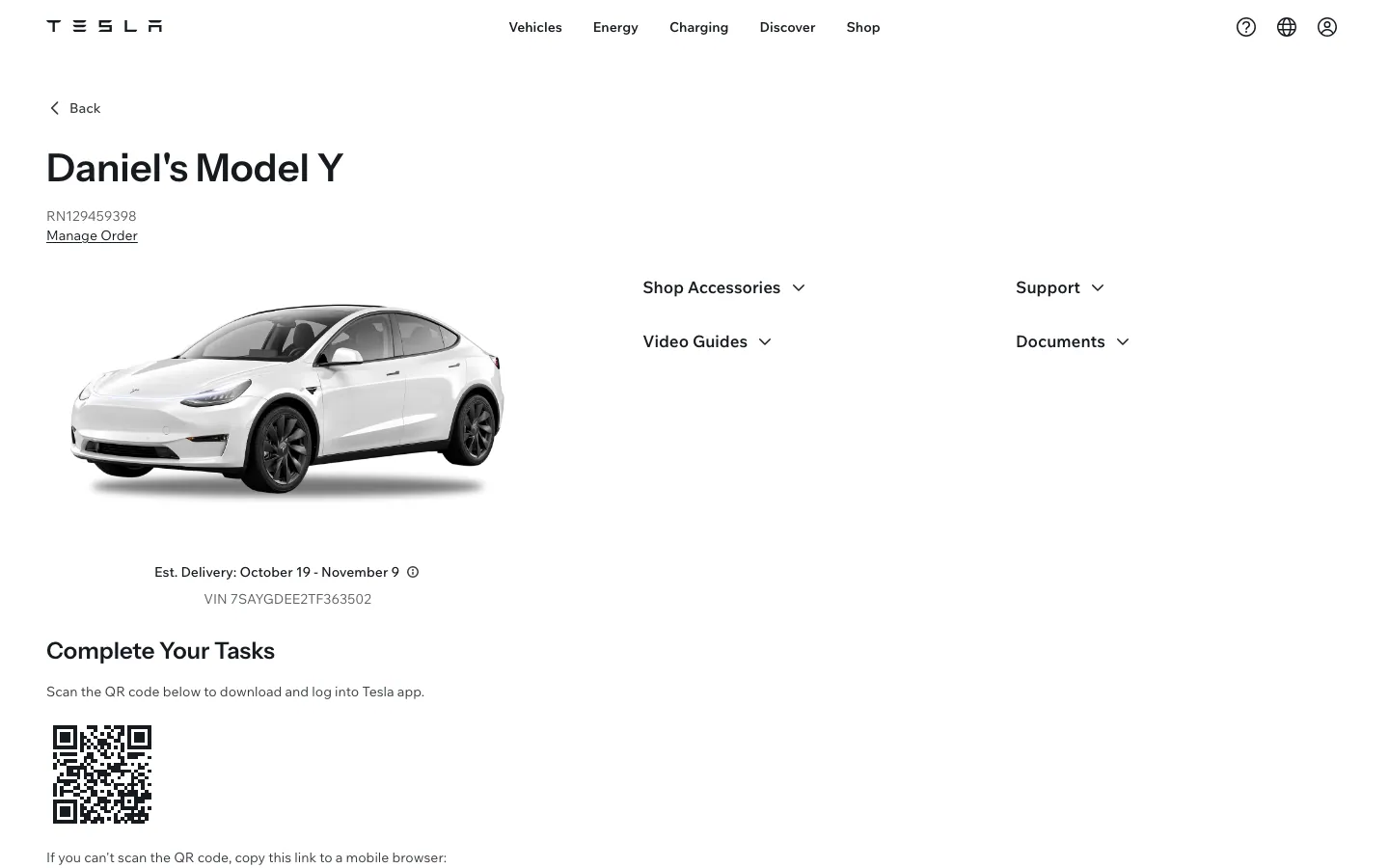
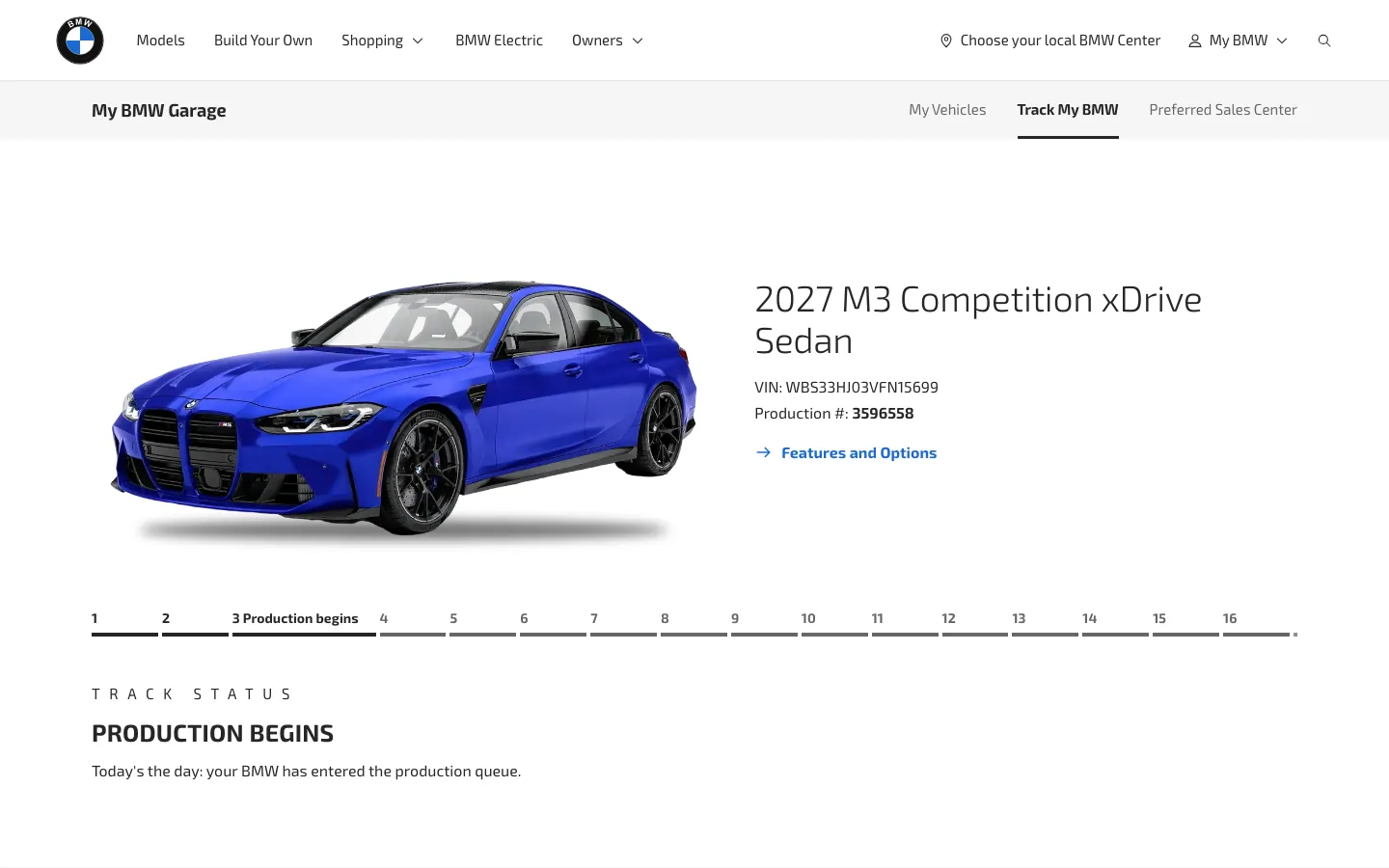
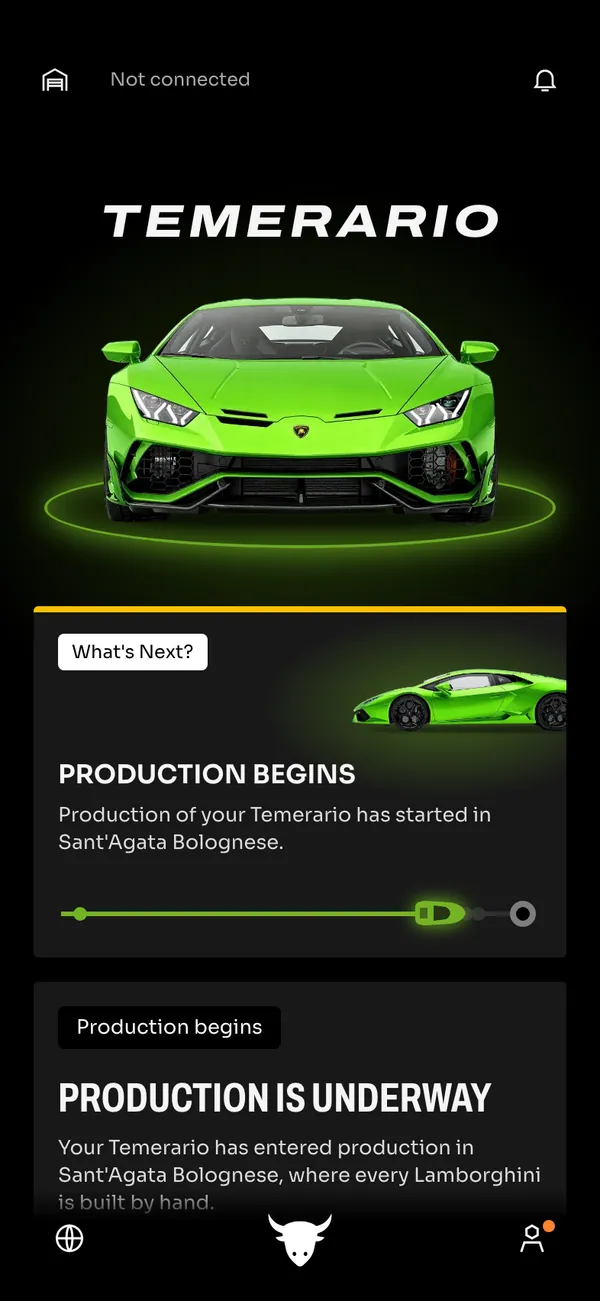
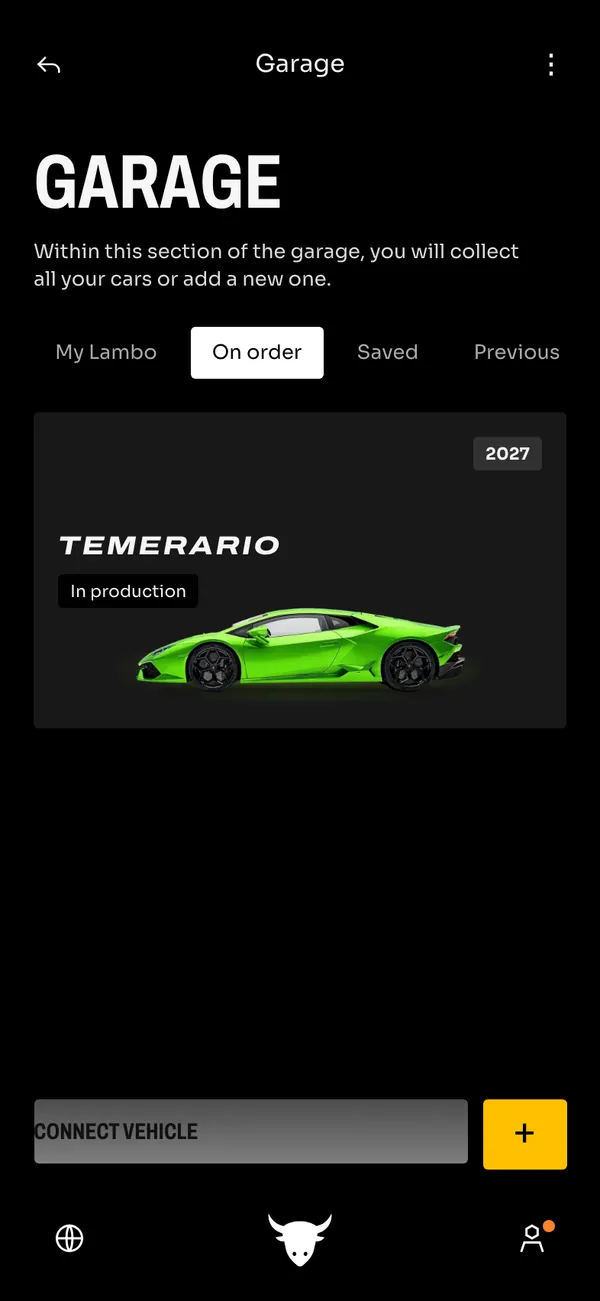
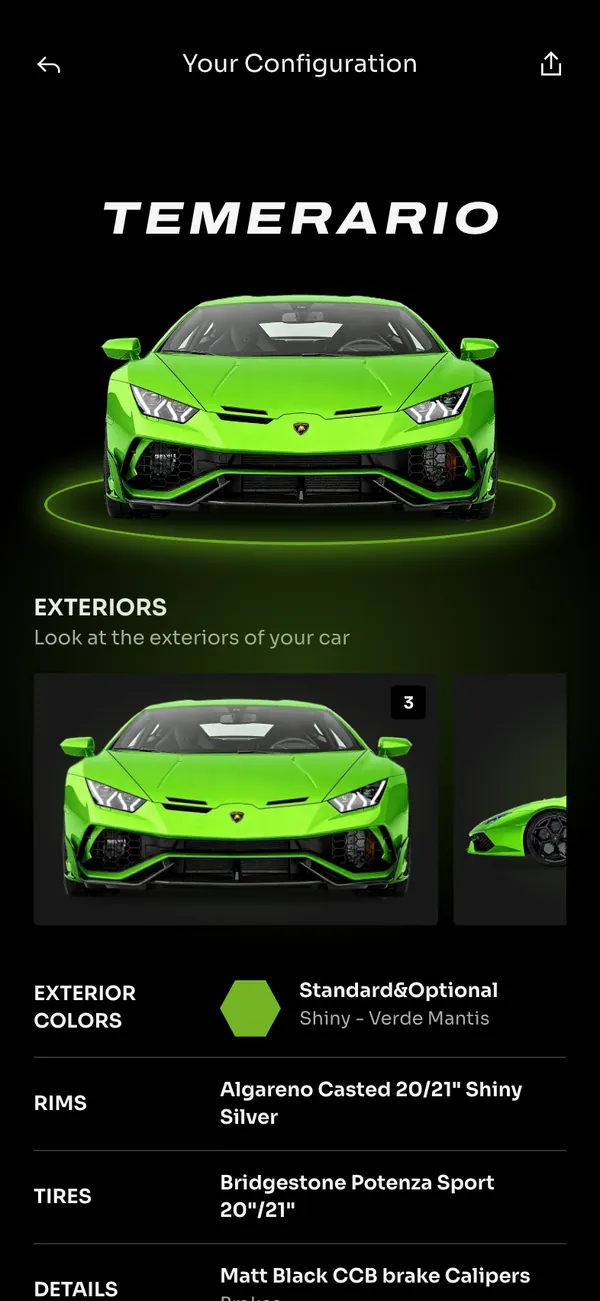
The fake Lamborghini order tracker covers the journey after the signature. It has a home screen, a garage, a configuration view, a stages view and an order information page.
- Your spec
- Every stage
- Garage
On desktop it opens with lamborghini.com in the address bar. On iPhone it installs as its own app, with its own icon and notifications. The car, the spec and the dates are all fictional.
Why creators use a fake car order
The order-tracker moment is a staple of car content: the confirmation, the build update, the day it ships. A fake version lets you film that arc as a skit, a short film or an ad, without a real car or a real dealer.
It suits a 'what I ordered' reveal in a story, a parody of luxury flex culture, or a scene where a character checks the phone for a delivery date. The stages view gives you a visual timeline to react to.
It is a prop for fiction and parody. Do not use it to claim a car you do not have in a sale, a loan, or any real transaction.
How to build a fake Lamborghini order in MaxLarp
- 1Open the Lamborghini page and add the app.
- 2Set up a persona for the buyer: name, photo, city and currency.
- 3Edit the spec on the configuration view: model, color and options. Then set the order information.
- 4Choose which stage the order is at, so the tracker shows the point in the story you need.
- 5Pick live mode if you want the stages and alerts to advance over time, or static to pin one stage for a shot.
- 6Open it on desktop, or install it on your iPhone. Notifications need iOS 16.4 or later and the app on the home screen. Record with your own tool.
Making the order look believable
A tracker reads as real when its details line up. Choose a spec first, then build the rest around it.
- Make the spec coherent. Color, wheels and interior should suit the model and each other.
- Space the stages sensibly. Production does not start the day after confirmation, and delivery is not the week after the VIN.
- Match the buyer's name and city across the order page and the garage.
- Use the alert that fits the scene: order confirmed, production started, VIN assigned, on the move, delivery scheduled, or ready for delivery.
The strongest shots are the small ones: a lock-screen alert reading that the car is ready for delivery, or a thumb scrolling the stages from top to bottom.
On set, turn on Do Not Disturb, set the clock to a believable time and scroll at a natural pace. See the screen recording guide for more.
Planning the timeline before you film
Order stories are about time, so write the timeline first. Pick a confirmation date, then place production, the VIN, the shipment and delivery in order, with believable gaps between them. Shoot the stages out of sequence if you need to, but film each one at the state your script calls for.
If you plan to cut between several days of alerts, use static mode for each shot, so the stage does not move while you work. For the last beat, a scheduled delivery date a few weeks out feels more natural than one that is only days away.
Pairs well with
A delivery story needs a lead-up. Start with a sales spike on a fake Shopify dashboard, move to the payout on a fake Stripe account, show the Apple Wallet card in hand, and land on the order.
For the cinematic cutaways, the luxury b-roll Vault has a Supercars pack. A single persona keeps the buyer consistent, as the fake persona guide explains.
Open Lamborghini

Questions
Is a fake Lamborghini order tracker real?
No. No order exists, and nothing connects to Lamborghini or a dealer. The car, the spec, the stages and the dates are fictional and set by you.
Can I change the spec and the stage?
Yes. You can change the model, colors, options, names, dates and the stage the order is on. Start from a preset, then override anything the scene needs.
Does it send notifications on iPhone?
Yes. It installs to your home screen as its own app, and it needs iOS 16.4 or later. Alerts include order confirmed, production started, VIN assigned and ready for delivery.
Is it affiliated with Lamborghini?
No. MaxLarp is not affiliated with, endorsed by or sponsored by Lamborghini. It is an independent mock-up for props in skits, films and ads.
Every number on MaxLarp is fictional. Not affiliated with any brand shown. Acceptable use