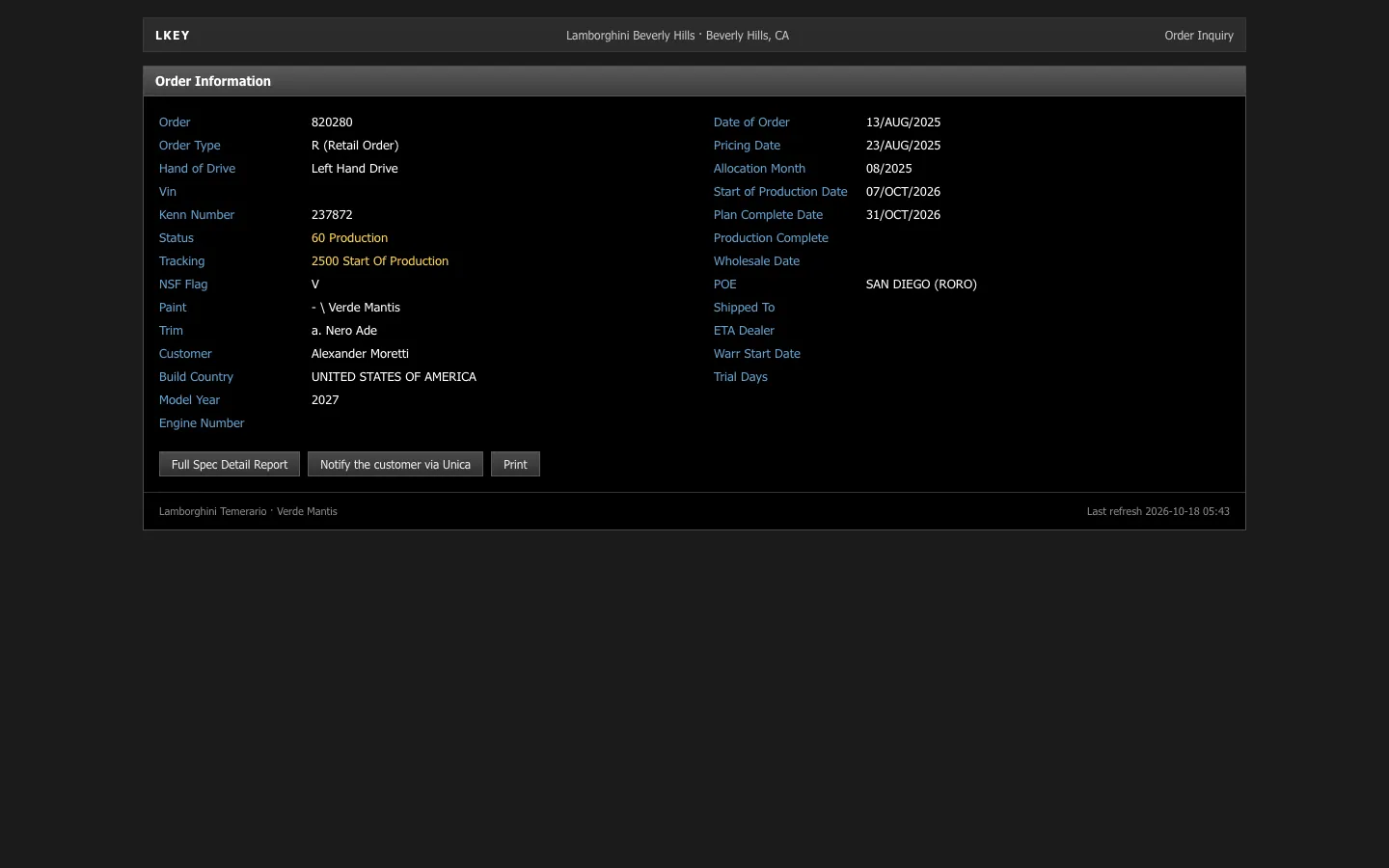
Fake BMW order tracker: all 16 steps and the My BMW app
 · 4 min read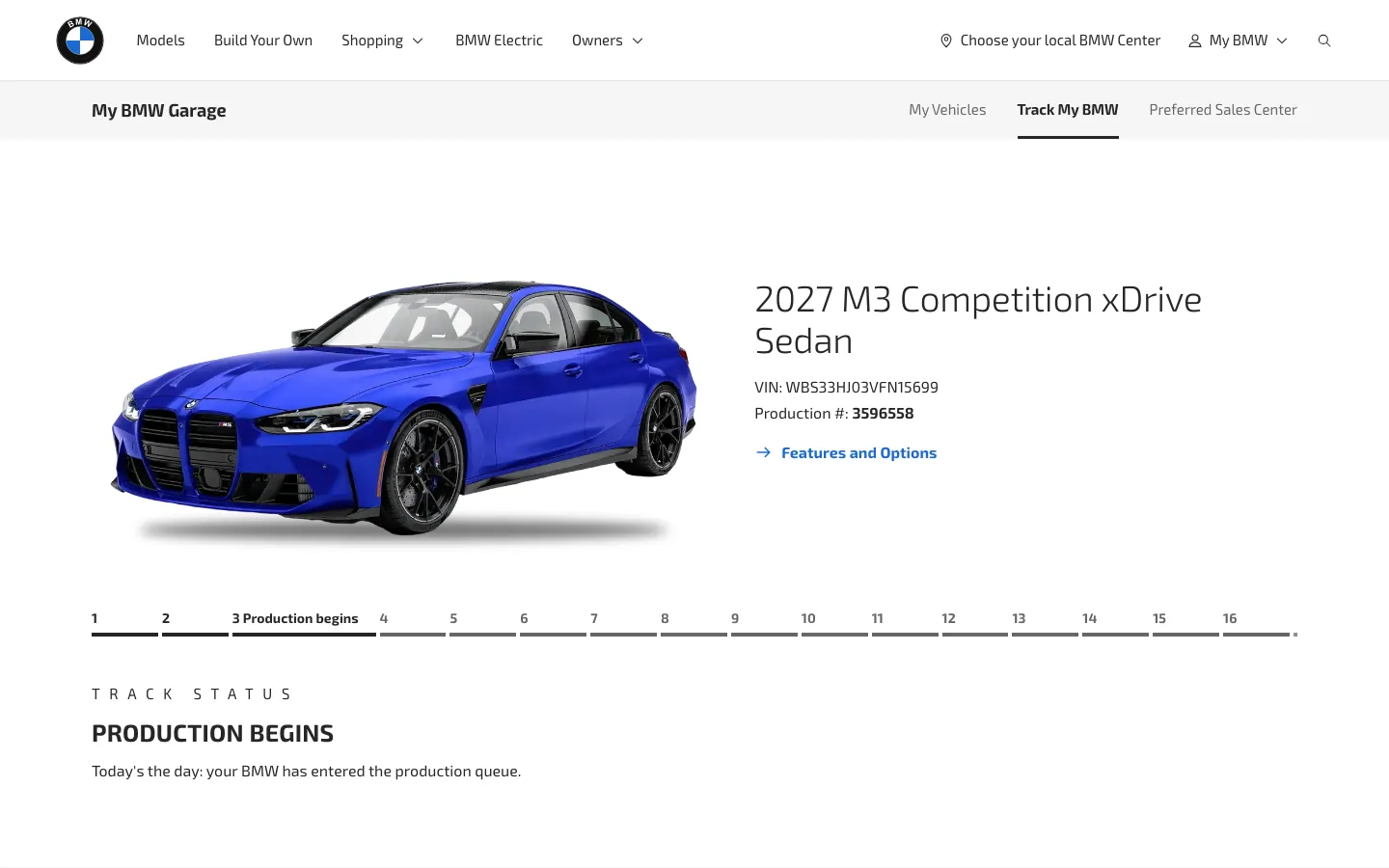
What the fake BMW tracker includes
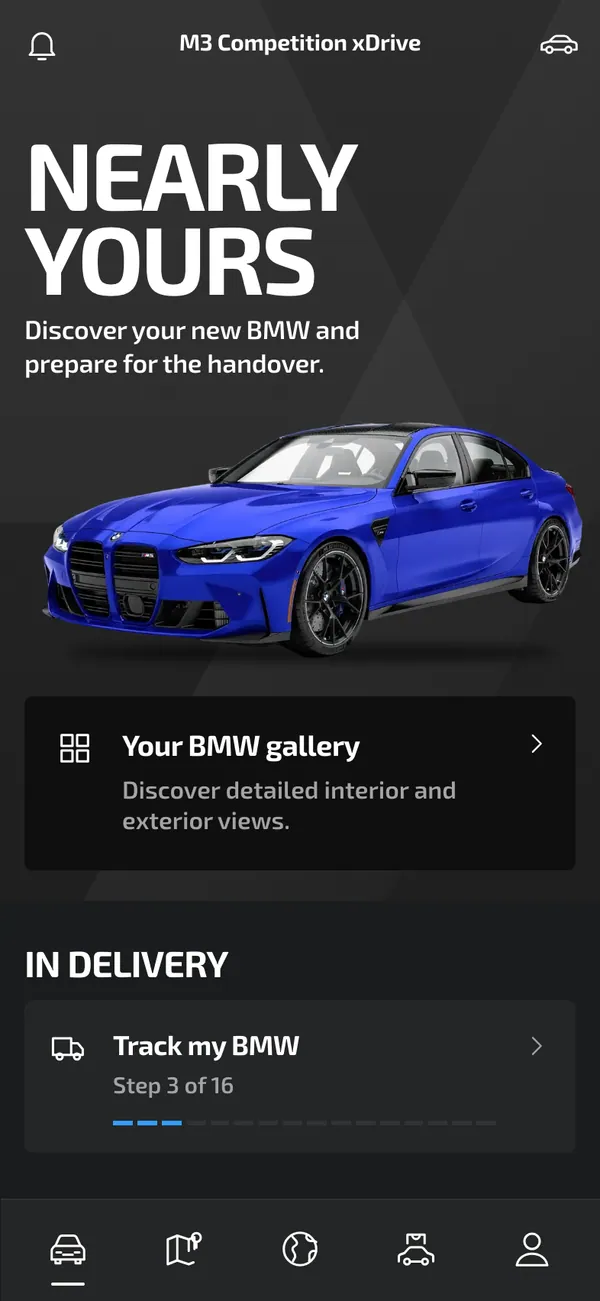
The fake BMW order tracker goes beyond a status line. It follows the whole order and then moves into the app experience. The screens include vehicle, garage, connected, gallery, track, vehicles and center views.
- Model, paint, wheels
- All 16 order steps
- My BMW app
On desktop it opens with bmwusa.com in the address bar. On iPhone it installs as its own app with its own icon. The model, the colors and the steps are fictional and yours to set.
Videos that use a fake car order
With 16 steps, there is a lot of story in one tracker. A sequence can show an order moving from confirmation to production to delivery, with a lock-screen alert marking each jump. That suits a time-lapse style edit, a skit about checking the tracker too often, or an ad with a delivery payoff.
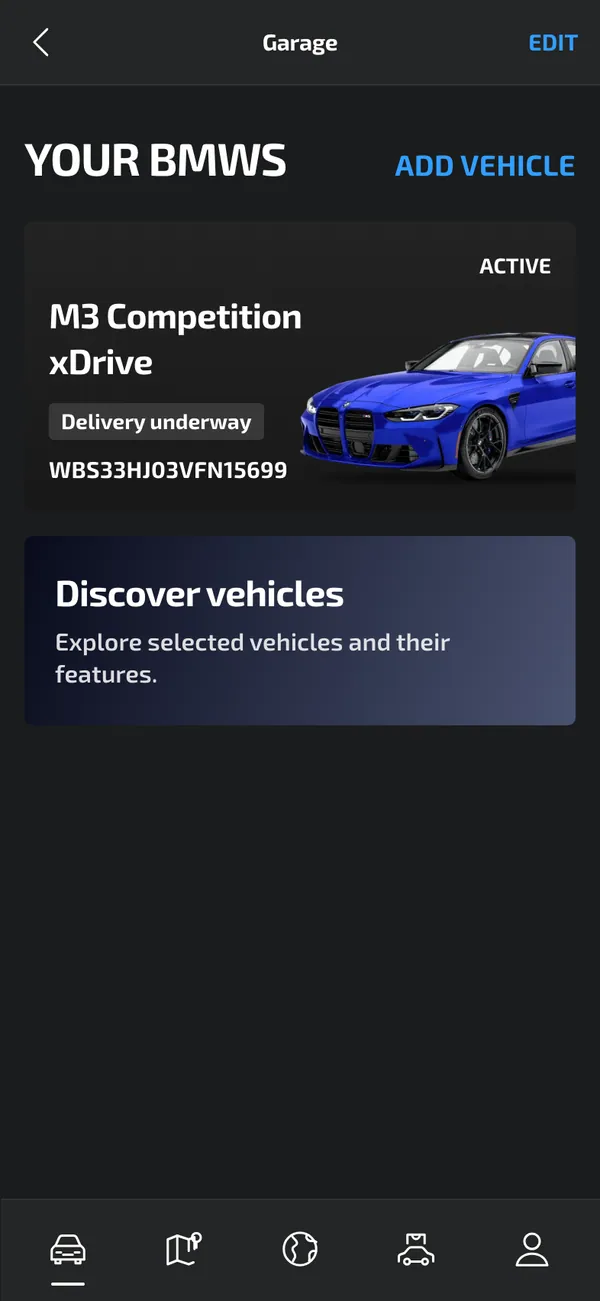
The My BMW side suits the first-day scene: the owner opens the app next to the car and sees it listed in the garage.
Use it as a prop. Do not present a fake order as real in a sale, a trade-in or a financing form.
How to set up a fake BMW order in MaxLarp
- 1Open the BMW page and add the app.
- 2Create a persona for the buyer: name, photo, city and currency.
- 3Pick the model, the paint and the wheels, then fill in the order details.
- 4Choose which of the 16 steps the order has reached, so the tracker shows the moment your story needs.
- 5Use live mode if steps and alerts should advance over time, or static to hold one step for the camera.
- 6Open it on desktop or install it on your iPhone. Notifications need iOS 16.4 or later and the app on the home screen. Record with your own tool.
Making the order look right
A long tracker rewards patience. Plan the timeline before you film so the step you show fits the dates around it.
- Keep the model, paint and wheels the same on the order page, the gallery and the garage.
- Choose a step that matches the estimated delivery. An early step with a delivery date next week looks wrong.
- Use the gallery for the beauty shot and the track view for the progress shot.
- Match the owner's name and city to the rest of your scene.
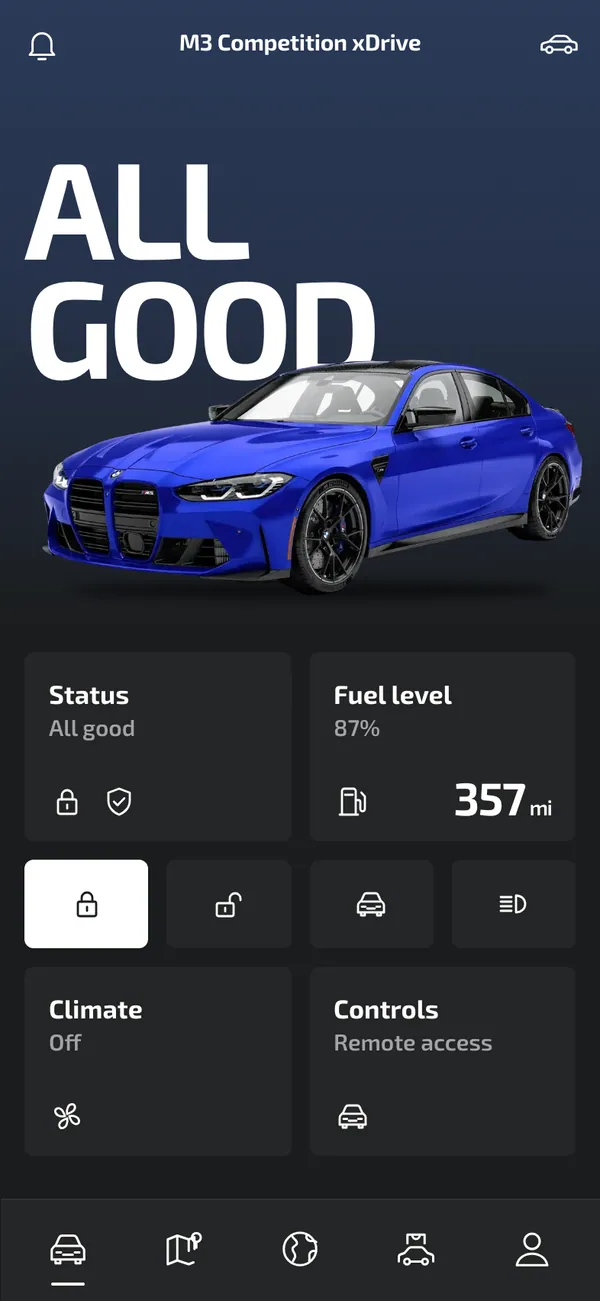
The alerts run from order confirmed to production started, VIN assigned, on the move, delivery scheduled and ready for delivery. Vehicle locked and climate is on belong to the app era, once the car has arrived.
On set, enable Do Not Disturb, keep the screen steady and scroll slowly. The screen recording guide lists more filming habits.
Using the 16 steps for pacing
The step list is a ready-made pacing tool. Show step one at the start of a montage, jump ahead to the middle for a quick time-lapse, and land on the final steps for the payoff. Because you choose the step, each cut can be a separate shot, filmed in any order.
For a slower scene, pause on one step and let the owner read it aloud. Keep the dates consistent as you move through, so each later screenshot shows a later estimate than the one before. A short caption such as 'six weeks later' between cuts helps the audience track the clock.
Pairs well with
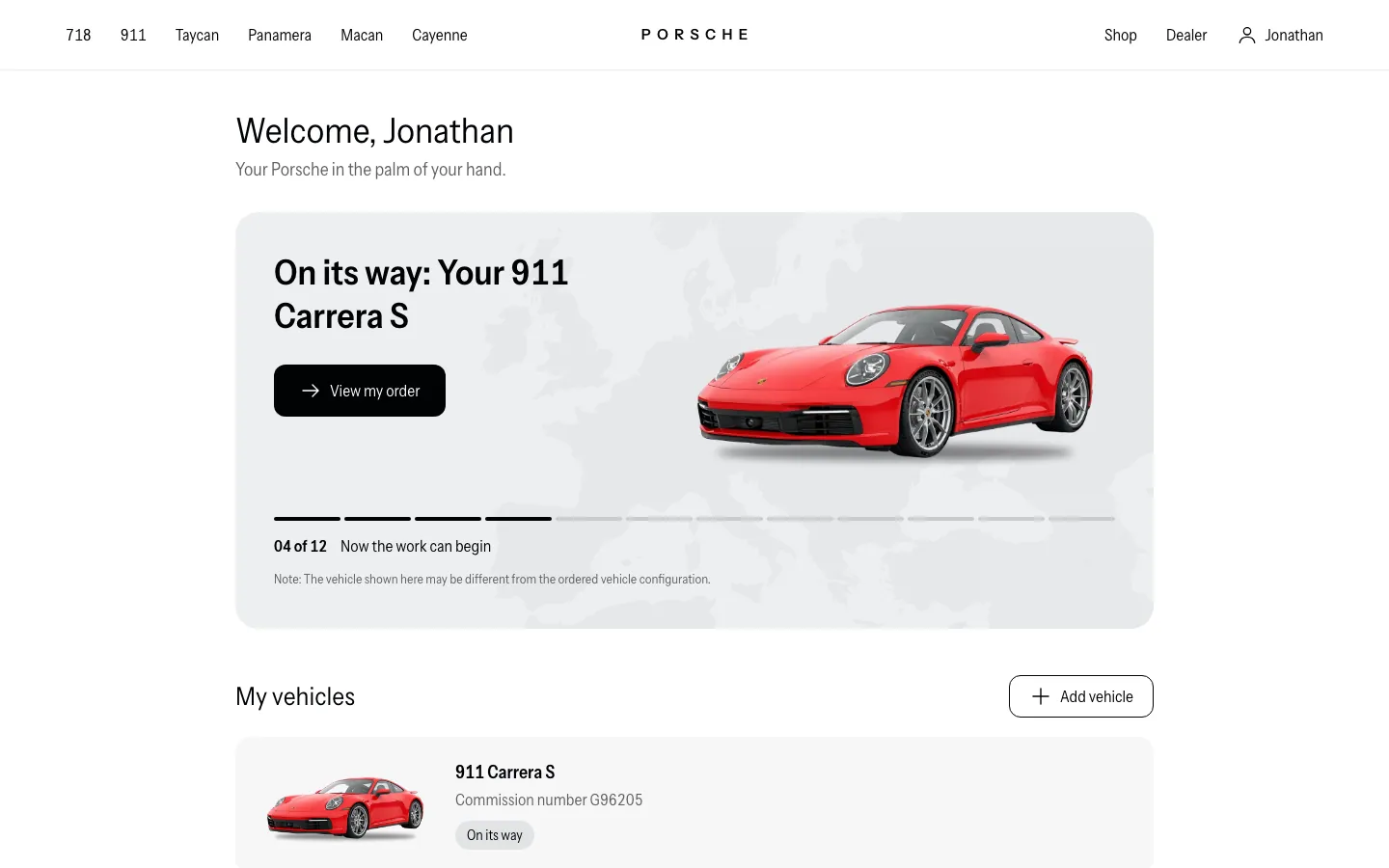
A tidy sequence: card spending on a fake Amex Centurion card, a client payment on the fake Stripe dashboard, and the BMW order as the payoff. A fake Porsche order tracker works if a character is comparing two cars.
To cut between phone shots and open-road clips, see the luxury b-roll Vault.
Open BMW
Questions
Does the fake BMW tracker connect to a real order?
No. It does not connect to BMW, a dealer or any real order. The model, paint, wheels and all order steps are fictional and set by you.
Can I choose which of the 16 steps the order is on?
Yes. You can set the stage the order has reached, along with names, dates and the car's details. Start from a preset and override whatever the story needs.
Does it work on iPhone?
Yes. It installs to your home screen as its own app and sends its own alerts. This needs iOS 16.4 or later and the app added to the home screen.
Is MaxLarp affiliated with BMW?
No. MaxLarp is not affiliated with, endorsed by or sponsored by BMW. It is an independent mock-up for videos, parody and film.
Every number on MaxLarp is fictional. Not affiliated with any brand shown. Acceptable use