How to make a fake dashboard for a video, step by step


 · 5 min read
What a fake dashboard is, and what it is for
A fake dashboard is a look-alike of a real app screen, with numbers you choose. Creators use them as props in skits, short films, ads and day-in-the-life reels. The viewer sees a store with orders coming in or a wallet with a balance, and the story moves forward without a blurred real account in the frame.
Every number on a MaxLarp dashboard is fictional. Nothing connects to a real account and no real money moves. It is a prop for the camera, not proof of anything. That line decides how you use it: in a labelled skit it is a prop, and in a pitch for someone's money it is a problem. The responsible use guide covers it.
Step 1: Pick the dashboard for the scene
Start from what the shot has to say. "This store is busy" is a Shopify shot. "This account got paid" is a Stripe shot. Pick one hero screen per scene. Viewers read a screen in about two seconds, so a single recognisable app beats five busy ones.
Dashboards come in groups. Here is one example from each, so you can see the range:
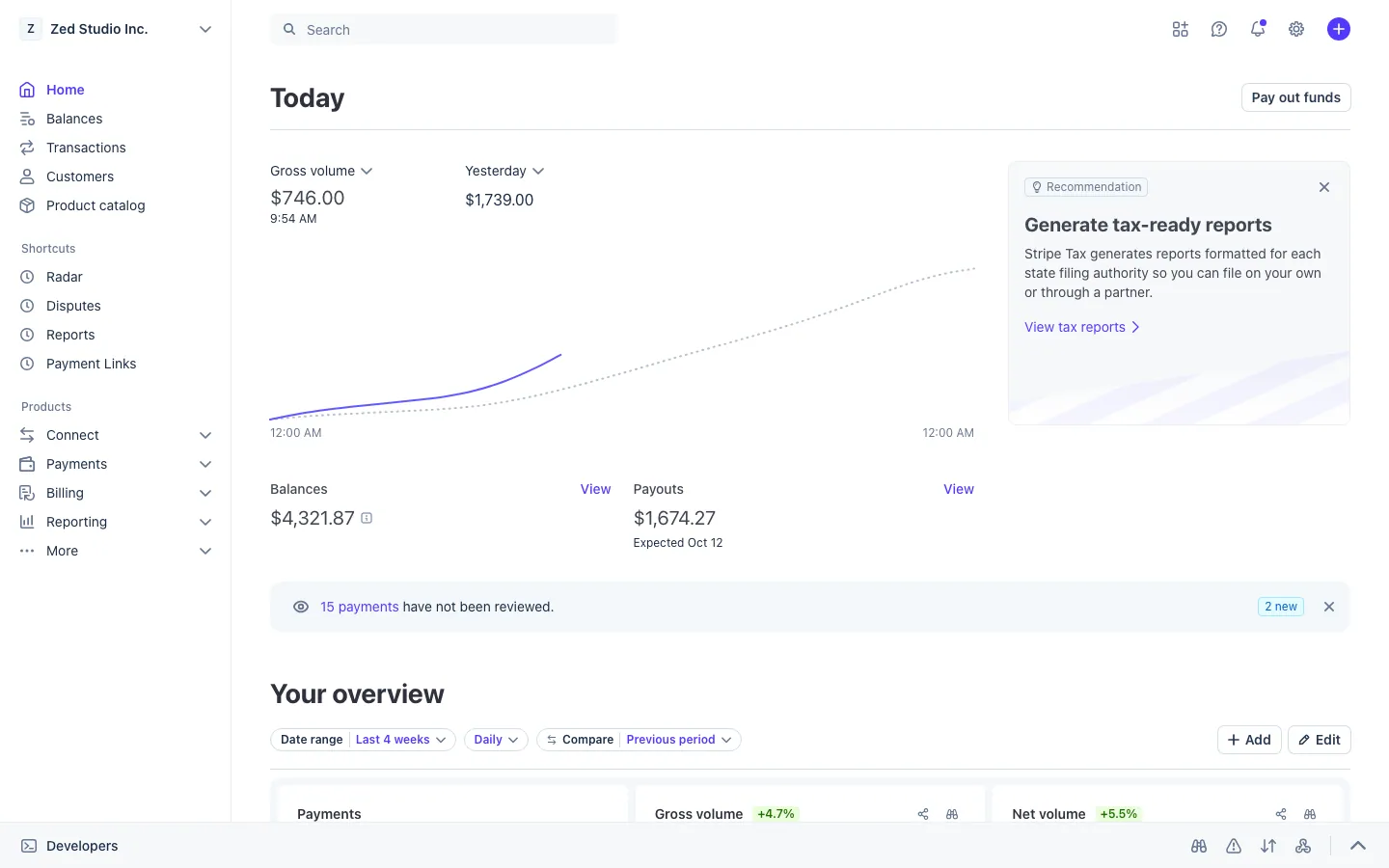
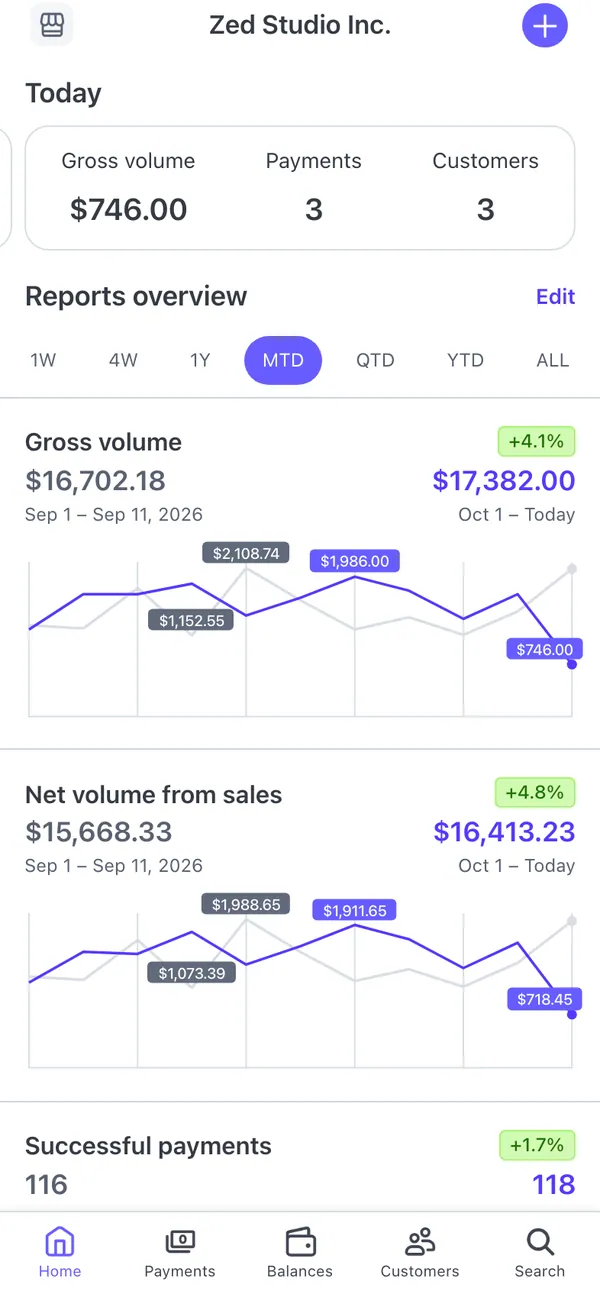
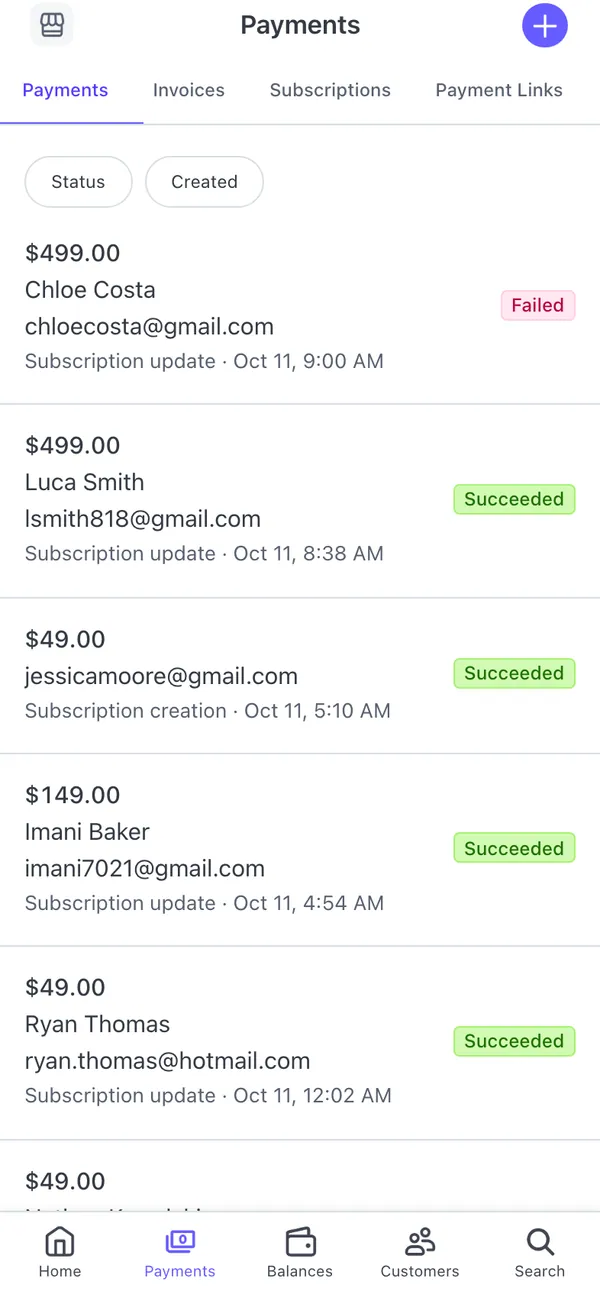
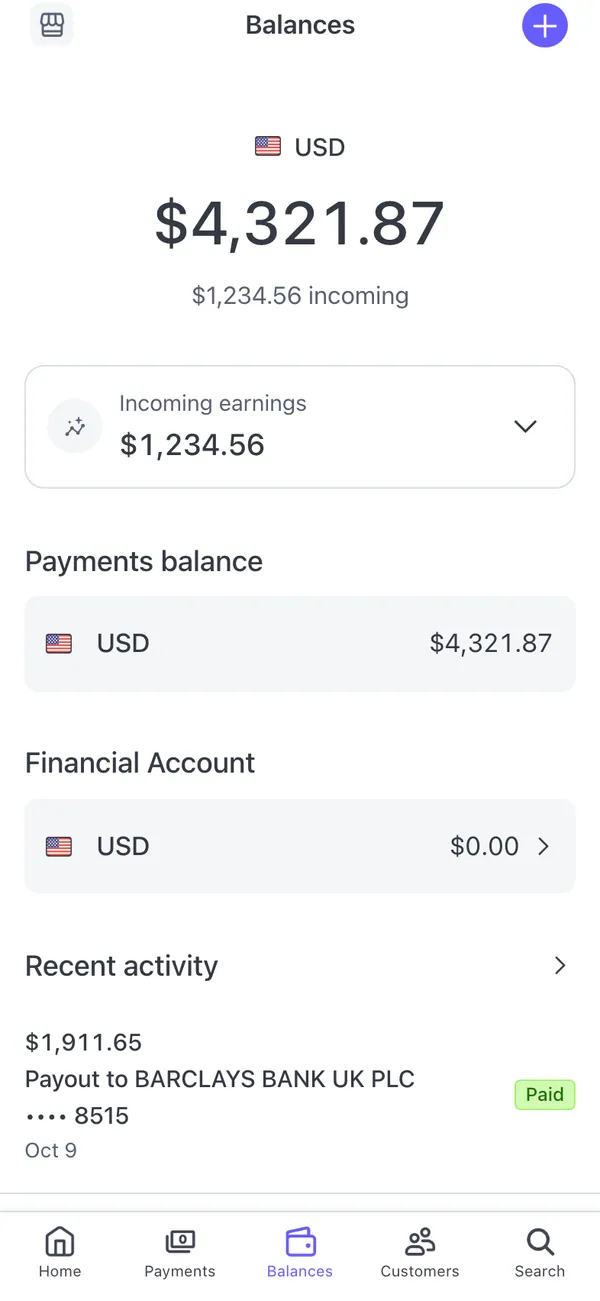
- Money. Stripe for balances and payouts, Wallet for card art, and bank and payment apps such as Chase and PayPal.
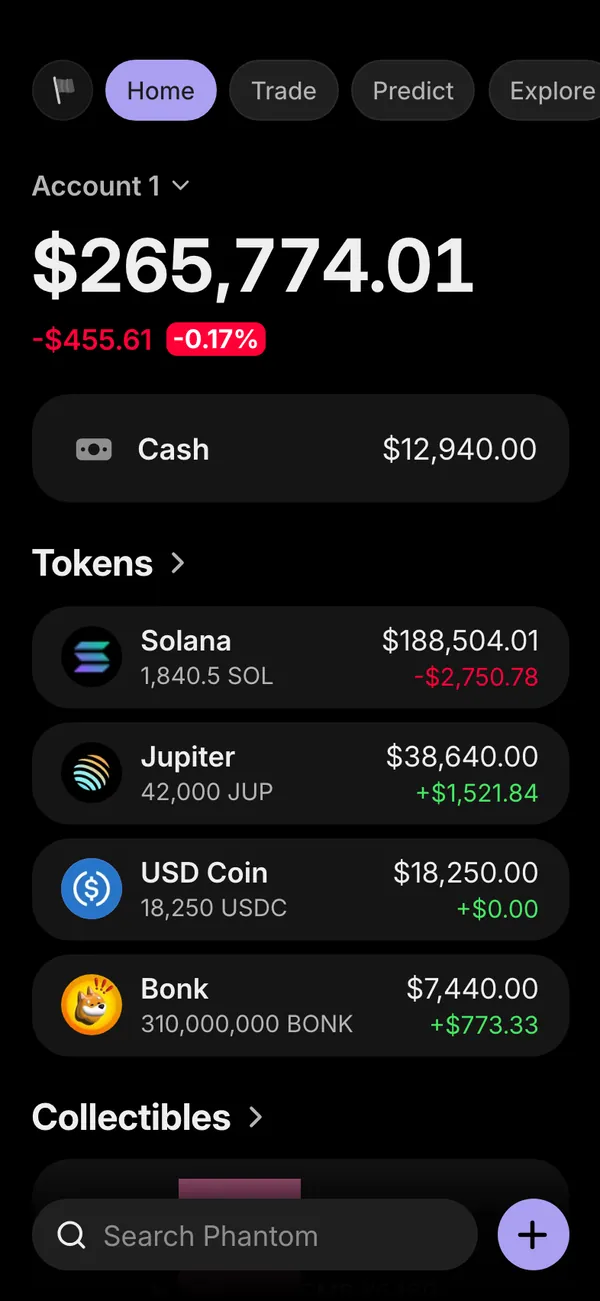
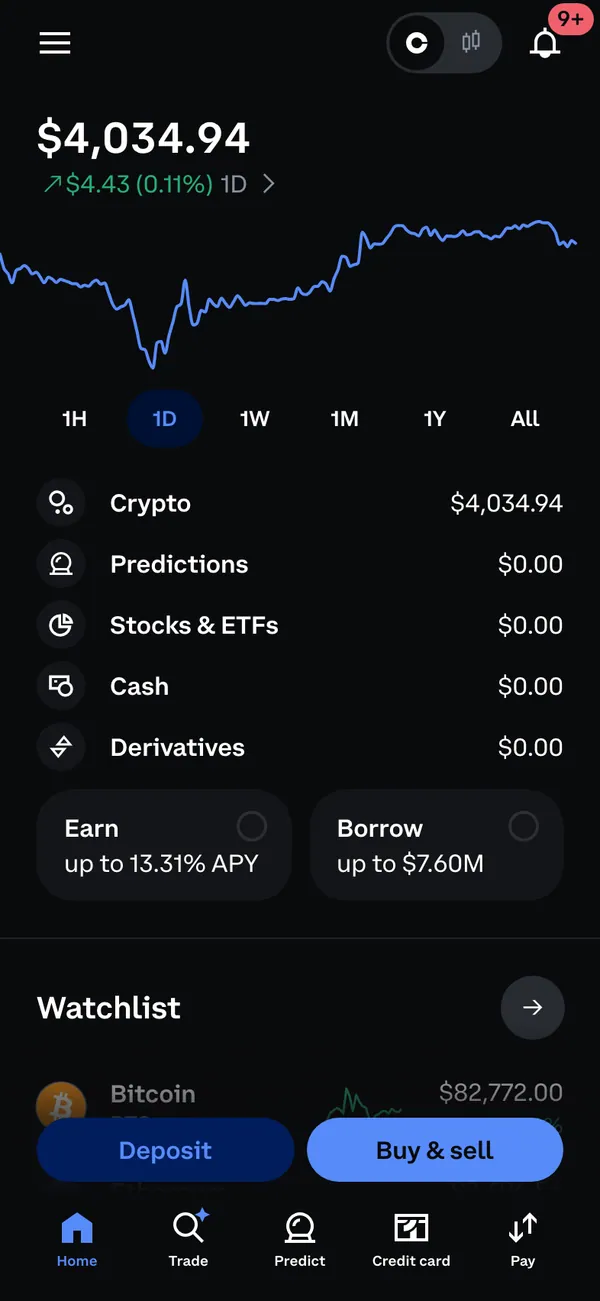
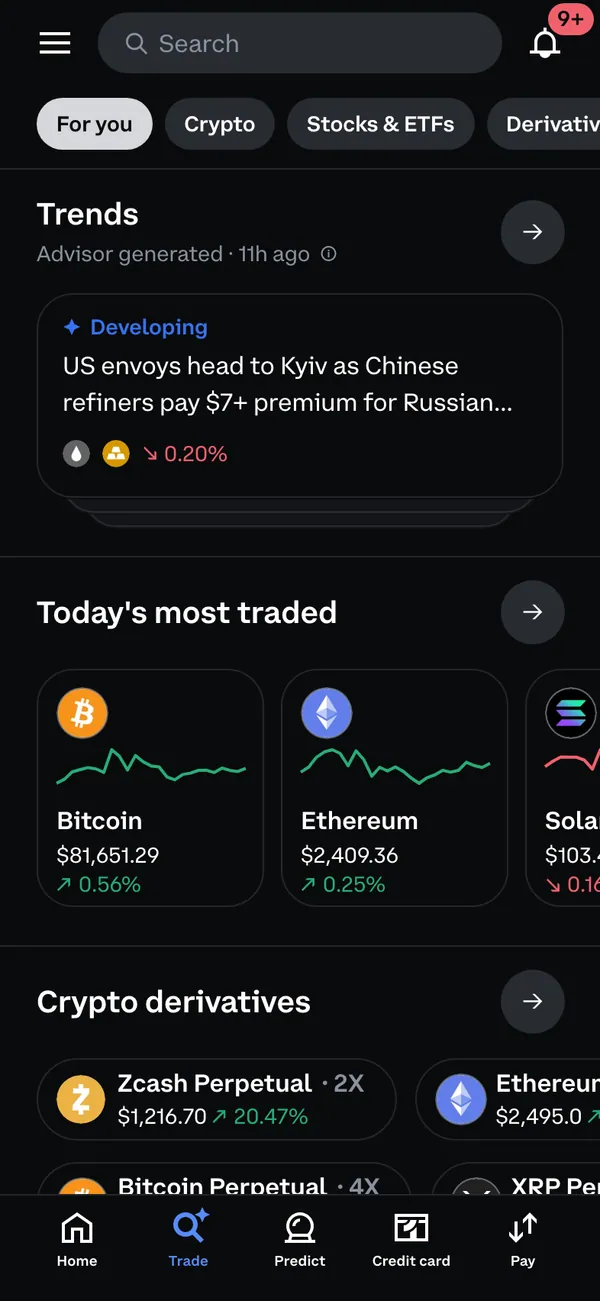
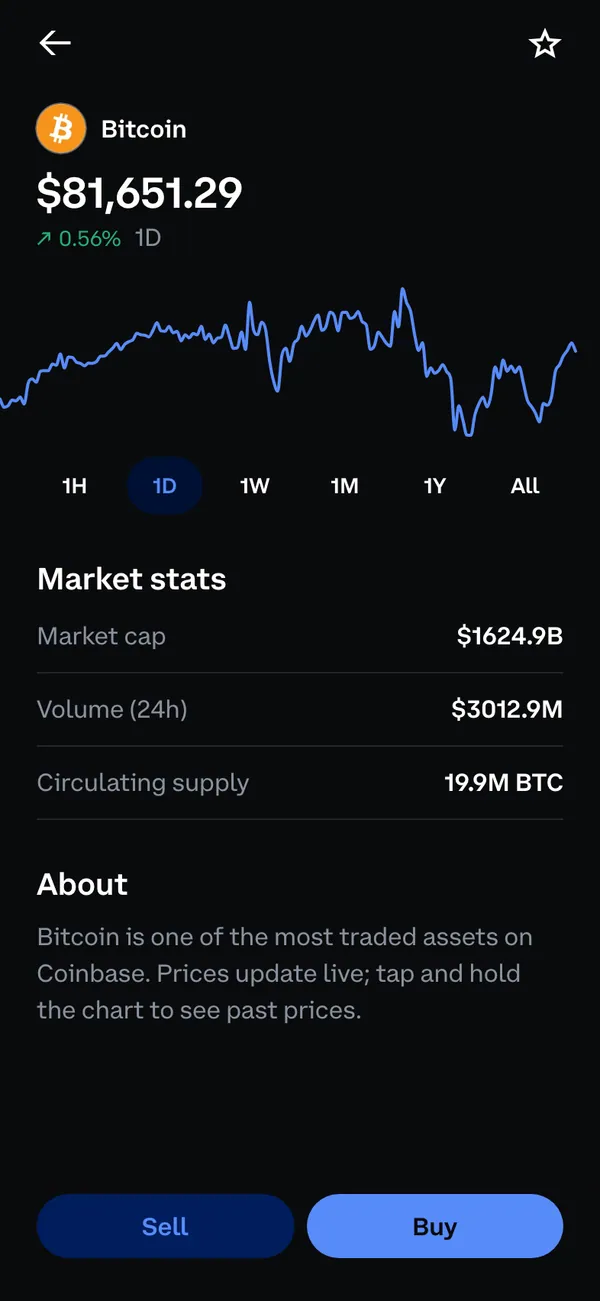
- Crypto. Phantom for a Solana wallet and Coinbase for a portfolio.
- Trading. Binance PnL share images and Robinhood for a portfolio.
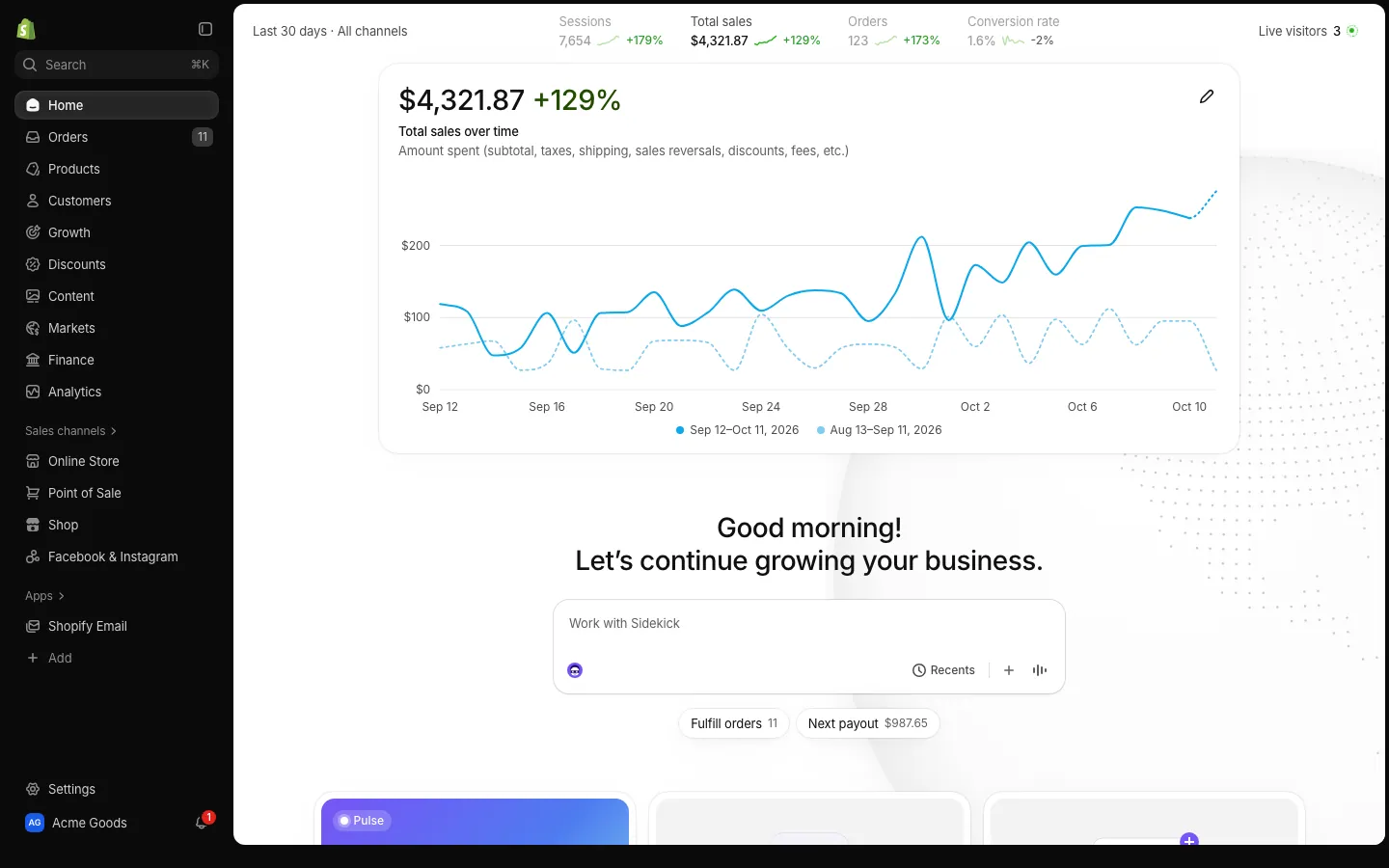
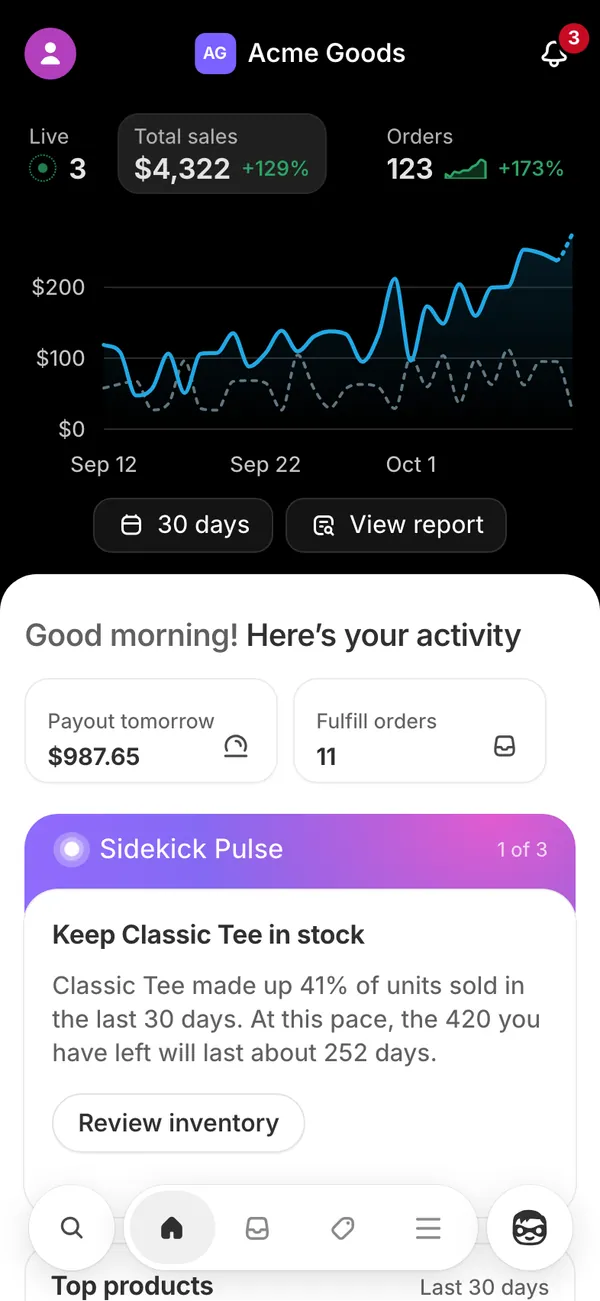
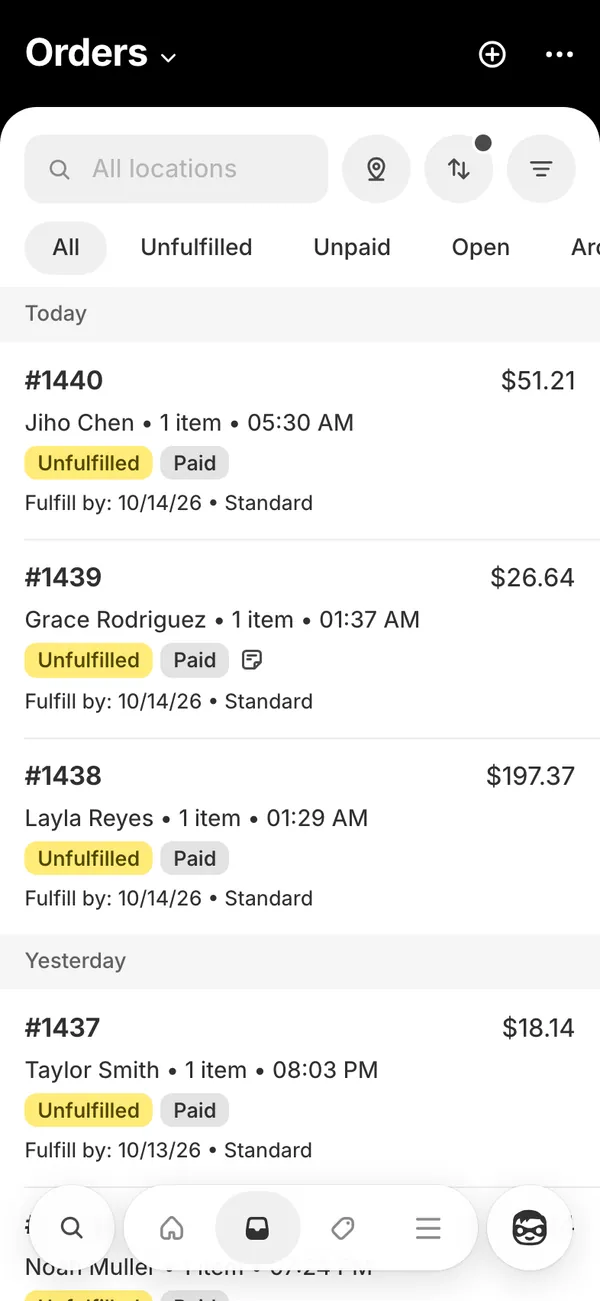
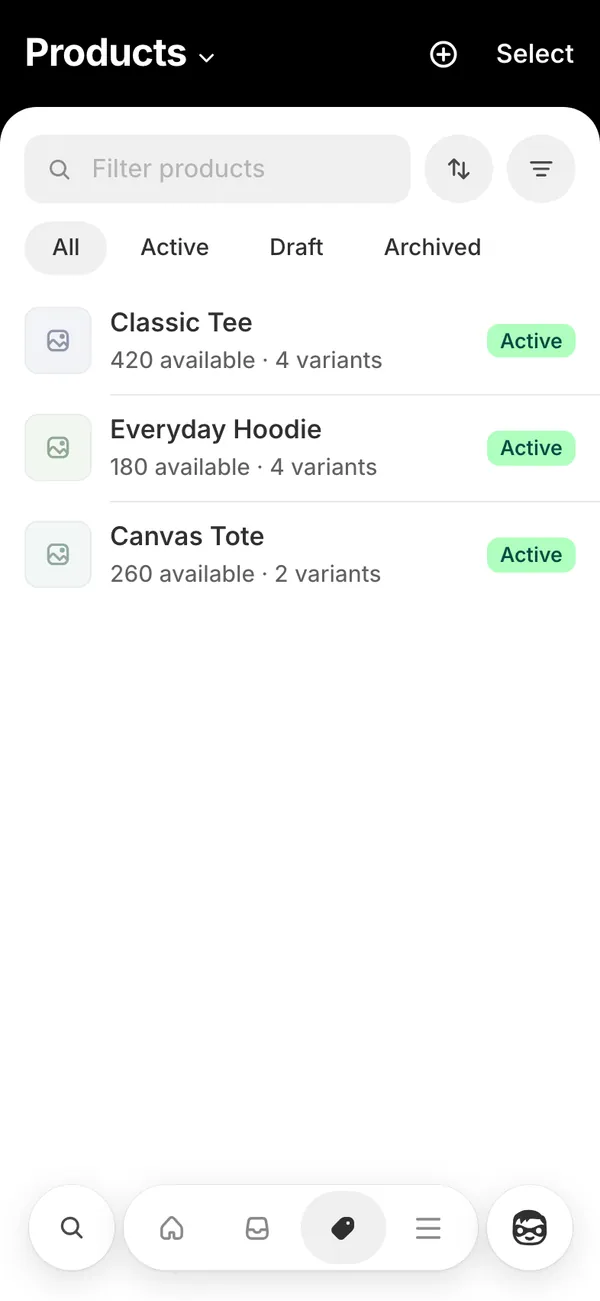
- Business. Shopify for sales and orders, with Meta Ads for the ad numbers.
- Creator. YouTube for channel analytics and TikTok for views and followers.
- Cars. Lamborghini for an order tracker, and Porsche, Tesla, BMW and McLaren alongside it.
- Lifestyle. Airbnb for a booking and a set of airline and hotel apps for travel scenes.
The full catalogue lives on the dashboards page. For a scene-by-scene pick, see the best fake dashboards for videos.
Step 2: Set a persona so every screen agrees
The most common giveaway in a skit is mismatched numbers. A store that made a lot on Shopify and a payments screen showing almost nothing breaks the scene.
A persona fixes that. You set a name, a photo, a city, a currency and income streams once. Each dashboard picks up its share, so the store, the wallet, the payments account and the notifications tell one story. The persona guide walks through building one.
Start from a preset so the numbers make sense, then override anything per dashboard. Names, numbers, products, dates, profile photos and chart shapes are all editable.
To see the steps together, take a fifteen-second store owner reel.
- Pick Shopify as the hero screen and Stripe as the closer.
- Set up a persona with a store name, a city and a currency.
- Edit the headline to the figure in your voiceover and let the orders, customers and chart follow from it.
- Switch to live mode and start recording so an order lands during the take.
- Cut to the Stripe balance and a payout notification on your iPhone.
- Add one real shot, such as a laptop on a desk, and caption it as a skit.
That build takes a handful of minutes once the persona exists, and the same persona works for the next video.
Step 3: Edit the numbers to match the script
Write the script first, then set the numbers. If the voiceover says "a 4K day", the dashboard should show a figure that agrees. Decide three things before you edit:
- The headline figure the viewer should read first.
- The supporting figures, such as orders, customers or tokens, that make the headline believable.
- The date range on screen, so the chart shape fits the story.
Round headline numbers look staged. A believable figure has a little texture in it. Real dashboards rarely land on an even amount, and the viewer notices.
Step 4: Choose live or static, then add notifications
Live mode keeps a dashboard moving while you record. Orders arrive at believable times, totals tick up and charts grow. Switch to static when a number must stay put for a close-up. The live mode guide shows how a take works.
Notifications make a scene feel real. Phone dashboards install to the iPhone home screen as their own app and send their own notifications, so a payout alert can land on camera in the middle of a take. See fake payment notifications on iPhone and fake apps on the iPhone home screen for setup.
For a quick sequence, pick the surface to match the shot: a desktop browser for a laptop scene, the iPhone home screen for a phone scene, and a share image for a PnL card.
Mistakes that break a fake dashboard shot
Most failed shots come from the same few causes.
- Numbers that disagree between screens.
- A headline figure that does not match what the voiceover says.
- Real notifications or a real name visible in the frame.
- A screen held on camera for too long, so the viewer starts to read the detail.
- No real-world shot to anchor the scene.
- No caption saying it is a skit.
Fix those and a modest dashboard looks better than a perfect one filmed carelessly.
Step 5: Record it, and put the fiction on the record
A clean recording matters more than a perfect dashboard. Hide your own notifications, turn on Do Not Disturb, and record at the device's native resolution. The screen recording guide covers framing and timing, and the b-roll vault guide covers cutaways.
Then handle the honesty part. Put "skit", "fake" or "prop" in the caption or the voiceover. It costs nothing and keeps the joke intact.
Once you have the basics, go deeper on a single scene:
- Store owner reels: fake Shopify sales notifications and the fake Stripe dashboard.
- Crypto: fake Phantom wallet balance and fake Coinbase balance.
- Trading: fake Binance futures PnL and fake PnL cards for every exchange.
- Creator income: fake YouTube Studio revenue.
- Cars: fake Lamborghini order.
The apps in this post



Questions
How do I make a fake dashboard?
Pick the app your scene needs, set a persona so the numbers agree across screens, edit the figures to match your script, choose live or static, then screen-record it. MaxLarp has each step built in for stores, payments, crypto, trading, creator, car and travel apps.
Can I try it before paying?
Yes. There are free tries for Shopify, Stripe, Coinbase, Phantom, YouTube and TikTok, so you can see how a dashboard looks and edits before you commit.
Do fake dashboards connect to real accounts?
No. Every number is generated from the persona you set up. Nothing connects to a real account and nothing is bought, sold or sent.
Can I get fake notifications on my iPhone?
Yes. Phone dashboards install to the iPhone home screen as their own app and receive their own notifications. It needs iOS 16.4 or later and the app added to your home screen.
Is it legal to use a fake dashboard?
As a clearly labelled prop in a skit, film or ad, it is ordinary content making. Using one to mislead a person or business is a different matter and can be illegal. This is general information, not legal advice.
Every number on MaxLarp is fictional. Not affiliated with any brand shown. Acceptable use